GitLab MCP Server

Go MCP server for GitLab: 2 dynamic tools reach ~876 actions on Free/CE, up to ~1103 on Ultimate.
- All reviews:
- Release date:
- 31 October 2026
- Creator:
- Public project (github.com)
- Type:
- MCP
Sign in to add this product to your wishlist or follow its updates.
About GitLab MCP Server
This GitLab MCP server, written in Go, gives Claude all of GitLab through two dynamic tools: around 876 actions on Free or Community Edition and up to about 1,100 on Ultimate, over the REST and GraphQL APIs. Manage issues, merge requests, pipelines and repositories in one self-contained binary.
Details
- Version:
- 3.4.0
- Updated:
- 12 November 2026
- Verification:
- Not verified
- Repository:
- github.com/jmrplens/gitlab-mcp-server
- Website:
- docs.jmrp.io/gitlab-mcp-server
What it can do
The creator has not described the access yet.
Install GitLab MCP Server in Claude
An MCP connector links Claude to a service: Claude can then read or do things there for you, with your consent. It takes about two minutes.
- Add it to your libraryClick “Add to my library” on this page: it is free and instant.
- Copy the connector URLIn your library, select the product: its URL is shown with a “Copy” button.
- Add it in ClaudeIn Claude (website or app), open Settings › Connectors, click “Add custom connector”, give it a name and paste the URL.
- Connect your accountIf the service asks you to sign in (your Notion, GitHub… account), Claude opens its page: only grant the access you need.
- Use it in a conversationTurn the connector on in the conversation’s tools menu, then just ask for what you want.
Before adding a product, read its permissions above. You can remove a connector or skill at any time in Claude’s settings.
GitLab MCP Server: frequently asked questions
- Is GitLab MCP Server free?
- Yes. GitLab MCP Server is free: add it to your Claude Market library, no bank card needed.
- How do I install GitLab MCP Server in Claude?
- Add GitLab MCP Server to your library to get its URL. In Claude, open Settings › Connectors, click “Add custom connector” and paste the URL.
- Does GitLab MCP Server work with Claude Code?
- Yes. In a terminal, run claude mcp add --transport http followed by a name and the connector URL.
- Is GitLab MCP Server an official Anthropic product?
- No. GitLab MCP Server is a public project; this listing was created by Claude Market from its repository and the product is not hosted here. Claude Market is an independent project, not affiliated with Anthropic.
Reviews
Sign in then add or buy this product to review it (verified reviews).
No reviews yet. Only users who added or bought the product can review it.
Similar products
 Development · MCPAI Agents API LibraryFind APIs and MCP servers for AI agents: auth, free tier, MCP endpoint, docs, last-checked date.No reviewsFree
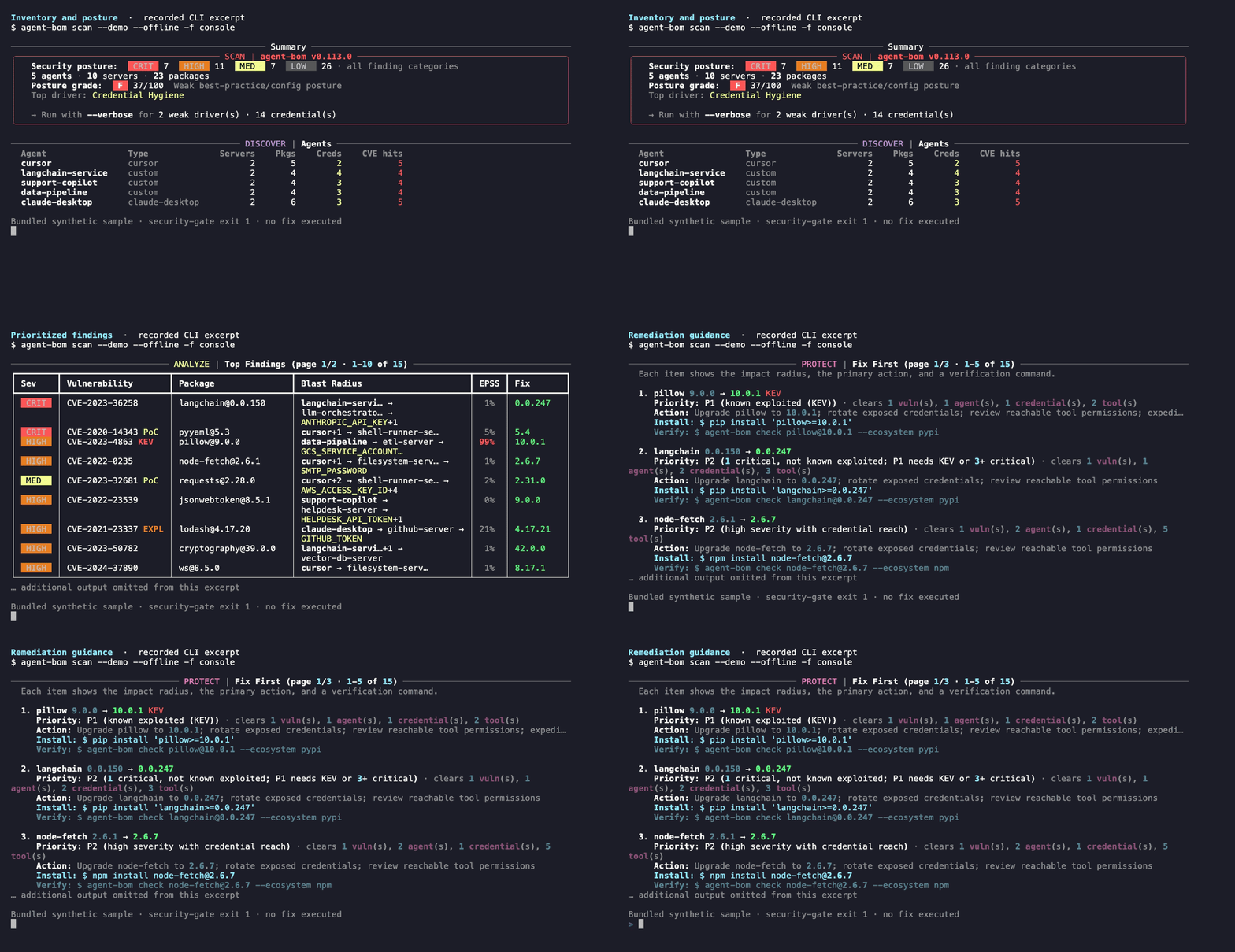 Development · MCPagent-bomAI supply-chain BOM: agents, MCP servers, packages and recorded reach. Scan and investigate via MCP.No reviewsFree
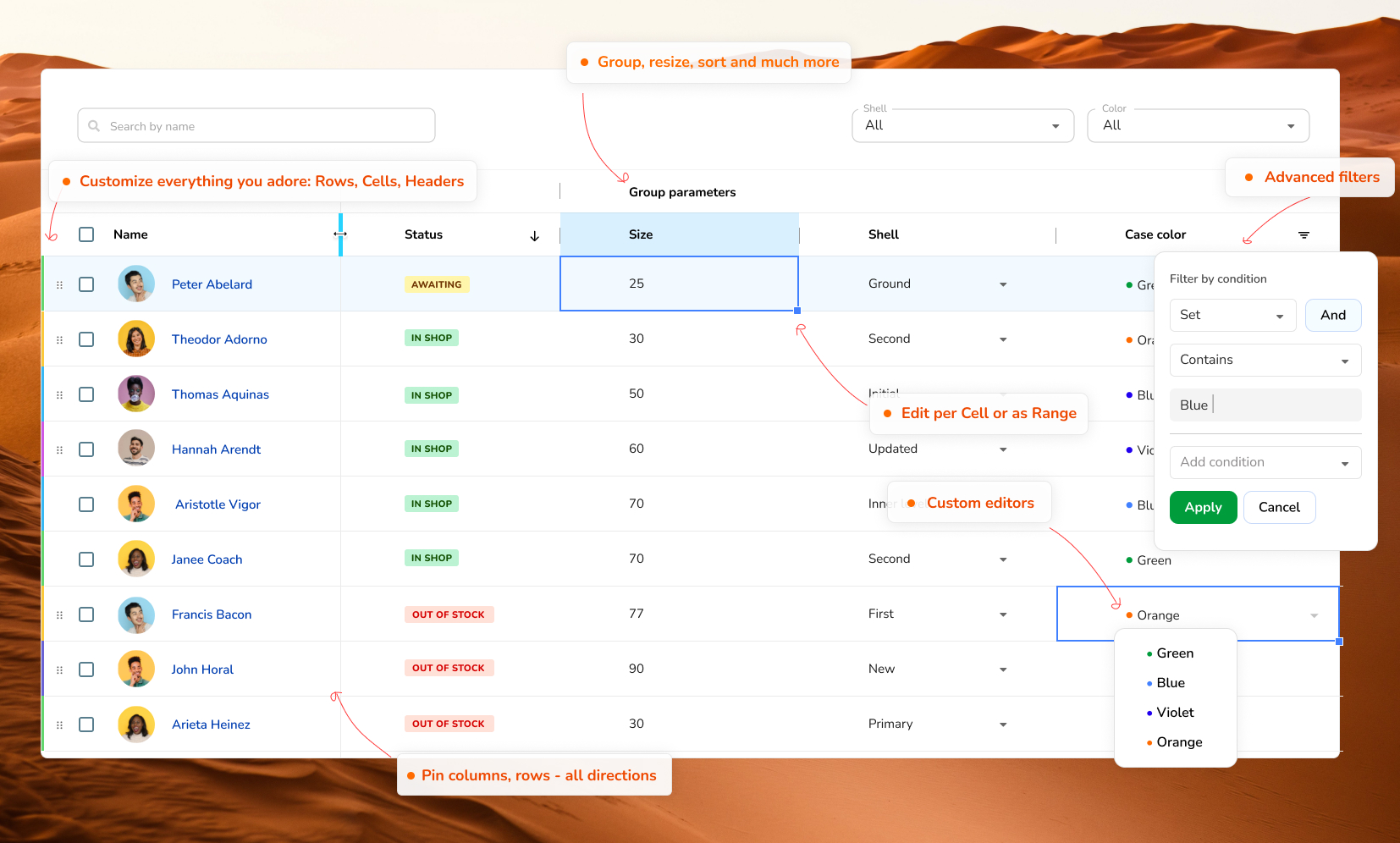 Development · MCPRevoGrid DataGrid MCPToken-free MCP server for structured RevoGrid Core, Pro, and Enterprise knowledge retrieval.No reviewsFree
 Development · MCPGrandetCheapest API for any model across official, inference and relay providers; find free creditsNo reviewsFree
 Development · MCPAgentDealsMCP server aggregating developer infrastructure deals, free tiers, and startup programsNo reviewsFree
 Development · MCPReactive ResumeFree open-source resume builder with remote MCP tools for resumes and job applications.No reviewsFree
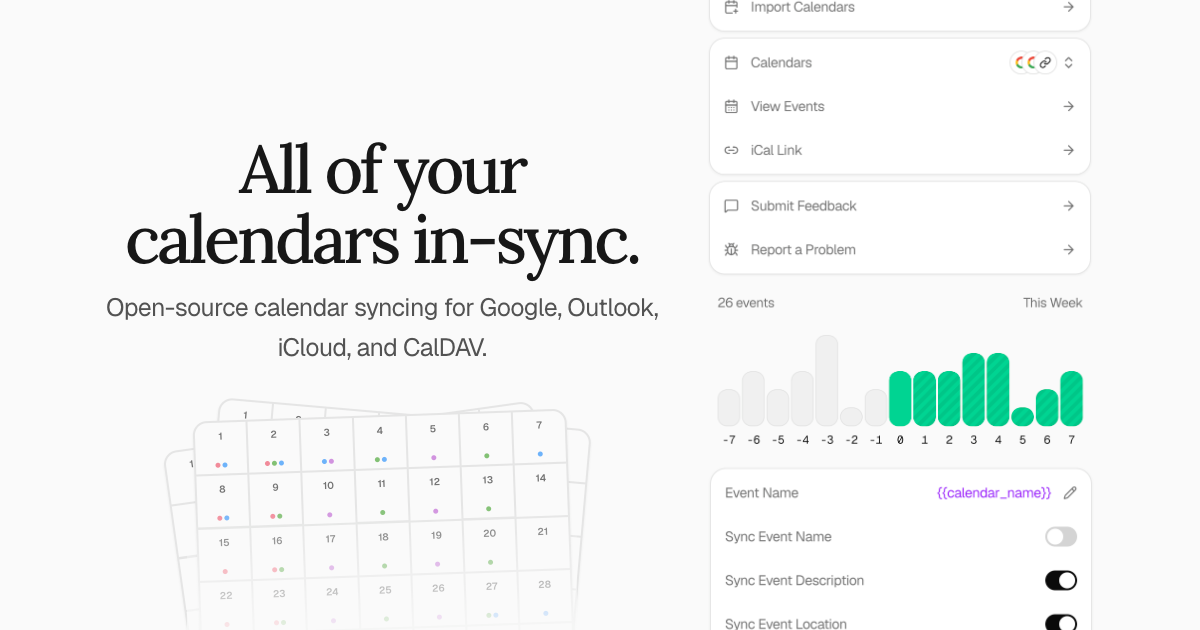 Development · MCPKeeper.shKeeper.sh calendar sync: read and book events, RSVP and find free time across synced calendars.No reviewsFree
 Development · MCPAgent-Native ChatMinimal chat-first app with durable threads, actions and the app-agent loop.No reviewsFree