Grandet

Cheapest API for any model across official, inference and relay providers; find free credits
- All reviews:
- Release date:
- 17 October 2026
- Creator:
- Public project (github.com)
- Type:
- MCP
Sign in to add this product to your wishlist or follow its updates.
About Grandet
Grandet compares listed API prices for each AI model across official APIs, inference providers and relay sites. Its remote MCP server (grandet.ai/mcp) needs no sign-up or key: Claude can find the cheapest provider for a given model, connect it to your app and spot free credits. Example requests: "Find me the cheapest API for this model", "Compare the price per million tokens of three providers for the same model", "Which providers offer free credits for new accounts?". It is also available as an agent skill and a website. Check the provider's reliability and terms before switching production traffic.
Details
- Version:
- 0.3.0
- Updated:
- 12 November 2026
- Verification:
- Not verified
- Repository:
- github.com/hanzohanzhe/Grandet
- Website:
- grandet.ai/
What it can do
The creator has not described the access yet.
Install Grandet in Claude
An MCP connector links Claude to a service: Claude can then read or do things there for you, with your consent. It takes about two minutes.
- Add it to your libraryClick “Add to my library” on this page: it is free and instant.
- Copy the connector URLIn your library, select the product: its URL is shown with a “Copy” button.
- Add it in ClaudeIn Claude (website or app), open Settings › Connectors, click “Add custom connector”, give it a name and paste the URL.
- Connect your accountIf the service asks you to sign in (your Notion, GitHub… account), Claude opens its page: only grant the access you need.
- Use it in a conversationTurn the connector on in the conversation’s tools menu, then just ask for what you want.
Before adding a product, read its permissions above. You can remove a connector or skill at any time in Claude’s settings.
Grandet: frequently asked questions
- Is Grandet free?
- Yes. Grandet is free: add it to your Claude Market library, no bank card needed.
- How do I install Grandet in Claude?
- Add Grandet to your library to get its URL. In Claude, open Settings › Connectors, click “Add custom connector” and paste the URL.
- Does Grandet work with Claude Code?
- Yes. In a terminal, run claude mcp add --transport http followed by a name and the connector URL.
- Is Grandet an official Anthropic product?
- No. Grandet is a public project; this listing was created by Claude Market from its repository and the product is not hosted here. Claude Market is an independent project, not affiliated with Anthropic.
Reviews
Sign in then add or buy this product to review it (verified reviews).
No reviews yet. Only users who added or bought the product can review it.
Similar products
 Development · MCPAI Agents API LibraryFind APIs and MCP servers for AI agents: auth, free tier, MCP endpoint, docs, last-checked date.No reviewsFree
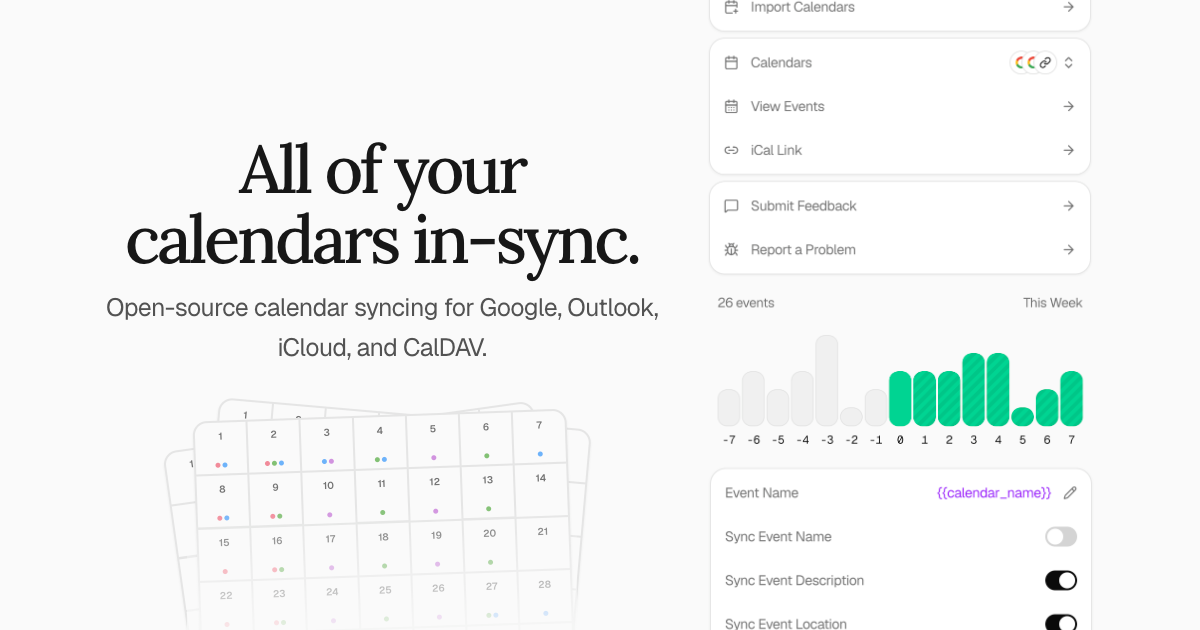 Development · MCPKeeper.shKeeper.sh calendar sync: read and book events, RSVP and find free time across synced calendars.No reviewsFree
 Development · MCPPorkbun (official)Official Porkbun MCP server: domains, DNS, SSL, hosting and Cloudflare via the Porkbun API.No reviewsFree
 Development · MCPMuxThe official MCP Server for the Mux APINo reviewsFree
 Development · MCPBoardGameGeek (BGG)BGG MCP provides access to the BoardGameGeek API through the Model Context Protocol, enabling retr…No reviewsFree
 Development · MCPSui Knowledge Base (kapa.ai)Semantic search across Sui documentation and knowledge sources, powered by kapa.ai.No reviewsFree
 Development · MCPCarbon ArcThe infrastructure for the AI economy: primitives for inference, agents, and decisions.No reviewsFree
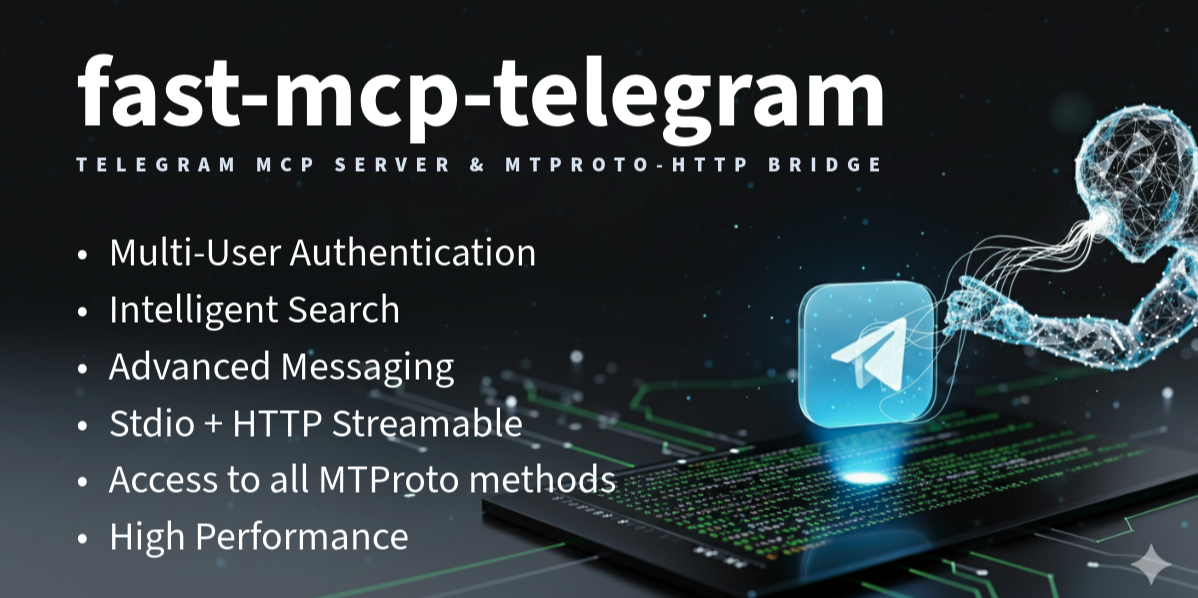 Development · MCPFast MCP TelegramMulti-tenant Telegram gateway for AI agents — HTTP+stdio, 8 tools, MTProto User APINo reviewsFree