Keeper.sh
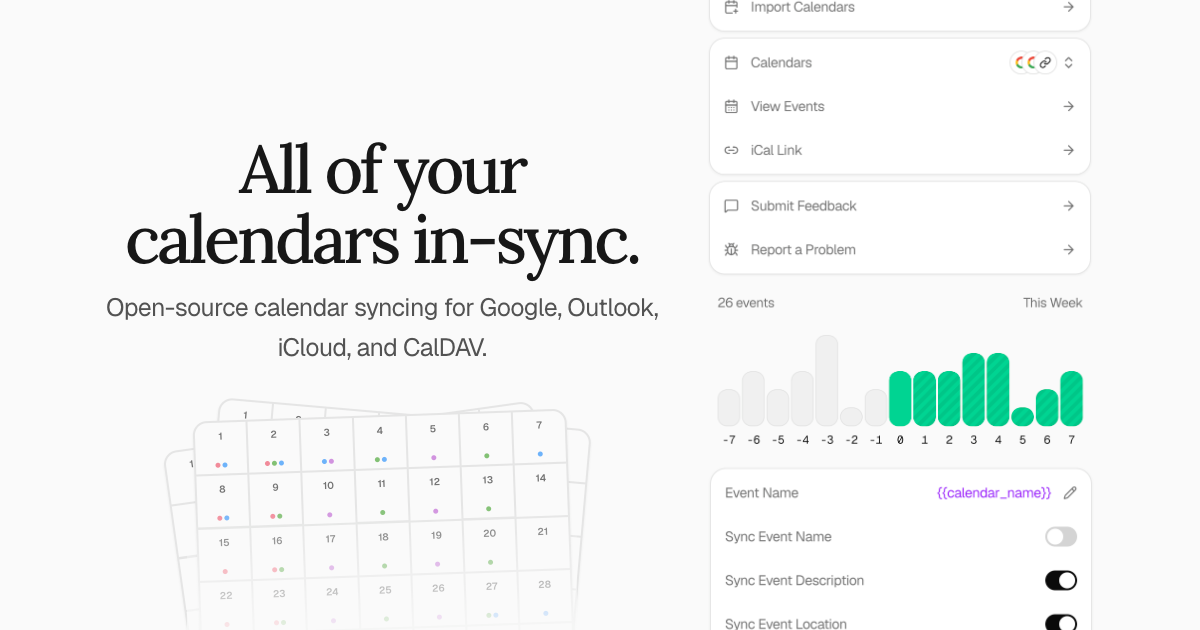
Keeper.sh calendar sync: read and book events, RSVP and find free time across synced calendars.
- All reviews:
- Release date:
- 28 October 2026
- Creator:
- Public project (github.com)
- Type:
- MCP
Sign in to add this product to your wishlist or follow its updates.
About Keeper.sh
Keeper.sh is an open-source calendar sync tool: it pulls events from Google Calendar, Outlook, iCloud, Fastmail, CalDAV or iCal links and pushes them to one or many calendars so your time slots line up everywhere. Through its MCP server, Claude can read and book events, answer invitations and find free time across all your synced calendars. Example requests: "Find a free hour for a call with Paul next week, across my work and personal calendars", "Book a dentist appointment Thursday at 10", "Accept the invitation from the design team for Monday". The hosted version at keeper.sh is the recommended option; self-hosting is free and includes every Pro feature.
Details
- Version:
- 1.0.0
- Updated:
- 12 November 2026
- Verification:
- Not verified
- Repository:
- github.com/ridafkih/keeper.sh
- Website:
- www.keeper.sh/docs/mcp
What it can do
The creator has not described the access yet.
Install Keeper.sh in Claude
An MCP connector links Claude to a service: Claude can then read or do things there for you, with your consent. It takes about two minutes.
- Add it to your libraryClick “Add to my library” on this page: it is free and instant.
- Copy the connector URLIn your library, select the product: its URL is shown with a “Copy” button.
- Add it in ClaudeIn Claude (website or app), open Settings › Connectors, click “Add custom connector”, give it a name and paste the URL.
- Connect your accountIf the service asks you to sign in (your Notion, GitHub… account), Claude opens its page: only grant the access you need.
- Use it in a conversationTurn the connector on in the conversation’s tools menu, then just ask for what you want.
Before adding a product, read its permissions above. You can remove a connector or skill at any time in Claude’s settings.
Keeper.sh: frequently asked questions
- Is Keeper.sh free?
- Yes. Keeper.sh is free: add it to your Claude Market library, no bank card needed.
- How do I install Keeper.sh in Claude?
- Add Keeper.sh to your library to get its URL. In Claude, open Settings › Connectors, click “Add custom connector” and paste the URL.
- Does Keeper.sh work with Claude Code?
- Yes. In a terminal, run claude mcp add --transport http followed by a name and the connector URL.
- Is Keeper.sh an official Anthropic product?
- No. Keeper.sh is a public project; this listing was created by Claude Market from its repository and the product is not hosted here. Claude Market is an independent project, not affiliated with Anthropic.
Reviews
Sign in then add or buy this product to review it (verified reviews).
No reviews yet. Only users who added or bought the product can review it.
Similar products
 Development · MCPGrandetCheapest API for any model across official, inference and relay providers; find free creditsNo reviewsFree
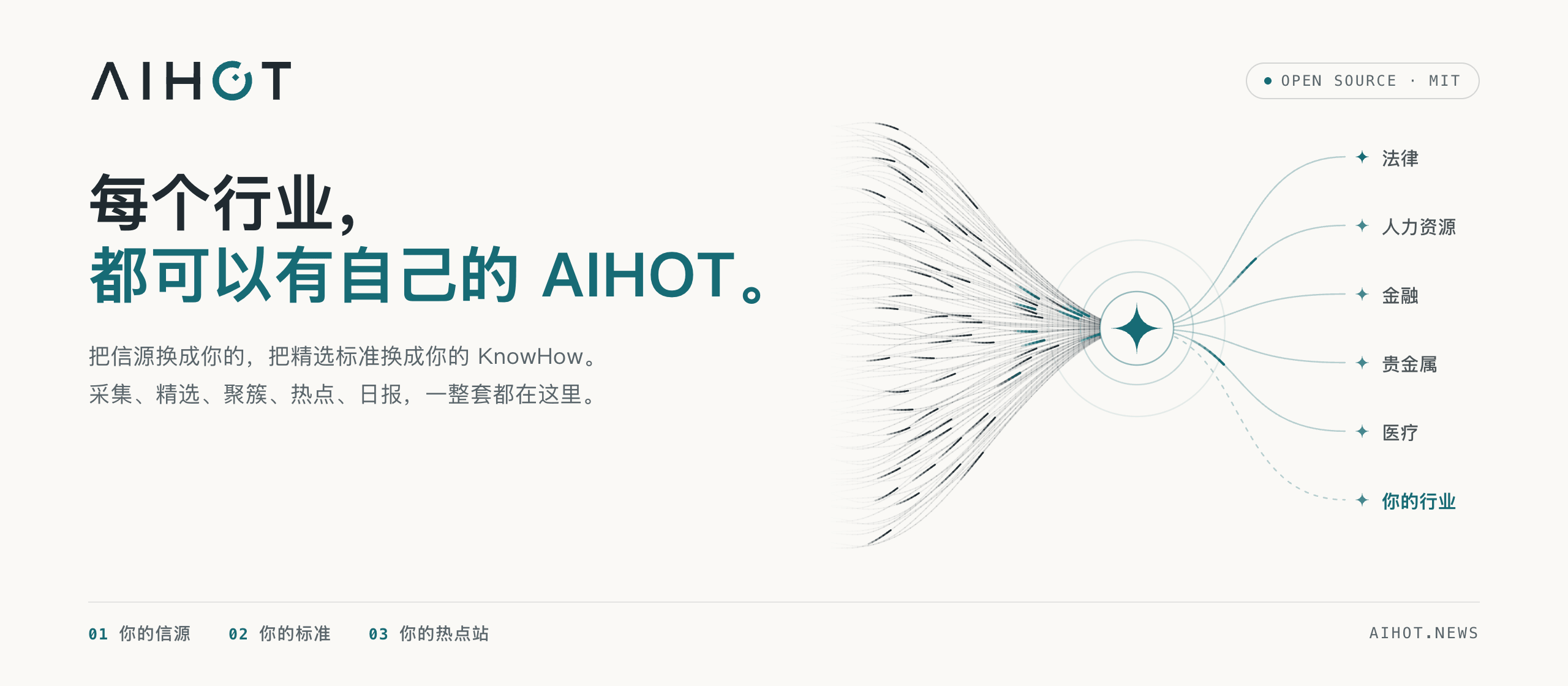 Development · MCPAIHOTChinese-language AI news: search topics, explore hot events and read daily, weekly and monthly briefs.No reviewsFree
 Development · MCPAI Agents API LibraryFind APIs and MCP servers for AI agents: auth, free tier, MCP endpoint, docs, last-checked date.No reviewsFree
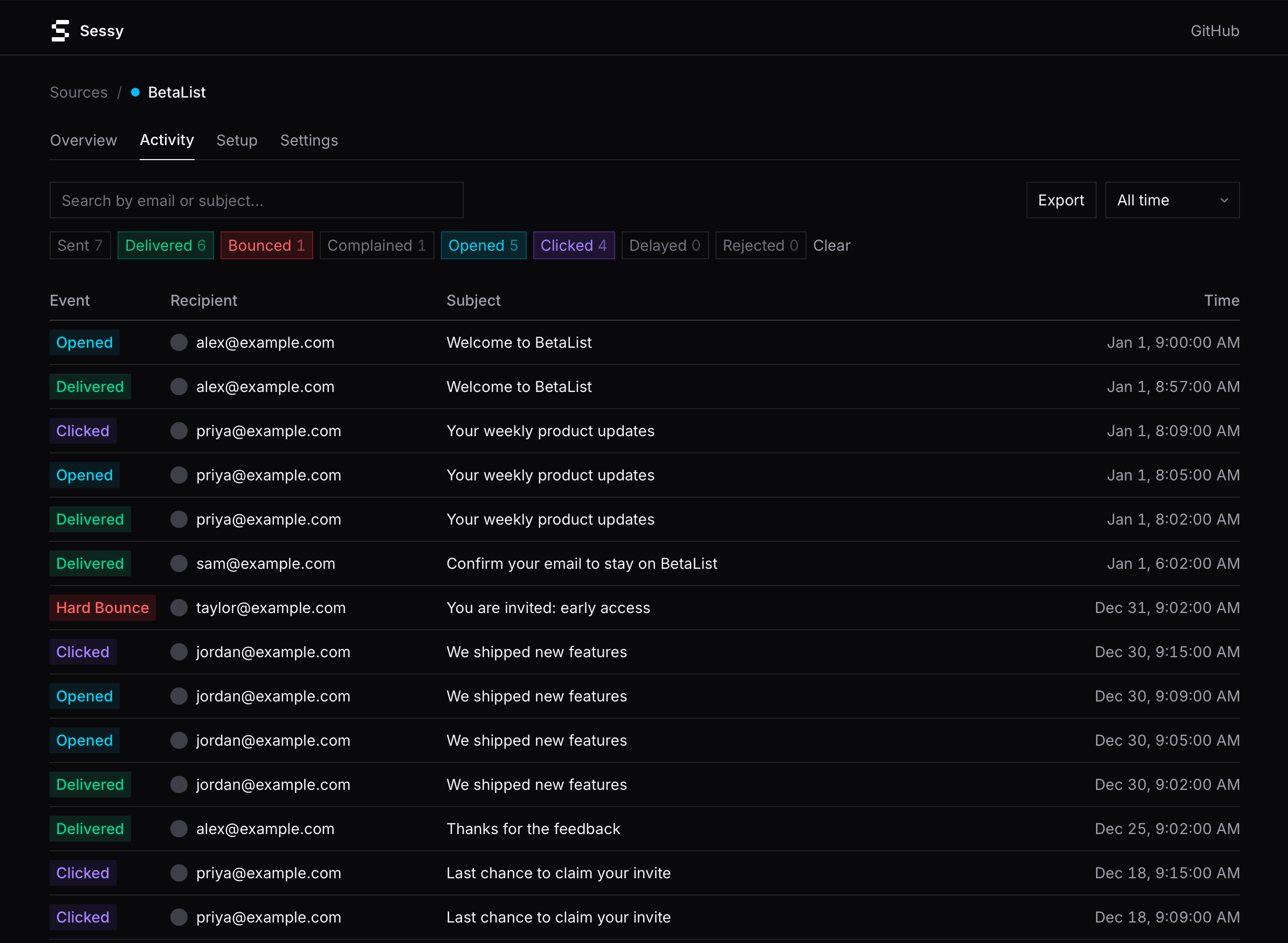 Development · MCPSessy — Amazon SES observabilityRead-only Amazon SES observability: search events, inspect bounces, pull delivery stats.No reviewsFree
 Development · MCPReactive ResumeFree open-source resume builder with remote MCP tools for resumes and job applications.No reviewsFree
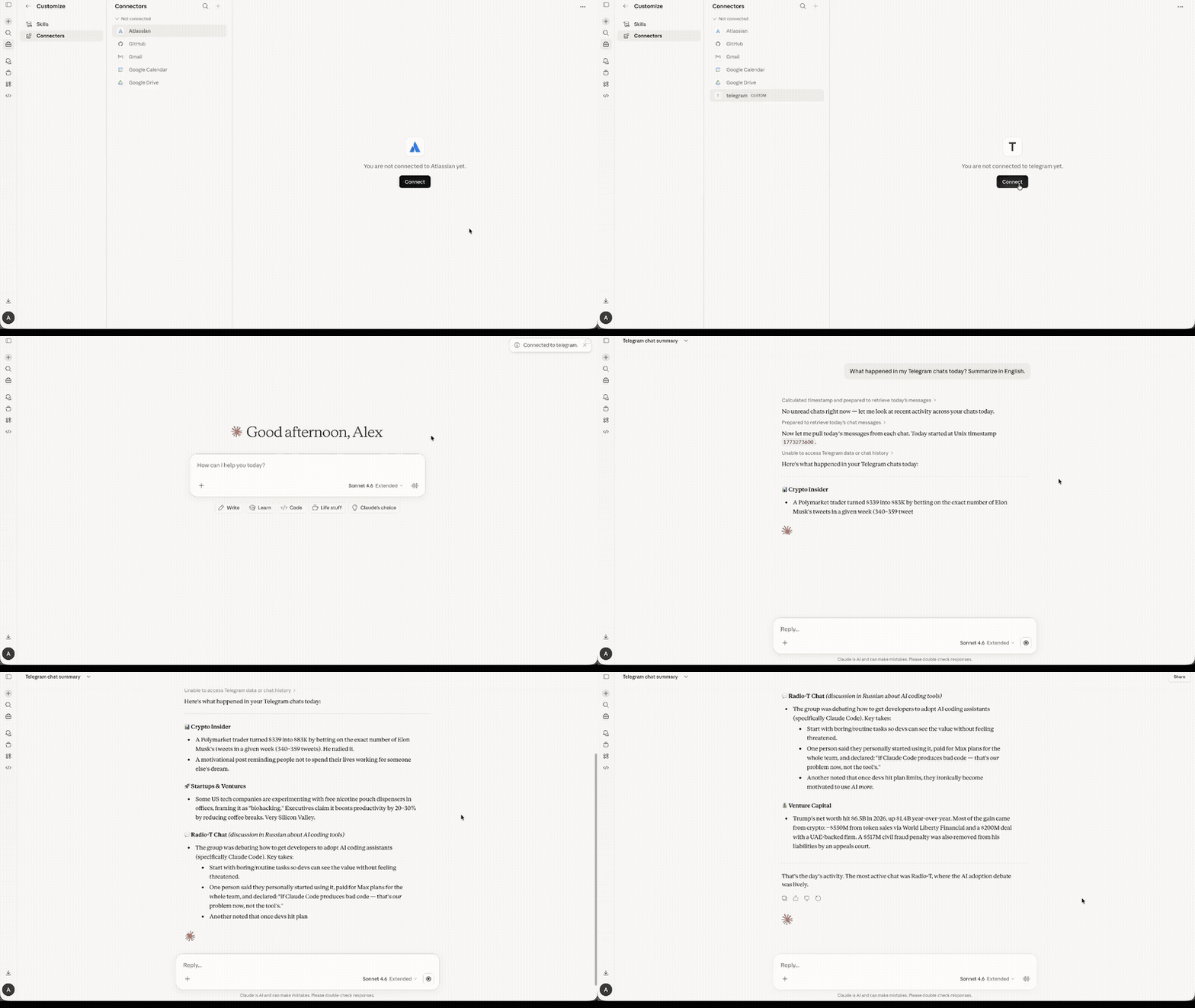 Development · MCPChatroost — unofficial Telegram MCP serverUnofficial Telegram MCP server — read, search, reply and react in your own Telegram account.No reviewsFree
 Development · MCPDevGlobeThe open-source talent graph for humans and AI agents. Find developers.No reviewsFree
 Development · MCPEmail Inbox API + Sending by SendmuxAI email inbox and sending tools with attachments, search, live events, and webhooks.No reviewsFree