Reactive Resume
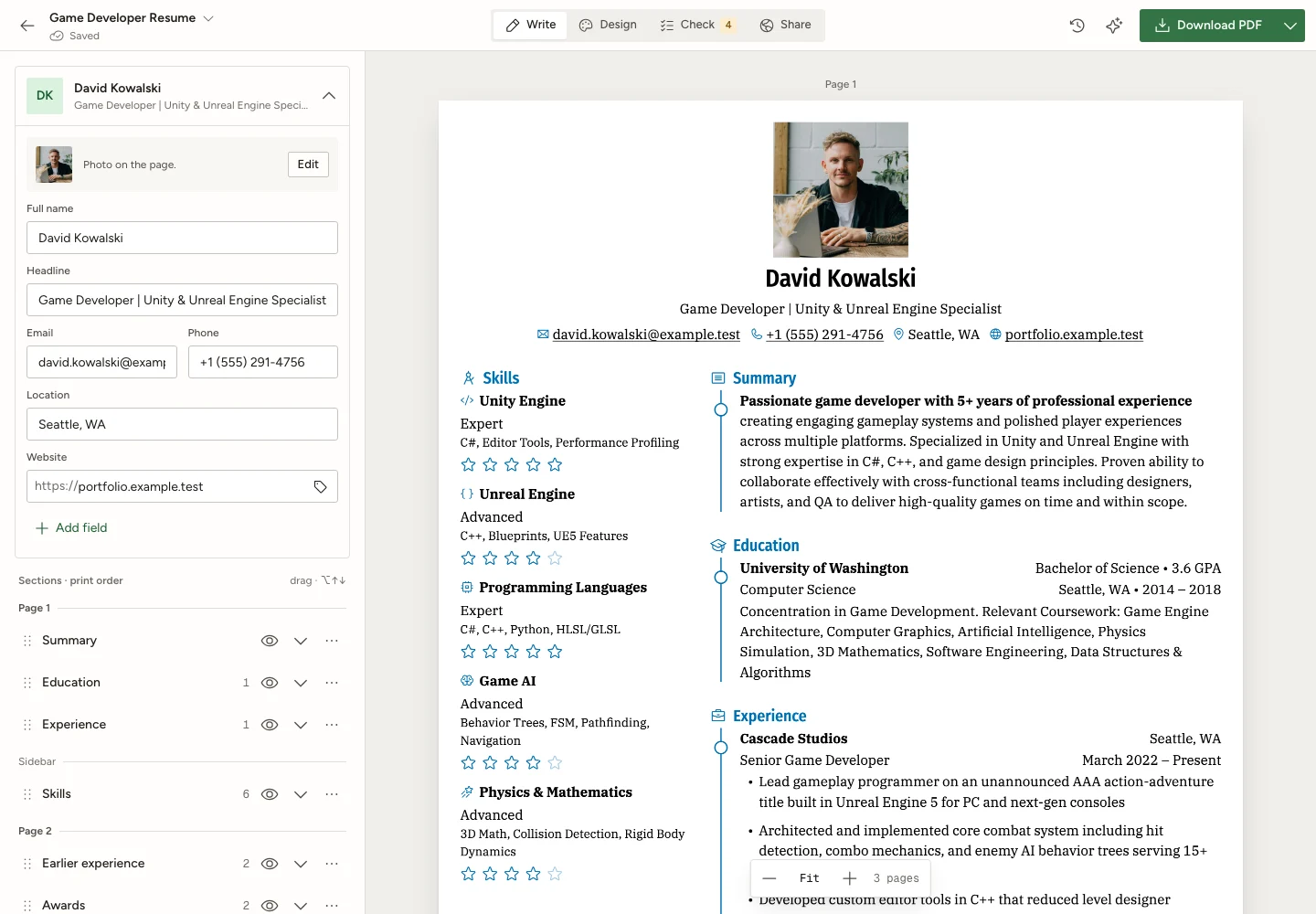
Free open-source resume builder with remote MCP tools for resumes and job applications.
- All reviews:
- Release date:
- 22 September 2026
- Creator:
- Public project (github.com)
- Type:
- MCP
Sign in to add this product to your wishlist or follow its updates.
About Reactive Resume
Reactive Resume is a free and open-source resume builder for writing resumes and cover letters, checking your work and tracking job applications. Its remote MCP tools let Claude work on your resumes and applications directly. Ask Claude to tailor a resume to a job offer, rewrite a section, draft a cover letter or keep track of where you applied and what comes next. You see the finished page as you write, and can import an existing resume or start fresh. Example requests: "Adapt my resume to this product manager offer and highlight the matching experience", "Shorten my summary to three lines", "Add this application to my tracker with a follow-up date next Friday". You can export to PDF, Word, Markdown or JSON, or share a public link. The code is MIT-licensed, with no tracking, no ads and no paid tier, and the app can be self-hosted. Optional AI features use a provider you connect.
Details
- Version:
- 5.3.1
- Updated:
- 12 November 2026
- Verification:
- Not verified
- Repository:
- github.com/reactive-resume/reactive-resume
- Website:
- rxresu.me/
What it can do
The creator has not described the access yet.
Install Reactive Resume in Claude
An MCP connector links Claude to a service: Claude can then read or do things there for you, with your consent. It takes about two minutes.
- Add it to your libraryClick “Add to my library” on this page: it is free and instant.
- Copy the connector URLIn your library, select the product: its URL is shown with a “Copy” button.
- Add it in ClaudeIn Claude (website or app), open Settings › Connectors, click “Add custom connector”, give it a name and paste the URL.
- Connect your accountIf the service asks you to sign in (your Notion, GitHub… account), Claude opens its page: only grant the access you need.
- Use it in a conversationTurn the connector on in the conversation’s tools menu, then just ask for what you want.
Before adding a product, read its permissions above. You can remove a connector or skill at any time in Claude’s settings.
Reactive Resume: frequently asked questions
- Is Reactive Resume free?
- Yes. Reactive Resume is free: add it to your Claude Market library, no bank card needed.
- How do I install Reactive Resume in Claude?
- Add Reactive Resume to your library to get its URL. In Claude, open Settings › Connectors, click “Add custom connector” and paste the URL.
- Does Reactive Resume work with Claude Code?
- Yes. In a terminal, run claude mcp add --transport http followed by a name and the connector URL.
- Is Reactive Resume an official Anthropic product?
- No. Reactive Resume is a public project; this listing was created by Claude Market from its repository and the product is not hosted here. Claude Market is an independent project, not affiliated with Anthropic.
Reviews
Sign in then add or buy this product to review it (verified reviews).
No reviews yet. Only users who added or bought the product can review it.
Similar products
 Development · MCPOmnaraDeploy durable AI agents with Omnara, an open-source managed-agent platform.No reviewsFreeDevelopment · MCPHiddenJobs — Remote Tech Job Search MCPSearch remote tech jobs, inspect descriptions, compare roles, and retrieve application links.No reviewsFree
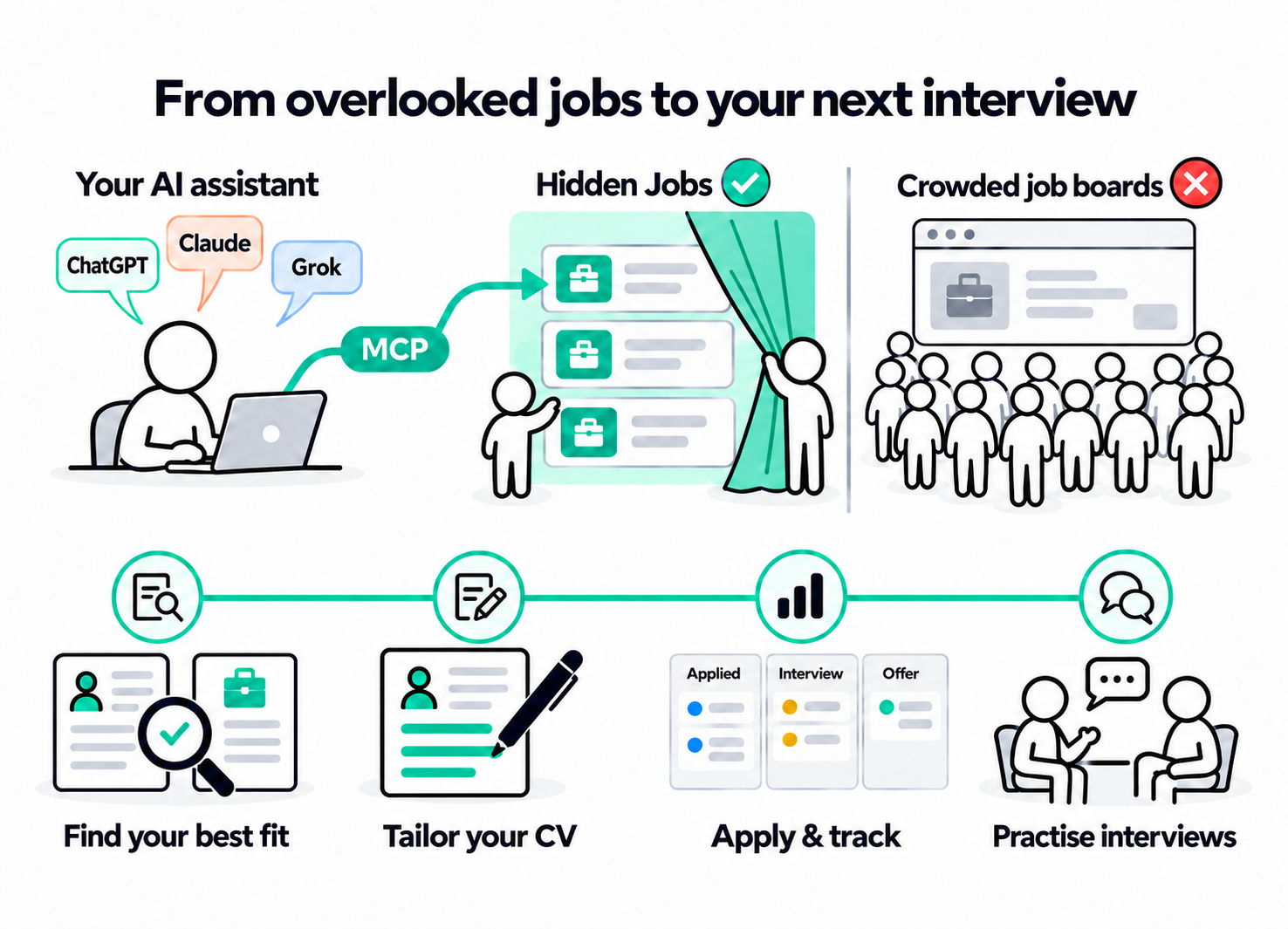
 Development · MCPDevGlobeThe open-source talent graph for humans and AI agents. Find developers.No reviewsFree
 Development · MCPWorkopia — Job SearchSearch 6.3M+ live jobs from companies' own career pages, plus resume tailoring & cover letters.No reviewsFree
 Development · MCPfastCRWScrape, crawl, map & search the web. Open-source, self-hostable Rust crawler & search for AI agents.No reviewsFree
 Development · MCPPreloopOpen-source AI agent control plane and software factory: govern every tool and model call.No reviewsFree
 Development · MCPElectrik SlateRead-only MCP for Electrik Slate: Blade component docs, blocks gallery, source, and llms.txt.No reviewsFree
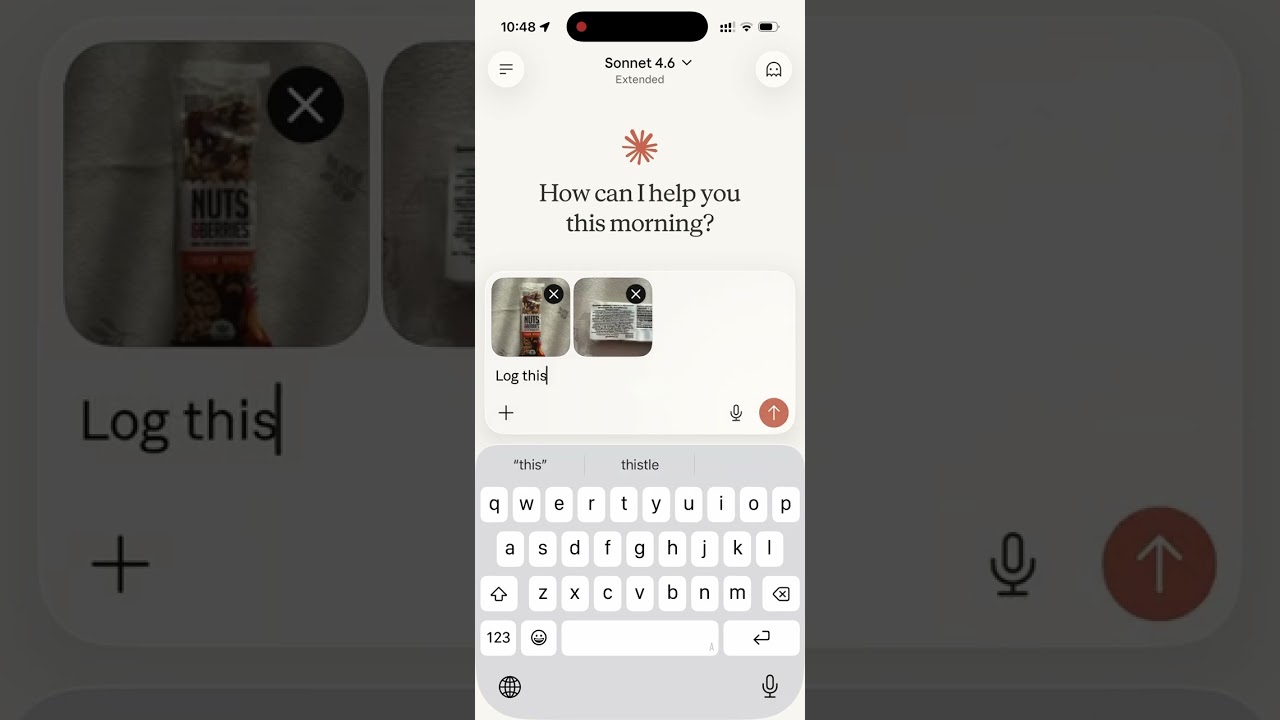 Development · MCPNutrition MCPNutrition tracking: log meals and macros, USDA and Open Food Facts lookups, history, app import.No reviewsFree