fastCRW

Scrape, crawl, map & search the web. Open-source, self-hostable Rust crawler & search for AI agents.
- All reviews:
- Release date:
- 28 June 2026
- Creator:
- Public project (github.com)
- Type:
- MCP
Sign in to add this product to your wishlist or follow its updates.
About fastCRW
fastCRW turns URLs into clean Markdown or structured JSON with one engine for search, scrape, map, crawl and extract. It is an open-source Rust crawler you can run locally and free as a small binary on macOS or Linux, or use as a managed API with proxies, JavaScript rendering and search. Through MCP, Claude can research the web and collect structured data. Example requests: "Search for recent tutorials on Rust async and summarise the top three", "Map this site and list its documentation pages", "Extract company name and pricing from these pages as JSON". A one-line installer registers the MCP server with Claude Code, Cursor, Codex and other tools already set up. The managed API starts with 1,000 free credits, no card needed.
Details
- Version:
- 1.0.0
- Updated:
- 12 November 2026
- Verification:
- Not verified
- Repository:
- github.com/us/crw
- Website:
- fastcrw.com/
What it can do
The creator has not described the access yet.
Install fastCRW in Claude
An MCP connector links Claude to a service: Claude can then read or do things there for you, with your consent. It takes about two minutes.
- Add it to your libraryClick “Add to my library” on this page: it is free and instant.
- Copy the connector URLIn your library, select the product: its URL is shown with a “Copy” button.
- Add it in ClaudeIn Claude (website or app), open Settings › Connectors, click “Add custom connector”, give it a name and paste the URL.
- Connect your accountIf the service asks you to sign in (your Notion, GitHub… account), Claude opens its page: only grant the access you need.
- Use it in a conversationTurn the connector on in the conversation’s tools menu, then just ask for what you want.
Before adding a product, read its permissions above. You can remove a connector or skill at any time in Claude’s settings.
fastCRW: frequently asked questions
- Is fastCRW free?
- Yes. fastCRW is free: add it to your Claude Market library, no bank card needed.
- How do I install fastCRW in Claude?
- Add fastCRW to your library to get its URL. In Claude, open Settings › Connectors, click “Add custom connector” and paste the URL.
- Does fastCRW work with Claude Code?
- Yes. In a terminal, run claude mcp add --transport http followed by a name and the connector URL.
- Is fastCRW an official Anthropic product?
- No. fastCRW is a public project; this listing was created by Claude Market from its repository and the product is not hosted here. Claude Market is an independent project, not affiliated with Anthropic.
Reviews
Sign in then add or buy this product to review it (verified reviews).
No reviews yet. Only users who added or bought the product can review it.
Similar products
 Development · MCPScrapelessWeb search, browser automation, scraping, crawling and CAPTCHA solving for AI agents.No reviewsFree
 Development · MCPSynaplanSelf-hosted AI workspace: semantic RAG document search, long-term memory, and AI chat via MCP.No reviewsFree
 Development · MCPPreloopOpen-source AI agent control plane and software factory: govern every tool and model call.No reviewsFree
 Development · MCPOmnaraDeploy durable AI agents with Omnara, an open-source managed-agent platform.No reviewsFree
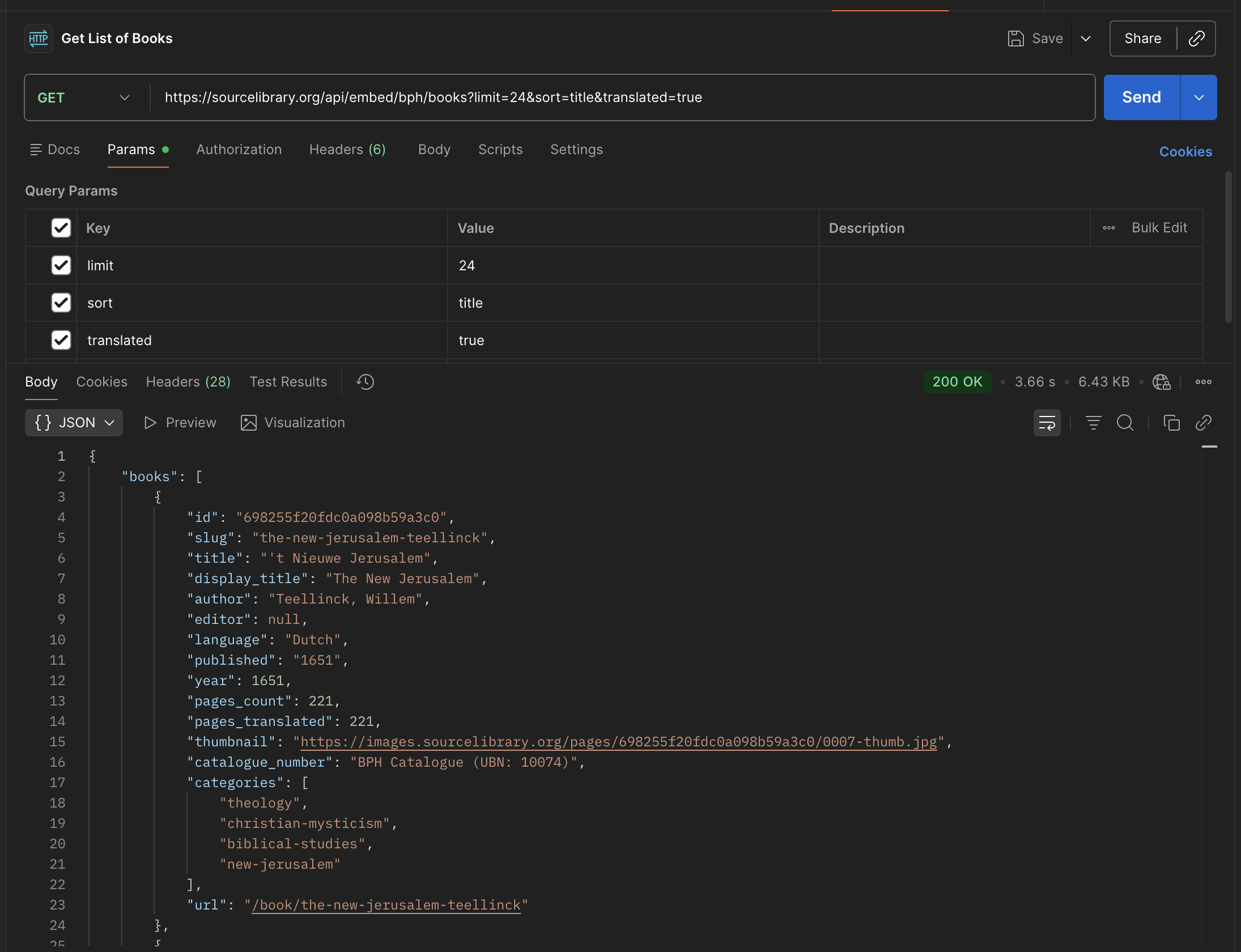 Development · MCPSource LibrarySearch 15K rare pre-modern texts translated to English: philosophy, religion, science, literature.No reviewsFree
 Development · MCPSearch1APIWeb search, agentic search, news, page retrieval, sitemaps, and trending topics through Search1API.No reviewsFree
 Development · MCPWHOISQuery WHOIS/RDAP information for domains, IP addresses, CIDR prefixes and ASNs. Self-hostable.No reviewsFree
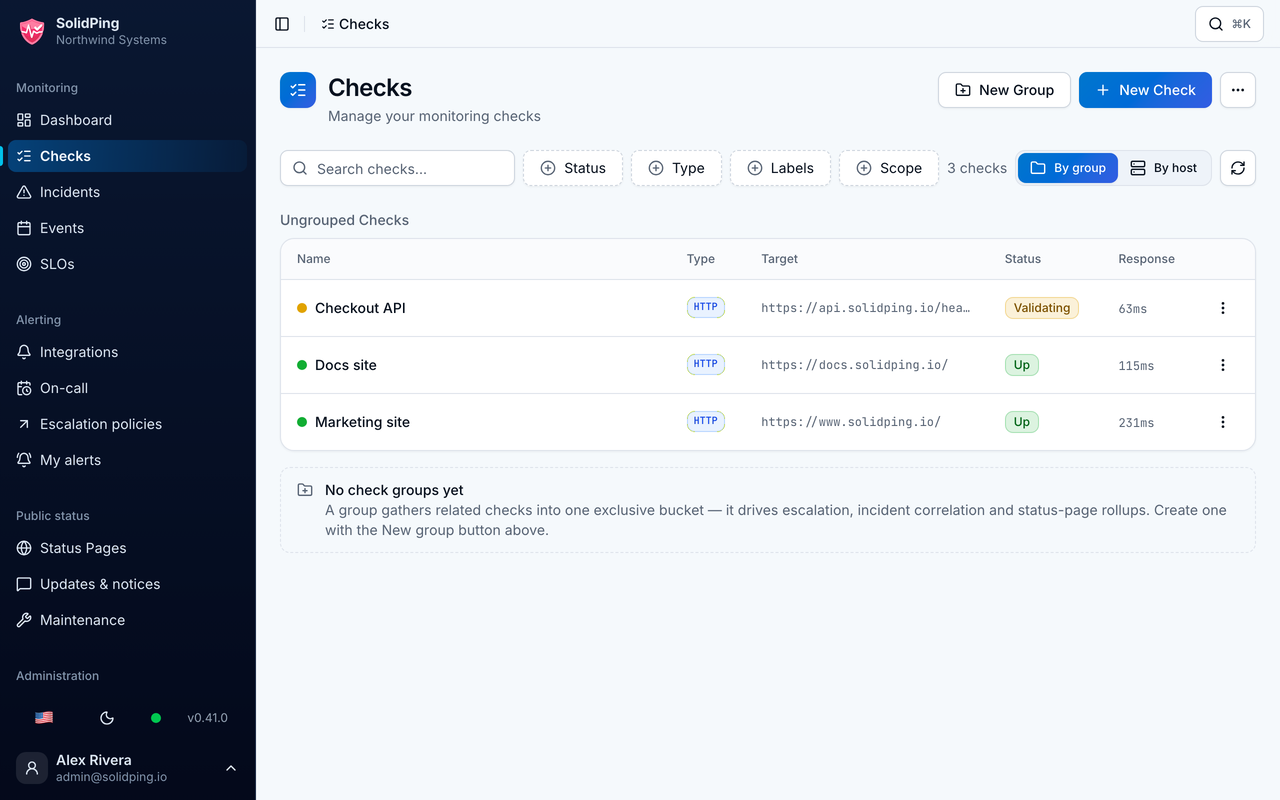 Development · MCPSolidPingSelf-hostable uptime monitoring: create checks, read incidents, manage status pages.No reviewsFree