Flowershow

Publish Markdown and HTML from your AI session as a live website. No account needed.
- All reviews:
- Release date:
- 25 October 2026
- Creator:
- Public project (github.com)
- Type:
- MCP
Sign in to add this product to your wishlist or follow its updates.
About Flowershow
Flowershow publishes Markdown quickly as docs, knowledge bases or websites, from a drag and drop, Obsidian, GitHub or its command-line tool. Its MCP server lets Claude publish Markdown and HTML produced in your session as a live website, with no account needed. Handy to share a report, a guide or notes as a real web page in a few seconds, instead of sending a file. Example requests: "Publish this project summary as a web page and give me the link", "Turn these meeting notes into a small site with one page per topic", "Update the published guide with this new section". Flowershow is open source, made by Datopian.
Details
- Version:
- 1.0.0
- Updated:
- 12 November 2026
- Verification:
- Not verified
- Repository:
- github.com/flowershow/flowershow
- Website:
- flowershow.app/docs/agents/mcp
What it can do
The creator has not described the access yet.
Install Flowershow in Claude
An MCP connector links Claude to a service: Claude can then read or do things there for you, with your consent. It takes about two minutes.
- Add it to your libraryClick “Add to my library” on this page: it is free and instant.
- Copy the connector URLIn your library, select the product: its URL is shown with a “Copy” button.
- Add it in ClaudeIn Claude (website or app), open Settings › Connectors, click “Add custom connector”, give it a name and paste the URL.
- Connect your accountIf the service asks you to sign in (your Notion, GitHub… account), Claude opens its page: only grant the access you need.
- Use it in a conversationTurn the connector on in the conversation’s tools menu, then just ask for what you want.
Before adding a product, read its permissions above. You can remove a connector or skill at any time in Claude’s settings.
Flowershow: frequently asked questions
- Is Flowershow free?
- Yes. Flowershow is free: add it to your Claude Market library, no bank card needed.
- How do I install Flowershow in Claude?
- Add Flowershow to your library to get its URL. In Claude, open Settings › Connectors, click “Add custom connector” and paste the URL.
- Does Flowershow work with Claude Code?
- Yes. In a terminal, run claude mcp add --transport http followed by a name and the connector URL.
- Is Flowershow an official Anthropic product?
- No. Flowershow is a public project; this listing was created by Claude Market from its repository and the product is not hosted here. Claude Market is an independent project, not affiliated with Anthropic.
Reviews
Sign in then add or buy this product to review it (verified reviews).
No reviews yet. Only users who added or bought the product can review it.
Similar products
 Productivity · MCPArtifact ShareShare HTML and Markdown files from AI agents within your company, with versions and comments.No reviewsFree
 Productivity · MCPActionbookLet your AI agent operate any website through a real, logged-in browser session.No reviewsFree
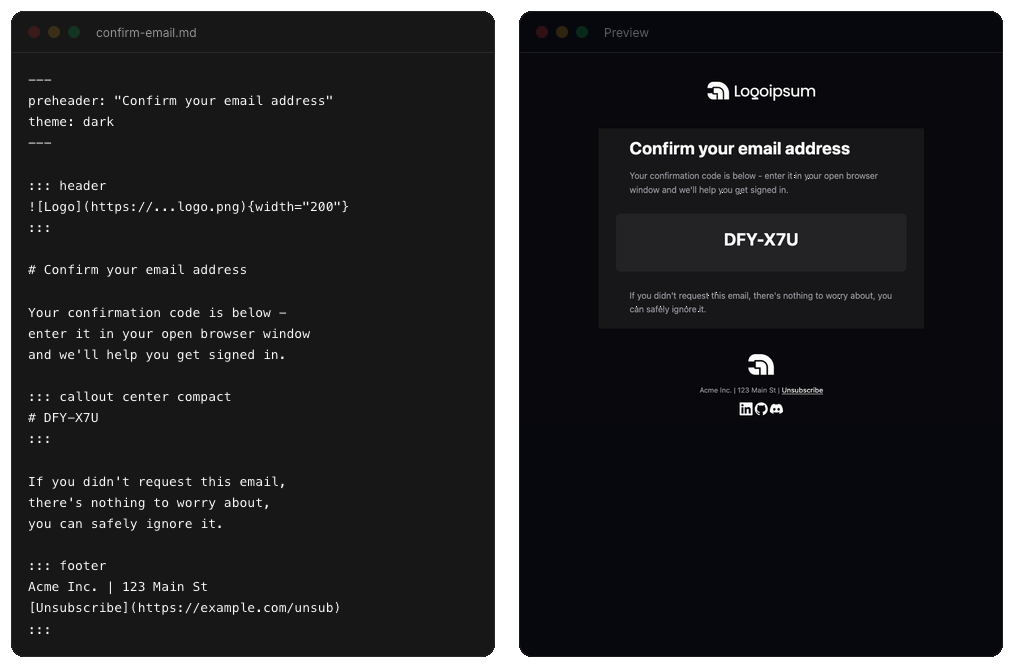 Productivity · MCPemailmdRender markdown into email-safe HTML, lint drafts for deliverability problems, and preview emails.No reviewsFree
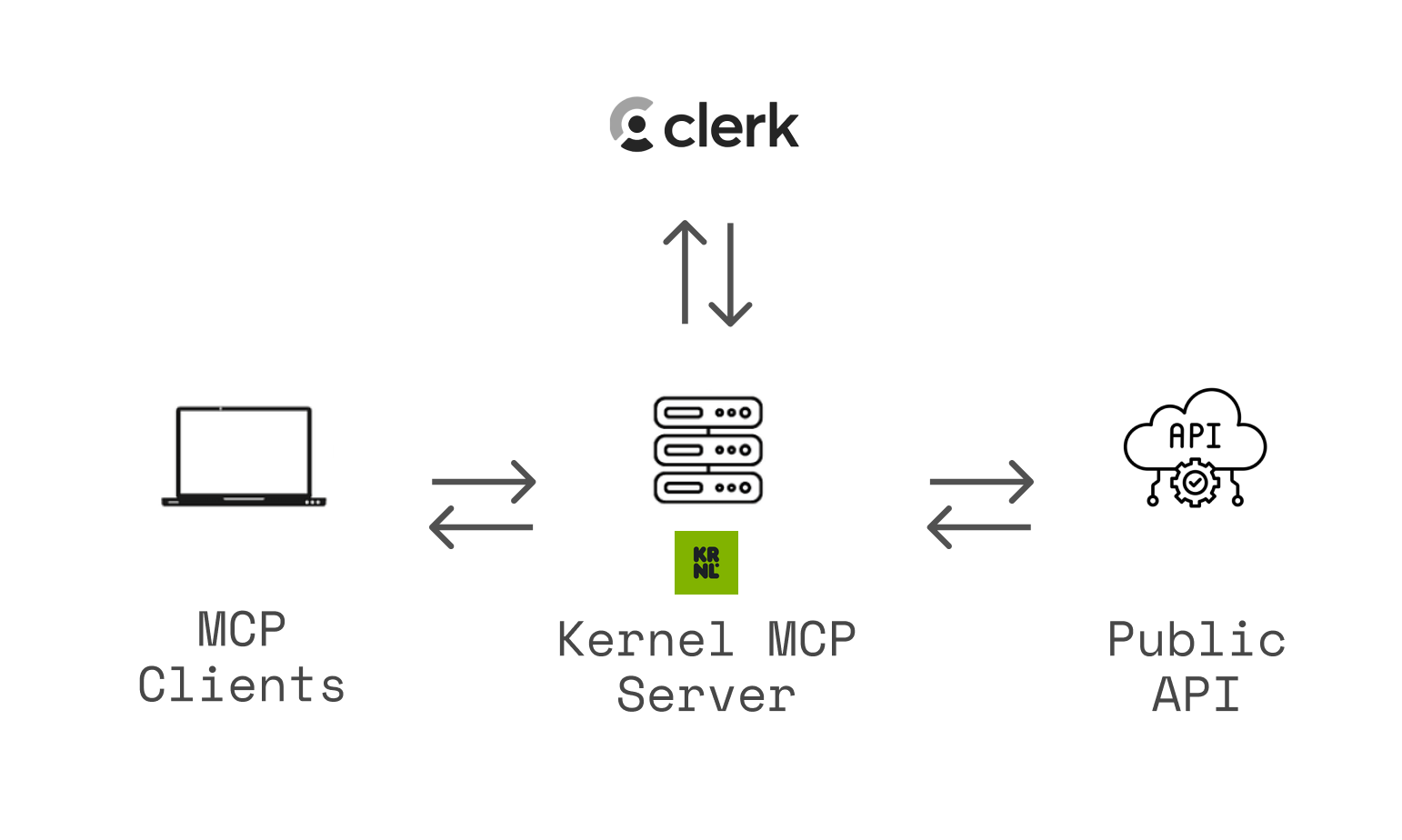 Productivity · MCPKernel MCP Serveruse any website on a user's behalf in a cloud browser: navigate, sign in, fill forms, buy, download.No reviewsFree
 Productivity · MCPMCP Registry ServerPublish and discover MCP servers through the official MCP Registry. Powered by HAPI MCP server.No reviewsFree
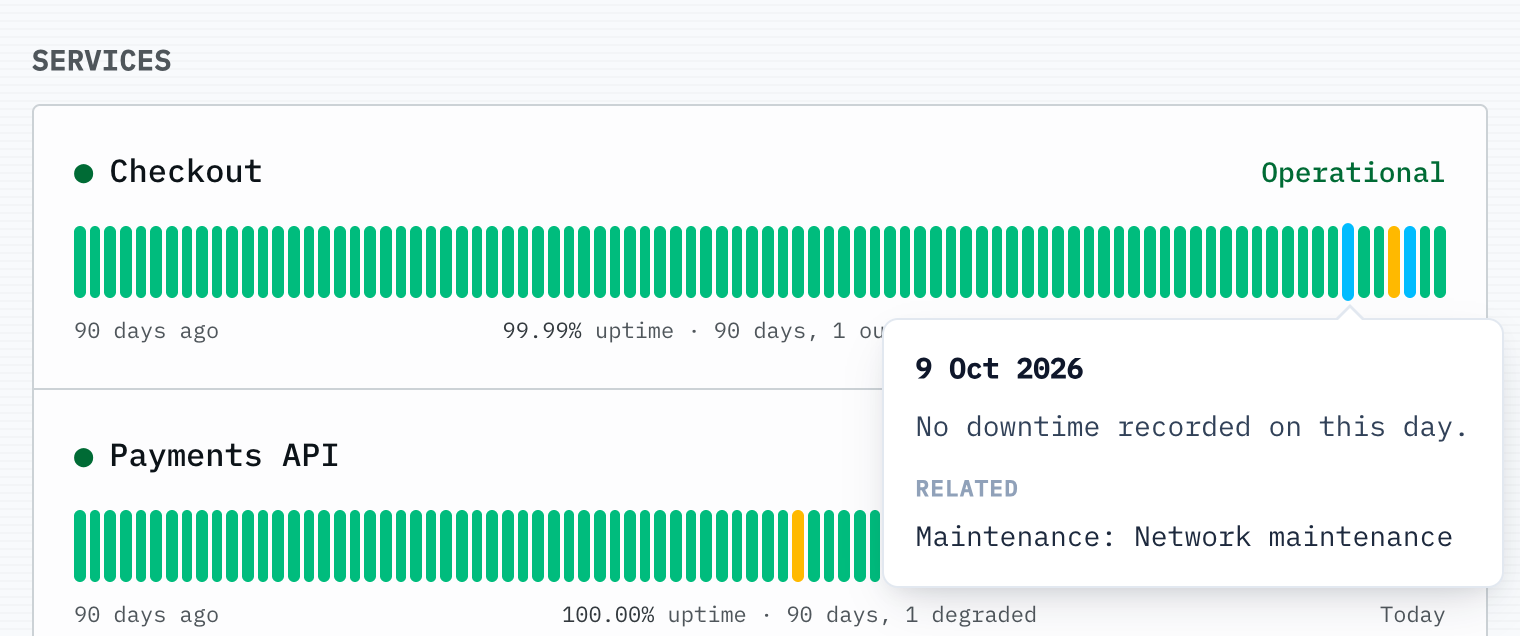 Productivity · MCPUptimepageMonitor uptime and incidents, run checks, and publish status updates from your Uptimepage org.No reviewsFree
 Productivity · MCPDerivePublish agent output to permanent versioned URLs, read review comments back, and revise.No reviewsFree
 Productivity · MCPVexaMeeting bot and transcripts for Google Meet, Teams and Zoom. Live or after, speakers labelled.No reviewsFree