Vexa

Meeting bot and transcripts for Google Meet, Teams and Zoom. Live or after, speakers labelled.
- All reviews:
- Release date:
- 6 September 2026
- Creator:
- Public project (github.com)
- Type:
- MCP
Sign in to add this product to your wishlist or follow its updates.
About Vexa
Vexa is an open-source meeting bot: it joins your Google Meet, Microsoft Teams and Zoom calls and streams speaker-labelled transcripts in real time. Through its MCP server, Claude can send a bot to a meeting and read the transcript live or afterwards, for summaries, action items or follow-up emails. Example requests: "Join my 2 pm Teams meeting and take notes", "Summarise this morning's call and list the decisions", "Draft a follow-up email with the action items and owners". Vexa is Apache-2.0 licensed and can run in the cloud (vexa.ai) or fully self-hosted, even air-gapped, so your conversations stay on your own infrastructure. The self-hosted stack can also build a Markdown knowledge base from your meetings.
Details
- Version:
- 0.12.27
- Updated:
- 12 November 2026
- Verification:
- Not verified
- Repository:
- github.com/Vexa-ai/vexa
- Website:
- docs.vexa.ai/vexa-mcp
What it can do
The creator has not described the access yet.
Install Vexa in Claude
An MCP connector links Claude to a service: Claude can then read or do things there for you, with your consent. It takes about two minutes.
- Add it to your libraryClick “Add to my library” on this page: it is free and instant.
- Copy the connector URLIn your library, select the product: its URL is shown with a “Copy” button.
- Add it in ClaudeIn Claude (website or app), open Settings › Connectors, click “Add custom connector”, give it a name and paste the URL.
- Connect your accountIf the service asks you to sign in (your Notion, GitHub… account), Claude opens its page: only grant the access you need.
- Use it in a conversationTurn the connector on in the conversation’s tools menu, then just ask for what you want.
Before adding a product, read its permissions above. You can remove a connector or skill at any time in Claude’s settings.
Vexa: frequently asked questions
- Is Vexa free?
- Yes. Vexa is free: add it to your Claude Market library, no bank card needed.
- How do I install Vexa in Claude?
- Add Vexa to your library to get its URL. In Claude, open Settings › Connectors, click “Add custom connector” and paste the URL.
- Does Vexa work with Claude Code?
- Yes. In a terminal, run claude mcp add --transport http followed by a name and the connector URL.
- Is Vexa an official Anthropic product?
- No. Vexa is a public project; this listing was created by Claude Market from its repository and the product is not hosted here. Claude Market is an independent project, not affiliated with Anthropic.
Reviews
Sign in then add or buy this product to review it (verified reviews).
No reviews yet. Only users who added or bought the product can review it.
Similar products
 Productivity · MCPFlowershowPublish Markdown and HTML from your AI session as a live website. No account needed.No reviewsFree
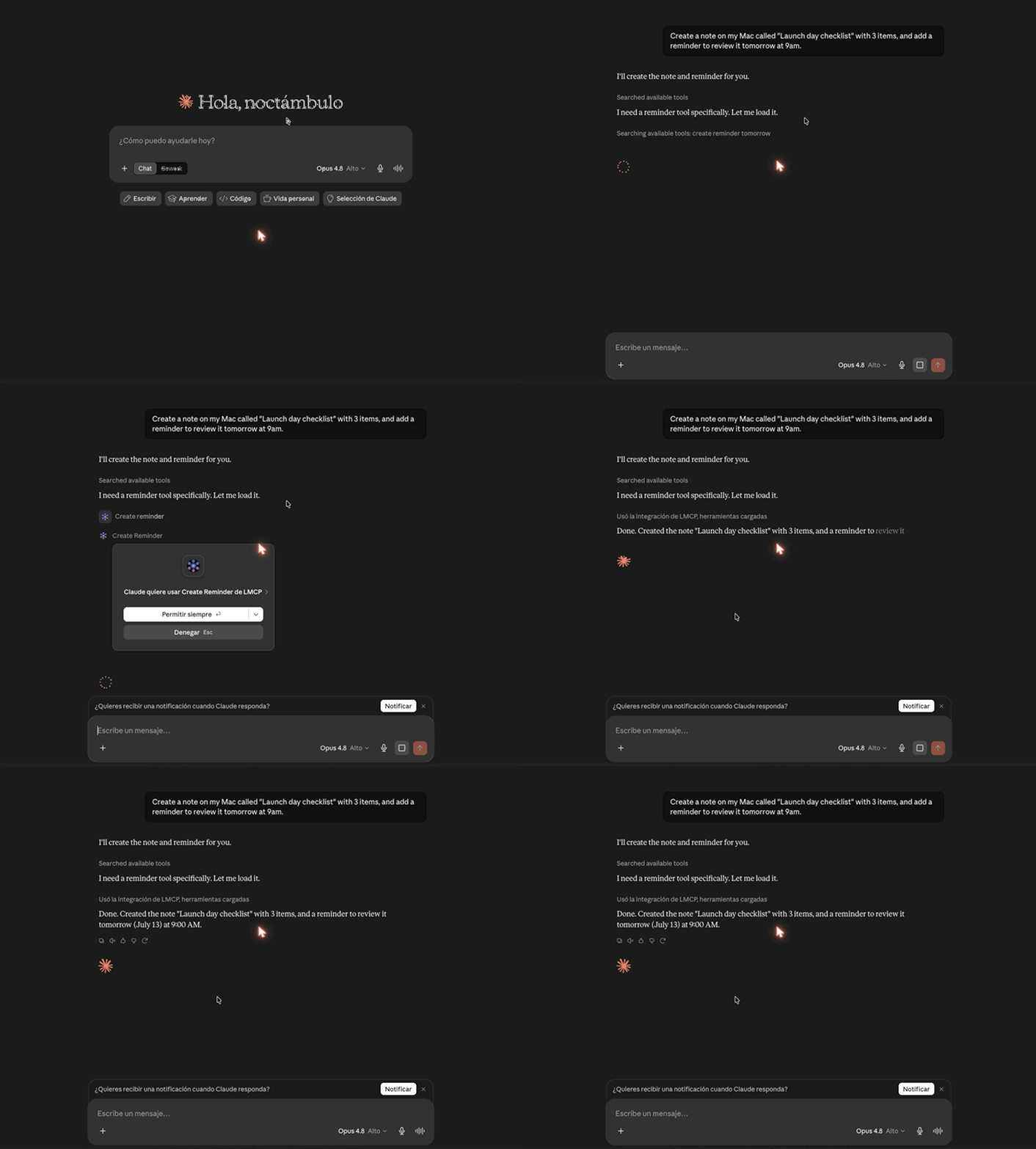 Productivity · MCPLMCPMac & Windows: let ChatGPT, Claude & Cursor use your email, calendar, iMessage, Teams, files.No reviewsFree
 Productivity · MCPYouTube Transcript + YouTube Search MCPYouTube transcripts, search, channel browsing, and playlists for AI agents via MCP.No reviewsFree
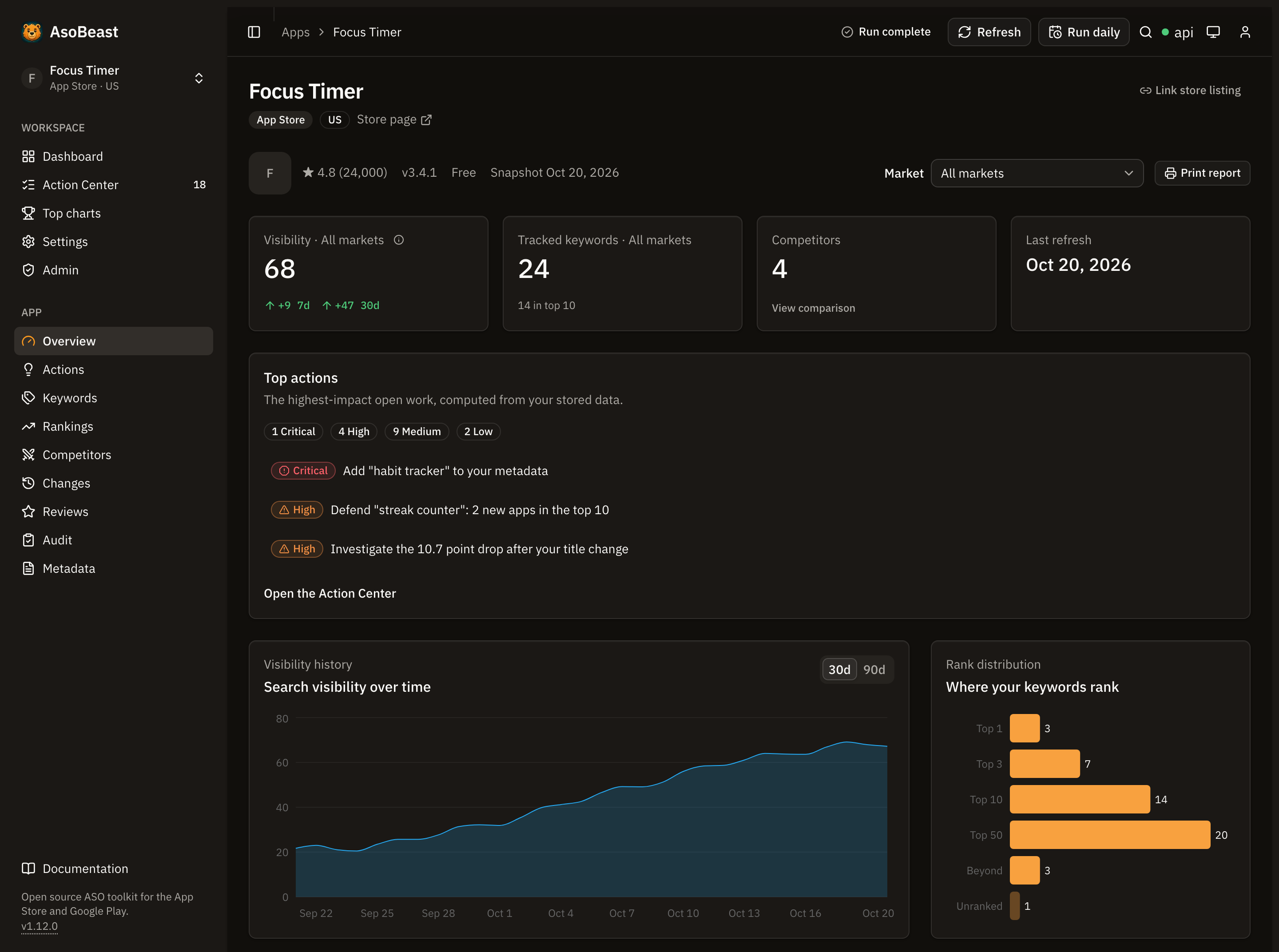 Productivity · MCPAsoBeastApp Store and Google Play ASO: keyword rankings, competitors, reviews, audits and an action queue.No reviewsFree
 Productivity · MCPHasDataAll HasData scraping tools in one MCP server: Google, TikTok, Instagram, maps, e-commerce and more.No reviewsFree
 Productivity · MCPTeamwork.comThe Teamwork.com official MCP server helps teams efficiently manage client projects with AI.No reviewsFree
 Productivity · SkillDo (claude-mem)The execution step of claude-mem's automated workflow, used after make-plan.No reviewsFree
 Productivity · SkillHost observerFulfil claude-mem observer jobs on Grok Bot with strict observation output.No reviewsFree