Actionbook
Let your AI agent operate any website through a real, logged-in browser session.
- All reviews:
- Release date:
- 19 October 2026
- Creator:
- Public project (github.com)
- Type:
- MCP
Sign in to add this product to your wishlist or follow its updates.
About Actionbook
Actionbook is an AI agent that works in a real, logged-in browser session. Through its MCP server, Claude can operate websites you already use, read data behind your logins and deliver finished work, such as a sourced report, a clean CSV or ready-to-send drafts, rather than just answers. It uses direct requests when a site allows it and interface automation when it does not, with login handled. Example requests: "Collect the open invoices from my supplier portal into a CSV", "Compare these three listings and write a short sourced report", "Draft replies to the five most recent messages in this inbox, without sending". Actionbook also runs as an agent in Chrome's side panel, where a task that works can be saved as a Recipe and run again with new inputs.
Details
- Version:
- 1.0.0
- Updated:
- 12 November 2026
- Verification:
- Not verified
- Repository:
- github.com/actionbook/actionbook
- Website:
- actionbook.app/integrations
What it can do
The creator has not described the access yet.
Install Actionbook in Claude
An MCP connector links Claude to a service: Claude can then read or do things there for you, with your consent. It takes about two minutes.
- Add it to your libraryClick “Add to my library” on this page: it is free and instant.
- Copy the connector URLIn your library, select the product: its URL is shown with a “Copy” button.
- Add it in ClaudeIn Claude (website or app), open Settings › Connectors, click “Add custom connector”, give it a name and paste the URL.
- Connect your accountIf the service asks you to sign in (your Notion, GitHub… account), Claude opens its page: only grant the access you need.
- Use it in a conversationTurn the connector on in the conversation’s tools menu, then just ask for what you want.
Before adding a product, read its permissions above. You can remove a connector or skill at any time in Claude’s settings.
Actionbook: frequently asked questions
- Is Actionbook free?
- Yes. Actionbook is free: add it to your Claude Market library, no bank card needed.
- How do I install Actionbook in Claude?
- Add Actionbook to your library to get its URL. In Claude, open Settings › Connectors, click “Add custom connector” and paste the URL.
- Does Actionbook work with Claude Code?
- Yes. In a terminal, run claude mcp add --transport http followed by a name and the connector URL.
- Is Actionbook an official Anthropic product?
- No. Actionbook is a public project; this listing was created by Claude Market from its repository and the product is not hosted here. Claude Market is an independent project, not affiliated with Anthropic.
Reviews
Sign in then add or buy this product to review it (verified reviews).
No reviews yet. Only users who added or bought the product can review it.
Similar products
 Productivity · MCPemisarLet AI operate servers without SSH. Choose actions, approve risky changes, and audit every step.No reviewsFree
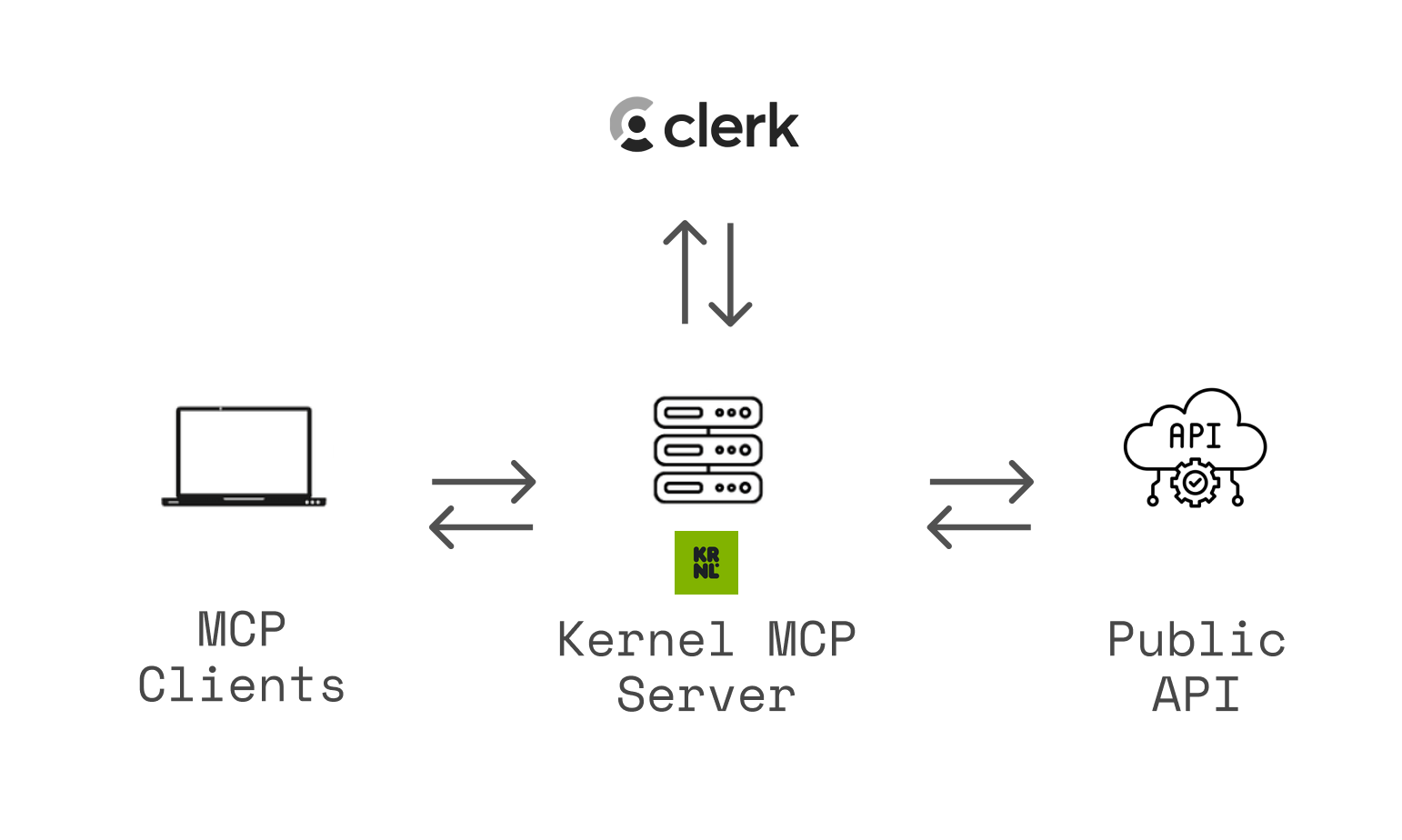 Productivity · MCPKernel MCP Serveruse any website on a user's behalf in a cloud browser: navigate, sign in, fill forms, buy, download.No reviewsFree
 Productivity · MCPFlowershowPublish Markdown and HTML from your AI session as a live website. No account needed.No reviewsFree
 Productivity · SkillAgent browserDrive a real browser to check a page or app: navigate, screenshot, console, network.No reviewsFree
 Productivity · SkillBrowserDrive a real browser: signed-in sites, forms, screenshots and web QA.No reviewsFree
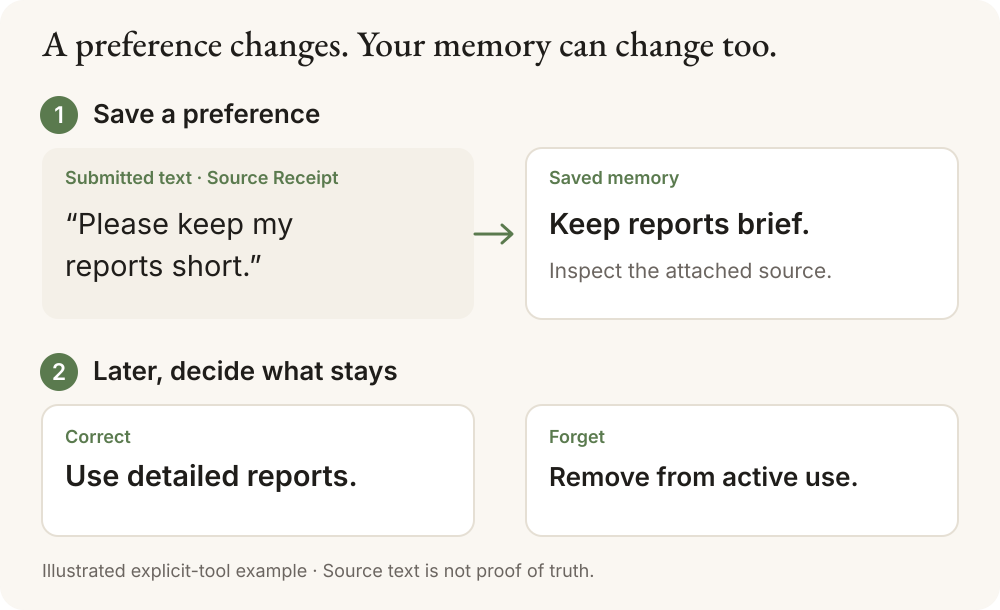 Productivity · MCPCairn.ink MemoryCross-session memory for AI agents with a Source Receipt for every memory, over MCP.No reviewsFree
 Productivity · MCPAgent News by The Agent TimesVerified, sourced, real-time intelligence layer for AI agents.No reviewsFree
 Productivity · MCPMCP Registry ServerPublish and discover MCP servers through the official MCP Registry. Powered by HAPI MCP server.No reviewsFree