draw.io
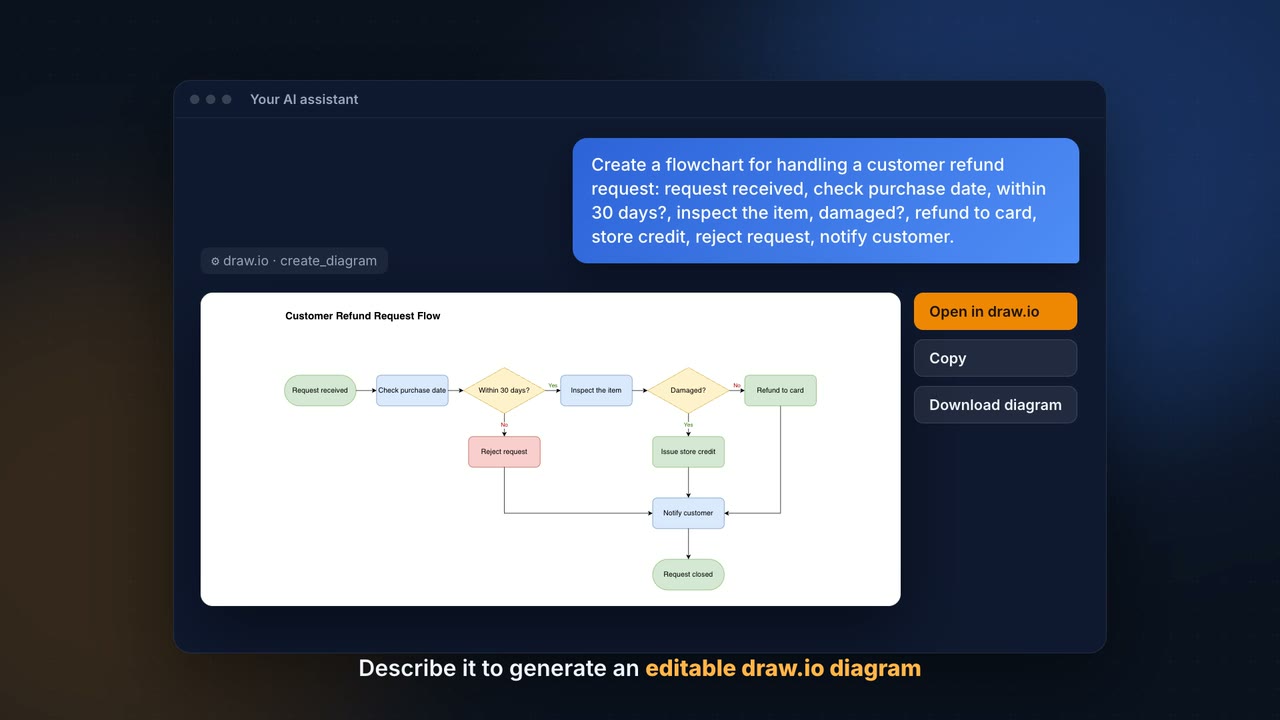
Create draw.io diagrams in the conversation, from Mermaid or XML.
- All reviews:
- Release date:
- 2 November 2026
- Creator:
- Public project (github.com)
- Type:
- MCP
Sign in to add this product to your wishlist or follow its updates.
About draw.io
Le serveur MCP officiel de draw.io permet à Claude de créer des diagrammes dans la conversation, affichés en direct et modifiables : organigrammes, schémas d’architecture, processus, avec des milliers de formes. Tu décris ce que tu veux, Claude produit le diagramme, puis tu l’ajustes et l’exportes depuis draw.io. La version hébergée (mcp.draw.io) n’a rien à installer et affiche le diagramme dans la discussion ; une autre version ouvre le diagramme dans l’éditeur draw.io de ton navigateur. Claude peut partir d’une description, de XML ou de Mermaid. Exemples de demandes : « Dessine l’organigramme de l’équipe à partir de cette liste », « Fais un schéma de notre architecture : site, API, base, stockage », « Convertis ce diagramme Mermaid en diagramme draw.io modifiable ». Pour Claude Code, un plugin génère aussi des fichiers .drawio, exportables en PNG, SVG ou PDF.
Details
- Version:
- 1.5.0
- Updated:
- 12 November 2026
- Verification:
- Not verified
- Repository:
- github.com/jgraph/drawio-mcp
- Website:
- www.drawio.com/
What it can do
The creator has not described the access yet.
Install draw.io in Claude
An MCP connector links Claude to a service: Claude can then read or do things there for you, with your consent. It takes about two minutes.
- Add it to your libraryClick “Add to my library” on this page: it is free and instant.
- Copy the connector URLIn your library, select the product: its URL is shown with a “Copy” button.
- Add it in ClaudeIn Claude (website or app), open Settings › Connectors, click “Add custom connector”, give it a name and paste the URL.
- Connect your accountIf the service asks you to sign in (your Notion, GitHub… account), Claude opens its page: only grant the access you need.
- Use it in a conversationTurn the connector on in the conversation’s tools menu, then just ask for what you want.
Before adding a product, read its permissions above. You can remove a connector or skill at any time in Claude’s settings.
draw.io: frequently asked questions
- Is draw.io free?
- Yes. draw.io is free: add it to your Claude Market library, no bank card needed.
- How do I install draw.io in Claude?
- Add draw.io to your library to get its URL. In Claude, open Settings › Connectors, click “Add custom connector” and paste the URL.
- Does draw.io work with Claude Code?
- Yes. In a terminal, run claude mcp add --transport http followed by a name and the connector URL.
- Is draw.io an official Anthropic product?
- No. draw.io is a public project; this listing was created by Claude Market from its repository and the product is not hosted here. Claude Market is an independent project, not affiliated with Anthropic.
Reviews
Sign in then add or buy this product to review it (verified reviews).
No reviews yet. Only users who added or bought the product can review it.
Similar products
 Design and images · MCPMiroCreate diagrams, documents and tables on your Miro whiteboards.No reviewsFree
 Design and images · MCPCanvaCreate, search, edit and export your Canva designs from Claude.No reviewsFree
 Design and images · SkillArchifyCreate explorable architecture, sequence, data-flow and ERD diagrams as HTML.No reviewsFree
 Design and images · MCPTldrawDraw and think together with Claude on the tldraw canvas.No reviewsFree
 Design and images · SkillPPT generationCreate visually rich PowerPoint decks with a generated image per slide.No reviewsFree
 Design and images · SkillCanvas designCreate posters, art and static designs as PNG or PDF from a design philosophy.No reviewsFree
 Design and images · SkillJSON CanvasCreate and edit JSON Canvas files: nodes, edges, groups and mind maps.No reviewsFree
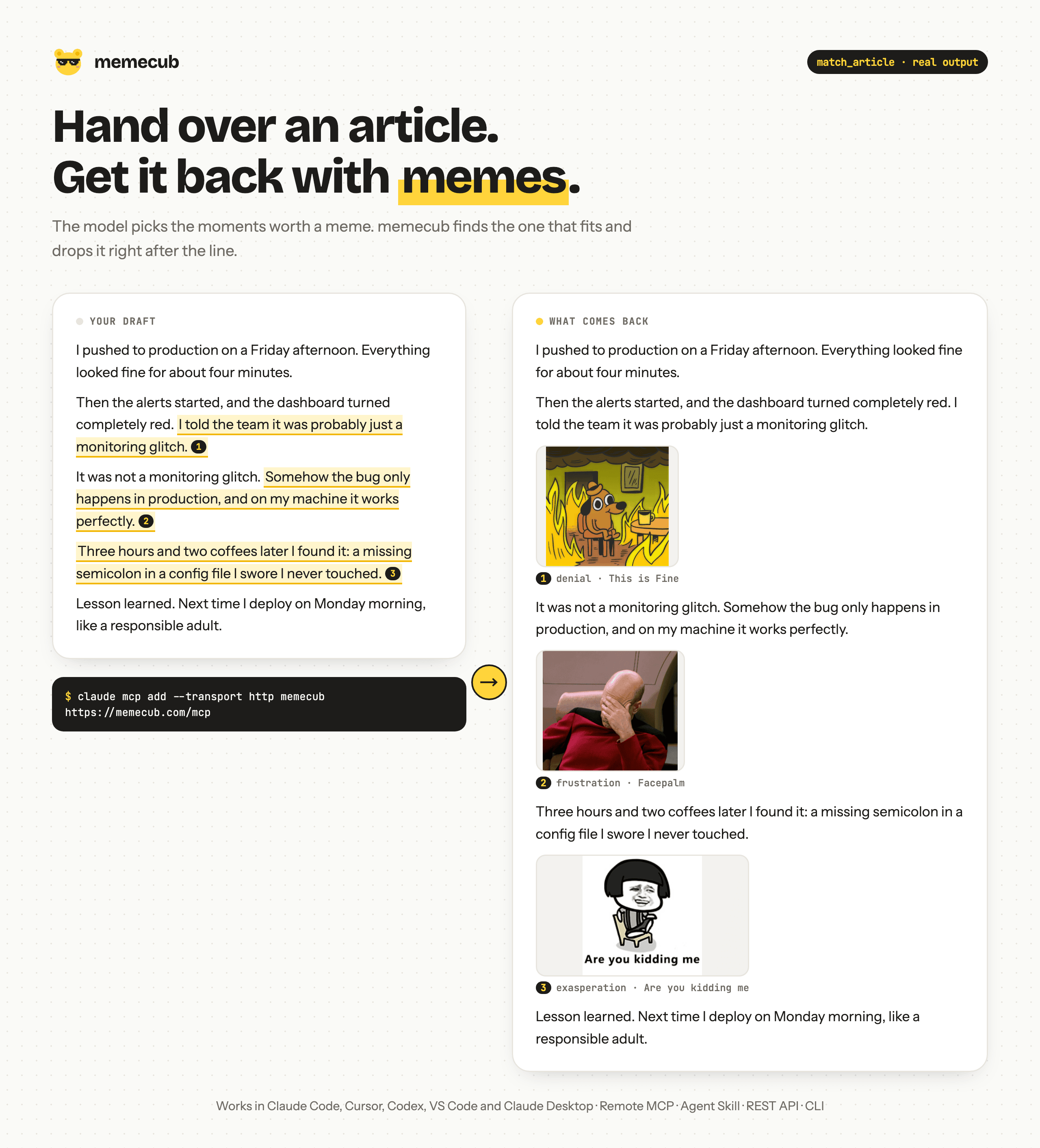 Design and images · MCPmemecubFind memes and Chinese 表情包, and auto-place reaction images into articles, with license info.No reviewsFree