Miro

Create diagrams, documents and tables on your Miro whiteboards.
- All reviews:
- Release date:
- 6 March 2026
- Creator:
- Public project (github.com)
- Type:
- MCP
Sign in to add this product to your wishlist or follow its updates.
About Miro
Le serveur MCP officiel de Miro relie Claude à tes tableaux blancs. Claude peut lire le contenu d’un tableau pour s’en servir comme contexte, et y créer des diagrammes, des documents ou des tableaux de données. Pour Claude Code, Miro propose aussi un plugin qui ajoute des skills : générer du code à partir d’un design, expliquer du code sur un tableau, suivre des tâches. Pratique pour passer d’un atelier de brainstorming à une liste d’actions, ou pour illustrer une architecture directement sur le tableau de l’équipe. Exemples de demandes : « Résume les post-it du tableau Rétro et regroupe-les par thème », « Dessine sur le tableau Architecture le schéma de ce service », « Crée un tableau des actions décidées avec un responsable par ligne ». L’accès se fait avec ton compte Miro.
Details
- Version:
- 1.0.2
- Updated:
- 12 November 2026
- Verification:
- Not verified
- Repository:
- github.com/miroapp/miro-ai
What it can do
The creator has not described the access yet.
Install Miro in Claude
An MCP connector links Claude to a service: Claude can then read or do things there for you, with your consent. It takes about two minutes.
- Add it to your libraryClick “Add to my library” on this page: it is free and instant.
- Copy the connector URLIn your library, select the product: its URL is shown with a “Copy” button.
- Add it in ClaudeIn Claude (website or app), open Settings › Connectors, click “Add custom connector”, give it a name and paste the URL.
- Connect your accountIf the service asks you to sign in (your Notion, GitHub… account), Claude opens its page: only grant the access you need.
- Use it in a conversationTurn the connector on in the conversation’s tools menu, then just ask for what you want.
Before adding a product, read its permissions above. You can remove a connector or skill at any time in Claude’s settings.
Miro: frequently asked questions
- Is Miro free?
- Yes. Miro is free: add it to your Claude Market library, no bank card needed.
- How do I install Miro in Claude?
- Add Miro to your library to get its URL. In Claude, open Settings › Connectors, click “Add custom connector” and paste the URL.
- Does Miro work with Claude Code?
- Yes. In a terminal, run claude mcp add --transport http followed by a name and the connector URL.
- Is Miro an official Anthropic product?
- No. Miro is a public project; this listing was created by Claude Market from its repository and the product is not hosted here. Claude Market is an independent project, not affiliated with Anthropic.
Reviews
Sign in then add or buy this product to review it (verified reviews).
No reviews yet. Only users who added or bought the product can review it.
Similar products
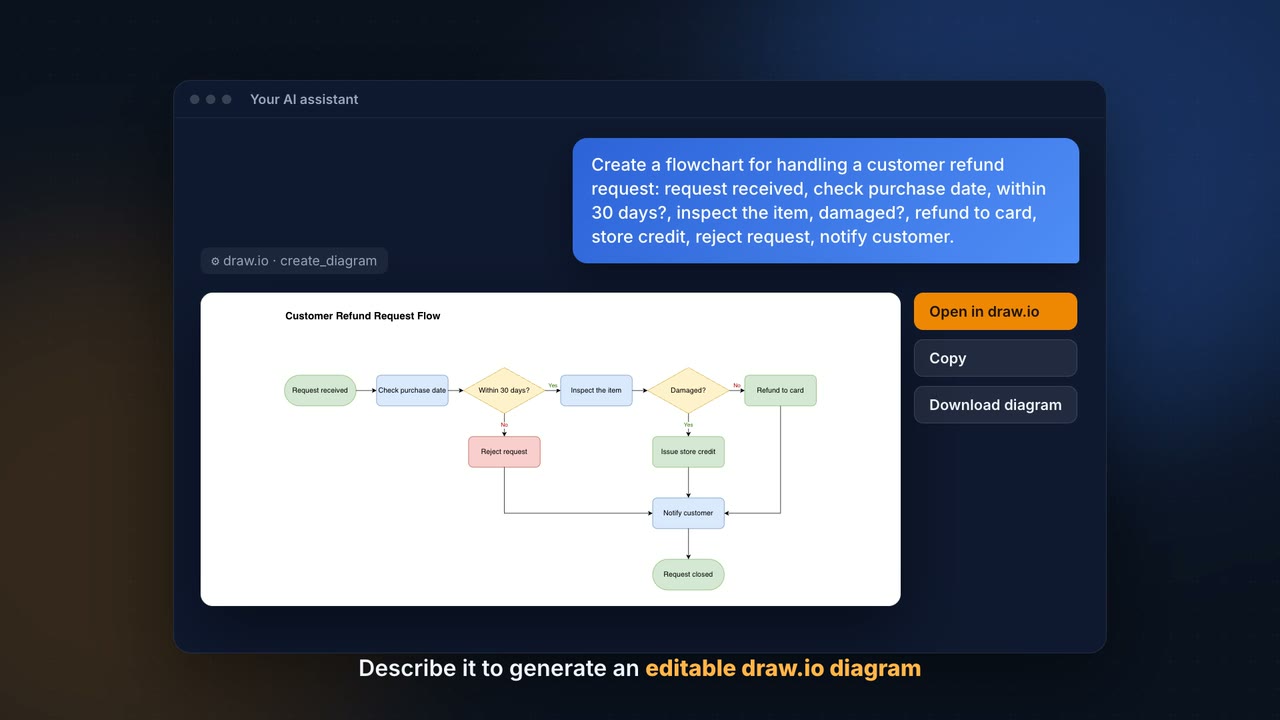 Design and images · MCPdraw.ioCreate draw.io diagrams in the conversation, from Mermaid or XML.No reviewsFree
 Design and images · MCPCanvaCreate, search, edit and export your Canva designs from Claude.No reviewsFree
 Design and images · SkillArchifyCreate explorable architecture, sequence, data-flow and ERD diagrams as HTML.No reviewsFree
 Design and images · MCPTransloadit Media ProcessingProcess video, audio, images and documents with Transloadit Robots. Connect by URL with OAuth.No reviewsFree
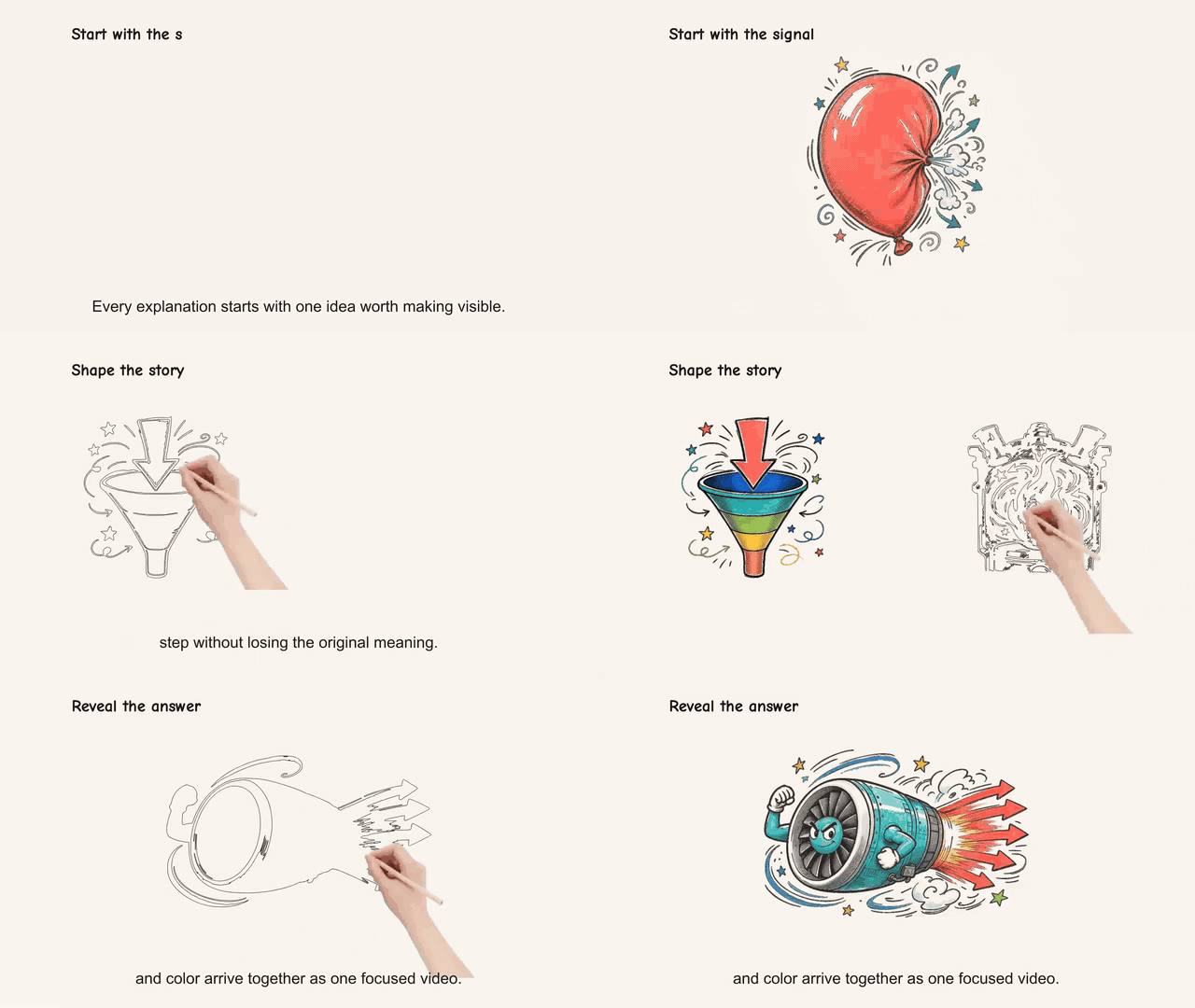 Design and images · MCPSpeedPainter Explainer VideoTurn text, notes, or documents into narrated hand-drawn whiteboard explainer videos with subtitles.No reviewsFree
 Design and images · SkillAccessible tablesUse semantic table markup so screen readers can read data tables.No reviewsFree
 Design and images · SkillTheme factoryStyle slides, documents and pages with one of 10 preset themes or a custom one.No reviewsFree
 Design and images · SkillMinerURead, parse, OCR and cite documents with MinerU: PDF, scans, Office files.No reviewsFree