AI Game Developer: MCP for Unity, Unreal and Godot
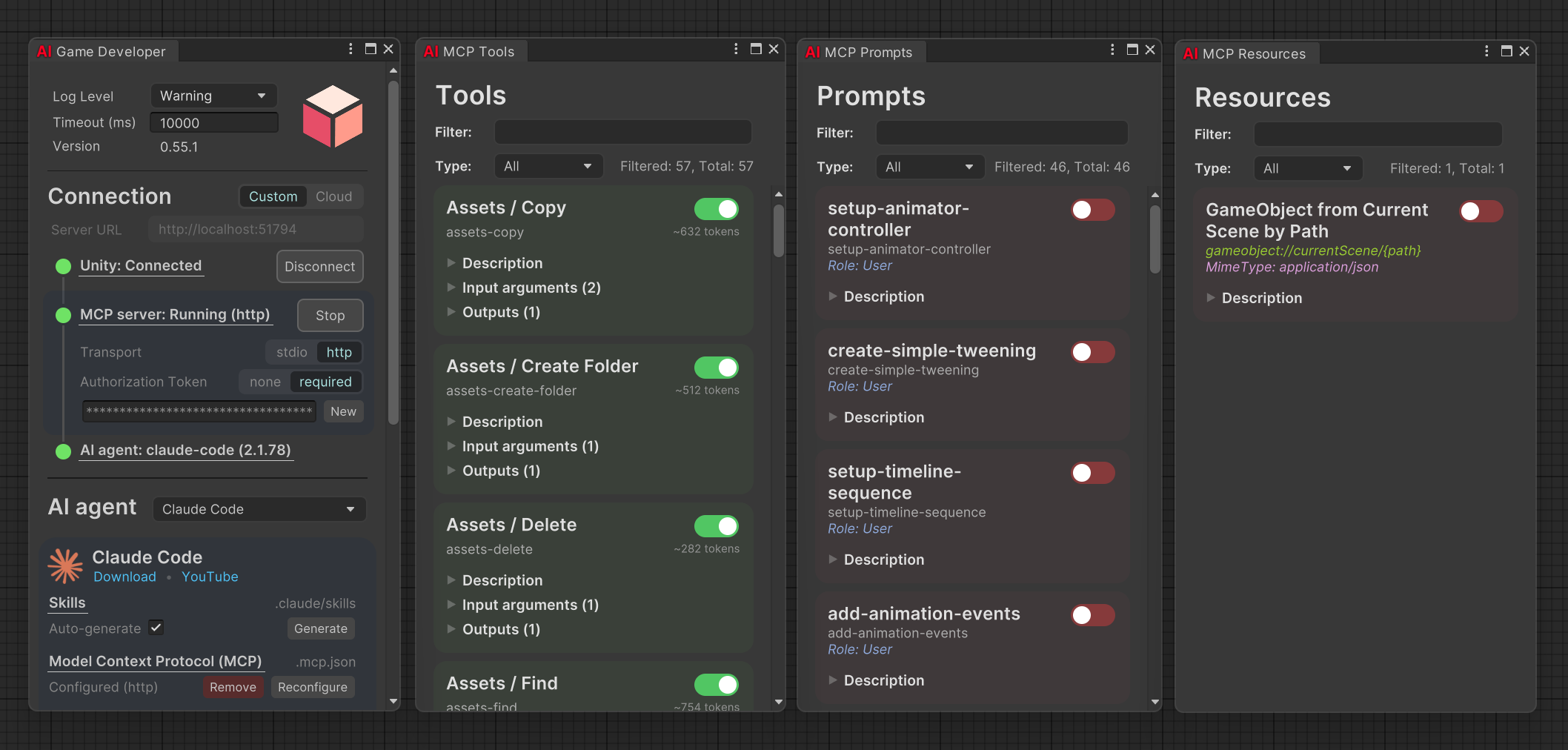
Make games with AI: one MCP server that connects your agent to Unity, Unreal and Godot editors.
- All reviews:
- Release date:
- 3 November 2026
- Creator:
- Public project (github.com)
- Type:
- MCP
Add AI Game Developer: MCP for Unity, Unreal and Godot
Free · Added to your library, no credit card needed.Sign in to add this product to your wishlist or follow its updates.
About AI Game Developer: MCP for Unity, Unreal and Godot
AI Game Developer connects Claude to the Unity, Unreal and Godot editors through one MCP server. Claude can automate editor workflows, generate code and inspect your project, and the Unity plugin also works inside the compiled game for runtime debugging and player-AI interaction. It works with agents from Anthropic, OpenAI, Microsoft or any other provider, with no vendor lock-in, and comes with a wide range of default tools for the Unity editor. Example requests: "Create a scene with a player capsule, a camera that follows it and a ground plane", "Why does this script throw a null reference on start?", "Add a pause menu with resume and quit buttons". Useful to set up scenes, write and fix scripts or repeat tedious editor tasks from a conversation, without leaving the engine you already use.
Details
- Version:
- 9.3.2
- Updated:
- 12 November 2026
- Verification:
- Not verified
- Repository:
- github.com/IvanMurzak/Unity-MCP
- Website:
- ai-game.dev/
What it can do
The creator has not described the access yet.
Install AI Game Developer: MCP for Unity, Unreal and Godot in Claude
An MCP connector links Claude to a service: Claude can then read or do things there for you, with your consent. It takes about two minutes.
- Add it to your libraryClick “Add to my library” on this page: it is free and instant.
- Copy the connector URLIn your library, select the product: its URL is shown with a “Copy” button.
- Add it in ClaudeIn Claude (website or app), open Settings › Connectors, click “Add custom connector”, give it a name and paste the URL.
- Connect your accountIf the service asks you to sign in (your Notion, GitHub… account), Claude opens its page: only grant the access you need.
- Use it in a conversationTurn the connector on in the conversation’s tools menu, then just ask for what you want.
Before adding a product, read its permissions above. You can remove a connector or skill at any time in Claude’s settings.
AI Game Developer: MCP for Unity, Unreal and Godot: frequently asked questions
- Is AI Game Developer: MCP for Unity, Unreal and Godot free?
- Yes. AI Game Developer: MCP for Unity, Unreal and Godot is free: add it to your Claude Market library, no bank card needed.
- How do I install AI Game Developer: MCP for Unity, Unreal and Godot in Claude?
- Add AI Game Developer: MCP for Unity, Unreal and Godot to your library to get its URL. In Claude, open Settings › Connectors, click “Add custom connector” and paste the URL.
- Does AI Game Developer: MCP for Unity, Unreal and Godot work with Claude Code?
- Yes. In a terminal, run claude mcp add --transport http followed by a name and the connector URL.
- Is AI Game Developer: MCP for Unity, Unreal and Godot an official Anthropic product?
- No. AI Game Developer: MCP for Unity, Unreal and Godot is a public project; this listing was created by Claude Market from its repository and the product is not hosted here. Claude Market is an independent project, not affiliated with Anthropic.
Reviews
Sign in then add or buy this product to review it (verified reviews).
No reviews yet. Only users who added or bought the product can review it.
Similar products
 Development · MCPAgentDealsMCP server aggregating developer infrastructure deals, free tiers, and startup programsNo reviewsFree
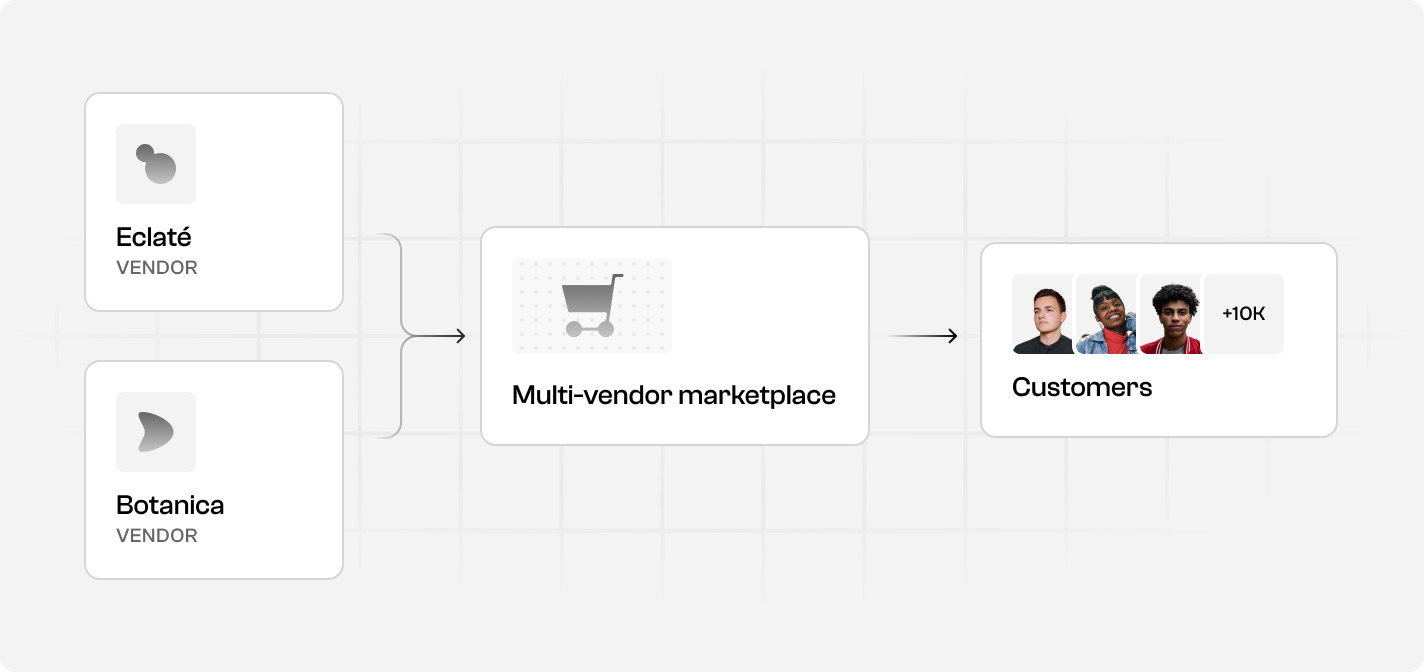 Development · MCPSpree Commerce developer docs for AI agentsSpree Commerce docs for AI coding agents: build headless B2B and marketplace ecommerce on its APIs.No reviewsFree
 Development · MCPSummer EngineThe game engine built for AI. Any agent makes a multiplayer game and publishes it.No reviewsFree
 Development · MCPSolana MCP by VybeSolana MCP developer toolkit: wallets, trades, markets, PnL, transfers, onchain, swaps & API tools.No reviewsFree
 Development · MCPMapbox DevKitProvides AI assistants with direct access to Mapbox developer APIs and documentation.No reviewsFree
 Development · MCPMakeBuild, run and debug Make automation scenarios.No reviewsFree
 Development · SkillBuildFully automate a coding task by chaining make-plan, do and babysit.No reviewsFree
 Development · MCPfastCRWScrape, crawl, map & search the web. Open-source, self-hostable Rust crawler & search for AI agents.No reviewsFree