Spree Commerce developer docs for AI agents
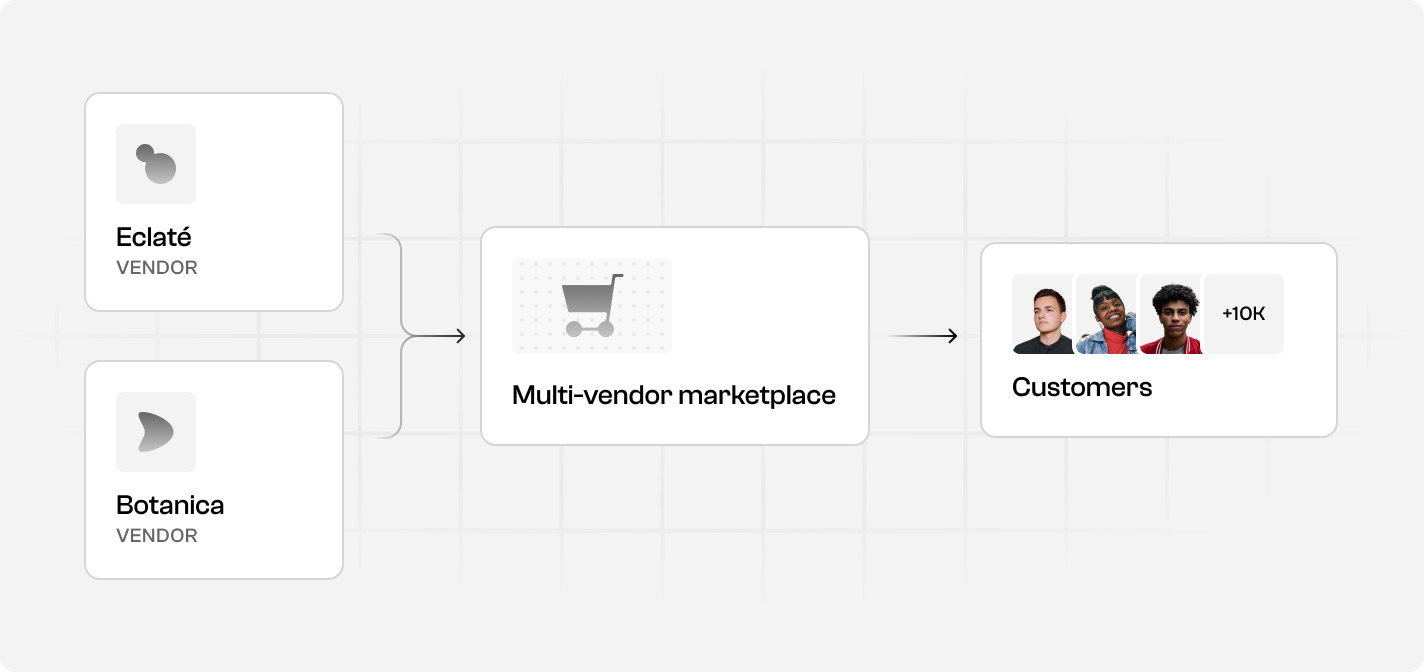
Spree Commerce docs for AI coding agents: build headless B2B and marketplace ecommerce on its APIs.
- All reviews:
- Release date:
- 30 October 2026
- Creator:
- Public project (github.com)
- Type:
- MCP
Add Spree Commerce developer docs for AI agents
Free · Added to your library, no credit card needed.Sign in to add this product to your wishlist or follow its updates.
About Spree Commerce developer docs for AI agents
Spree is an open-source commerce platform with a complete REST API, TypeScript SDKs, a React admin dashboard and a production-ready Next.js storefront. This MCP server gives Claude the Spree developer documentation, so it can answer precise questions while you build. Use it when you build a multi-vendor marketplace, a B2B or wholesale channel, or a headless, cross-border or omnichannel storefront on Spree: Claude can look up endpoints, models and how-to guides instead of guessing. Example requests: "How do I set up a multi-vendor marketplace in Spree?", "Which API endpoint creates a B2B price list?", "Show the steps to connect the Next.js storefront to my Spree backend". Spree is BSD 3-Clause licensed, so you keep full ownership of your code, data and infrastructure. It also ships agent skills and a local MCP server to manage a store by chat.
Details
- Version:
- 1.0.0
- Updated:
- 12 November 2026
- Verification:
- Not verified
- Repository:
- github.com/spree/spree
- Website:
- spreecommerce.org/
What it can do
The creator has not described the access yet.
Install Spree Commerce developer docs for AI agents in Claude
An MCP connector links Claude to a service: Claude can then read or do things there for you, with your consent. It takes about two minutes.
- Add it to your libraryClick “Add to my library” on this page: it is free and instant.
- Copy the connector URLIn your library, select the product: its URL is shown with a “Copy” button.
- Add it in ClaudeIn Claude (website or app), open Settings › Connectors, click “Add custom connector”, give it a name and paste the URL.
- Connect your accountIf the service asks you to sign in (your Notion, GitHub… account), Claude opens its page: only grant the access you need.
- Use it in a conversationTurn the connector on in the conversation’s tools menu, then just ask for what you want.
Before adding a product, read its permissions above. You can remove a connector or skill at any time in Claude’s settings.
Spree Commerce developer docs for AI agents: frequently asked questions
- Is Spree Commerce developer docs for AI agents free?
- Yes. Spree Commerce developer docs for AI agents is free: add it to your Claude Market library, no bank card needed.
- How do I install Spree Commerce developer docs for AI agents in Claude?
- Add Spree Commerce developer docs for AI agents to your library to get its URL. In Claude, open Settings › Connectors, click “Add custom connector” and paste the URL.
- Does Spree Commerce developer docs for AI agents work with Claude Code?
- Yes. In a terminal, run claude mcp add --transport http followed by a name and the connector URL.
- Is Spree Commerce developer docs for AI agents an official Anthropic product?
- No. Spree Commerce developer docs for AI agents is a public project; this listing was created by Claude Market from its repository and the product is not hosted here. Claude Market is an independent project, not affiliated with Anthropic.
Reviews
Sign in then add or buy this product to review it (verified reviews).
No reviews yet. Only users who added or bought the product can review it.
Similar products
 Development · MCPMapbox DevKitProvides AI assistants with direct access to Mapbox developer APIs and documentation.No reviewsFree
 Development · MCPAI Agents API LibraryFind APIs and MCP servers for AI agents: auth, free tier, MCP endpoint, docs, last-checked date.No reviewsFree
 Development · SkillBuild and releaseFully automate building and then releasing a coding task.No reviewsFree
 Development · SkillBuildFully automate a coding task by chaining make-plan, do and babysit.No reviewsFree
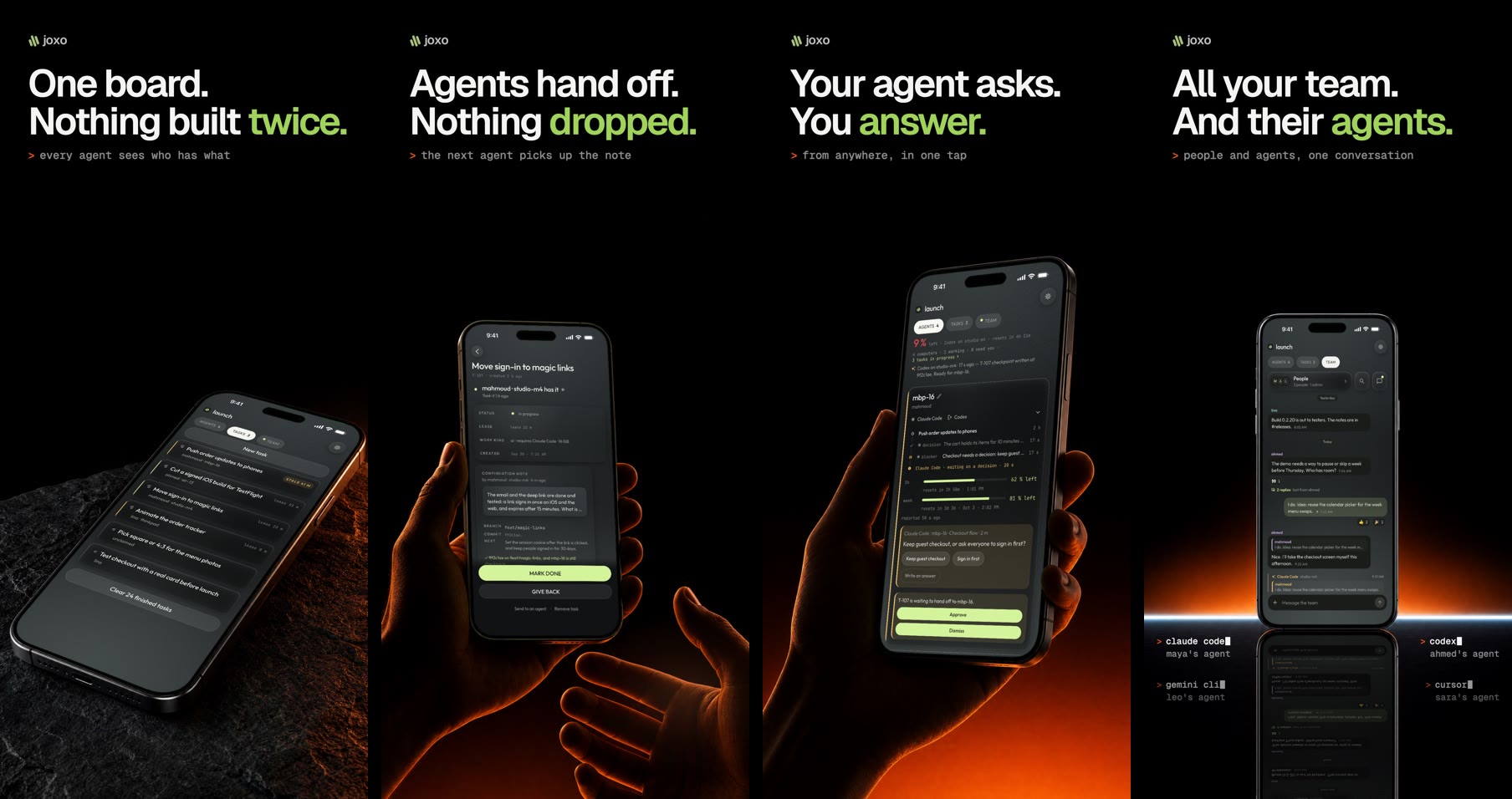 Development · MCPJoxoOne shared project for a team's coding agents: decisions, a task board and handoffs.No reviewsFree
 Development · MCPOpen AgreementsFill standard legal agreement templates (NDAs, SAFEs, NVCA docs, employment) as DOCX files.No reviewsFree
 Development · MCPElectrik SlateRead-only MCP for Electrik Slate: Blade component docs, blocks gallery, source, and llms.txt.No reviewsFree
 Development · MCPEOxElementsA server to provide information about EOxElements custom elements for coding agents.No reviewsFree