RuView quickstart

Get started with RuView: Docker demo, repository build and a live dashboard.
- All reviews:
- Release date:
- 4 November 2026
- Creator:
- Public project (github.com)
- Type:
- Skill
Sign in to add this product to your wishlist or follow its updates.
About RuView quickstart
This RuView skill is the quickest way to start with RuView (WiFi DensePose): a Docker demo with simulated data, building the repository and the fastest path to a live sensing dashboard, for newcomers.
Details
- Updated:
- 12 November 2026
- License:
- MIT
- Verification:
- Not verified
- Repository:
- github.com/ruvnet/RuView/tree/main/plugins/ruview/skills/ruview-quickstart
What it can do
The creator has not described the access yet.
Install RuView quickstart in Claude
A skill teaches Claude a method or know-how. Once imported, Claude uses it on its own when your request fits. It takes about two minutes.
- Add it to your libraryClick “Add to my library” on this page: it is free and instant.
- Download the .zipIn your library, select the product, then click “Download the skill”.
- Import it into ClaudeIn Claude (website or app), open Settings › Capabilities, Skills section, then upload the .zip file without unzipping it.
- Use itAsk as usual: Claude turns the skill on when your request fits.
Before adding a product, read its permissions above. You can remove a connector or skill at any time in Claude’s settings.
RuView quickstart: frequently asked questions
- Is RuView quickstart free?
- Yes. RuView quickstart is free: add it to your Claude Market library, no bank card needed.
- How do I install RuView quickstart in Claude?
- Add RuView quickstart to your library, download its .zip file, then upload it in Claude: Settings › Capabilities, Skills section, without unzipping it.
- Does RuView quickstart work with Claude Code?
- Yes. Unzip the skill into the ~/.claude/skills folder, then restart Claude Code.
- Is RuView quickstart an official Anthropic product?
- No. RuView quickstart is a public project; this listing was created by Claude Market from its repository and the product is not hosted here. Claude Market is an independent project, not affiliated with Anthropic.
Reviews
Sign in then add or buy this product to review it (verified reviews).
No reviews yet. Only users who added or bought the product can review it.
Similar products
 Data and analytics · SkillFirecrawl buildIntegrate Firecrawl into your app when it needs web search, scraping or extraction.No reviewsFree
 Data and analytics · SkillNature dataDraft data and code availability statements and FAIR repository plans.No reviewsFree
 Data and analytics · MCPJitsuManage Jitsu data pipelines: destinations, streams, connections, functions and live events.No reviewsFree
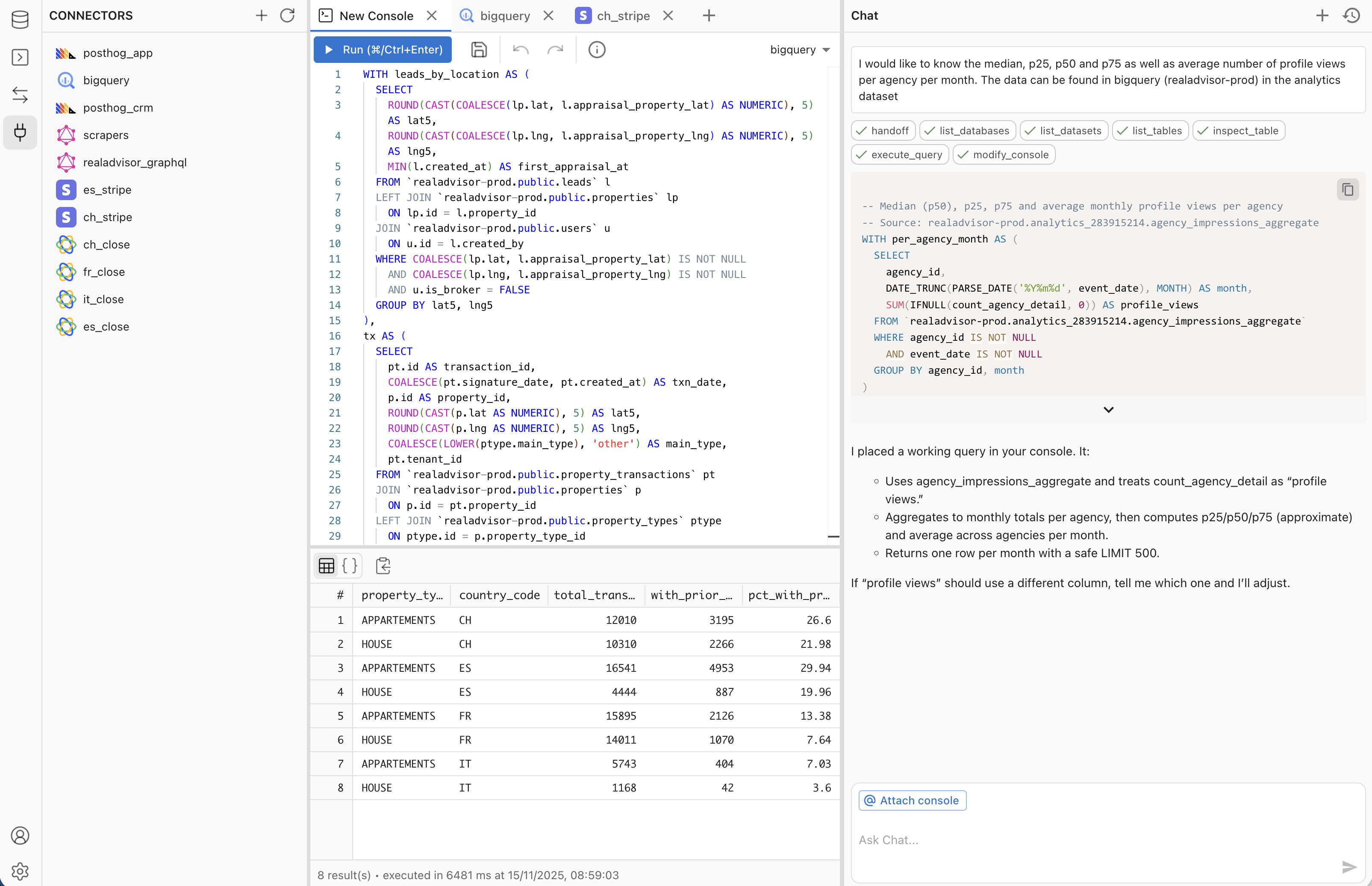 Data and analytics · MCPMakoExplore your databases, validate SQL, and build & publish data apps in your Mako workspace.No reviewsFree
 Data and analytics · MCPOpenRegistryLive data from 80+ official national company registries. Unmodified. For KYB and due diligence.No reviewsFree
 Data and analytics · MCPExploriumAccess live company and contact data from Explorium's AgentSource B2B platform.No reviewsFree
 Data and analytics · MCPOlostep MCP ServerLive web search, scraping and crawling API for AI. Get structured, LLM-ready data from any site.No reviewsFree
 Data and analytics · MCPAirbyteBuild and manage Airbyte data pipelines, and chat with your data.No reviewsFree