Airbyte

Build and manage Airbyte data pipelines, and chat with your data.
- All reviews:
- Release date:
- 29 October 2026
- Creator:
- Public project (github.com)
- Type:
- MCP
Sign in to add this product to your wishlist or follow its updates.
About Airbyte
Le serveur MCP d’Airbyte aide Claude à construire et gérer des flux de données : relier une source (base, application) à une destination, ajouter un connecteur personnalisé et suivre les synchronisations. Utile aux équipes data qui centralisent leurs données dans un entrepôt. L’accès se fait avec ton compte Airbyte.
Details
- Version:
- 1.0.0
- Updated:
- 12 November 2026
- Verification:
- Not verified
- Repository:
- github.com/airbytehq/PyAirbyte
- Website:
- airbyte.com/mcp
What it can do
The creator has not described the access yet.
Install Airbyte in Claude
An MCP connector links Claude to a service: Claude can then read or do things there for you, with your consent. It takes about two minutes.
- Add it to your libraryClick “Add to my library” on this page: it is free and instant.
- Copy the connector URLIn your library, select the product: its URL is shown with a “Copy” button.
- Add it in ClaudeIn Claude (website or app), open Settings › Connectors, click “Add custom connector”, give it a name and paste the URL.
- Connect your accountIf the service asks you to sign in (your Notion, GitHub… account), Claude opens its page: only grant the access you need.
- Use it in a conversationTurn the connector on in the conversation’s tools menu, then just ask for what you want.
Before adding a product, read its permissions above. You can remove a connector or skill at any time in Claude’s settings.
Airbyte: frequently asked questions
- Is Airbyte free?
- Yes. Airbyte is free: add it to your Claude Market library, no bank card needed.
- How do I install Airbyte in Claude?
- Add Airbyte to your library to get its URL. In Claude, open Settings › Connectors, click “Add custom connector” and paste the URL.
- Does Airbyte work with Claude Code?
- Yes. In a terminal, run claude mcp add --transport http followed by a name and the connector URL.
- Is Airbyte an official Anthropic product?
- No. Airbyte is a public project; this listing was created by Claude Market from its repository and the product is not hosted here. Claude Market is an independent project, not affiliated with Anthropic.
Reviews
Sign in then add or buy this product to review it (verified reviews).
No reviews yet. Only users who added or bought the product can review it.
Similar products
 Data and analytics · MCPJitsuManage Jitsu data pipelines: destinations, streams, connections, functions and live events.No reviewsFree
 Data and analytics · MCPCOROSAccess COROS activity, training and health data, and manage training plans and workouts.No reviewsFree
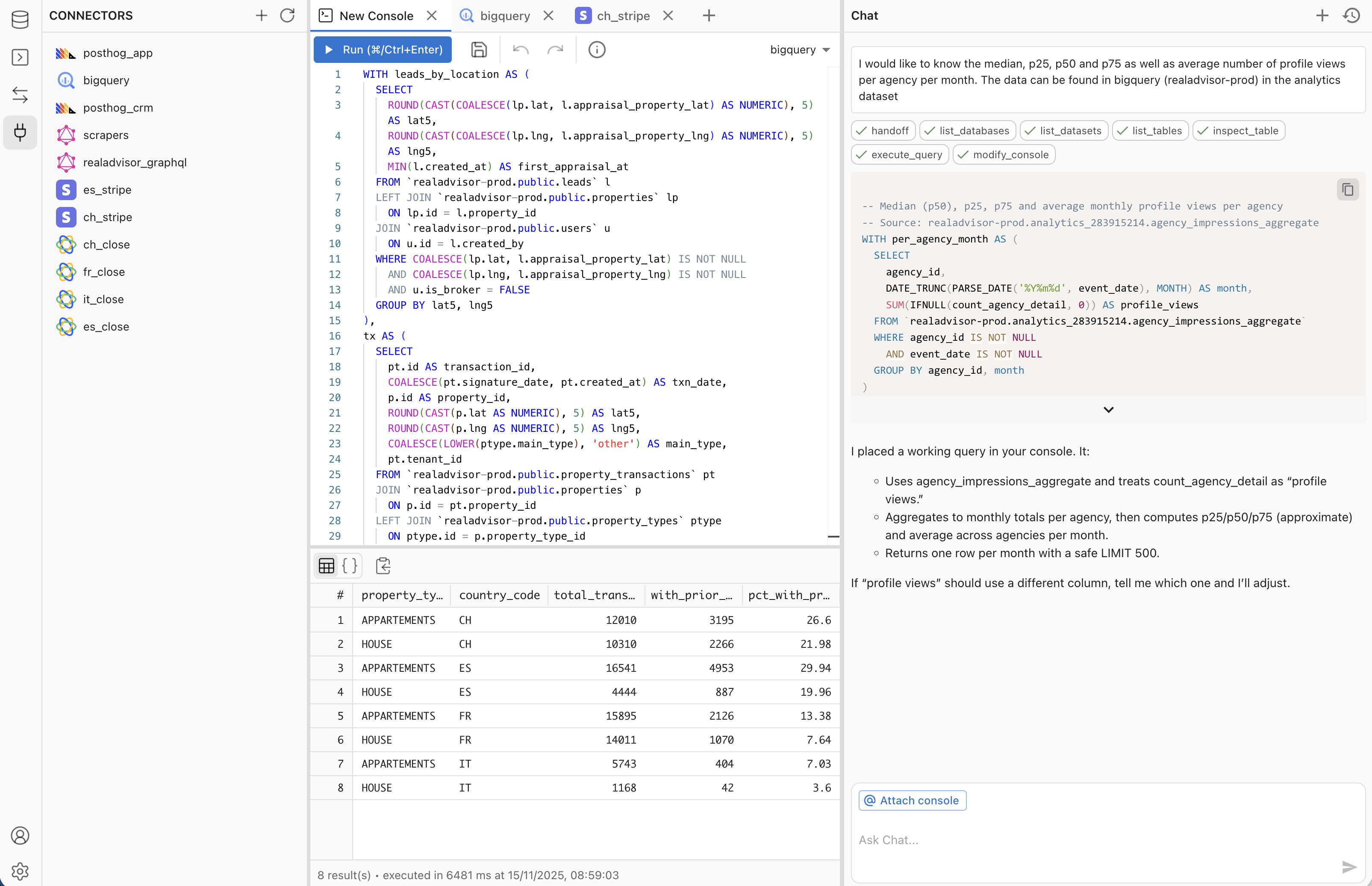 Data and analytics · MCPMakoExplore your databases, validate SQL, and build & publish data apps in your Mako workspace.No reviewsFree
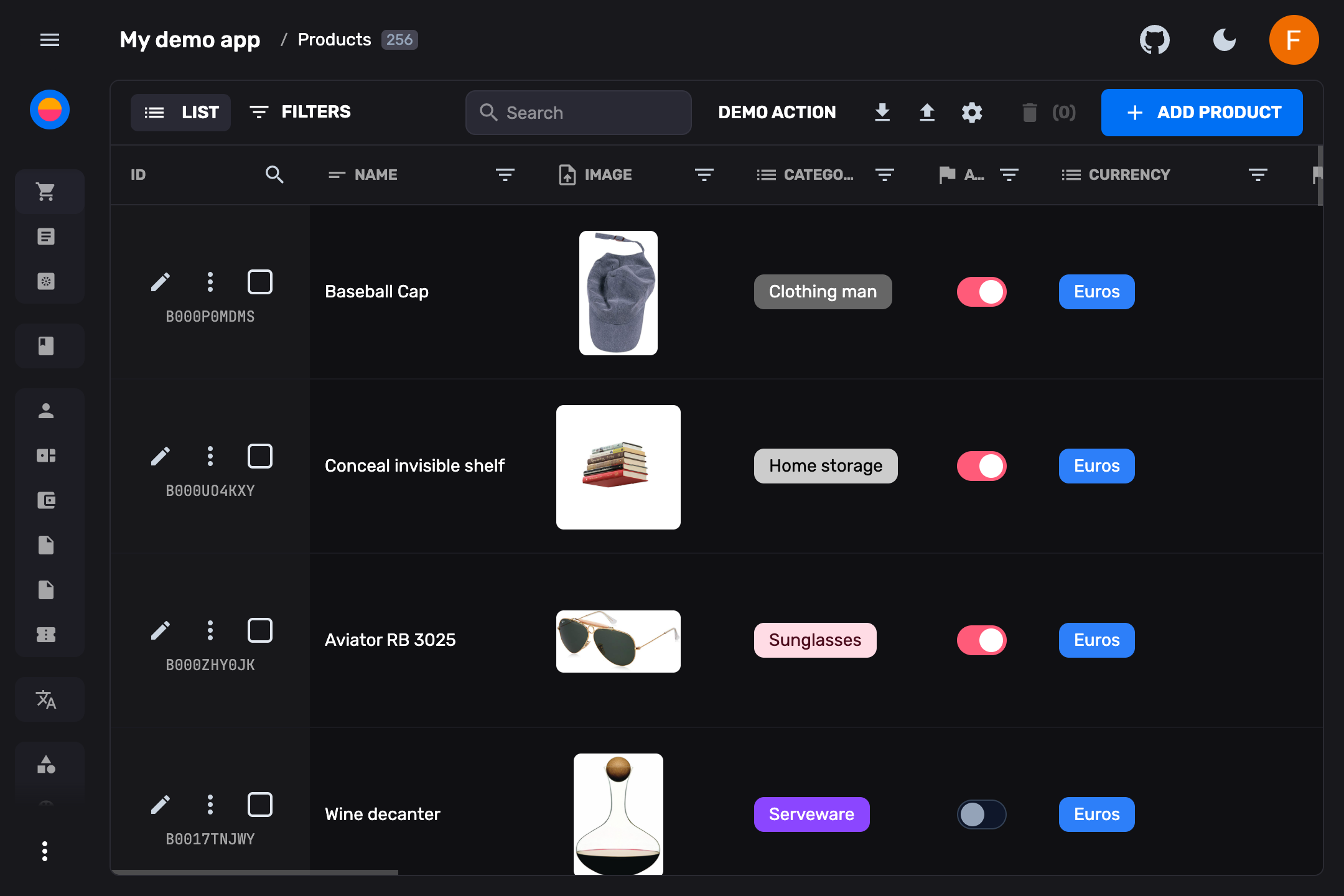 Data and analytics · MCPFireCMS CloudManage FireCMS Cloud from an AI agent: Firestore data, collections, schemas and users.No reviewsFree
 Data and analytics · MCPMedplumSecurely access and manage FHIR healthcare data stored in Medplum.No reviewsFree
 Data and analytics · MCPUK Property DataUK property data — Land Registry comps, EPC, Rightmove, rental yields, stamp duty, Companies HouseNo reviewsFree
 Data and analytics · MCPLegal Data HunterSearch 18M+ legal documents worldwide — case law, legislation, and doctrine across 110+ countries.No reviewsFree
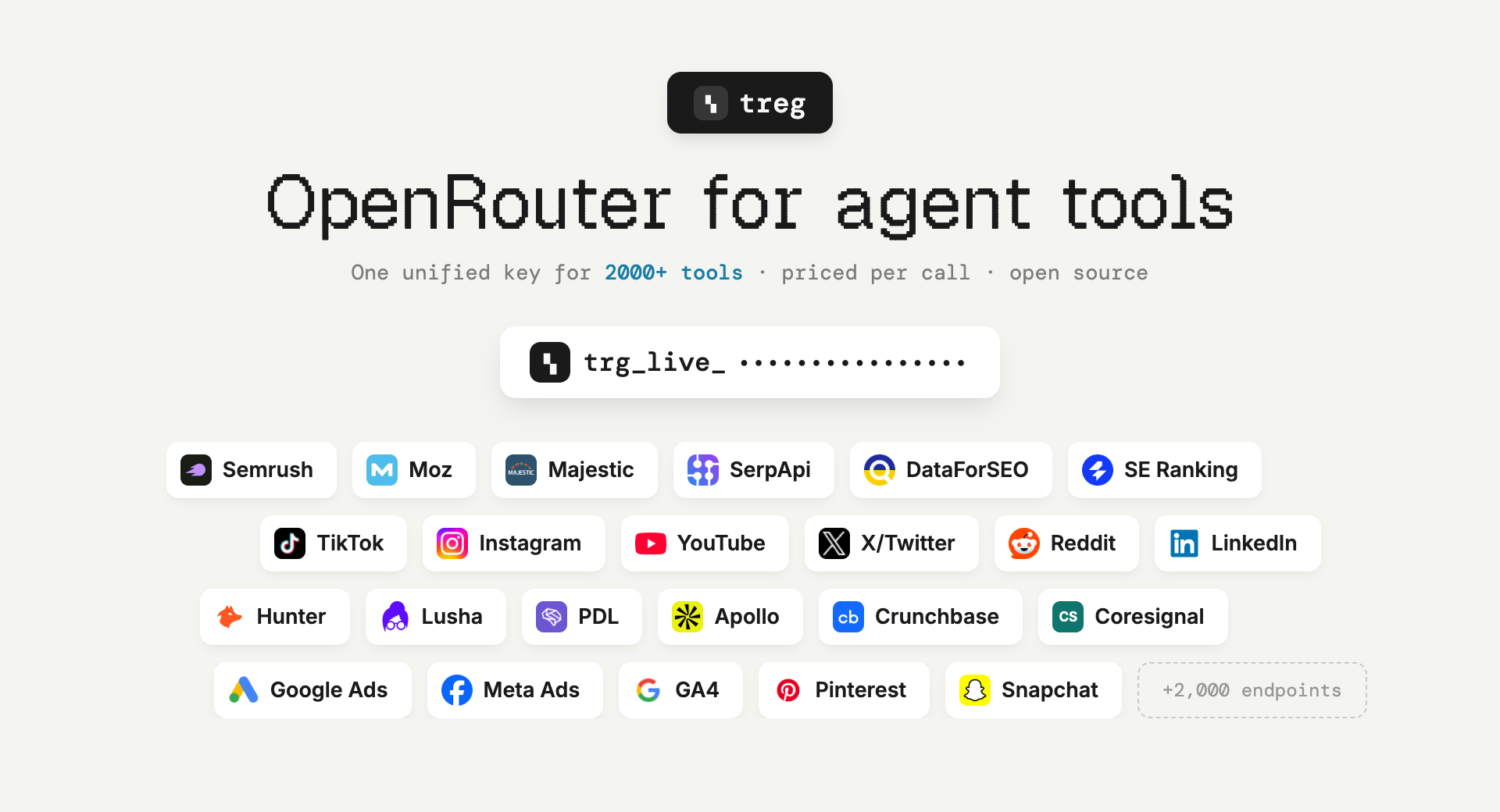 Data and analytics · MCPtreg.toOpenRouter for tools and data: compare catalogue providers and call them from one hosted MCP endpoint.No reviewsFree