Obsidian CLI

Read, create, search and manage notes in Obsidian vaults with the Obsidian CLI.
- All reviews:
- Release date:
- 4 November 2026
- Creator:
- Public project (github.com)
- Type:
- Skill
Sign in to add this product to your wishlist or follow its updates.
About Obsidian CLI
This Obsidian skill uses the Obsidian CLI to read, create, search and manage notes, tasks and properties in your vaults, and also supports plugin and theme development. It is useful for automating repetitive work in your notes.
Details
- Updated:
- 12 November 2026
- License:
- MIT
- Verification:
- Not verified
- Repository:
- github.com/kepano/obsidian-skills/tree/main/skills/obsidian-cli
What it can do
The creator has not described the access yet.
Install Obsidian CLI in Claude
A skill teaches Claude a method or know-how. Once imported, Claude uses it on its own when your request fits. It takes about two minutes.
- Add it to your libraryClick “Add to my library” on this page: it is free and instant.
- Download the .zipIn your library, select the product, then click “Download the skill”.
- Import it into ClaudeIn Claude (website or app), open Settings › Capabilities, Skills section, then upload the .zip file without unzipping it.
- Use itAsk as usual: Claude turns the skill on when your request fits.
Before adding a product, read its permissions above. You can remove a connector or skill at any time in Claude’s settings.
Obsidian CLI: frequently asked questions
- Is Obsidian CLI free?
- Yes. Obsidian CLI is free: add it to your Claude Market library, no bank card needed.
- How do I install Obsidian CLI in Claude?
- Add Obsidian CLI to your library, download its .zip file, then upload it in Claude: Settings › Capabilities, Skills section, without unzipping it.
- Does Obsidian CLI work with Claude Code?
- Yes. Unzip the skill into the ~/.claude/skills folder, then restart Claude Code.
- Is Obsidian CLI an official Anthropic product?
- No. Obsidian CLI is a public project; this listing was created by Claude Market from its repository and the product is not hosted here. Claude Market is an independent project, not affiliated with Anthropic.
Reviews
Sign in then add or buy this product to review it (verified reviews).
No reviews yet. Only users who added or bought the product can review it.
Similar products
 Productivity · SkillCLI-Anything ChromaDBManage ChromaDB vector collections and run semantic search from the CLI.No reviewsFree
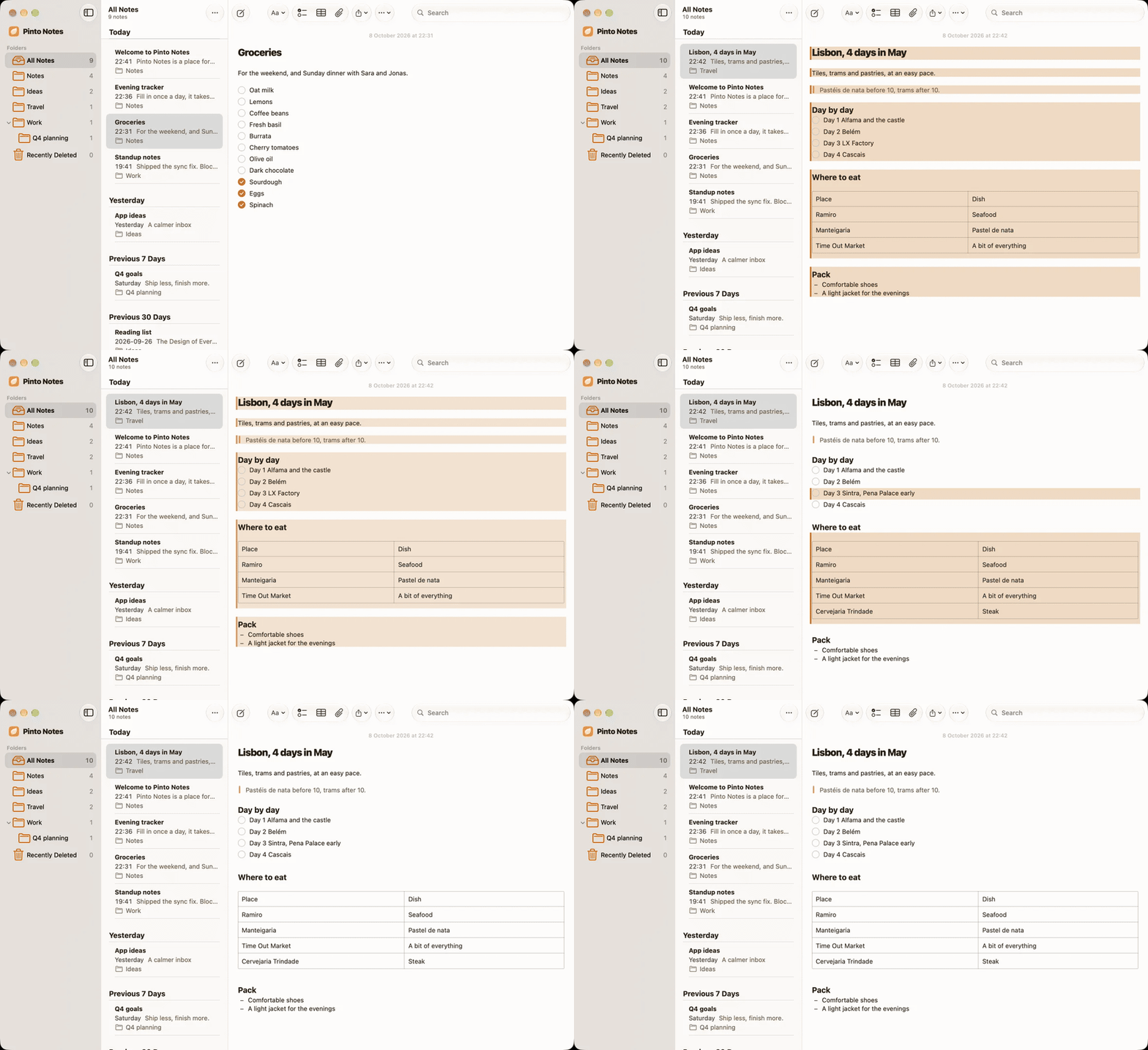 Productivity · MCPPinto NotesSearch, read and edit your notes in Pinto Notes: folders, checklists, tables and trackers.No reviewsFree
 Productivity · SkillCLI-Anything ComfyUIQueue and manage ComfyUI image generation workflows from the CLI.No reviewsFree
 Productivity · SkillNature literature pipelineAn automated literature pipeline: search, score, read, deliver and archive.No reviewsFree
 Productivity · SkillTaskManage a task in the LobeHub task system with the lh task CLI.No reviewsFree
 Productivity · SkillCLI-Hub matrix: knowledge and researchChoose the right tools for research, notes, writing and publishing.No reviewsFree
 Productivity · SkillCLI-Anything CalibreManage an e-book library with Calibre from the command line.No reviewsFree
 Productivity · MCPNotionRead, search and edit the pages and databases of your Notion workspace.No reviewsFree