Notion

Read, search and edit the pages and databases of your Notion workspace.
- All reviews:
- Release date:
- 11 September 2025
- Creator:
- Public project
- Type:
- MCP
Sign in to add this product to your wishlist or follow its updates.
About Notion
Le serveur MCP officiel de Notion relie Claude à ton espace de travail. Claude peut y chercher une information, lire une page ou une base de données, créer une nouvelle page, ajouter un compte rendu ou mettre à jour les propriétés d’une fiche. Pratique pour transformer des notes de réunion en tâches, retrouver une décision prise il y a des mois ou tenir un wiki à jour sans changer d’outil. Exemples de demandes : « Résume les pages modifiées cette semaine dans l’espace Produit », « Crée une page de compte rendu avec ces notes et ajoute les actions dans la base Tâches », « Quelles fiches de la base Clients n’ont pas de responsable ? ». La connexion se fait avec ton compte Notion, et Claude n’accède qu’aux pages que ce compte peut voir.
Details
- Version:
- 1.0.1
- Updated:
- 12 November 2026
- Verification:
- Not verified
What it can do
The creator has not described the access yet.
Install Notion in Claude
An MCP connector links Claude to a service: Claude can then read or do things there for you, with your consent. It takes about two minutes.
- Add it to your libraryClick “Add to my library” on this page: it is free and instant.
- Copy the connector URLIn your library, select the product: its URL is shown with a “Copy” button.
- Add it in ClaudeIn Claude (website or app), open Settings › Connectors, click “Add custom connector”, give it a name and paste the URL.
- Connect your accountIf the service asks you to sign in (your Notion, GitHub… account), Claude opens its page: only grant the access you need.
- Use it in a conversationTurn the connector on in the conversation’s tools menu, then just ask for what you want.
Before adding a product, read its permissions above. You can remove a connector or skill at any time in Claude’s settings.
Notion: frequently asked questions
- Is Notion free?
- Yes. Notion is free: add it to your Claude Market library, no bank card needed.
- How do I install Notion in Claude?
- Add Notion to your library to get its URL. In Claude, open Settings › Connectors, click “Add custom connector” and paste the URL.
- Does Notion work with Claude Code?
- Yes. In a terminal, run claude mcp add --transport http followed by a name and the connector URL.
- Is Notion an official Anthropic product?
- No. Notion is a public project; this listing was created by Claude Market from its repository and the product is not hosted here. Claude Market is an independent project, not affiliated with Anthropic.
Reviews
Sign in then add or buy this product to review it (verified reviews).
No reviews yet. Only users who added or bought the product can review it.
Similar products
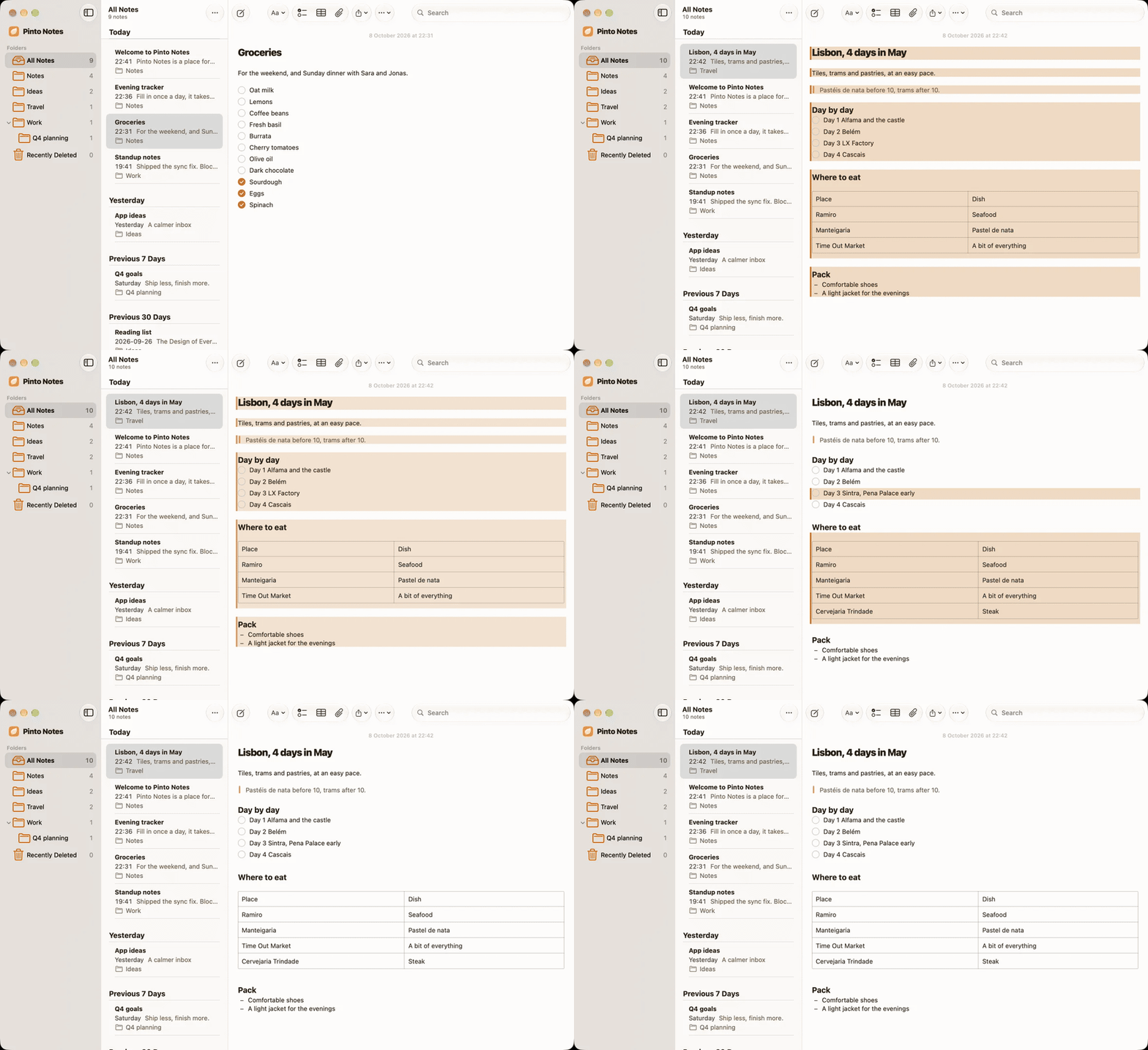 Productivity · MCPPinto NotesSearch, read and edit your notes in Pinto Notes: folders, checklists, tables and trackers.No reviewsFree
 Productivity · MCPNimrodWeb search with quality scores; web pages are read on your computer by the local server.No reviewsFree
 Productivity · MCPWrapsSearch the Wraps docs and estimate AWS SES costs. Public, read-only, no authentication.No reviewsFree
 Productivity · MCPEmpryo docsSearch and read Empryo's documentation. Read-only, no auth, no local access.No reviewsFree
 Productivity · MCPAtlassian (Jira et Confluence)Jira tickets and Confluence pages: search, create and update them from Claude.No reviewsFree
 Productivity · MCPLinearCreate, search and update Linear issues, projects and cycles.No reviewsFree
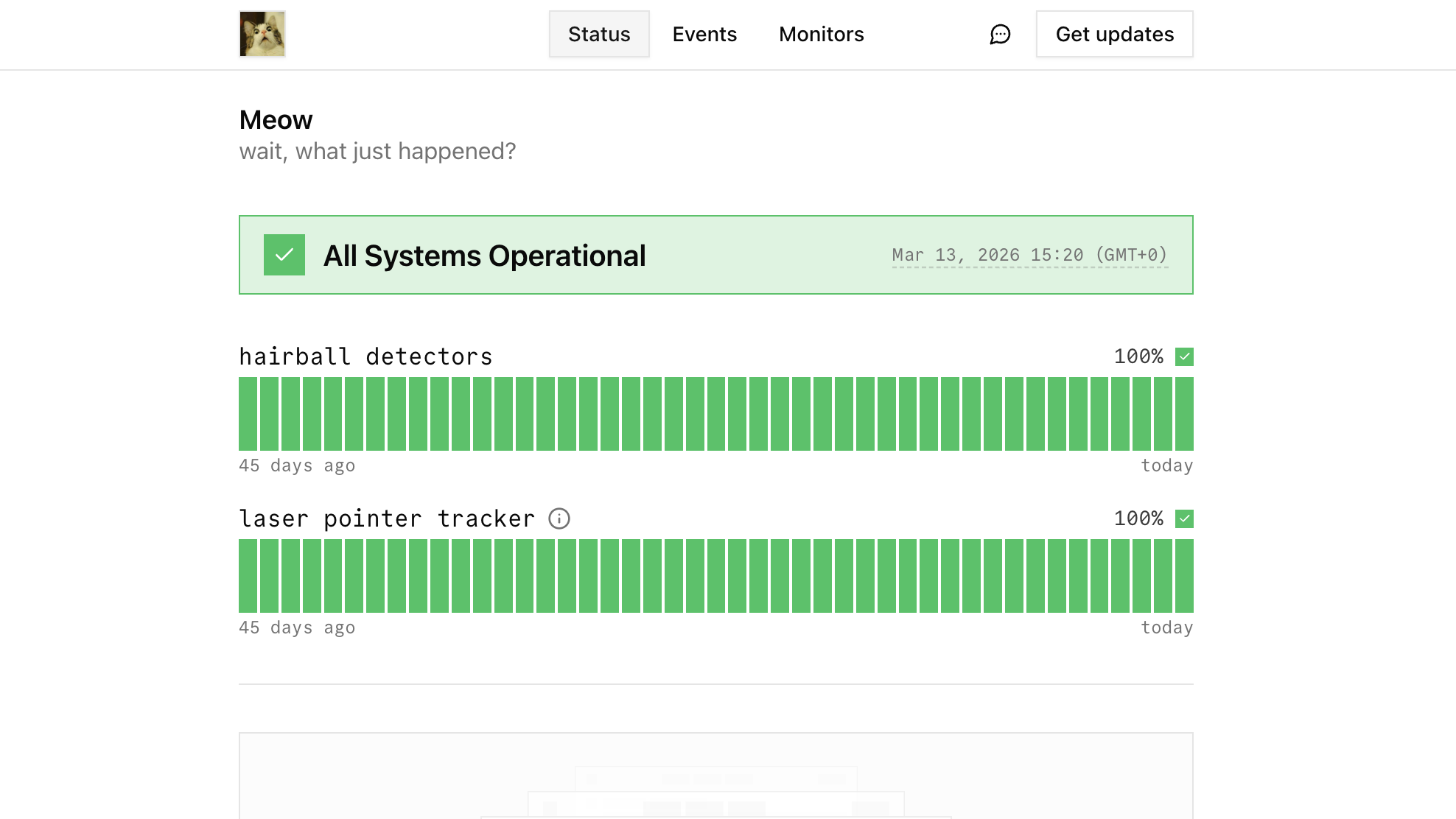 Productivity · MCPopenstatusManage monitors, status pages, incidents and maintenances in your openstatus workspace.No reviewsFree
 Productivity · MCPMembaseLong-term memory for you and your AIs: search memories, read the profile, add facts and documents.No reviewsFree