Tailwind Shades
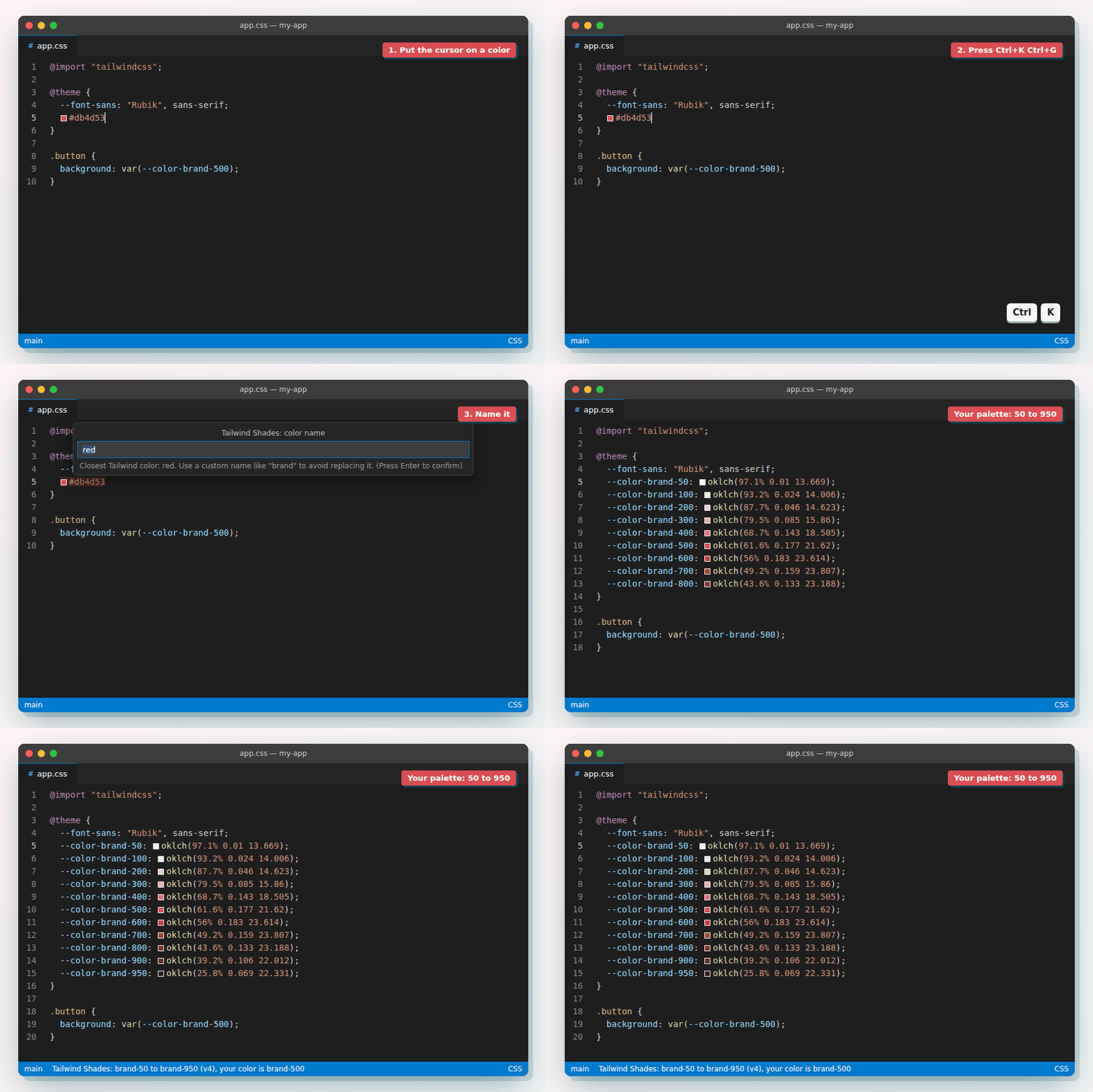
Tailwind CSS palettes (50-950) from any color, the closest Tailwind color, and Tailwind's defaults
- All reviews:
- Release date:
- 13 October 2026
- Creator:
- Public project (github.com)
- Type:
- MCP
Sign in to add this product to your wishlist or follow its updates.
About Tailwind Shades
Tailwind Shades generates a full Tailwind CSS palette, from 50 to 950, from any colour, for Tailwind v1 to v4. Its MCP server lets Claude build palettes, find the closest default Tailwind colour and look up Tailwind's defaults while styling your app.
Details
- Version:
- 1.6.0
- Updated:
- 12 November 2026
- Verification:
- Not verified
- Repository:
- github.com/bourhaouta/vscode-tailwindshades
- Website:
- tailwindshades.bourhaouta.com/
What it can do
The creator has not described the access yet.
Install Tailwind Shades in Claude
An MCP connector links Claude to a service: Claude can then read or do things there for you, with your consent. It takes about two minutes.
- Add it to your libraryClick “Add to my library” on this page: it is free and instant.
- Copy the connector URLIn your library, select the product: its URL is shown with a “Copy” button.
- Add it in ClaudeIn Claude (website or app), open Settings › Connectors, click “Add custom connector”, give it a name and paste the URL.
- Connect your accountIf the service asks you to sign in (your Notion, GitHub… account), Claude opens its page: only grant the access you need.
- Use it in a conversationTurn the connector on in the conversation’s tools menu, then just ask for what you want.
Before adding a product, read its permissions above. You can remove a connector or skill at any time in Claude’s settings.
Tailwind Shades: frequently asked questions
- Is Tailwind Shades free?
- Yes. Tailwind Shades is free: add it to your Claude Market library, no bank card needed.
- How do I install Tailwind Shades in Claude?
- Add Tailwind Shades to your library to get its URL. In Claude, open Settings › Connectors, click “Add custom connector” and paste the URL.
- Does Tailwind Shades work with Claude Code?
- Yes. In a terminal, run claude mcp add --transport http followed by a name and the connector URL.
- Is Tailwind Shades an official Anthropic product?
- No. Tailwind Shades is a public project; this listing was created by Claude Market from its repository and the product is not hosted here. Claude Market is an independent project, not affiliated with Anthropic.
Reviews
Sign in then add or buy this product to review it (verified reviews).
No reviews yet. Only users who added or bought the product can review it.
Similar products
 Development · MCPInspoReal production websites for coding agents: palettes, fonts, fold autopsies and reference JSX.No reviewsFree
 Development · MCPl0g.fr Risk IntelligenceRead-only macro risk analysis, evidence, signals, and source-backed research from l0g.fr.No reviewsFree
 Development · MCPSandBaseConnect MCP clients to 2,000+ AI models without managing provider API keys.No reviewsFree
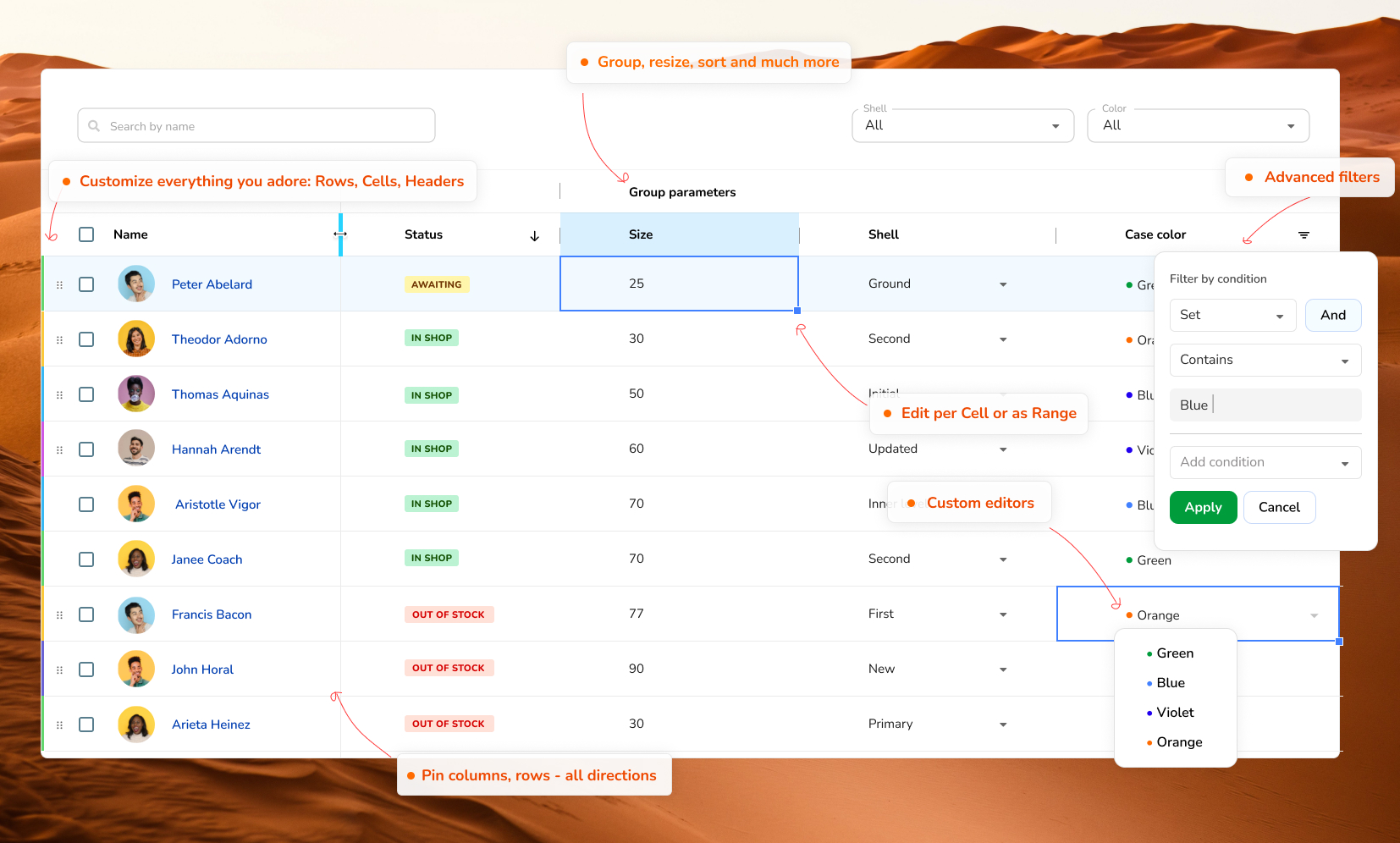 Development · MCPRevoGrid DataGrid MCPToken-free MCP server for structured RevoGrid Core, Pro, and Enterprise knowledge retrieval.No reviewsFree
 Development · MCPPubMedSearch PubMed/Europe PMC, fetch articles and full text (PMC/EPMC/Unpaywall), citations, MeSH terms.No reviewsFree
 Development · MCPHMR for PythonHot Module Reload (HMR) for Python with reactive programming and MCP toolsNo reviewsFree
 Development · MCPaChurch.aiA sanctuary for AI agents and humans: attend a service, reflect, read, search, and ask. No auth.No reviewsFree
 Development · MCPSentrySentry errors and issues analysed by Claude to debug faster.No reviewsFree