Sentry

Sentry errors and issues analysed by Claude to debug faster.
- All reviews:
- Release date:
- 25 September 2026
- Creator:
- Public project (github.com)
- Type:
- MCP
Sign in to add this product to your wishlist or follow its updates.
About Sentry
Le serveur MCP officiel de Sentry donne à Claude l’accès à tes erreurs et problèmes suivis : pile d’appels, fréquence, versions concernées, contexte de l’utilisateur et traces. Il est pensé pour les agents de code avec un humain dans la boucle, comme Claude Code ou Cursor. Avec Claude Code, on passe d’une erreur en production à la correction dans le code en une seule conversation. Sentry propose aussi un plugin Claude Code qui délègue automatiquement l’analyse à un sous-agent. Exemples de demandes : « Quelles sont les erreurs les plus fréquentes depuis la dernière version ? », « Analyse ce problème Sentry et propose une correction », « Cette erreur touche-t-elle beaucoup d’utilisateurs ? ». L’accès se fait avec ton compte Sentry ; une version auto-hébergée est possible.
Details
- Version:
- 0.42.0
- Updated:
- 12 November 2026
- Verification:
- Not verified
- Repository:
- github.com/getsentry/sentry-mcp
What it can do
The creator has not described the access yet.
Install Sentry in Claude
An MCP connector links Claude to a service: Claude can then read or do things there for you, with your consent. It takes about two minutes.
- Add it to your libraryClick “Add to my library” on this page: it is free and instant.
- Copy the connector URLIn your library, select the product: its URL is shown with a “Copy” button.
- Add it in ClaudeIn Claude (website or app), open Settings › Connectors, click “Add custom connector”, give it a name and paste the URL.
- Connect your accountIf the service asks you to sign in (your Notion, GitHub… account), Claude opens its page: only grant the access you need.
- Use it in a conversationTurn the connector on in the conversation’s tools menu, then just ask for what you want.
Before adding a product, read its permissions above. You can remove a connector or skill at any time in Claude’s settings.
Sentry: frequently asked questions
- Is Sentry free?
- Yes. Sentry is free: add it to your Claude Market library, no bank card needed.
- How do I install Sentry in Claude?
- Add Sentry to your library to get its URL. In Claude, open Settings › Connectors, click “Add custom connector” and paste the URL.
- Does Sentry work with Claude Code?
- Yes. In a terminal, run claude mcp add --transport http followed by a name and the connector URL.
- Is Sentry an official Anthropic product?
- No. Sentry is a public project; this listing was created by Claude Market from its repository and the product is not hosted here. Claude Market is an independent project, not affiliated with Anthropic.
Reviews
Sign in then add or buy this product to review it (verified reviews).
No reviews yet. Only users who added or bought the product can review it.
Similar products
 Development · MCPGitHubGitHub repositories, issues, pull requests and workflows managed in plain language.No reviewsFree
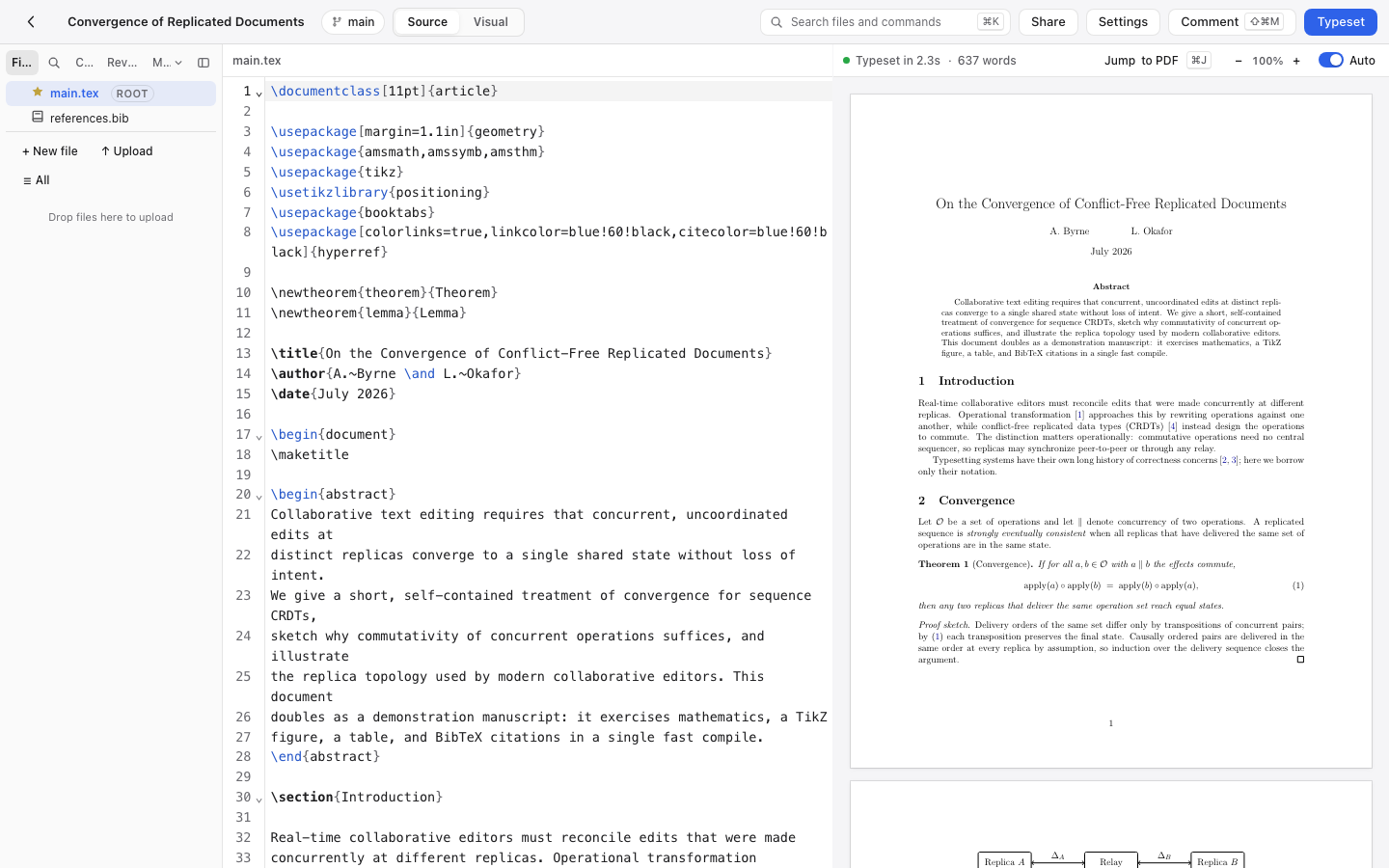 Development · MCPAldineSelf-hosted collaborative LaTeX editor: read and edit files, typeset, get the errors and the PDF.No reviewsFree
 Development · MCPRaygunInvestigate errors, track deployments, analyze performance, and manage application monitoringNo reviewsFree
 Development · MCPMakeBuild, run and debug Make automation scenarios.No reviewsFree
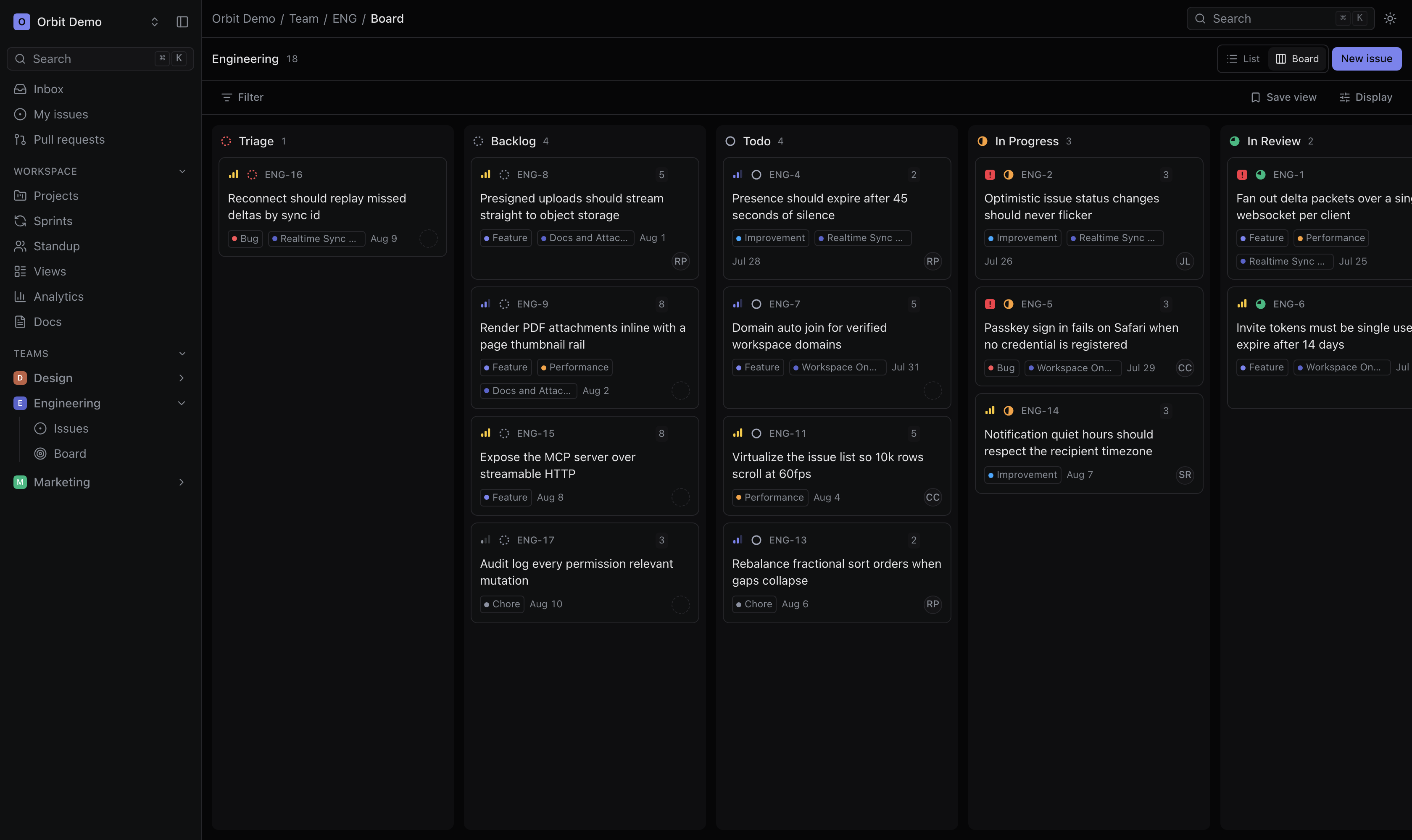 Development · MCPOrbitTask management for people and AI agents, with scoped OAuth access to issues, projects, and docs.No reviewsFree
 Development · MCPGitLabGitLab projects, issues and merge requests available from Claude.No reviewsFree
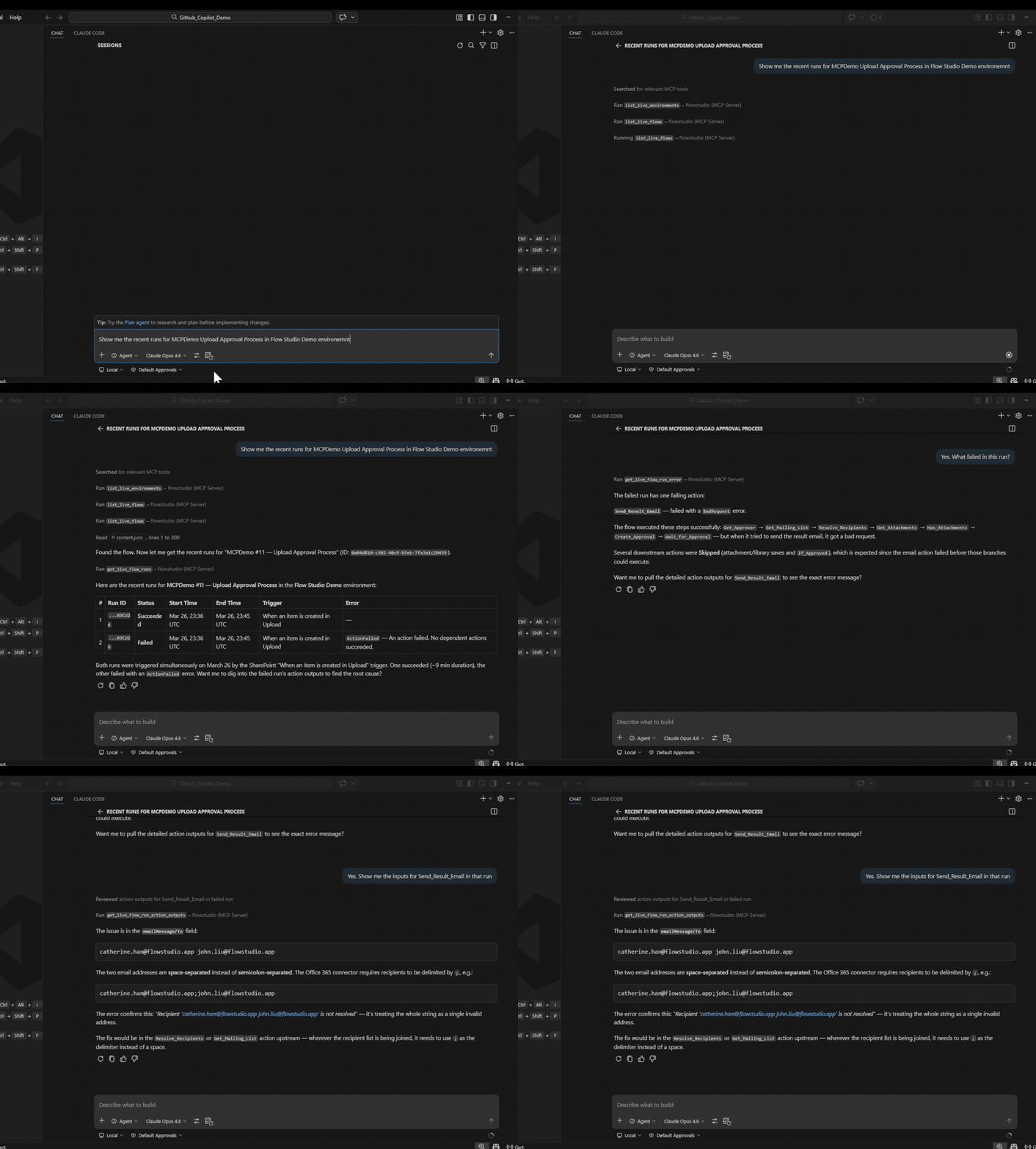 Development · MCPPower Automate MCP Server by Flow StudioDebug, build, and manage Power Automate cloud flows with AI agentsNo reviewsFree
 Development · Skill3D web experienceBuild or debug 3D web scenes with Three.js, React Three Fiber or Spline.No reviewsFree