GitHub

GitHub repositories, issues, pull requests and workflows managed in plain language.
- All reviews:
- Release date:
- 3 November 2026
- Creator:
- Public project (github.com)
- Type:
- MCP
Sign in to add this product to your wishlist or follow its updates.
About GitHub
Le serveur MCP officiel de GitHub relie Claude à tes dépôts : parcourir et chercher dans le code, analyser les commits, ouvrir, trier ou commenter des tickets, relire et gérer des pull requests, suivre les workflows GitHub Actions et comprendre pourquoi un build échoue. Il donne aussi accès aux alertes de sécurité et Dependabot, aux discussions et aux notifications. Il est incontournable avec Claude Code pour trier des tickets, préparer une revue de code ou comprendre un dépôt inconnu. Exemples de demandes : « Résume les tickets ouverts cette semaine et propose des labels », « Relis la pull request 42 et signale les risques », « Pourquoi le dernier workflow CI a-t-il échoué ? », « Quelles alertes Dependabot sont critiques ? ». La connexion se fait avec ton compte GitHub ; limite les droits du jeton si tu veux seulement lire.
Details
- Version:
- 2.1.0
- Updated:
- 12 November 2026
- Verification:
- Not verified
- Repository:
- github.com/github/github-mcp-server
What it can do
The creator has not described the access yet.
Install GitHub in Claude
An MCP connector links Claude to a service: Claude can then read or do things there for you, with your consent. It takes about two minutes.
- Add it to your libraryClick “Add to my library” on this page: it is free and instant.
- Copy the connector URLIn your library, select the product: its URL is shown with a “Copy” button.
- Add it in ClaudeIn Claude (website or app), open Settings › Connectors, click “Add custom connector”, give it a name and paste the URL.
- Connect your accountIf the service asks you to sign in (your Notion, GitHub… account), Claude opens its page: only grant the access you need.
- Use it in a conversationTurn the connector on in the conversation’s tools menu, then just ask for what you want.
Before adding a product, read its permissions above. You can remove a connector or skill at any time in Claude’s settings.
GitHub: frequently asked questions
- Is GitHub free?
- Yes. GitHub is free: add it to your Claude Market library, no bank card needed.
- How do I install GitHub in Claude?
- Add GitHub to your library to get its URL. In Claude, open Settings › Connectors, click “Add custom connector” and paste the URL.
- Does GitHub work with Claude Code?
- Yes. In a terminal, run claude mcp add --transport http followed by a name and the connector URL.
- Is GitHub an official Anthropic product?
- No. GitHub is a public project; this listing was created by Claude Market from its repository and the product is not hosted here. Claude Market is an independent project, not affiliated with Anthropic.
Reviews
Sign in then add or buy this product to review it (verified reviews).
No reviews yet. Only users who added or bought the product can review it.
Similar products
 Development · MCPGitLabGitLab projects, issues and merge requests available from Claude.No reviewsFree
 Development · MCPNeonNeon Postgres projects and databases managed from Claude: branches, queries, schemas.No reviewsFree
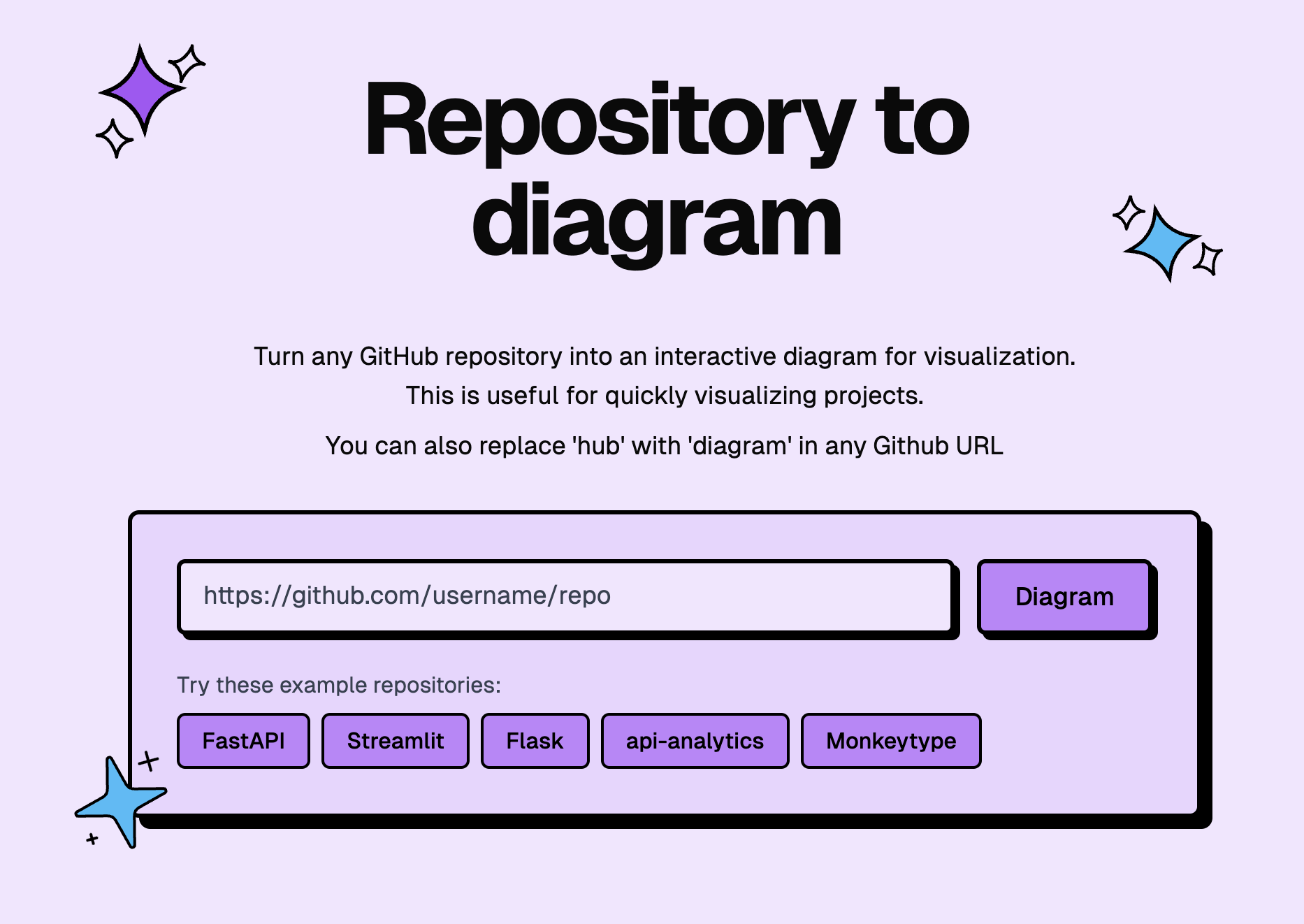 Development · MCPGitDiagramArchitecture diagrams, explanations and Mermaid source for public GitHub repositories.No reviewsFree
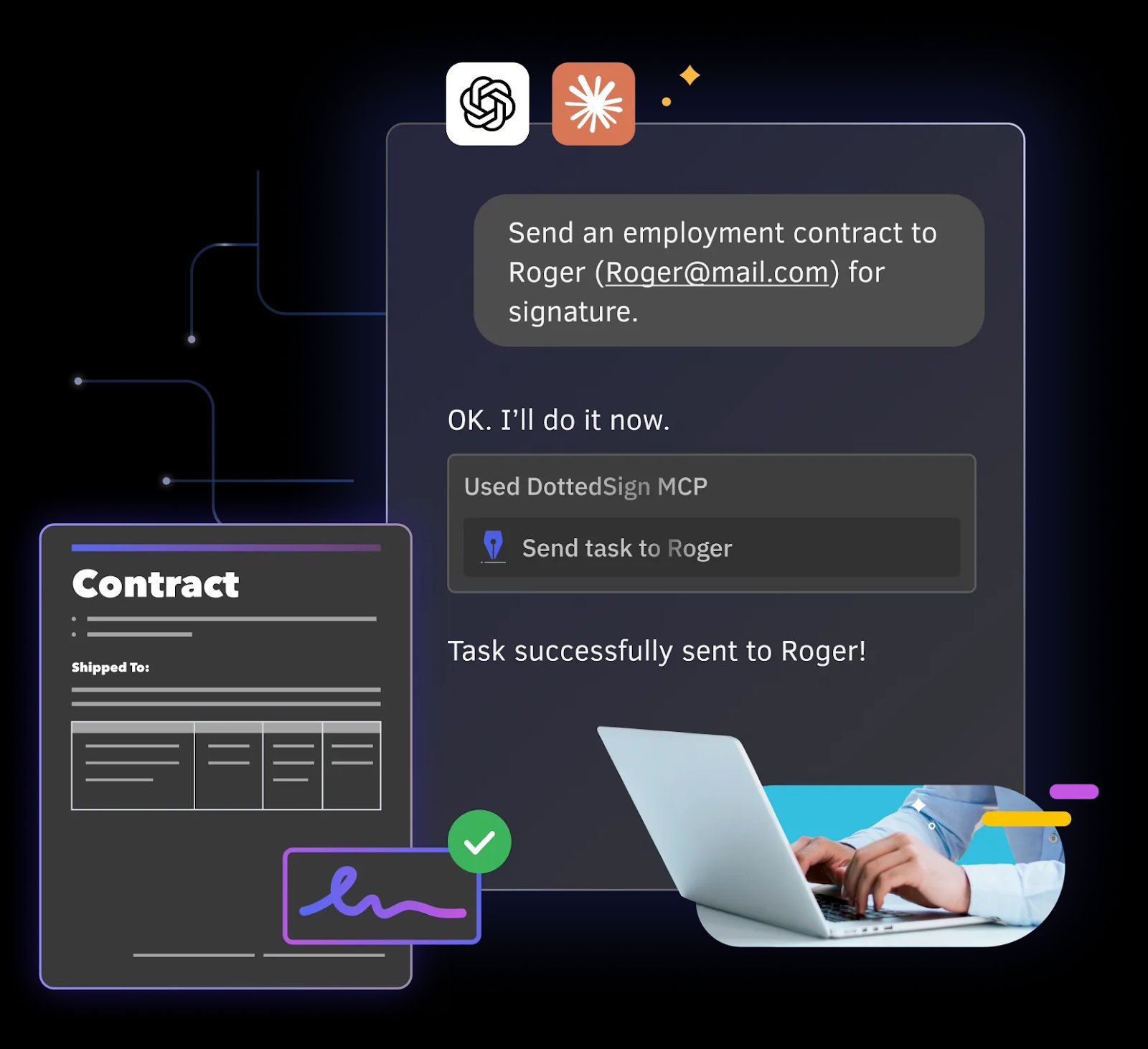 Development · MCPDottedSignAutomate eSignature workflows and signing tasks via natural language commands.No reviewsFree
 Development · SkillGitHub PR workflowPrepare a clean GitHub pull request: commits, title, body, checks and review replies.No reviewsFree
 Development · SkillOh my issuesCluster a GitHub issue backlog by root cause and fix clusters in bundled PRs.No reviewsFree
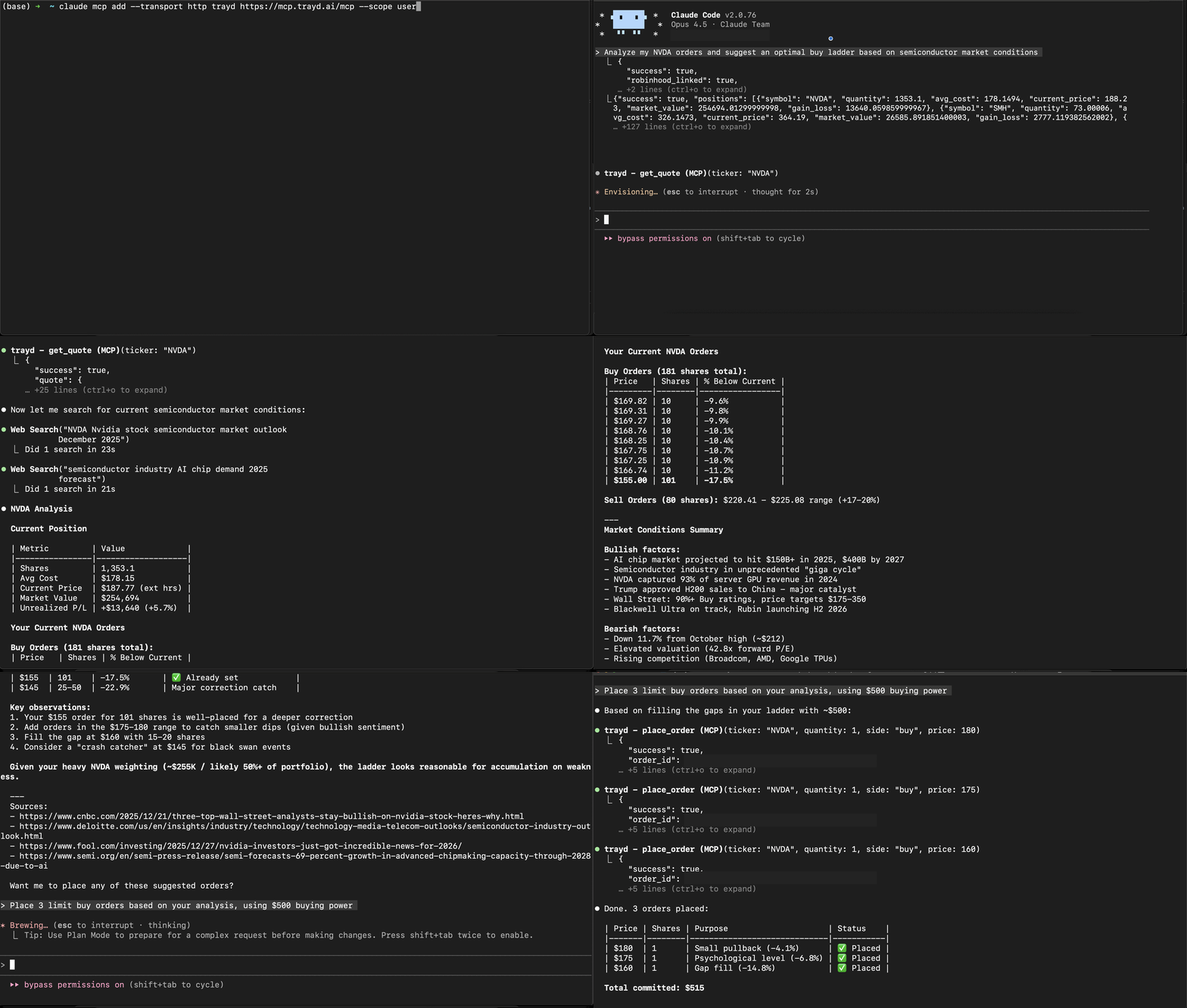 Development · MCPTraydTrade Robinhood through natural language in Claude Code.No reviewsFree
 Development · MCPMengramLong-term memory for AI agents: semantic facts, episodic events, and procedural workflowsNo reviewsFree