Sanity

Access your Sanity projects: content, datasets, releases and schemas.
- All reviews:
- Release date:
- 3 November 2026
- Creator:
- Public project (github.com)
- Type:
- MCP
Sign in to add this product to your wishlist or follow its updates.
About Sanity
Le serveur MCP de Sanity donne à Claude un accès direct à tes projets : lire et modifier des contenus, parcourir les jeux de données, préparer des publications et consulter les schémas. Utile aux équipes éditoriales et aux développeurs qui gèrent un site avec Sanity comme CMS. L’accès se fait avec ton compte Sanity.
Details
- Version:
- 2.46.0
- Updated:
- 12 November 2026
- Verification:
- Not verified
- Repository:
- github.com/sanity-io/agent-toolkit
What it can do
The creator has not described the access yet.
Install Sanity in Claude
An MCP connector links Claude to a service: Claude can then read or do things there for you, with your consent. It takes about two minutes.
- Add it to your libraryClick “Add to my library” on this page: it is free and instant.
- Copy the connector URLIn your library, select the product: its URL is shown with a “Copy” button.
- Add it in ClaudeIn Claude (website or app), open Settings › Connectors, click “Add custom connector”, give it a name and paste the URL.
- Connect your accountIf the service asks you to sign in (your Notion, GitHub… account), Claude opens its page: only grant the access you need.
- Use it in a conversationTurn the connector on in the conversation’s tools menu, then just ask for what you want.
Before adding a product, read its permissions above. You can remove a connector or skill at any time in Claude’s settings.
Sanity: frequently asked questions
- Is Sanity free?
- Yes. Sanity is free: add it to your Claude Market library, no bank card needed.
- How do I install Sanity in Claude?
- Add Sanity to your library to get its URL. In Claude, open Settings › Connectors, click “Add custom connector” and paste the URL.
- Does Sanity work with Claude Code?
- Yes. In a terminal, run claude mcp add --transport http followed by a name and the connector URL.
- Is Sanity an official Anthropic product?
- No. Sanity is a public project; this listing was created by Claude Market from its repository and the product is not hosted here. Claude Market is an independent project, not affiliated with Anthropic.
Reviews
Sign in then add or buy this product to review it (verified reviews).
No reviews yet. Only users who added or bought the product can review it.
Similar products
 Development · MCPNeonNeon Postgres projects and databases managed from Claude: branches, queries, schemas.No reviewsFree
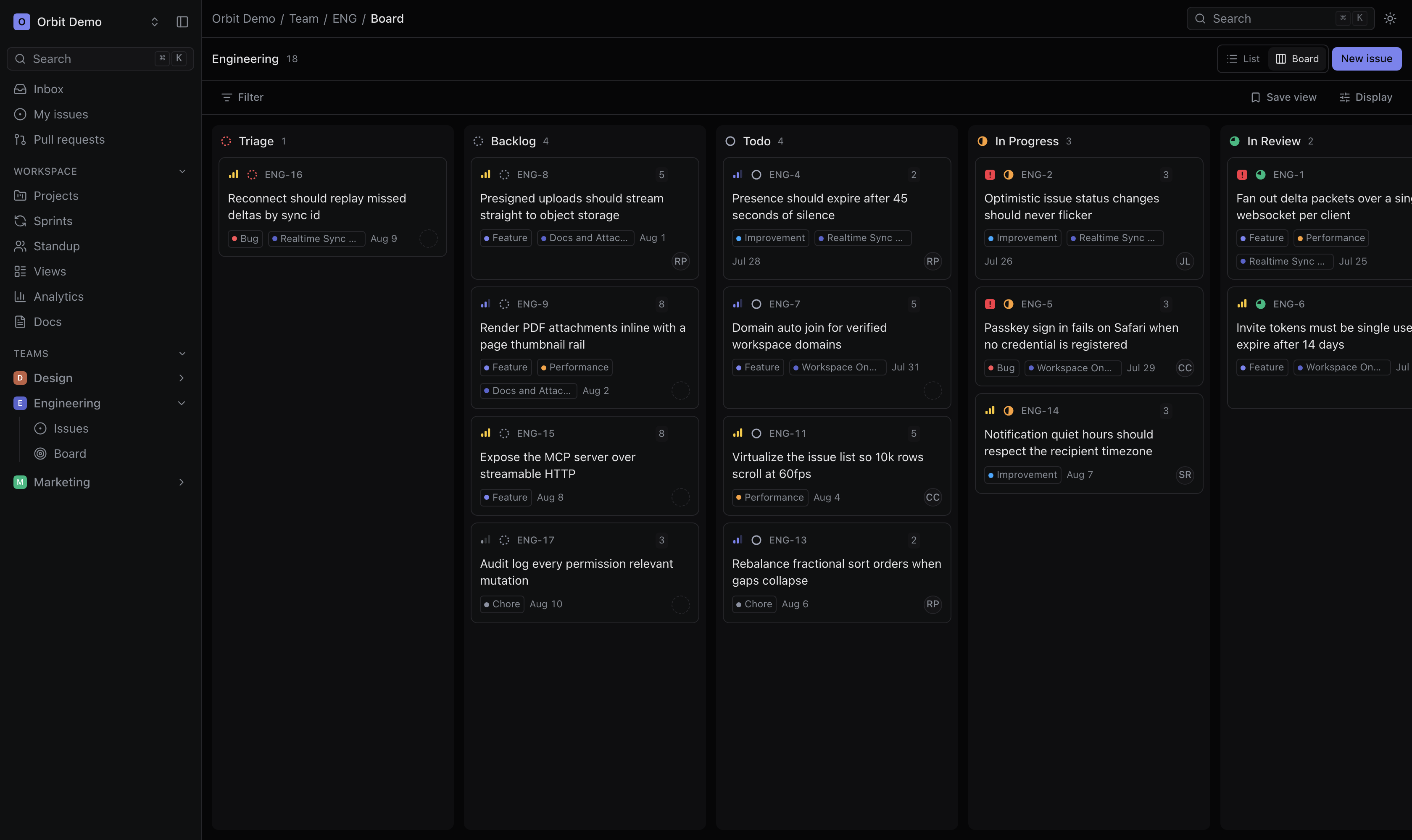 Development · MCPOrbitTask management for people and AI agents, with scoped OAuth access to issues, projects, and docs.No reviewsFree
 Development · MCPGitLabGitLab projects, issues and merge requests available from Claude.No reviewsFree
 Development · MCPYou.com Web Access & AIWeb search, AI agent, and content extraction via You.com APIsNo reviewsFree
 Development · MCPButterbaseButterbase MCP server — manage your backend: schemas, auth, functions, storage, RAG, deploys.No reviewsFree
 Development · MCPBooks & Papers MCP ServerFederated search of books and papers, formatted citations, open-access retrieval and reading.No reviewsFree
 Development · MCPGreadAn MCP server that gives your AI access to the source code and docs of all public github reposNo reviewsFree
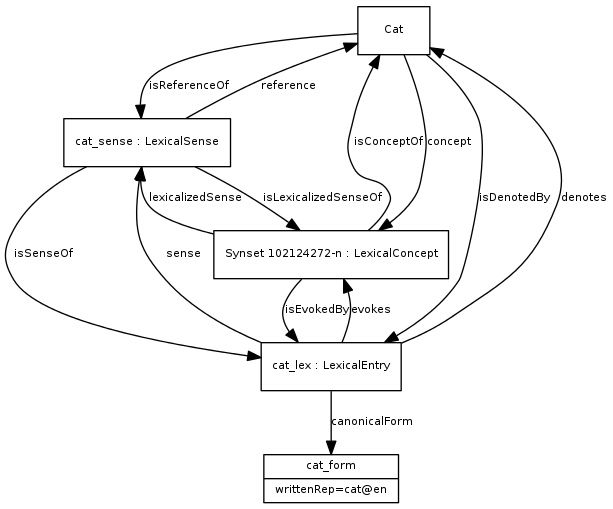 Development · MCPDanNetDanNet - Danish WordNet with rich lexical relationships and SPARQL access.No reviewsFree