Butterbase

Butterbase MCP server — manage your backend: schemas, auth, functions, storage, RAG, deploys.
- All reviews:
- Release date:
- 1 June 2026
- Creator:
- Public project (github.com)
- Type:
- MCP
Sign in to add this product to your wishlist or follow its updates.
About Butterbase
Butterbase is an open-source, AI-native backend as a service (Apache 2.0): each app gets its own Postgres database with migrations, row-level security and auto-generated REST, plus auth, file storage, serverless functions, realtime subscriptions, an LLM gateway and RAG. Its MCP server lets Claude manage your backend from a conversation: schemas, authentication, functions, storage, retrieval and deploys. Example requests: "Create a notes table with row-level security so users only see their own notes", "Deploy this function and expose it at /api/summary", "Index these documents for retrieval and test a search". It can be self-hosted with one Docker Compose command, or used through the managed cloud at butterbase.ai, which runs the same data plane.
Details
- Version:
- 1.0.0
- Updated:
- 12 November 2026
- Verification:
- Not verified
- Repository:
- github.com/butterbase-ai/butterbase-oss
- Website:
- butterbase.ai/
What it can do
The creator has not described the access yet.
Install Butterbase in Claude
An MCP connector links Claude to a service: Claude can then read or do things there for you, with your consent. It takes about two minutes.
- Add it to your libraryClick “Add to my library” on this page: it is free and instant.
- Copy the connector URLIn your library, select the product: its URL is shown with a “Copy” button.
- Add it in ClaudeIn Claude (website or app), open Settings › Connectors, click “Add custom connector”, give it a name and paste the URL.
- Connect your accountIf the service asks you to sign in (your Notion, GitHub… account), Claude opens its page: only grant the access you need.
- Use it in a conversationTurn the connector on in the conversation’s tools menu, then just ask for what you want.
Before adding a product, read its permissions above. You can remove a connector or skill at any time in Claude’s settings.
Butterbase: frequently asked questions
- Is Butterbase free?
- Yes. Butterbase is free: add it to your Claude Market library, no bank card needed.
- How do I install Butterbase in Claude?
- Add Butterbase to your library to get its URL. In Claude, open Settings › Connectors, click “Add custom connector” and paste the URL.
- Does Butterbase work with Claude Code?
- Yes. In a terminal, run claude mcp add --transport http followed by a name and the connector URL.
- Is Butterbase an official Anthropic product?
- No. Butterbase is a public project; this listing was created by Claude Market from its repository and the product is not hosted here. Claude Market is an independent project, not affiliated with Anthropic.
Reviews
Sign in then add or buy this product to review it (verified reviews).
No reviews yet. Only users who added or bought the product can review it.
Similar products
 Development · MCPSupabaseManage your Supabase project: Postgres database, tables, migrations and functions.No reviewsFree
 Development · MCPBitriseSet up & manage mobile CI/CD on Bitrise: build, test, distribute iOS, Android, Flutter, RN apps.No reviewsFree
 Development · MCPAtomic MailProgrammable email inbox for AI agents — JMAP, PoW auth, stdio MCP server.No reviewsFree
 Development · MCPRaygunInvestigate errors, track deployments, analyze performance, and manage application monitoringNo reviewsFree
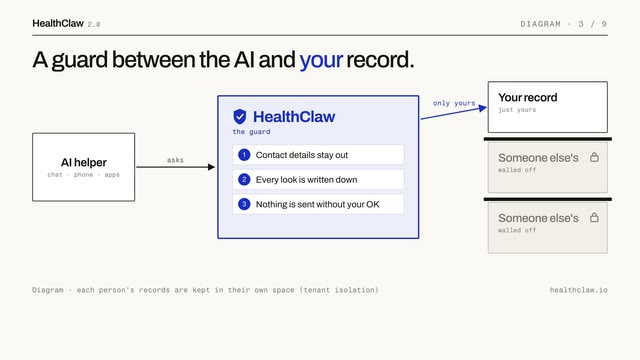 Development · MCPHealthclaw guardrailsGuardrailed FHIR access for AI agents: PHI redaction, audit trail, step-up auth, tenant isolationNo reviewsFree
 Development · MCPNeonNeon Postgres projects and databases managed from Claude: branches, queries, schemas.No reviewsFree
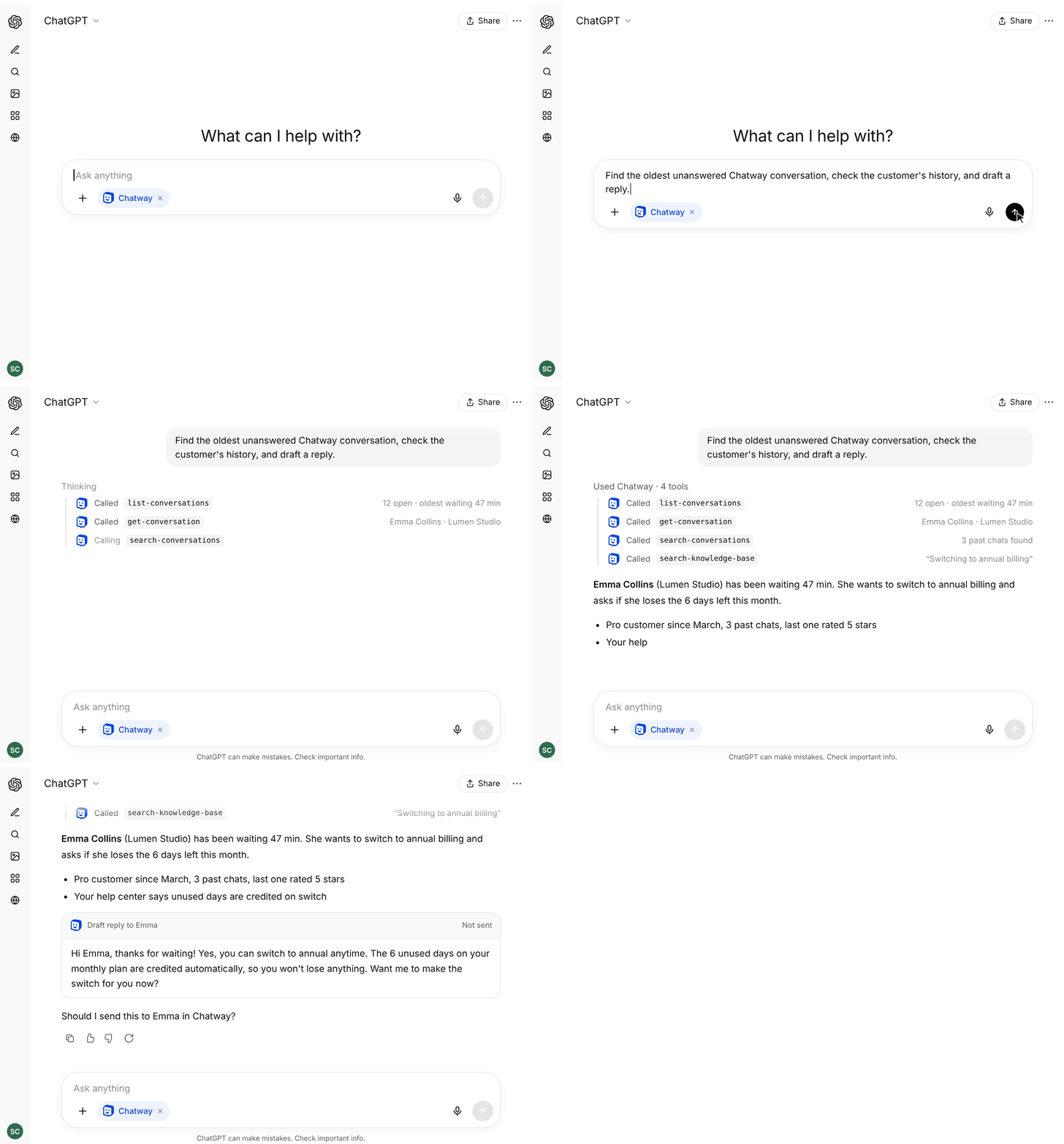 Development · MCPChatway Live ChatConnect ChatGPT, Claude & AI agents to Chatway live chat to reply to customers and manage ticketsNo reviewsFree
 Development · MCPSuperserveMCP server for Superserve sandboxes: create, exec, and manage Firecracker microVMsNo reviewsFree