Front-End Checklist

Review front-end code and live pages against 386 web development rules, from Claude.
- All reviews:
- Release date:
- 4 October 2026
- Creator:
- Public project (github.com)
- Type:
- MCP
Sign in to add this product to your wishlist or follow its updates.
About Front-End Checklist
Front-End Checklist turns front-end best practices into a review workflow for humans and AI agents. Its hosted MCP server (mcp.frontendchecklist.io) exposes 11 tools over a corpus of 386 rules in 11 categories, each with an explanation, remediation guidance and verification steps. Ask Claude to audit a page or a pull request for performance, accessibility, SEO or security issues, then open the linked rule for the full guidance. It suits a pre-launch review as well as a routine check on every pull request. Example requests: "Review this landing page against the Front-End Checklist and list the five most important fixes", "Check the head section of this template for missing meta tags", "What does the rule about image dimensions require, and how do I verify it?". The same rules can be browsed and filtered on frontendchecklist.io or worked through directly in the open-source README.
Details
- Version:
- 2.0.1
- Updated:
- 12 November 2026
- Verification:
- Not verified
- Repository:
- github.com/thedaviddias/Front-End-Checklist
- Website:
- frontendchecklist.io/mcp
What it can do
The creator has not described the access yet.
Install Front-End Checklist in Claude
An MCP connector links Claude to a service: Claude can then read or do things there for you, with your consent. It takes about two minutes.
- Add it to your libraryClick “Add to my library” on this page: it is free and instant.
- Copy the connector URLIn your library, select the product: its URL is shown with a “Copy” button.
- Add it in ClaudeIn Claude (website or app), open Settings › Connectors, click “Add custom connector”, give it a name and paste the URL.
- Connect your accountIf the service asks you to sign in (your Notion, GitHub… account), Claude opens its page: only grant the access you need.
- Use it in a conversationTurn the connector on in the conversation’s tools menu, then just ask for what you want.
Before adding a product, read its permissions above. You can remove a connector or skill at any time in Claude’s settings.
Front-End Checklist: frequently asked questions
- Is Front-End Checklist free?
- Yes. Front-End Checklist is free: add it to your Claude Market library, no bank card needed.
- How do I install Front-End Checklist in Claude?
- Add Front-End Checklist to your library to get its URL. In Claude, open Settings › Connectors, click “Add custom connector” and paste the URL.
- Does Front-End Checklist work with Claude Code?
- Yes. In a terminal, run claude mcp add --transport http followed by a name and the connector URL.
- Is Front-End Checklist an official Anthropic product?
- No. Front-End Checklist is a public project; this listing was created by Claude Market from its repository and the product is not hosted here. Claude Market is an independent project, not affiliated with Anthropic.
Reviews
Sign in then add or buy this product to review it (verified reviews).
No reviews yet. Only users who added or bought the product can review it.
Similar products
 Development · SkillFrontend checklist globalAudit a frontend codebase against the full Front-End Checklist in one go.No reviewsFree
 Development · SkillADR reviewCheck code changes against your accepted Architecture Decision Records.No reviewsFree
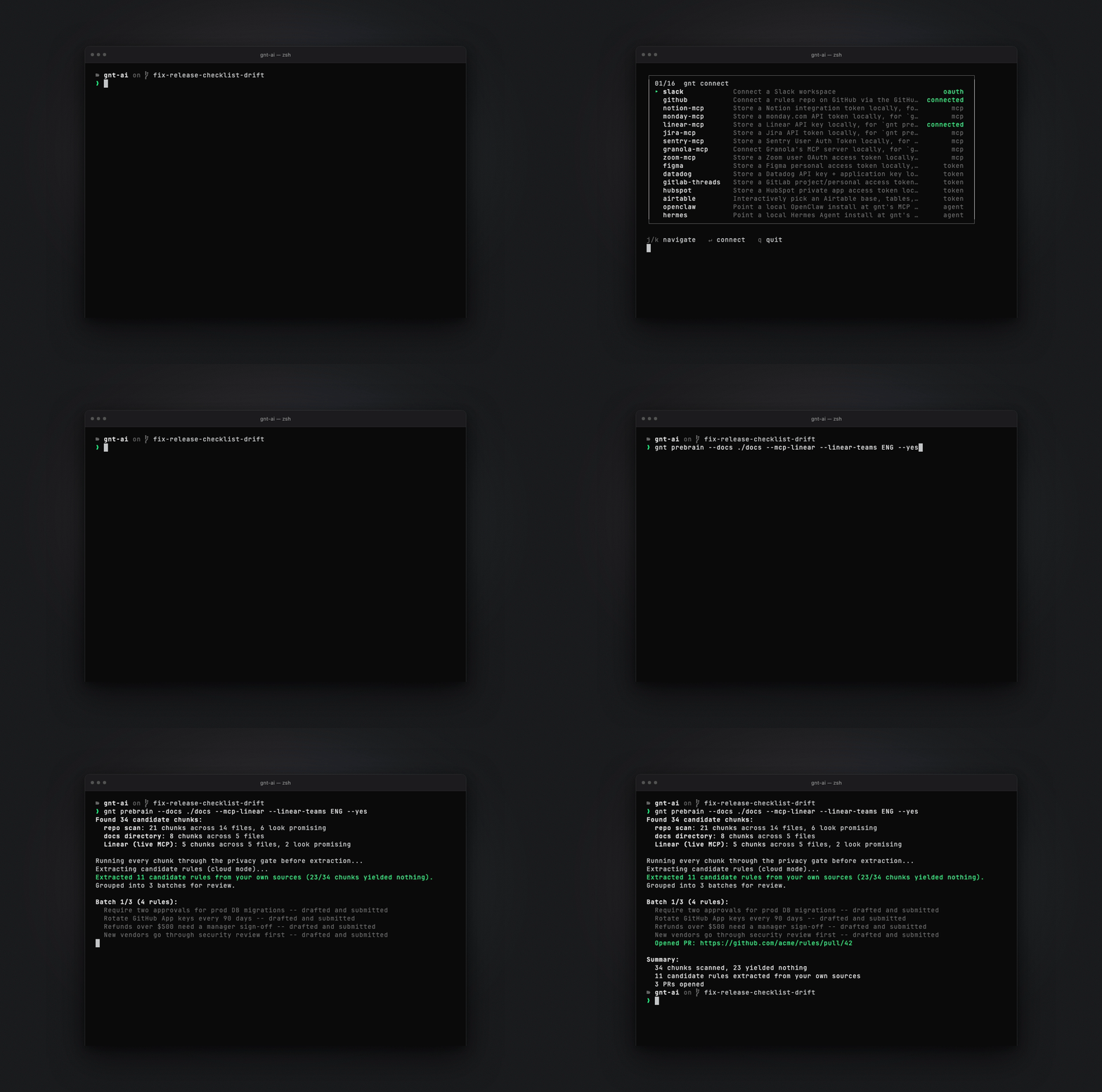 Development · MCPGNT policy layerGit-native policy layer for AI agents: check_action verdicts against rules approved via PR.No reviewsFree
 Development · MCPWorkopia — Job SearchSearch 6.3M+ live jobs from companies' own career pages, plus resume tailoring & cover letters.No reviewsFree
 Development · MCPFarm.js DocsSearch and read the Farm.js docs: pages, sections, code examples and config options.No reviewsFree
 Development · SkillEval harnessA formal evaluation framework for Claude Code sessions, eval-driven development (Spanish).No reviewsFree
 Development · SkillOpen code reviewAI code review of Git changes with Alibaba's open-code-review CLI.No reviewsFree
 Development · SkillRequesting code reviewAsk a reviewer subagent to check your work before merging or after a major feature.No reviewsFree