Context7

Up-to-date documentation for code libraries, handed to Claude at the right moment.
- All reviews:
- Release date:
- 3 November 2026
- Creator:
- Public project (github.com)
- Type:
- MCP
Sign in to add this product to your wishlist or follow its updates.
About Context7
Context7 fournit à Claude la documentation récente et les exemples de code de milliers de bibliothèques et de frameworks, dans la version que tu utilises. Quand tu demandes du code, Claude s’appuie sur l’API actuelle plutôt que sur des données d’entraînement datées : moins de fonctions inventées ou disparues. C’est l’un des serveurs MCP les plus utilisés avec Claude Code. Il fonctionne en serveur MCP, ou en CLI avec un skill qui guide l’agent. Exemples de demandes : « Crée un proxy Next.js qui vérifie un JWT dans les cookies. use context7 », « Montre-moi l’API d’authentification Supabase pour l’inscription par e-mail », « Configure un Worker Cloudflare qui met en cache les réponses JSON cinq minutes ». Il lit uniquement de la documentation publique. Une clé gratuite est recommandée pour des limites plus larges.
Details
- Version:
- 4.5.0
- Updated:
- 12 November 2026
- Verification:
- Not verified
- Repository:
- github.com/upstash/context7
- Website:
- context7.com/
What it can do
The creator has not described the access yet.
Install Context7 in Claude
An MCP connector links Claude to a service: Claude can then read or do things there for you, with your consent. It takes about two minutes.
- Add it to your libraryClick “Add to my library” on this page: it is free and instant.
- Copy the connector URLIn your library, select the product: its URL is shown with a “Copy” button.
- Add it in ClaudeIn Claude (website or app), open Settings › Connectors, click “Add custom connector”, give it a name and paste the URL.
- Connect your accountIf the service asks you to sign in (your Notion, GitHub… account), Claude opens its page: only grant the access you need.
- Use it in a conversationTurn the connector on in the conversation’s tools menu, then just ask for what you want.
Before adding a product, read its permissions above. You can remove a connector or skill at any time in Claude’s settings.
Context7: frequently asked questions
- Is Context7 free?
- Yes. Context7 is free: add it to your Claude Market library, no bank card needed.
- How do I install Context7 in Claude?
- Add Context7 to your library to get its URL. In Claude, open Settings › Connectors, click “Add custom connector” and paste the URL.
- Does Context7 work with Claude Code?
- Yes. In a terminal, run claude mcp add --transport http followed by a name and the connector URL.
- Is Context7 an official Anthropic product?
- No. Context7 is a public project; this listing was created by Claude Market from its repository and the product is not hosted here. Claude Market is an independent project, not affiliated with Anthropic.
Reviews
Sign in then add or buy this product to review it (verified reviews).
No reviews yet. Only users who added or bought the product can review it.
Similar products
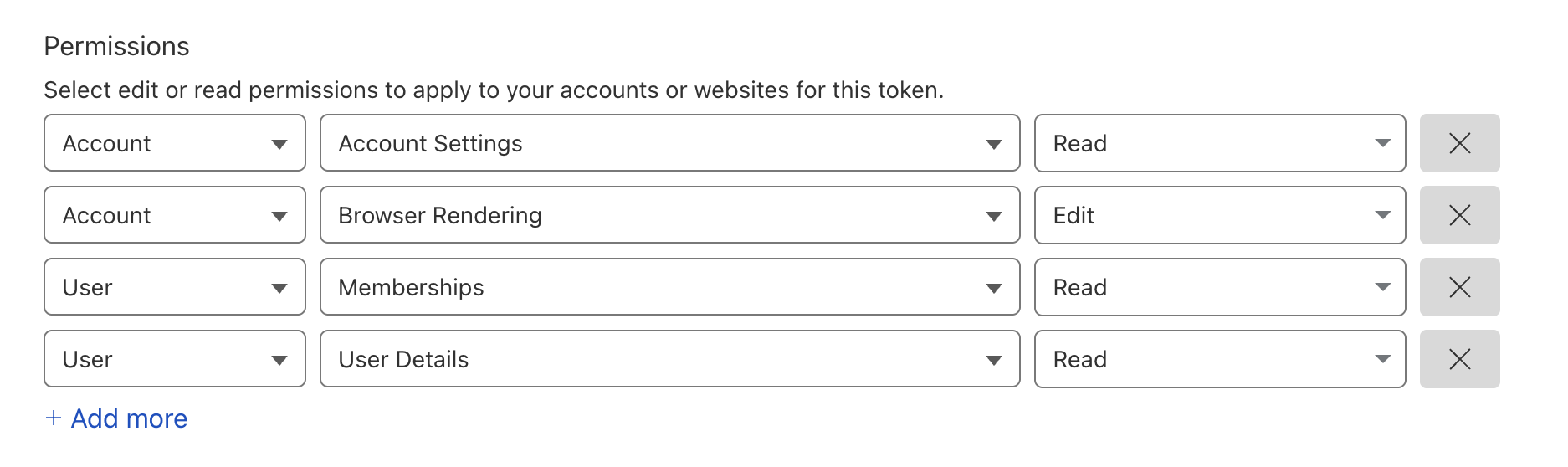 Development · MCPCloudflare (documentation)Up-to-date Cloudflare documentation, looked up by Claude while you code.No reviewsFree
 Development · MCPSvelte MCPSvelte documentation and automatic fixes for your Svelte code.No reviewsFree
 Development · SkillCode documentationGenerate or improve documentation: READMEs, API references and guides.No reviewsFree
 Development · MCPHyadesRender LaTeX math as pure Unicode text art for terminals, code comments, and emails.No reviewsFree
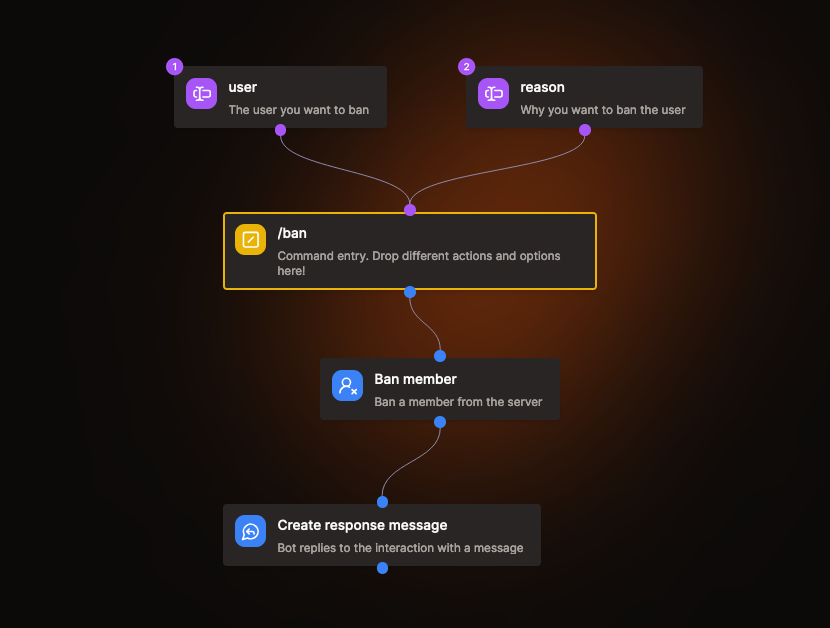 Development · MCPKite Discord Bot BuilderBuild and fix Discord bots from a chat. Kite hosts them 24/7, with no code to deploy.No reviewsFree
 Development · MCPflightclawSearch ~300 airlines and book flights with a checkout link. OAuth sign-in by email code.No reviewsFree
 Development · MCPAI Agents API LibraryFind APIs and MCP servers for AI agents: auth, free tier, MCP endpoint, docs, last-checked date.No reviewsFree
 Development · MCPCompiler ExplorerCompile code with thousands of compilers, inspect the assembly and share godbolt.org links.No reviewsFree