Compiler Explorer

Compile code with thousands of compilers, inspect the assembly and share godbolt.org links.
- All reviews:
- Release date:
- 18 August 2026
- Creator:
- Public project (github.com)
- Type:
- MCP
Sign in to add this product to your wishlist or follow its updates.
About Compiler Explorer
Compiler Explorer (godbolt.org) is the interactive site where you edit code in C, C++, C#, F#, Rust, Go, D, Haskell, Swift, Python, Java and 30+ other languages and see how it looks once compiled, in real time. Its MCP server brings that to Claude. Ask Claude to compile a snippet with a given compiler and flags, compare the assembly produced by two compiler versions, or explain what an optimisation changed, then share the result as a godbolt.org link. Example requests: "Compile this loop with GCC and Clang at -O2 and compare the assembly", "Does this Rust function get vectorised?", "Explain why adding const changes the generated code". Useful for performance work, teaching and debugging compiler behaviour.
Details
- Version:
- 1.0.0
- Updated:
- 12 November 2026
- Verification:
- Not verified
- Repository:
- github.com/compiler-explorer/compiler-explorer
- Website:
- godbolt.org/
What it can do
The creator has not described the access yet.
Install Compiler Explorer in Claude
An MCP connector links Claude to a service: Claude can then read or do things there for you, with your consent. It takes about two minutes.
- Add it to your libraryClick “Add to my library” on this page: it is free and instant.
- Copy the connector URLIn your library, select the product: its URL is shown with a “Copy” button.
- Add it in ClaudeIn Claude (website or app), open Settings › Connectors, click “Add custom connector”, give it a name and paste the URL.
- Connect your accountIf the service asks you to sign in (your Notion, GitHub… account), Claude opens its page: only grant the access you need.
- Use it in a conversationTurn the connector on in the conversation’s tools menu, then just ask for what you want.
Before adding a product, read its permissions above. You can remove a connector or skill at any time in Claude’s settings.
Compiler Explorer: frequently asked questions
- Is Compiler Explorer free?
- Yes. Compiler Explorer is free: add it to your Claude Market library, no bank card needed.
- How do I install Compiler Explorer in Claude?
- Add Compiler Explorer to your library to get its URL. In Claude, open Settings › Connectors, click “Add custom connector” and paste the URL.
- Does Compiler Explorer work with Claude Code?
- Yes. In a terminal, run claude mcp add --transport http followed by a name and the connector URL.
- Is Compiler Explorer an official Anthropic product?
- No. Compiler Explorer is a public project; this listing was created by Claude Market from its repository and the product is not hosted here. Claude Market is an independent project, not affiliated with Anthropic.
Reviews
Sign in then add or buy this product to review it (verified reviews).
No reviews yet. Only users who added or bought the product can review it.
Similar products

 Development · MCPGlobestudioGenerate dotted-globe maps, share URLs, and embed snippets from chat.No reviewsFree
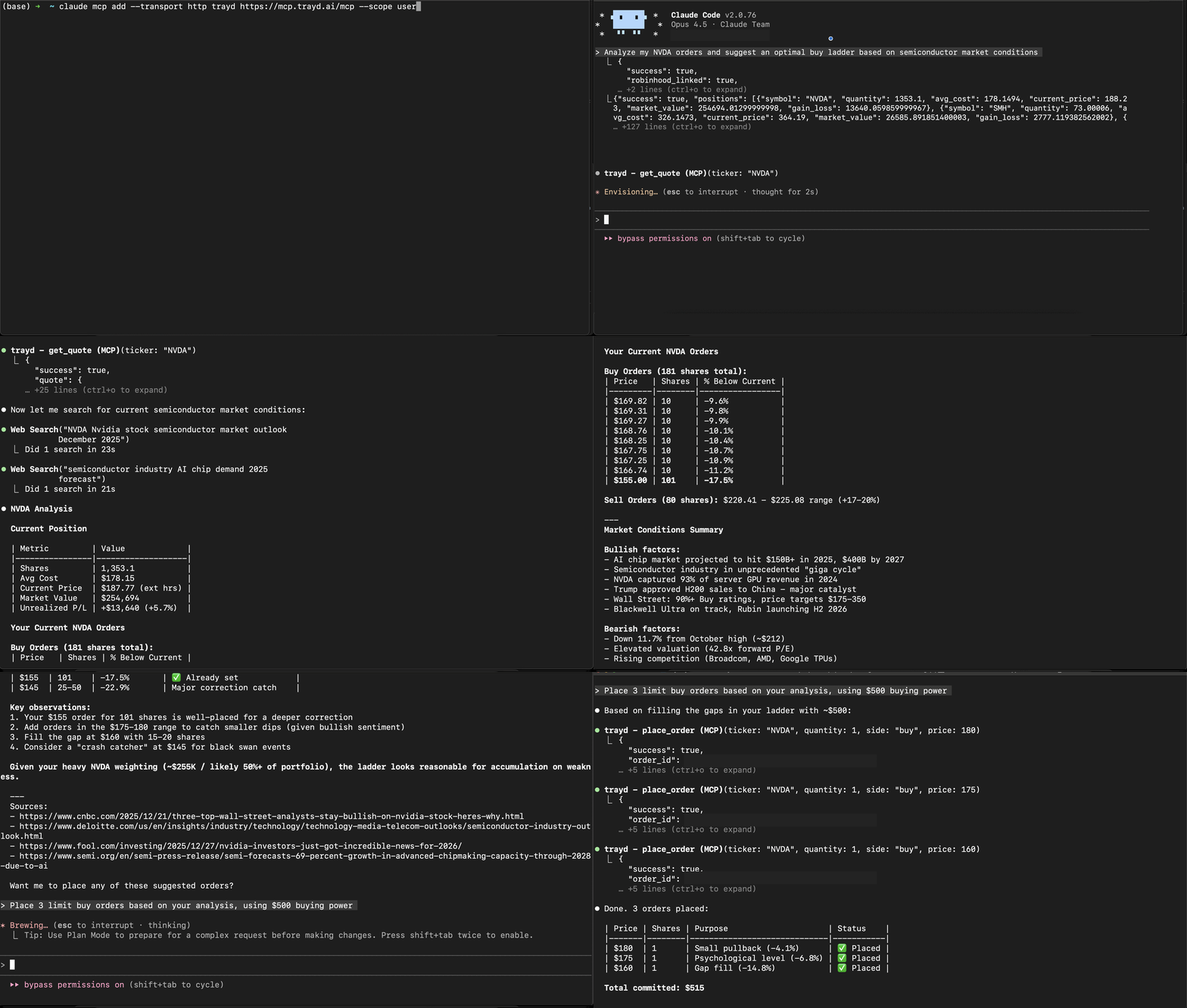 Development · MCPTraydTrade Robinhood through natural language in Claude Code.No reviewsFree
 Development · MCPHeyClaude — Claude & AI workflow directorySearch the HeyClaude directory of Claude Code agents, MCP servers, skills, and tools.No reviewsFree
 Development · MCPeCFRElectronic Code of Federal Regulations including FAR, DFARS, and agency supplements. 13 tools.No reviewsFree
 Development · MCPSvelte MCPSvelte documentation and automatic fixes for your Svelte code.No reviewsFree
 Development · MCPGreadAn MCP server that gives your AI access to the source code and docs of all public github reposNo reviewsFree
 Development · MCPHyadesRender LaTeX math as pure Unicode text art for terminals, code comments, and emails.No reviewsFree