Browser use

Cloud browsers driven by Claude: forms, data extraction and web tasks.
- All reviews:
- Release date:
- 21 October 2026
- Creator:
- Public project (github.com)
- Type:
- MCP
Sign in to add this product to your wishlist or follow its updates.
About Browser use
Browser Use est un agent de navigation open source (licence MIT) : on lui donne une tâche et le modèle l’accomplit dans un vrai navigateur Chrome. Son serveur MCP donne à Claude des navigateurs dans le cloud qu’il peut piloter : ouvrir des pages, cliquer, remplir des formulaires et extraire des données. Utile pour les tâches web répétitives sur des sites sans API : remplir un formulaire administratif, relever des informations sur plusieurs pages, vérifier la disponibilité d’un créneau. Exemples de demandes : « Trouve le premier créneau disponible sur ce site de réservation », « Relève le prix et la disponibilité de ces 10 produits », « Remplis ce formulaire de contact avec ces informations, sans l’envoyer ». Les navigateurs cloud Browser Use sont facturés à l’heure. Garde le contrôle : vérifie avant toute action importante (achat, envoi) et respecte les conditions des sites.
Details
- Version:
- 0.13.11
- Updated:
- 12 November 2026
- Verification:
- Not verified
- Repository:
- github.com/browser-use/browser-use
- Website:
- browser-use.com/
What it can do
The creator has not described the access yet.
Install Browser use in Claude
An MCP connector links Claude to a service: Claude can then read or do things there for you, with your consent. It takes about two minutes.
- Add it to your libraryClick “Add to my library” on this page: it is free and instant.
- Copy the connector URLIn your library, select the product: its URL is shown with a “Copy” button.
- Add it in ClaudeIn Claude (website or app), open Settings › Connectors, click “Add custom connector”, give it a name and paste the URL.
- Connect your accountIf the service asks you to sign in (your Notion, GitHub… account), Claude opens its page: only grant the access you need.
- Use it in a conversationTurn the connector on in the conversation’s tools menu, then just ask for what you want.
Before adding a product, read its permissions above. You can remove a connector or skill at any time in Claude’s settings.
Browser use: frequently asked questions
- Is Browser use free?
- Yes. Browser use is free: add it to your Claude Market library, no bank card needed.
- How do I install Browser use in Claude?
- Add Browser use to your library to get its URL. In Claude, open Settings › Connectors, click “Add custom connector” and paste the URL.
- Does Browser use work with Claude Code?
- Yes. In a terminal, run claude mcp add --transport http followed by a name and the connector URL.
- Is Browser use an official Anthropic product?
- No. Browser use is a public project; this listing was created by Claude Market from its repository and the product is not hosted here. Claude Market is an independent project, not affiliated with Anthropic.
Reviews
Sign in then add or buy this product to review it (verified reviews).
No reviews yet. Only users who added or bought the product can review it.
Similar products
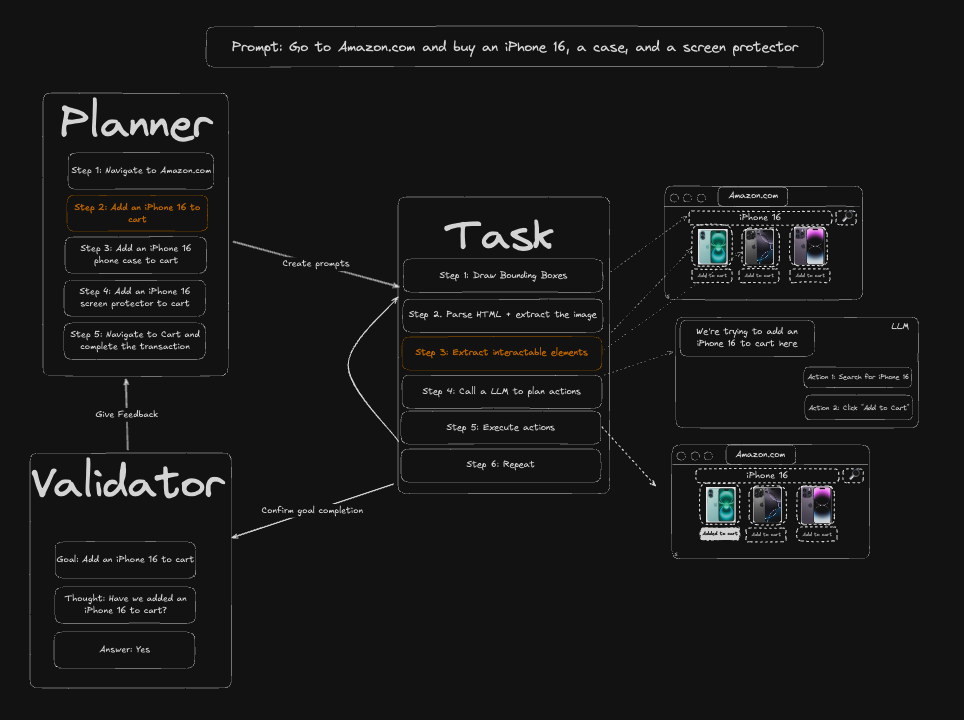 Automation · MCPSkyvernAI browser automation: navigate, click, fill in forms and extract data.No reviewsFree
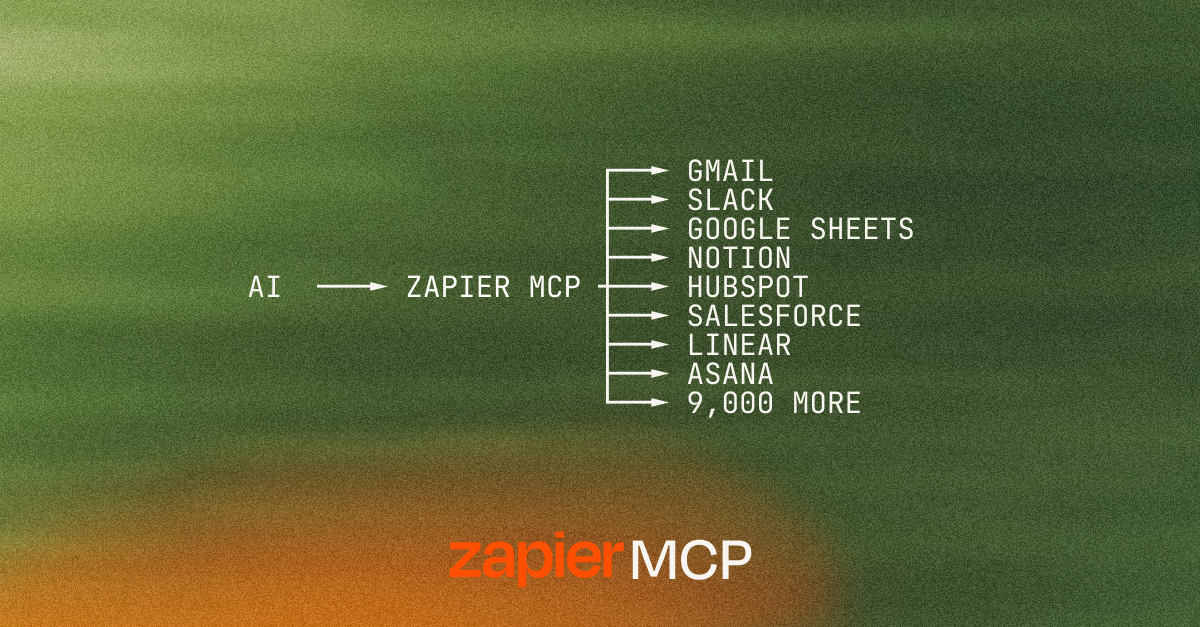 Automation · MCPZapierConnect Claude to thousands of apps and actions through Zapier.No reviewsFree
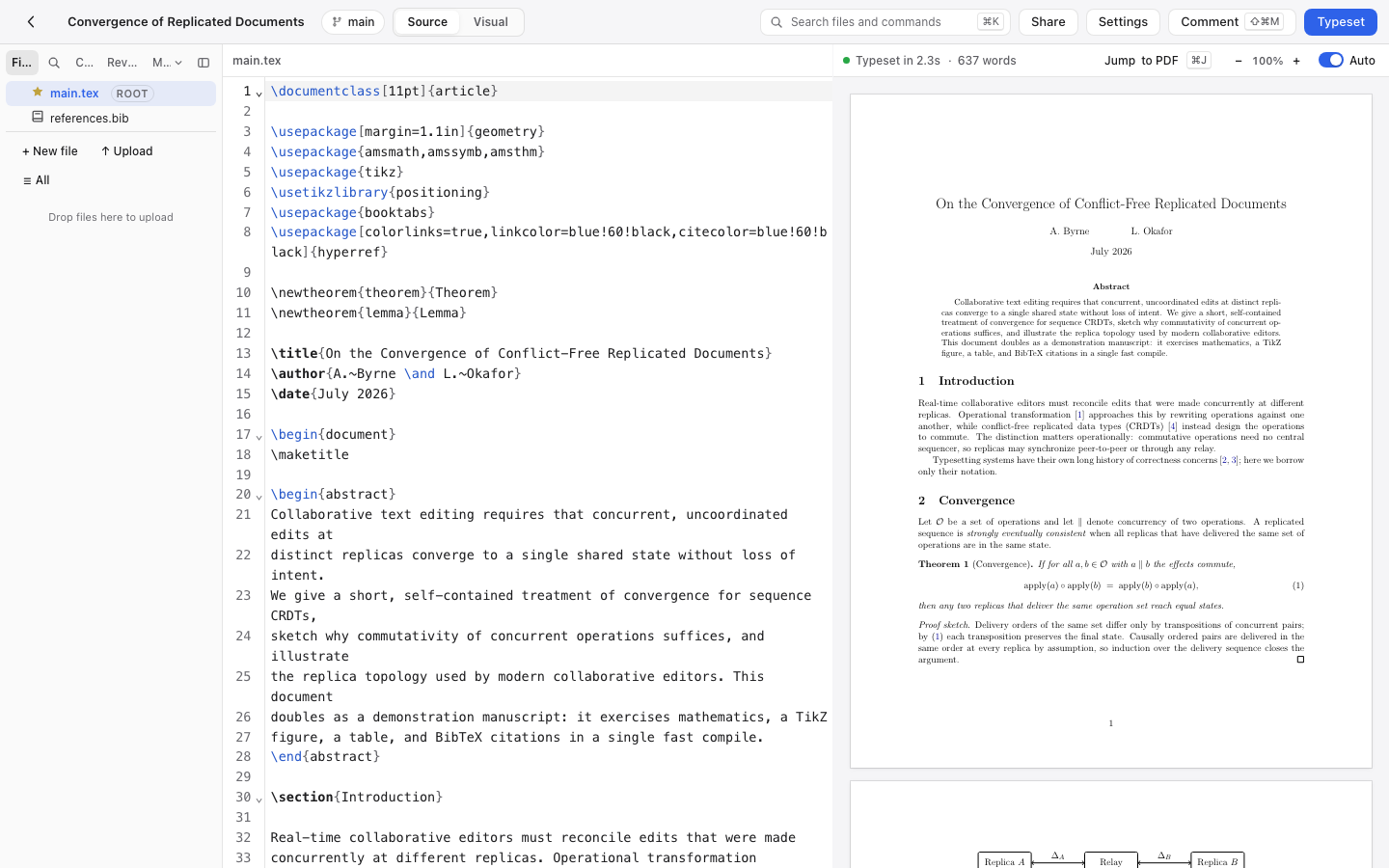 Development · MCPAldineSelf-hosted collaborative LaTeX editor: read and edit files, typeset, get the errors and the PDF.No reviewsFree
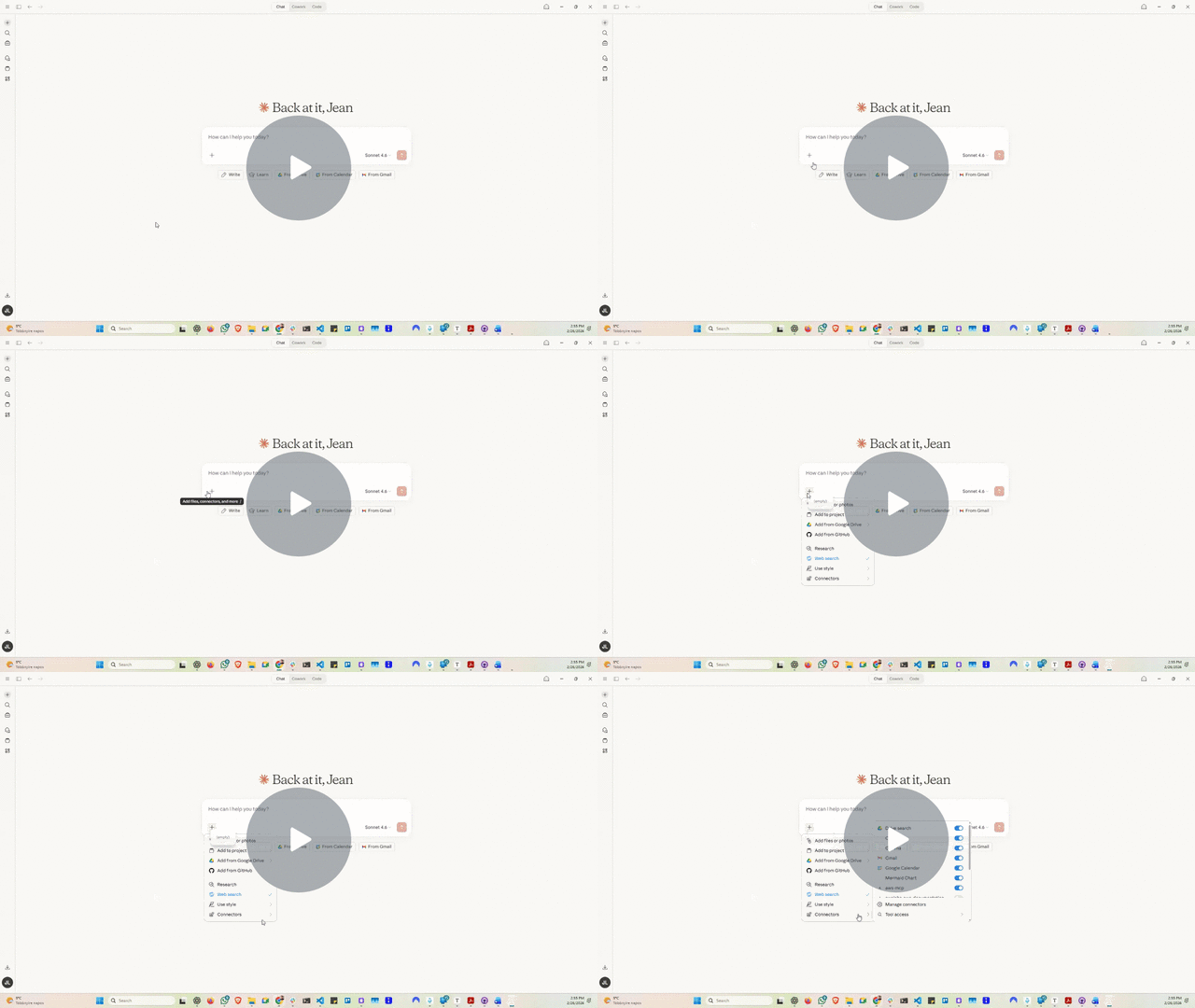 Development · MCPCloud FinOps Skill & MCPCloud cost + FinOps knowledge for AI agents: AWS/Azure/GCP optimisation, AI spend, waste playbooks.No reviewsFree
 Development · MCPNetdataReal-time server monitoring: Netdata metrics, logs and alerts.No reviewsFree
 Development · MCPuploads.shHost files from coding agents; stage on a branch and attach to GitHub PRs.No reviewsFree
 Development · MCPOrchestKit Docs MCPRead-only MCP server for the OrchestKit docs: full-text search + Markdown fetch. No auth.No reviewsFree
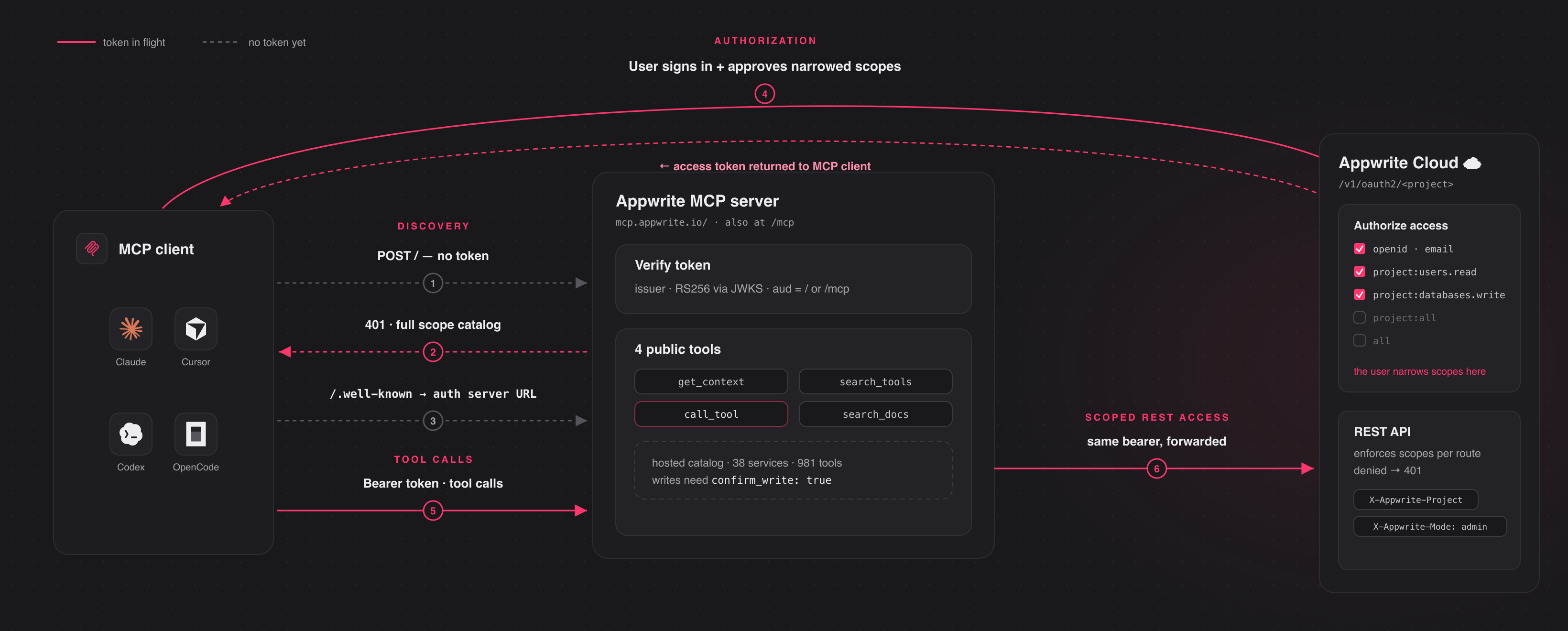 Data and analytics · MCPAppwriteBuild and deploy backends: auth, Postgres/MySQL/vector databases, storage, functions, hosting, CDNNo reviewsFree