Netdata

Real-time server monitoring: Netdata metrics, logs and alerts.
- All reviews:
- Release date:
- 4 November 2026
- Creator:
- Public project (github.com)
- Type:
- MCP
Sign in to add this product to your wishlist or follow its updates.
About Netdata
Netdata est une plateforme open source de supervision d’infrastructure en temps réel : métriques à la seconde, détection d’anomalies par apprentissage automatique, journaux et alertes, sans configuration compliquée. Son serveur MCP donne à Claude l’accès à ces données. Tu demandes « pourquoi ce serveur ralentit-il ? » et Claude explore les métriques, les alertes récentes et les anomalies pour trouver la piste, au lieu de parcourir les tableaux de bord un par un. Exemples de demandes : « Quel processus consomme le plus de mémoire sur le serveur web depuis une heure ? », « Quelles alertes se sont déclenchées cette nuit ? », « Y a-t-il des anomalies sur la base de données avant la panne de 14 h ? ». Netdata peut garder les données en local, sans collecte centrale. L’accès se fait avec ton compte Netdata Cloud ou ton agent Netdata.
Details
- Version:
- 2.12.3
- Updated:
- 12 November 2026
- Verification:
- Not verified
- Repository:
- github.com/netdata/netdata
- Website:
- www.netdata.cloud/
What it can do
The creator has not described the access yet.
Install Netdata in Claude
An MCP connector links Claude to a service: Claude can then read or do things there for you, with your consent. It takes about two minutes.
- Add it to your libraryClick “Add to my library” on this page: it is free and instant.
- Copy the connector URLIn your library, select the product: its URL is shown with a “Copy” button.
- Add it in ClaudeIn Claude (website or app), open Settings › Connectors, click “Add custom connector”, give it a name and paste the URL.
- Connect your accountIf the service asks you to sign in (your Notion, GitHub… account), Claude opens its page: only grant the access you need.
- Use it in a conversationTurn the connector on in the conversation’s tools menu, then just ask for what you want.
Before adding a product, read its permissions above. You can remove a connector or skill at any time in Claude’s settings.
Netdata: frequently asked questions
- Is Netdata free?
- Yes. Netdata is free: add it to your Claude Market library, no bank card needed.
- How do I install Netdata in Claude?
- Add Netdata to your library to get its URL. In Claude, open Settings › Connectors, click “Add custom connector” and paste the URL.
- Does Netdata work with Claude Code?
- Yes. In a terminal, run claude mcp add --transport http followed by a name and the connector URL.
- Is Netdata an official Anthropic product?
- No. Netdata is a public project; this listing was created by Claude Market from its repository and the product is not hosted here. Claude Market is an independent project, not affiliated with Anthropic.
Reviews
Sign in then add or buy this product to review it (verified reviews).
No reviews yet. Only users who added or bought the product can review it.
Similar products
 Development · MCPGrafanaGrafana dashboards, metrics and logs, viewed from Claude.No reviewsFree
 Development · SkillObservability and instrumentationAdd logging, metrics, tracing and alerts so production behaviour is visible.No reviewsFree
 Development · MCPTesterArmyAgents that test your web and mobile app like real users, on every pull request.No reviewsFree
 Development · MCPInspoReal production websites for coding agents: palettes, fonts, fold autopsies and reference JSX.No reviewsFree
 Development · MCPPlaceCallReal phone calls to US businesses: book, ask, get quotes. Returns outcome and transcript.No reviewsFree
 Development · MCPAgentPhoneGive AI agents real phone numbers, messages, and voice calls via MCP.No reviewsFree
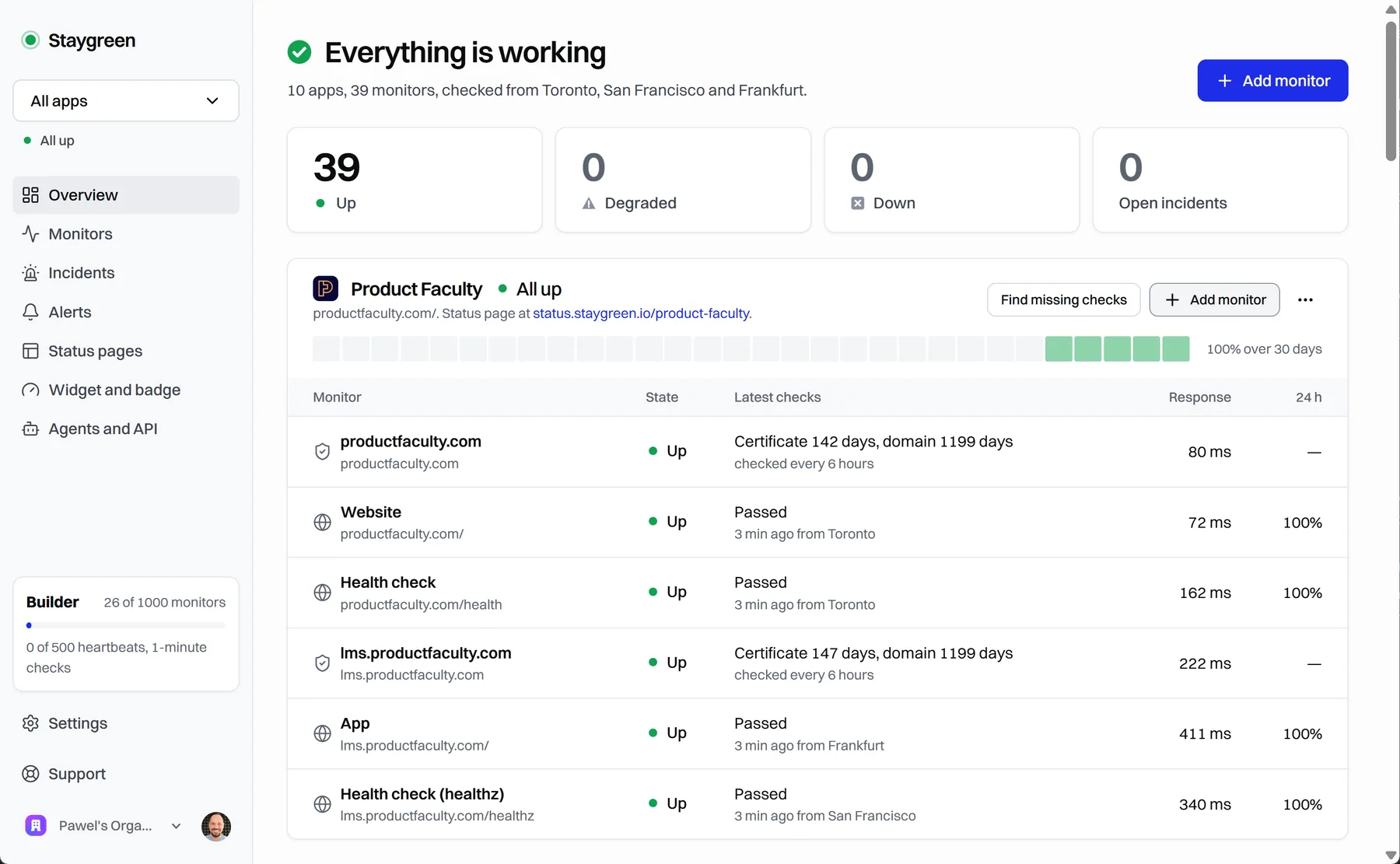 Development · MCPStaygreenUptime monitoring and status pages for apps built with coding agents: status, incidents, setup.No reviewsFree
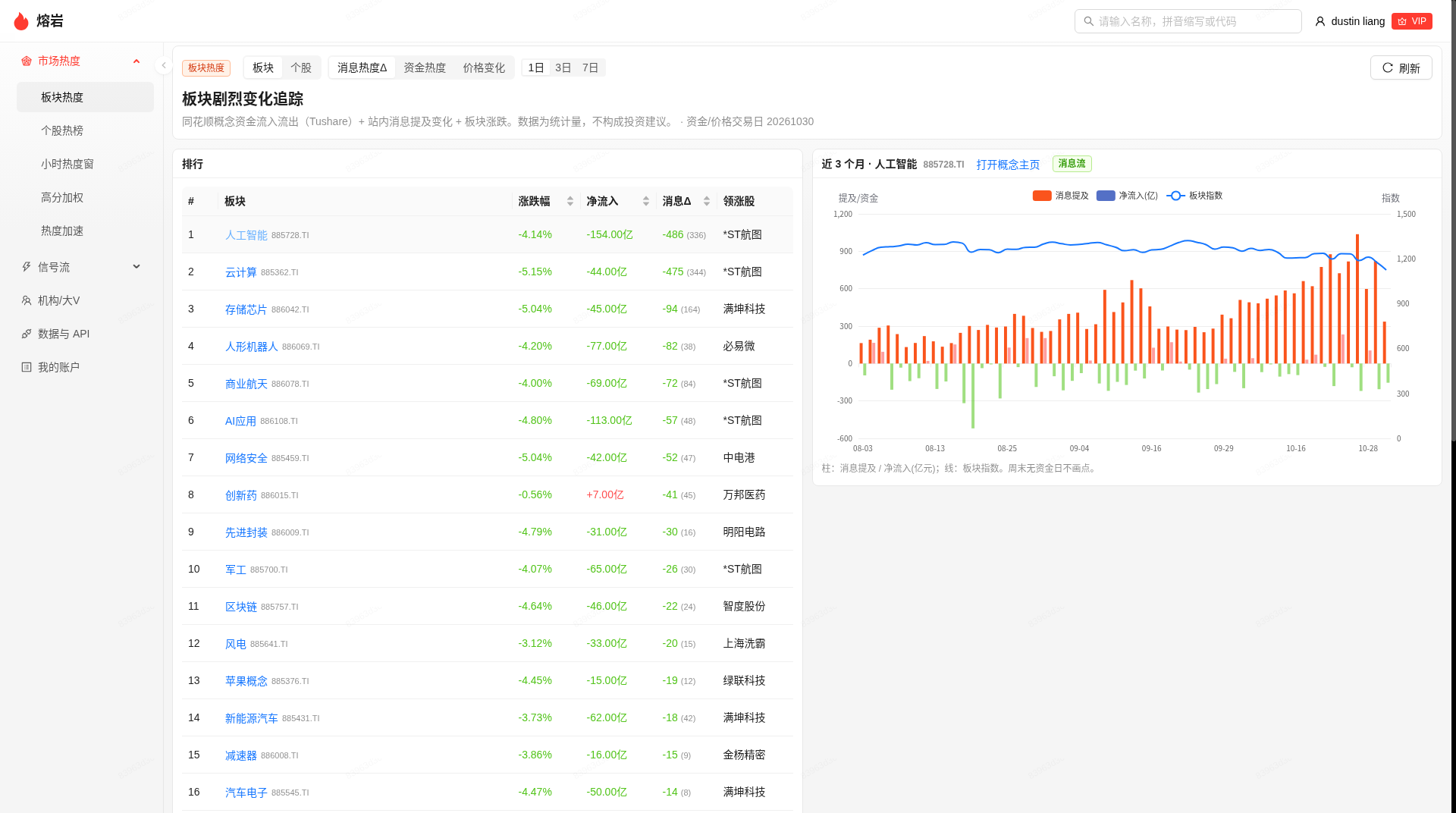 Development · MCP熔岩 Lava · A股机构/大V消息面热度监测Buzz monitoring for China A-shares: how often institutions and influencers mention a stock or sector.No reviewsFree