Apify
Extract data from websites with the thousands of scrapers in the Apify Store.
- All reviews:
- Release date:
- 4 November 2026
- Creator:
- Public project (github.com)
- Type:
- MCP
Sign in to add this product to your wishlist or follow its updates.
About Apify
Le serveur MCP officiel d’Apify, hébergé sur mcp.apify.com, donne à Claude l’accès aux milliers d’« acteurs » de l’Apify Store : des robots prêts à l’emploi pour extraire des données de sites, de résultats de recherche, de réseaux sociaux, de cartes ou de boutiques en ligne. Claude cherche l’acteur adapté, vérifie ses paramètres et son prix, le lance et lit les résultats structurés : pas besoin d’installer un serveur différent pour chaque site. Exemples de demandes : « Trouve les restaurants italiens les mieux notés à Lyon sur Google Maps », « Compare le prix de ce produit sur trois boutiques », « Récupère les 50 derniers avis de cette app ». Connexion OAuth au serveur hébergé, ou en local avec le paquet npm. Les exécutions sont facturées par Apify selon ton offre ; respecte les conditions des sites visités.
Details
- Version:
- 0.20.2
- Updated:
- 12 November 2026
- Verification:
- Not verified
- Repository:
- github.com/apify/apify-mcp-server
What it can do
The creator has not described the access yet.
Install Apify in Claude
An MCP connector links Claude to a service: Claude can then read or do things there for you, with your consent. It takes about two minutes.
- Add it to your libraryClick “Add to my library” on this page: it is free and instant.
- Copy the connector URLIn your library, select the product: its URL is shown with a “Copy” button.
- Add it in ClaudeIn Claude (website or app), open Settings › Connectors, click “Add custom connector”, give it a name and paste the URL.
- Connect your accountIf the service asks you to sign in (your Notion, GitHub… account), Claude opens its page: only grant the access you need.
- Use it in a conversationTurn the connector on in the conversation’s tools menu, then just ask for what you want.
Before adding a product, read its permissions above. You can remove a connector or skill at any time in Claude’s settings.
Apify: frequently asked questions
- Is Apify free?
- Yes. Apify is free: add it to your Claude Market library, no bank card needed.
- How do I install Apify in Claude?
- Add Apify to your library to get its URL. In Claude, open Settings › Connectors, click “Add custom connector” and paste the URL.
- Does Apify work with Claude Code?
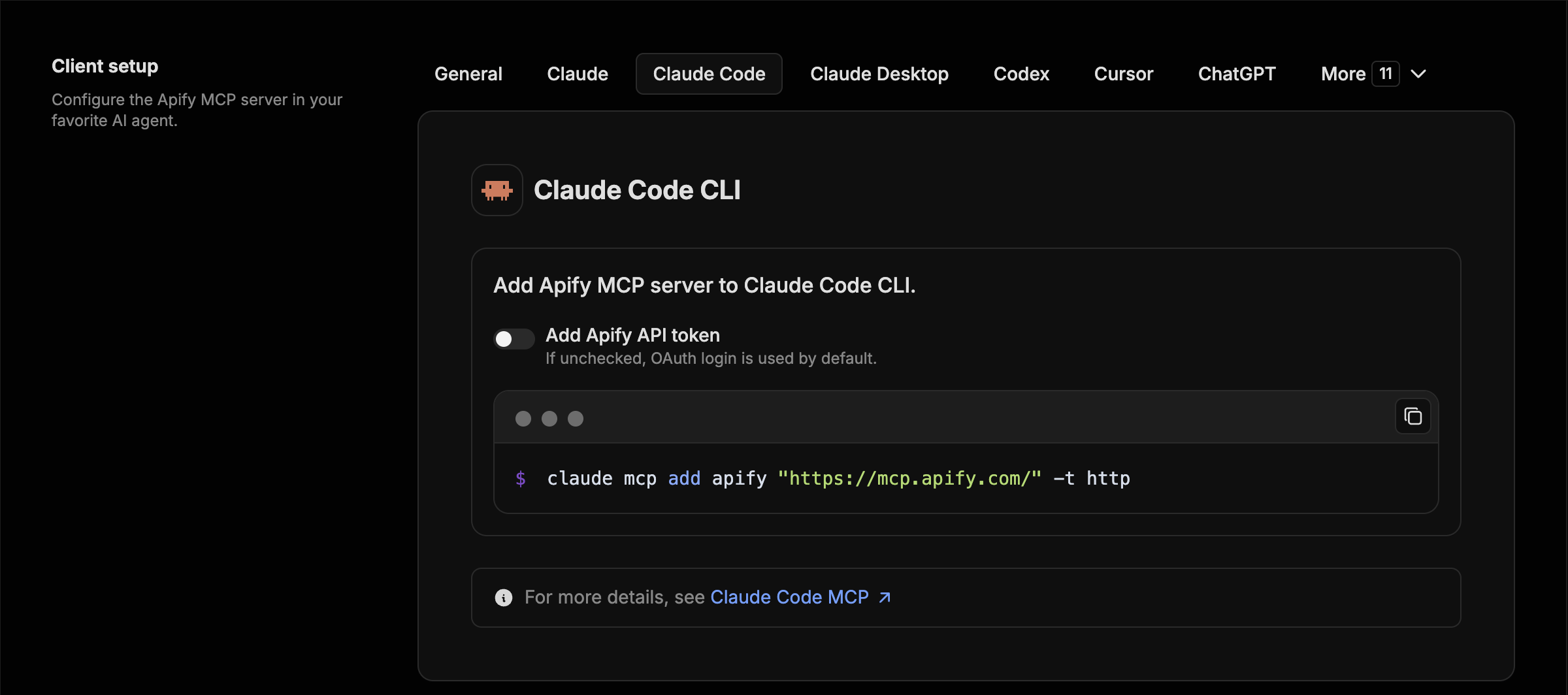
- Yes. In a terminal, run claude mcp add --transport http followed by a name and the connector URL.
- Is Apify an official Anthropic product?
- No. Apify is a public project; this listing was created by Claude Market from its repository and the product is not hosted here. Claude Market is an independent project, not affiliated with Anthropic.
Reviews
Sign in then add or buy this product to review it (verified reviews).
No reviews yet. Only users who added or bought the product can review it.
Similar products
 Research and monitoring · MCPFirecrawlSearch, read and extract website content for Claude with Firecrawl.No reviewsFree
 Research and monitoring · MCPHugging FaceSearch AI models, datasets and apps on Hugging Face.No reviewsFree
 Research and monitoring · MCPExaWeb search, page reading and multi-step research with Exa.No reviewsFree
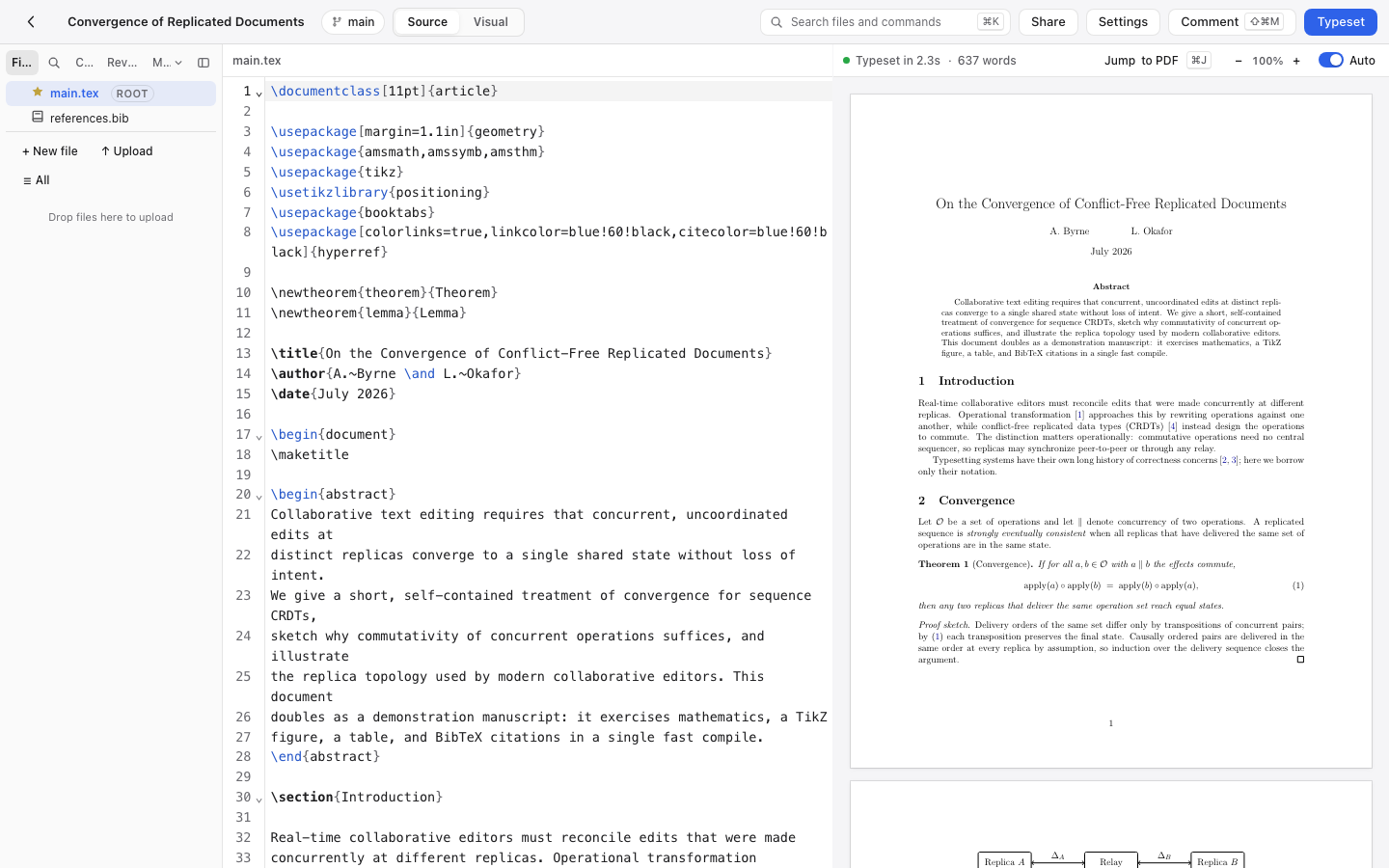 Development · MCPAldineSelf-hosted collaborative LaTeX editor: read and edit files, typeset, get the errors and the PDF.No reviewsFree
 Development · MCPCloud FinOps Skill & MCPCloud cost + FinOps knowledge for AI agents: AWS/Azure/GCP optimisation, AI spend, waste playbooks.No reviewsFree
 Development · MCPNetdataReal-time server monitoring: Netdata metrics, logs and alerts.No reviewsFree
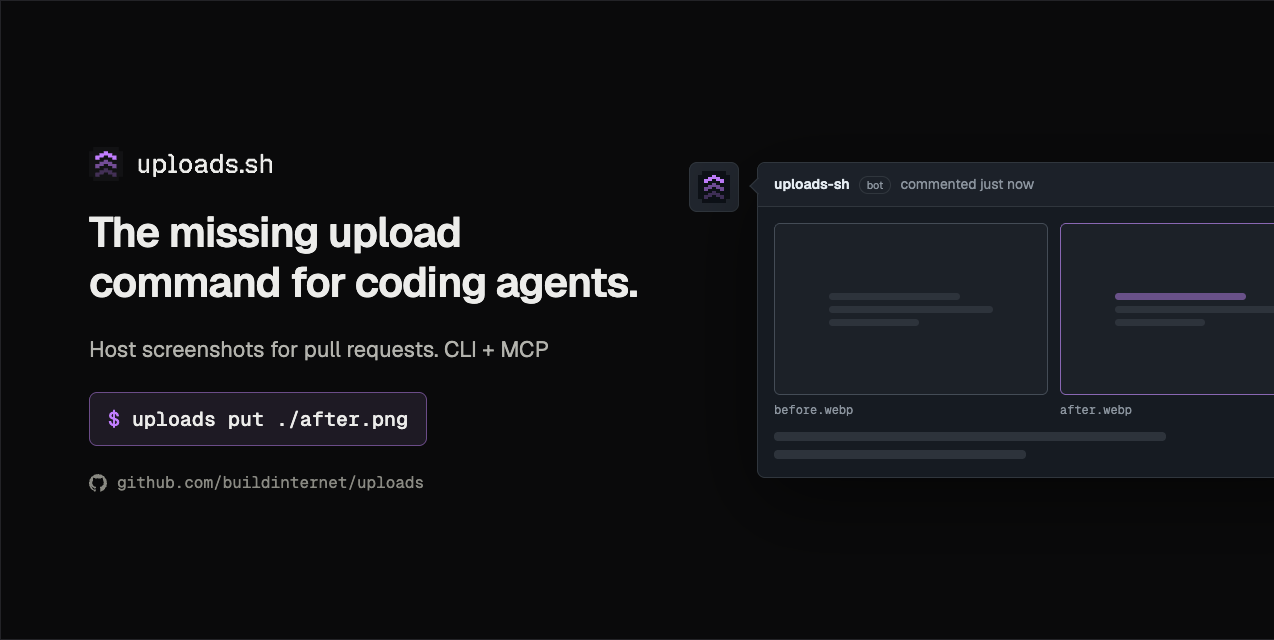 Development · MCPuploads.shHost files from coding agents; stage on a branch and attach to GitHub PRs.No reviewsFree
 Development · MCPOrchestKit Docs MCPRead-only MCP server for the OrchestKit docs: full-text search + Markdown fetch. No auth.No reviewsFree