FlowAI live dashboard template

A team management dashboard in the FlowAI style: members, details, activity log.
- All reviews:
- Release date:
- 4 November 2026
- Creator:
- Public project (github.com)
- Type:
- Skill
Add FlowAI live dashboard template
Free · Added to your library, no credit card needed.Sign in to add this product to your wishlist or follow its updates.
About FlowAI live dashboard template
This design skill produces a team management dashboard in the FlowAI look: three tabs for team members, team details and activity log, a row of KPI stats, a member table and a role distribution chart.
Details
- Updated:
- 12 November 2026
- License:
- Apache-2.0
- Verification:
- Not verified
- Repository:
- github.com/nexu-io/open-design/tree/main/design-templates/flowai-live-dashboard-template
What it can do
The creator has not described the access yet.
Install FlowAI live dashboard template in Claude
A skill teaches Claude a method or know-how. Once imported, Claude uses it on its own when your request fits. It takes about two minutes.
- Add it to your libraryClick “Add to my library” on this page: it is free and instant.
- Download the .zipIn your library, select the product, then click “Download the skill”.
- Import it into ClaudeIn Claude (website or app), open Settings › Capabilities, Skills section, then upload the .zip file without unzipping it.
- Use itAsk as usual: Claude turns the skill on when your request fits.
Before adding a product, read its permissions above. You can remove a connector or skill at any time in Claude’s settings.
FlowAI live dashboard template: frequently asked questions
- Is FlowAI live dashboard template free?
- Yes. FlowAI live dashboard template is free: add it to your Claude Market library, no bank card needed.
- How do I install FlowAI live dashboard template in Claude?
- Add FlowAI live dashboard template to your library, download its .zip file, then upload it in Claude: Settings › Capabilities, Skills section, without unzipping it.
- Does FlowAI live dashboard template work with Claude Code?
- Yes. Unzip the skill into the ~/.claude/skills folder, then restart Claude Code.
- Is FlowAI live dashboard template an official Anthropic product?
- No. FlowAI live dashboard template is a public project; this listing was created by Claude Market from its repository and the product is not hosted here. Claude Market is an independent project, not affiliated with Anthropic.
Reviews
Sign in then add or buy this product to review it (verified reviews).
No reviews yet. Only users who added or bought the product can review it.
Similar products
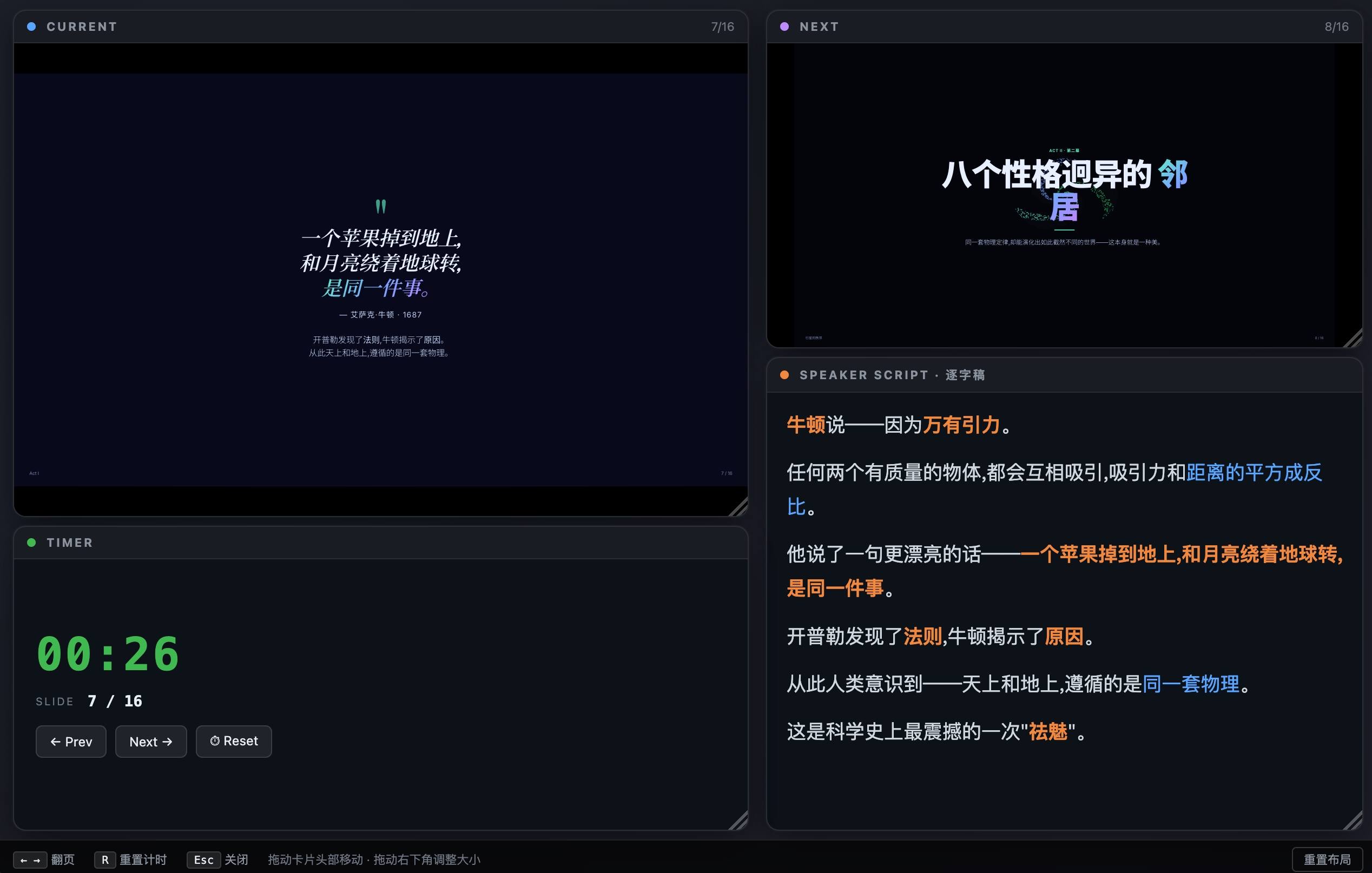 Design and images · SkillHTML PPTAn HTML slide deck to brief a client on AI in their industry, consulting style.No reviewsFree
 Design and images · SkillDashboardAn admin or analytics dashboard in one HTML file: sidebar, KPI cards, charts.No reviewsFree
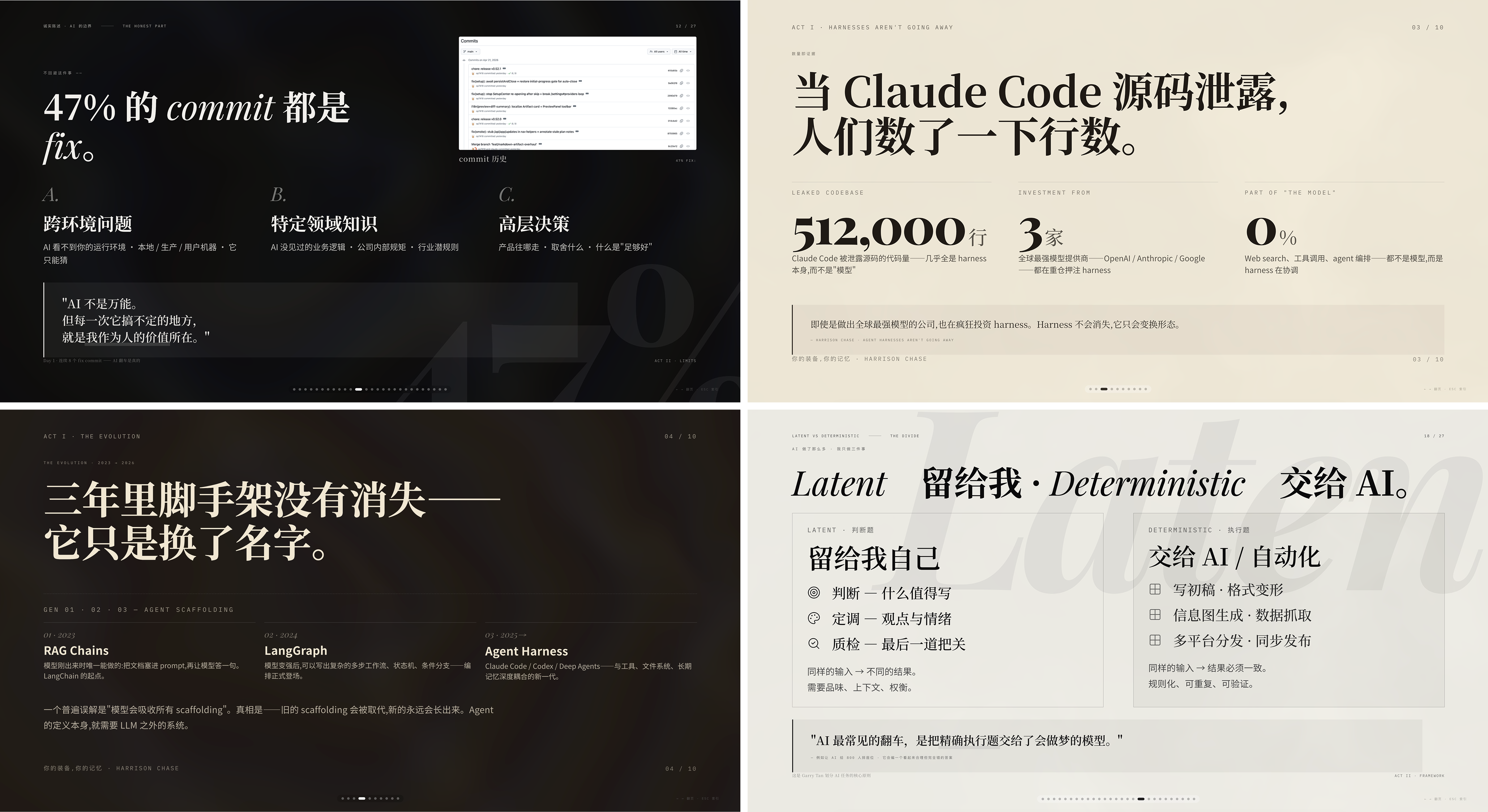 Design and images · SkillMagazine web pptA magazine-style HTML deck that links brand work to revenue.No reviewsFree
 Design and images · SkillDating webA dating or matchmaking dashboard with match KPIs, charts and a match list.No reviewsFree
 Design and images · SkillGitHub dashboardA GitHub repository analytics dashboard: stars, forks, contributors, issues, PRs.No reviewsFree
 Design and images · SkillTheme factoryStyle slides, documents and pages with one of 10 preset themes or a custom one.No reviewsFree
 Design and images · SkillAster atelierTemplate for an artistic studio website with classical imagery and serif type.No reviewsFree
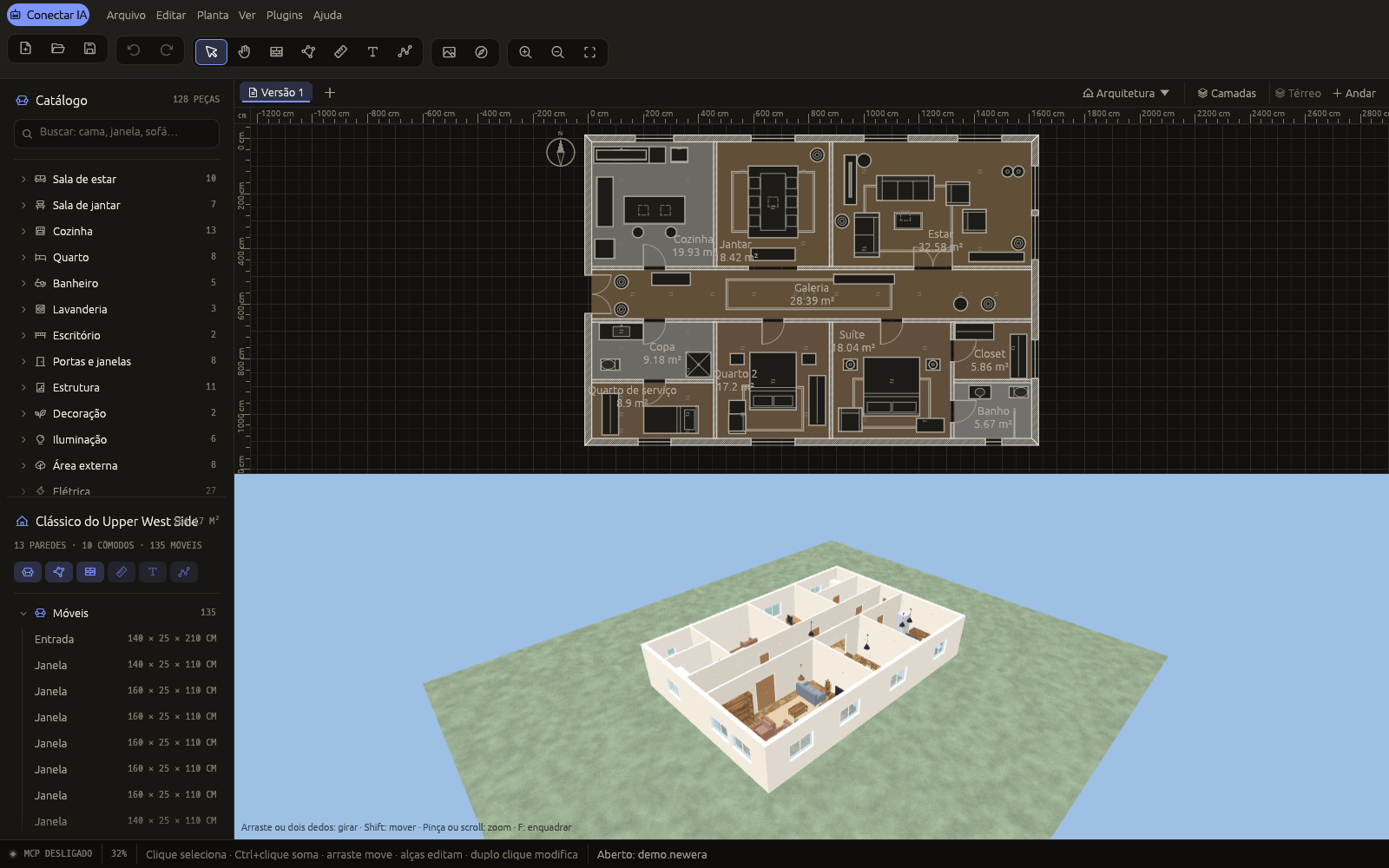 Design and images · MCP3D New Era AIDesign homes with your AI: floor plans, furniture, joinery, lighting and photos, live.No reviewsFree