Conversion tracking

Set up, audit or fix conversion tracking for ad platforms and GA4.
- All reviews:
- Release date:
- 4 November 2026
- Creator:
- Public project (github.com)
- Type:
- Skill
Sign in to add this product to your wishlist or follow its updates.
About Conversion tracking
This marketing skill helps set up, audit or fix conversion tracking to Google Ads, Meta, GA4, LinkedIn and TikTok, and explains why conversions are missing or counted twice, so ad platforms optimise on the right data.
Details
- Updated:
- 12 November 2026
- License:
- MIT
- Verification:
- Not verified
- Repository:
- github.com/coreyhaines31/marketingskills/tree/main/skills/conversion-tracking
What it can do
The creator has not described the access yet.
Install Conversion tracking in Claude
A skill teaches Claude a method or know-how. Once imported, Claude uses it on its own when your request fits. It takes about two minutes.
- Get the skill from GitHubOpen the repository (link below), download the skill folder (the one containing SKILL.md) and zip it.
- Import it into ClaudeIn Claude, open Settings › Capabilities, Skills section, then upload the .zip file.
- Use itAsk as usual: Claude turns the skill on when it needs it.
Before adding a product, read its permissions above. You can remove a connector or skill at any time in Claude’s settings.
Conversion tracking: frequently asked questions
- Is Conversion tracking free?
- Yes. Conversion tracking is free: add it to your Claude Market library, no bank card needed.
- How do I install Conversion tracking in Claude?
- Get the skill folder (the one containing SKILL.md) from its repository, zip it, then upload the .zip in Claude: Settings › Capabilities, Skills section.
- Does Conversion tracking work with Claude Code?
- Yes. Unzip the skill into the ~/.claude/skills folder, then restart Claude Code.
- Is Conversion tracking an official Anthropic product?
- No. Conversion tracking is a public project; this listing was created by Claude Market from its repository and the product is not hosted here. Claude Market is an independent project, not affiliated with Anthropic.
Reviews
Sign in then add or buy this product to review it (verified reviews).
No reviews yet. Only users who added or bought the product can review it.
Similar products
 Marketing · SkillAnalyticsSet up or audit analytics: tracking plans, GA4, GTM, Mixpanel, PostHog.No reviewsFree
 Marketing · SkillCompetitorsCreate or audit 'X vs Y' comparison and alternative pages.No reviewsFree
 Marketing · SkillPaid ads (marketing skills)Plan, run and fix paid ads on Google, Meta and LinkedIn.No reviewsFree
 Marketing · SkillCRO (conversion rate optimization)Get more conversions from a page or form: what to change first.No reviewsFree
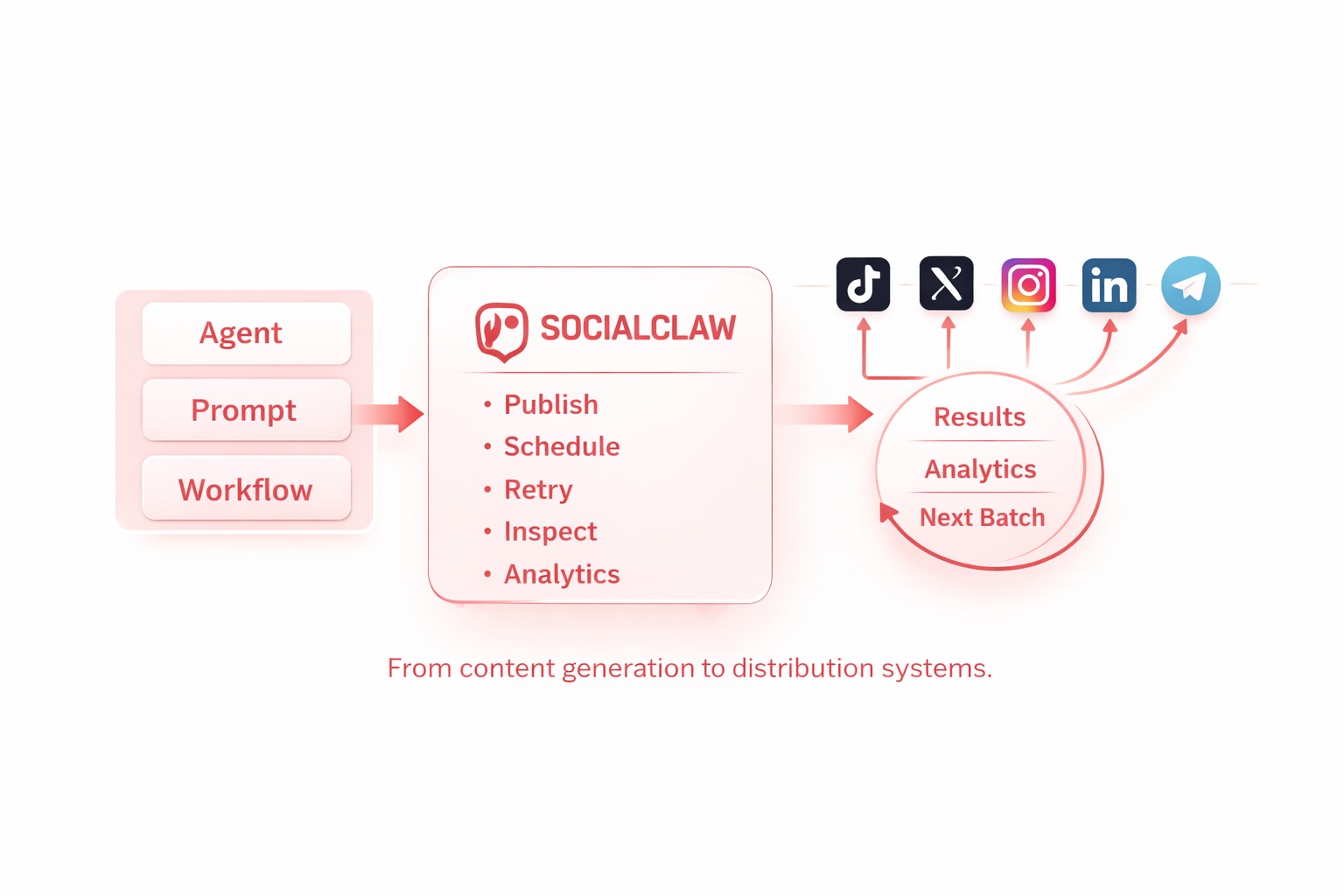 Marketing · MCPSocialclawConnect any AI agent to 11+ social platforms: schedule, publish & track posts via hosted MCP.No reviewsFree
 Marketing · MCPSynter adsRun ads across 16 ad platforms from any MCP client. Hosted OAuth at mcp.synterai.com.No reviewsFree
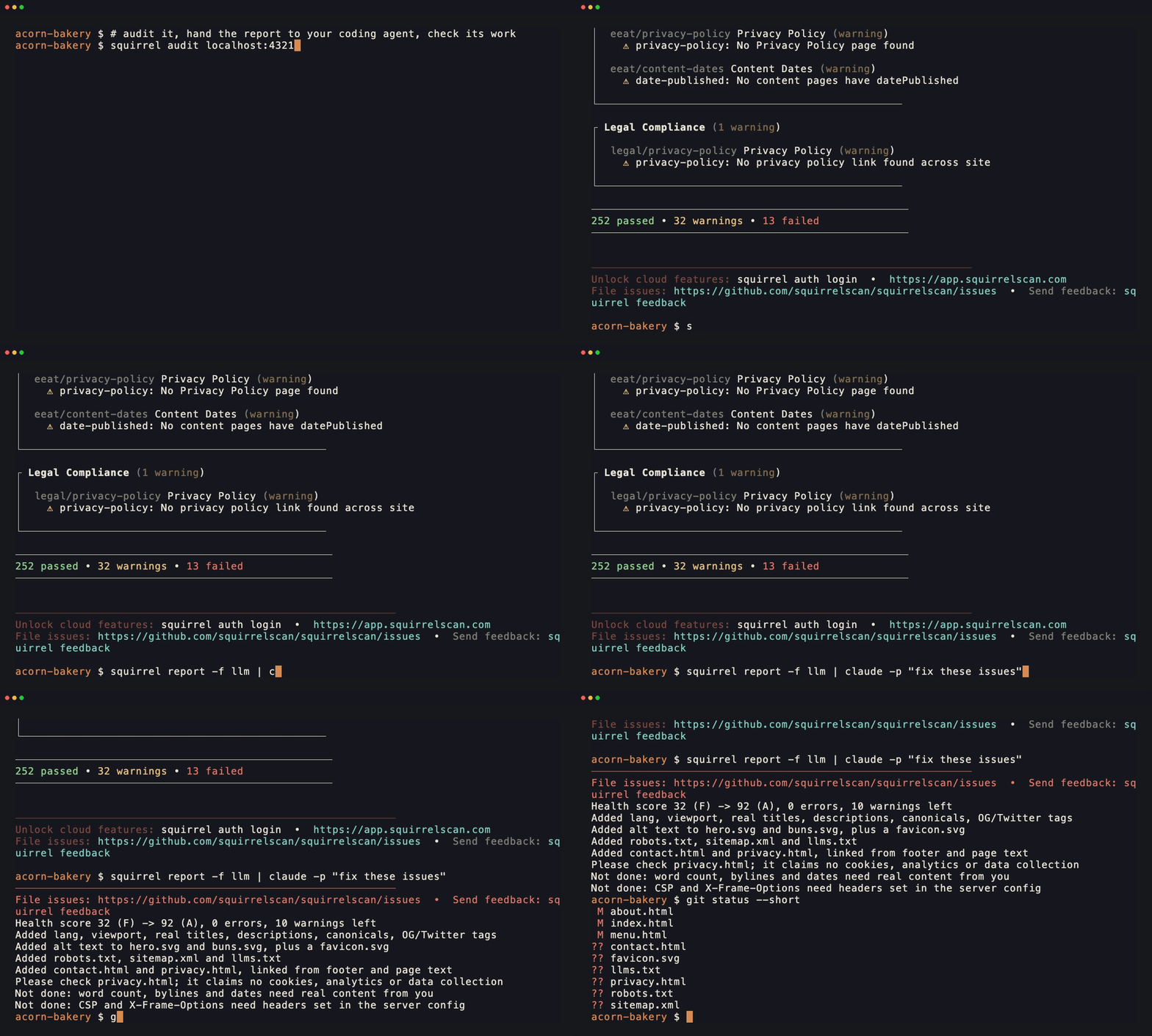 Marketing · MCPsquirrelscanWebsite QA for your coding agent: audit SEO, performance, security, accessibility over MCP.No reviewsFree
 Marketing · MCPGoogle Ads + Meta Ads + SEO/GEO MCPGoogle Ads, Meta Ads, Google Analytics (GA4) and Search Console in one MCP server by Ryze AI.No reviewsFree