Browser testing with DevTools

Test in a real browser through Chrome DevTools MCP: DOM, console and network.
- All reviews:
- Release date:
- 4 November 2026
- Creator:
- Public project (github.com)
- Type:
- Skill
Add Browser testing with DevTools
Free · Added to your library, no credit card needed.Sign in to add this product to your wishlist or follow its updates.
About Browser testing with DevTools
This skill makes Claude test in real browsers through the Chrome DevTools MCP server when building or debugging anything that runs in a browser: inspect the DOM, capture console errors, analyse network requests and check performance.
Details
- Updated:
- 12 November 2026
- License:
- MIT
- Verification:
- Not verified
- Repository:
- github.com/addyosmani/agent-skills/tree/main/skills/browser-testing-with-devtools
What it can do
The creator has not described the access yet.
Install Browser testing with DevTools in Claude
A skill teaches Claude a method or know-how. Once imported, Claude uses it on its own when your request fits. It takes about two minutes.
- Add it to your libraryClick “Add to my library” on this page: it is free and instant.
- Download the .zipIn your library, select the product, then click “Download the skill”.
- Import it into ClaudeIn Claude (website or app), open Settings › Capabilities, Skills section, then upload the .zip file without unzipping it.
- Use itAsk as usual: Claude turns the skill on when your request fits.
Before adding a product, read its permissions above. You can remove a connector or skill at any time in Claude’s settings.
Browser testing with DevTools: frequently asked questions
- Is Browser testing with DevTools free?
- Yes. Browser testing with DevTools is free: add it to your Claude Market library, no bank card needed.
- How do I install Browser testing with DevTools in Claude?
- Add Browser testing with DevTools to your library, download its .zip file, then upload it in Claude: Settings › Capabilities, Skills section, without unzipping it.
- Does Browser testing with DevTools work with Claude Code?
- Yes. Unzip the skill into the ~/.claude/skills folder, then restart Claude Code.
- Is Browser testing with DevTools an official Anthropic product?
- No. Browser testing with DevTools is a public project; this listing was created by Claude Market from its repository and the product is not hosted here. Claude Market is an independent project, not affiliated with Anthropic.
Reviews
Sign in then add or buy this product to review it (verified reviews).
No reviews yet. Only users who added or bought the product can review it.
Similar products
 Development · MCPOya BrowserReal Chrome for agents: start a browser, read pages as numbered markdown, click, type, hand off.No reviewsFree
 Development · SkillE2E testingEnd-to-end tests with Playwright: page objects, CI and flaky test strategies (Spanish).No reviewsFree
 Development · SkillWebapp testingTest local web apps with Playwright: check features, debug UI, take screenshots.No reviewsFree
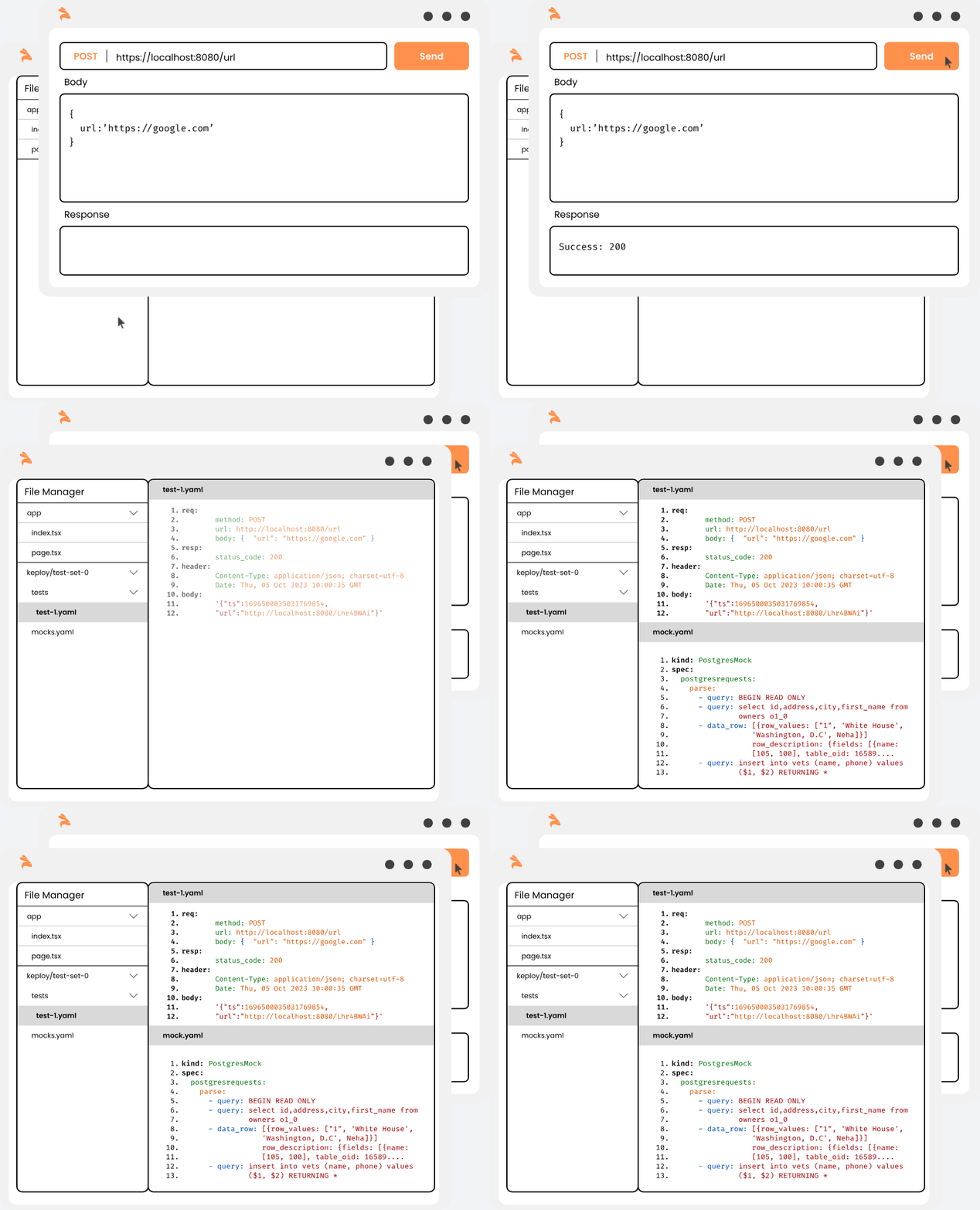 Development · MCPKeployEnd-to-end API testing: generate and run tests from OpenAPI, curl, Postman or real user traffic.No reviewsFree
 Development · MCPTesterArmyAgents that test your web and mobile app like real users, on every pull request.No reviewsFree
 Development · MCPTapBrowser MCP for logged-in tasks. Uses your Chrome — credentials stay local. Zero-token replay.No reviewsFree
 Development · SkillClaude to DeerFlowSend questions to the DeerFlow agent platform through its HTTP API.No reviewsFree
 Development · SkillTest-driven development (Superpowers)Write the test first, watch it fail, then write just enough code.No reviewsFree