TypeUI

Design systems, UI prompts, and layout variations for AI coding tools.
- All reviews:
- Release date:
- 31 May 2026
- Creator:
- Public project (github.com)
- Type:
- MCP
Sign in to add this product to your wishlist or follow its updates.
About TypeUI
TypeUI is an AI-first platform of design skills, UI prompts and layout variations that help coding assistants produce better interfaces. Through its MCP server, Claude can pick a design system or prompt and apply it when it builds a website or app, instead of producing the same generic look every time. Example requests: "Build a pricing page in an editorial style with TypeUI", "Give me three layout variations for this hero section", "Refactor this dashboard to follow a consistent design system". TypeUI works with Claude, Codex, Cursor and other clients through its hosted MCP server or plugins, and its resources work with any AI provider that reads Markdown or prompts.
Details
- Version:
- 1.0.1
- Updated:
- 12 November 2026
- Verification:
- Not verified
- Repository:
- github.com/bergside/typeui
- Website:
- www.typeui.sh/
What it can do
The creator has not described the access yet.
Install TypeUI in Claude
An MCP connector links Claude to a service: Claude can then read or do things there for you, with your consent. It takes about two minutes.
- Add it to your libraryClick “Add to my library” on this page: it is free and instant.
- Copy the connector URLIn your library, select the product: its URL is shown with a “Copy” button.
- Add it in ClaudeIn Claude (website or app), open Settings › Connectors, click “Add custom connector”, give it a name and paste the URL.
- Connect your accountIf the service asks you to sign in (your Notion, GitHub… account), Claude opens its page: only grant the access you need.
- Use it in a conversationTurn the connector on in the conversation’s tools menu, then just ask for what you want.
Before adding a product, read its permissions above. You can remove a connector or skill at any time in Claude’s settings.
TypeUI: frequently asked questions
- Is TypeUI free?
- Yes. TypeUI is free: add it to your Claude Market library, no bank card needed.
- How do I install TypeUI in Claude?
- Add TypeUI to your library to get its URL. In Claude, open Settings › Connectors, click “Add custom connector” and paste the URL.
- Does TypeUI work with Claude Code?
- Yes. In a terminal, run claude mcp add --transport http followed by a name and the connector URL.
- Is TypeUI an official Anthropic product?
- No. TypeUI is a public project; this listing was created by Claude Market from its repository and the product is not hosted here. Claude Market is an independent project, not affiliated with Anthropic.
Reviews
Sign in then add or buy this product to review it (verified reviews).
No reviews yet. Only users who added or bought the product can review it.
Similar products
 Design and images · MCPUizzeUI design that stands out. Full-screen UI references and design materials for coding agents.No reviewsFree
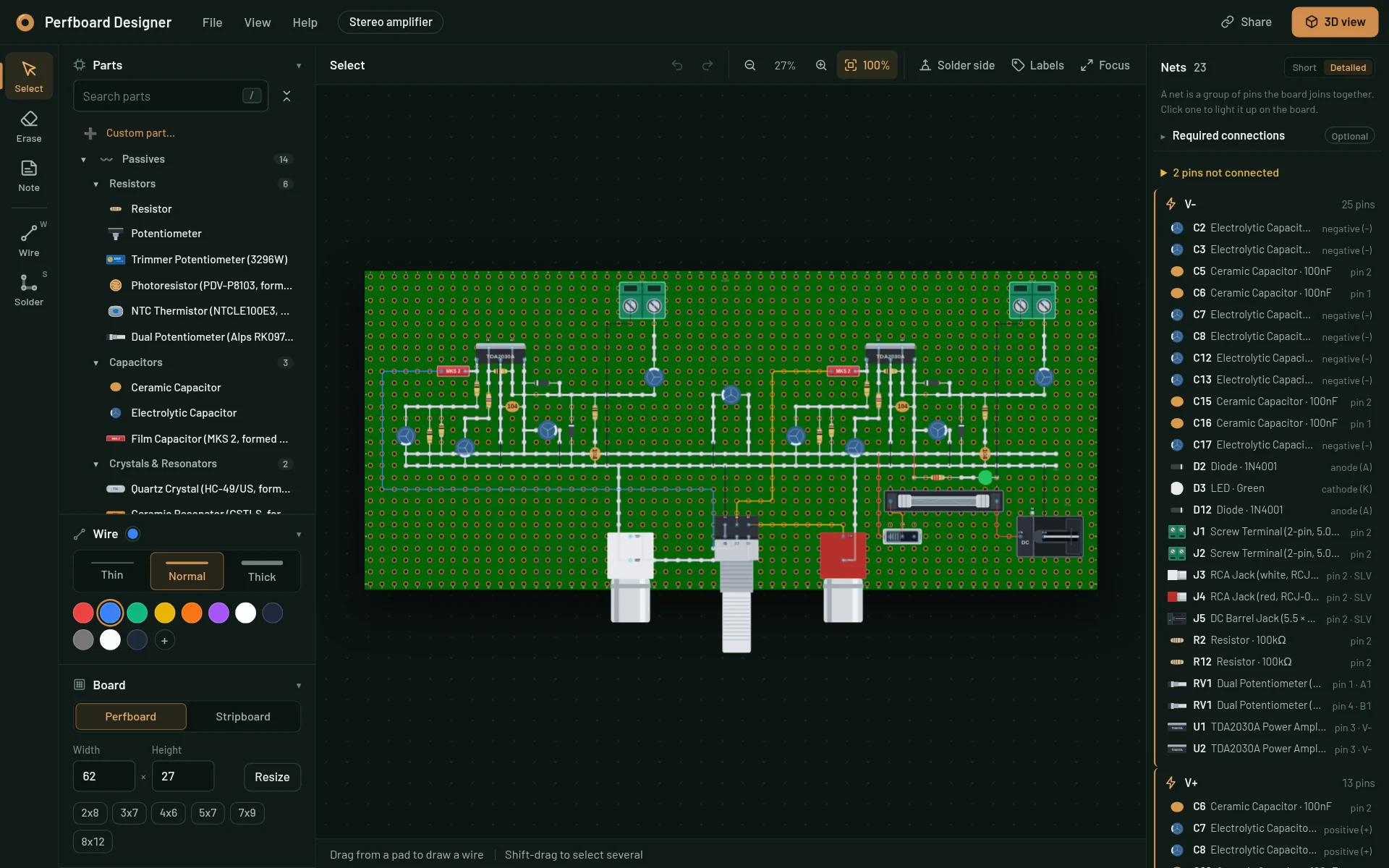 Design and images · MCPPerfboard DesignerDesign perfboard and stripboard layouts, check the wiring and get a link to open them in the editor.No reviewsFree
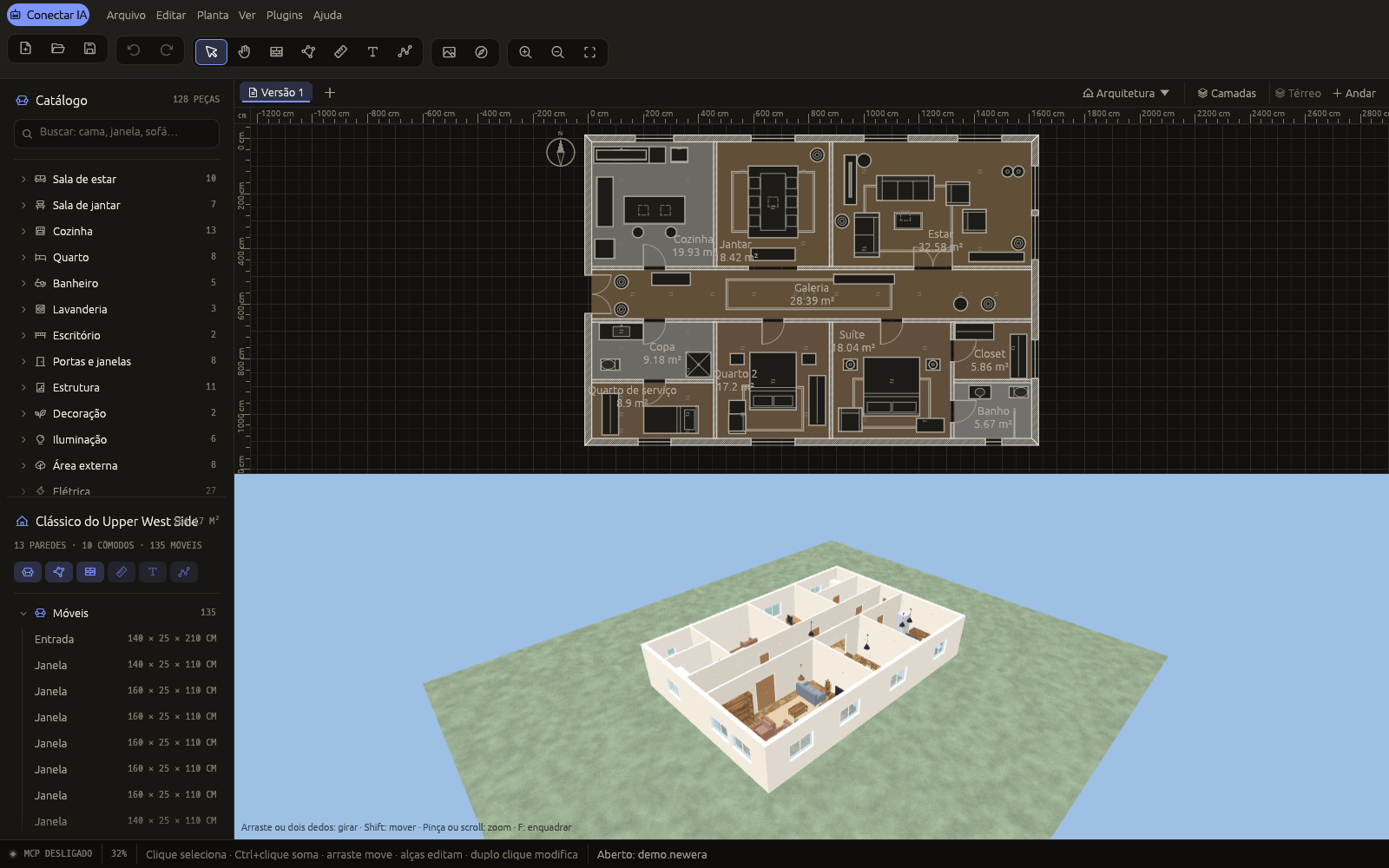 Design and images · MCP3D New Era AIDesign homes with your AI: floor plans, furniture, joinery, lighting and photos, live.No reviewsFree
 Design and images · MCPMobbinSearch real-world UI & UX design references for mobile apps, web apps, and websites with Mobbin.No reviewsFree
 Design and images · MCPMusic StudioABC sheet music + Strudel live coding: songs, videos and live jam sessions in ext-apps widgets.No reviewsFree
 Design and images · SkillDesign taste frontendAn anti-slop frontend skill for professional company websites with real taste.No reviewsFree
 Design and images · SkillCLI-Hub matrix: image designChoose the right tools for image and graphic design.No reviewsFree
 Design and images · SkillDesign critiqueA structured product design critique: what to change, in what order and why.No reviewsFree