Trade It

Connect brokerage accounts to AI assistants: holdings, orders, asset lookup, and approved trading.
- All reviews:
- Release date:
- 15 October 2026
- Creator:
- Public project (github.com)
- Type:
- MCP
Sign in to add this product to your wishlist or follow its updates.
About Trade It
Trade It connects your brokerage accounts to Claude: review accounts, holdings and orders, look up assets and prepare trades that you approve before they are placed. Supported brokerages are listed in its documentation.
Details
- Version:
- 1.0.1
- Updated:
- 12 November 2026
- Verification:
- Not verified
- Repository:
- github.com/trade-it-inc/trade-it-mcp
- Website:
- tradeit.app/
What it can do
The creator has not described the access yet.
Install Trade It in Claude
An MCP connector links Claude to a service: Claude can then read or do things there for you, with your consent. It takes about two minutes.
- Add it to your libraryClick “Add to my library” on this page: it is free and instant.
- Copy the connector URLIn your library, select the product: its URL is shown with a “Copy” button.
- Add it in ClaudeIn Claude (website or app), open Settings › Connectors, click “Add custom connector”, give it a name and paste the URL.
- Connect your accountIf the service asks you to sign in (your Notion, GitHub… account), Claude opens its page: only grant the access you need.
- Use it in a conversationTurn the connector on in the conversation’s tools menu, then just ask for what you want.
Before adding a product, read its permissions above. You can remove a connector or skill at any time in Claude’s settings.
Trade It: frequently asked questions
- Is Trade It free?
- Yes. Trade It is free: add it to your Claude Market library, no bank card needed.
- How do I install Trade It in Claude?
- Add Trade It to your library to get its URL. In Claude, open Settings › Connectors, click “Add custom connector” and paste the URL.
- Does Trade It work with Claude Code?
- Yes. In a terminal, run claude mcp add --transport http followed by a name and the connector URL.
- Is Trade It an official Anthropic product?
- No. Trade It is a public project; this listing was created by Claude Market from its repository and the product is not hosted here. Claude Market is an independent project, not affiliated with Anthropic.
Reviews
Sign in then add or buy this product to review it (verified reviews).
No reviews yet. Only users who added or bought the product can review it.
Similar products
 Finance · MCPFinLab AIQuantitative trading toolkit with 900+ data columns, backtesting, and 60+ strategy examples.No reviewsFree
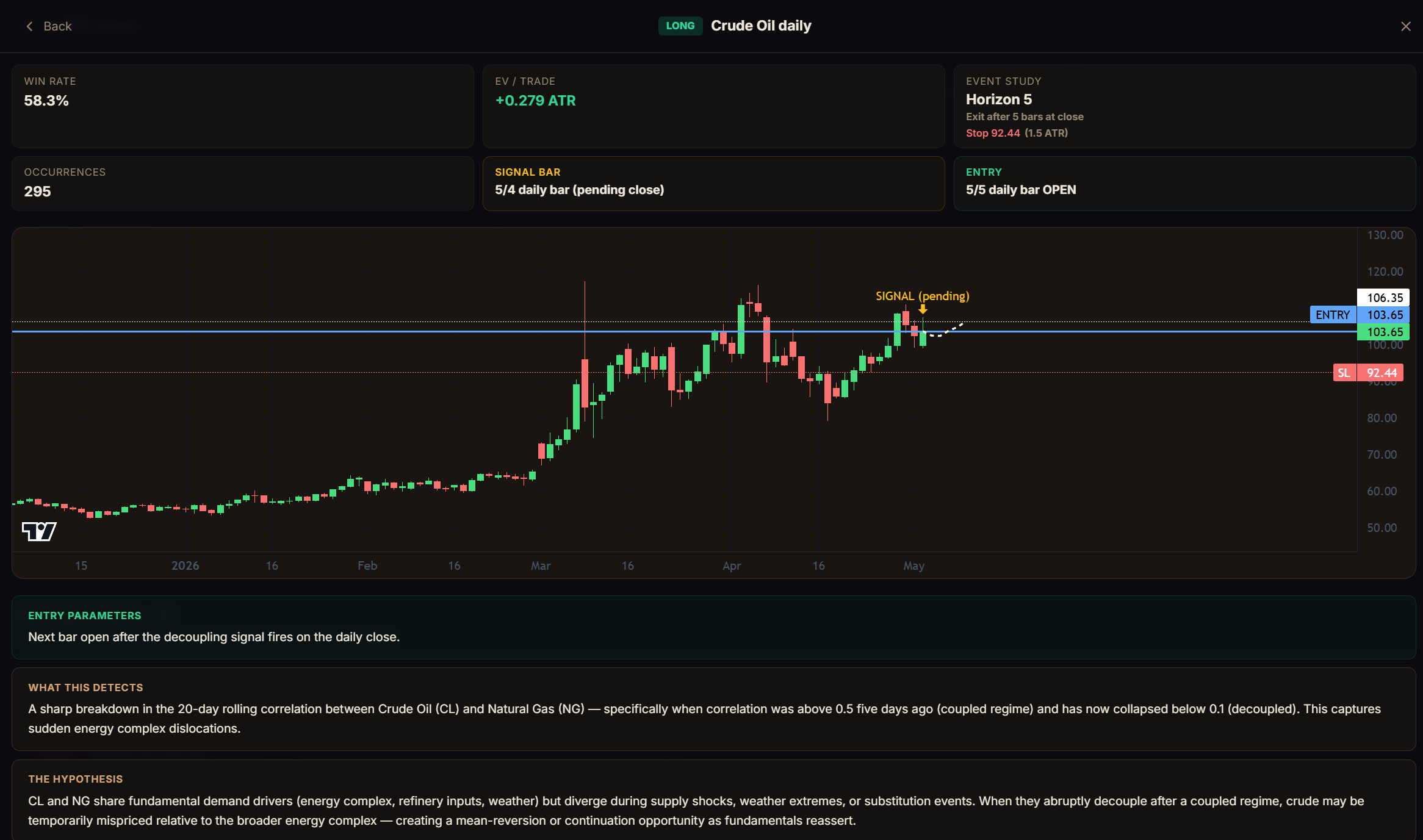 Finance · MCPVARRD — Statistically Validated Trading Edges + AI Research EngineValidated trading edges across futures, equities, crypto. Live signals, full audit trail.No reviewsFree
 Finance · MCPPayPalPayPal invoices, orders and transactions available from Claude.No reviewsFree
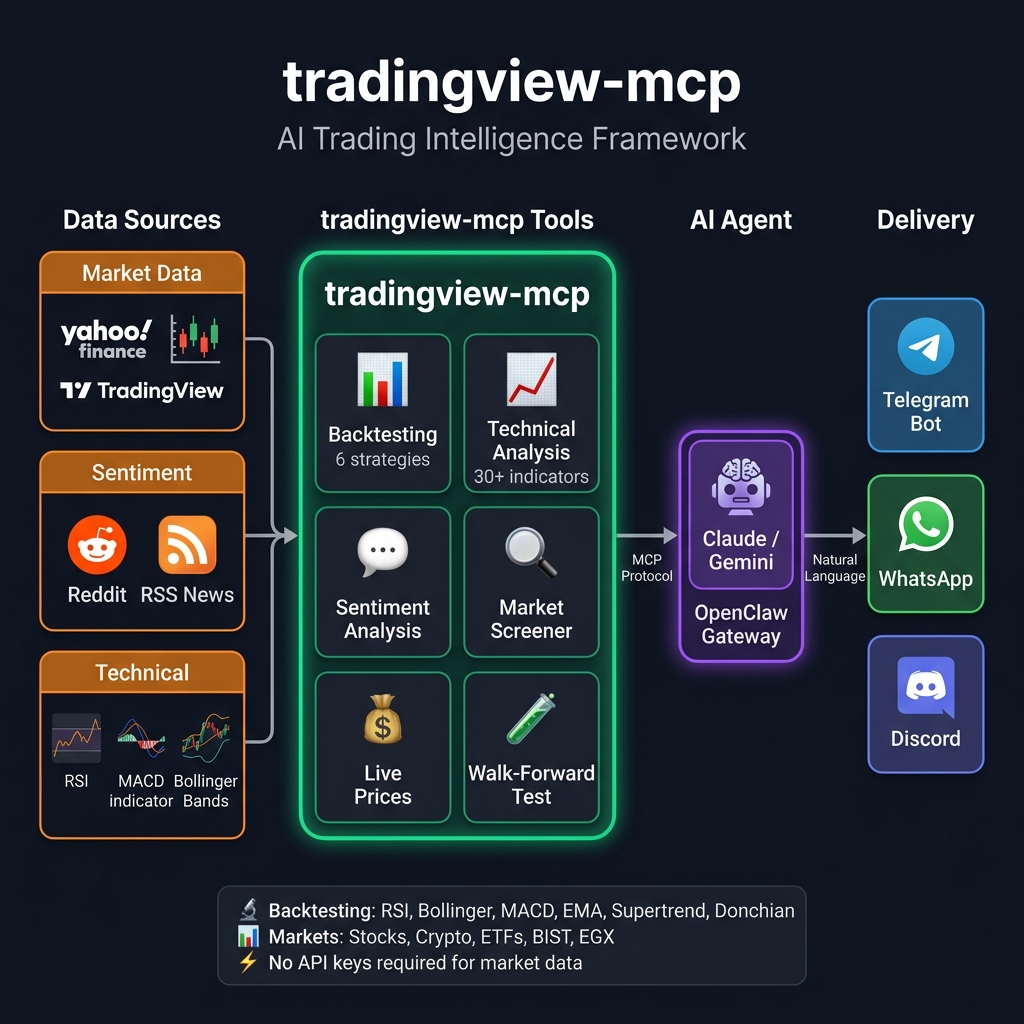 Finance · MCPTradingMCPMarket analysis for AI assistants: screeners, multi-timeframe analysis, backtests and in-chat charts.No reviewsFree
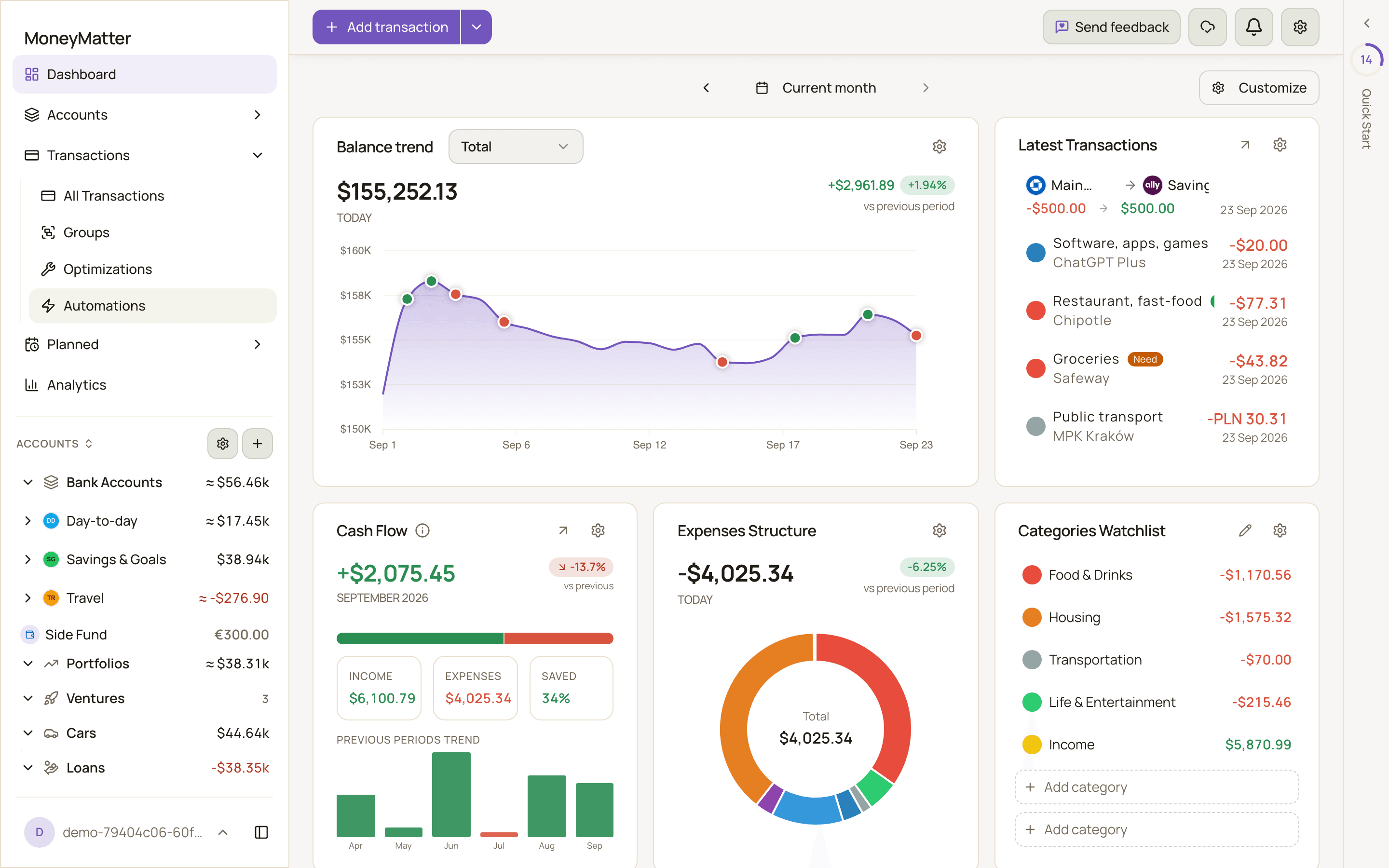 Finance · MCPMoneyMatterPersonal finance tracker: accounts, transactions, budgets, investments and analytics over OAuth.No reviewsFree
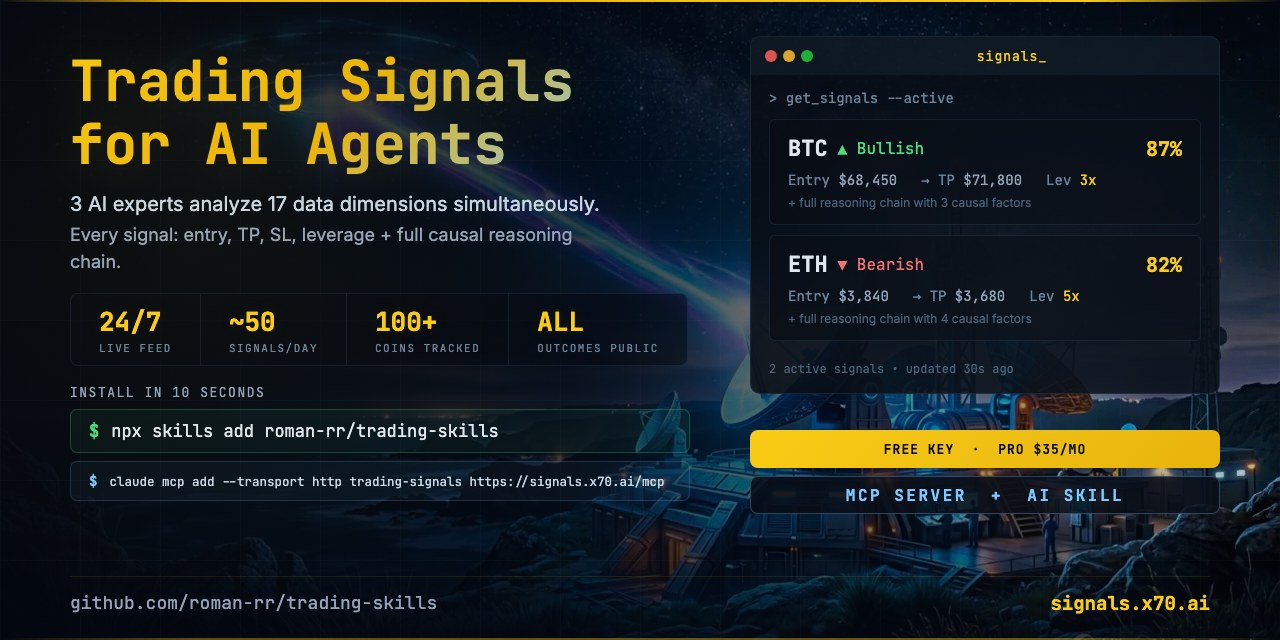 Finance · MCPTrading SignalsLive AI crypto trading signals for agents. Try 3 signals without a key; sign in from your agent.No reviewsFree
 Finance · MCPDexPaprikaDEX and on-chain data: liquidity pools, token prices, swaps, and trading volume.No reviewsFree
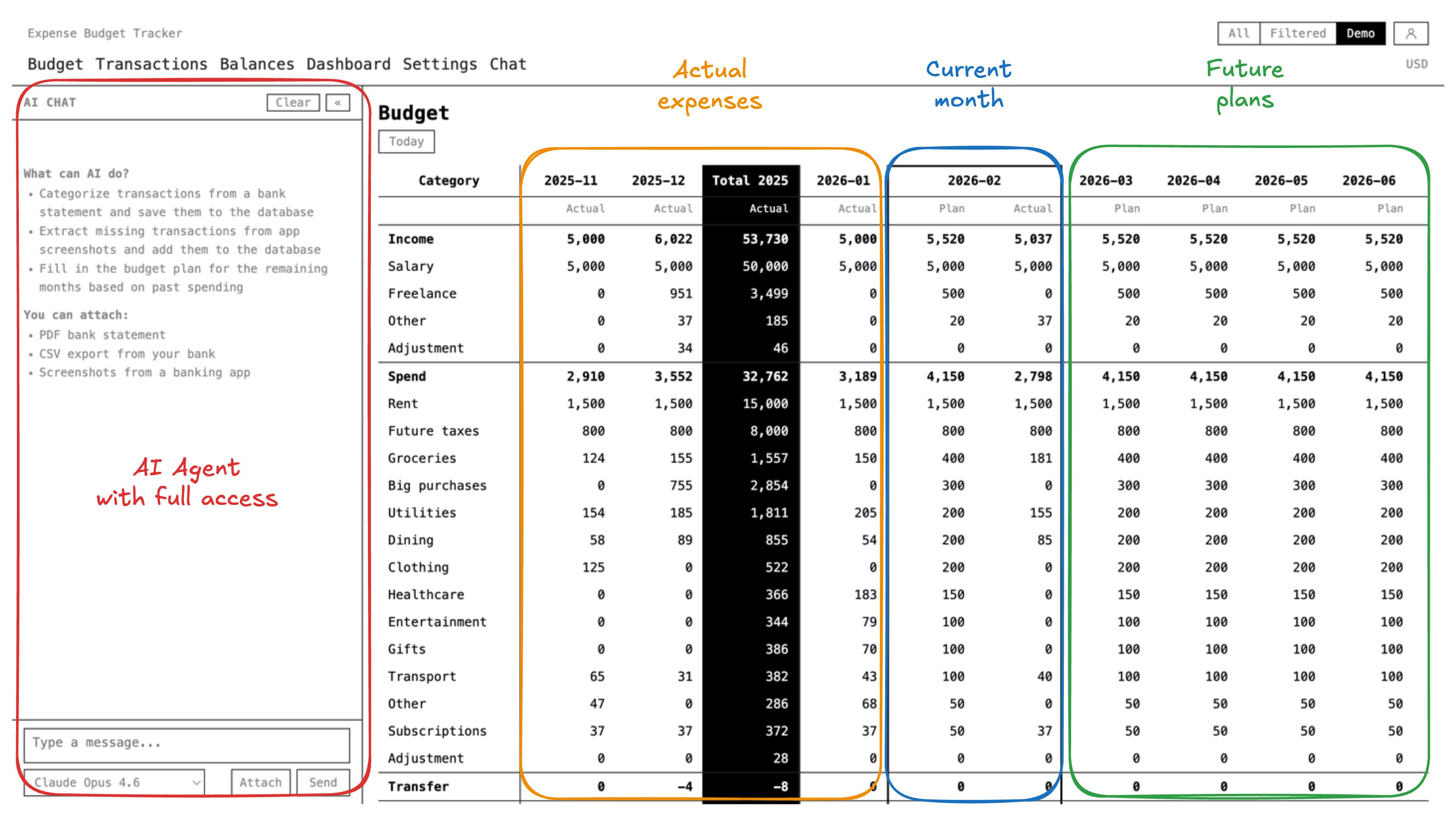 Finance · MCPExpense Budget TrackerTrack expenses, budgets, balances, transfers, and multi-currency reports with OAuth-secured tools.No reviewsFree