ShipSwift
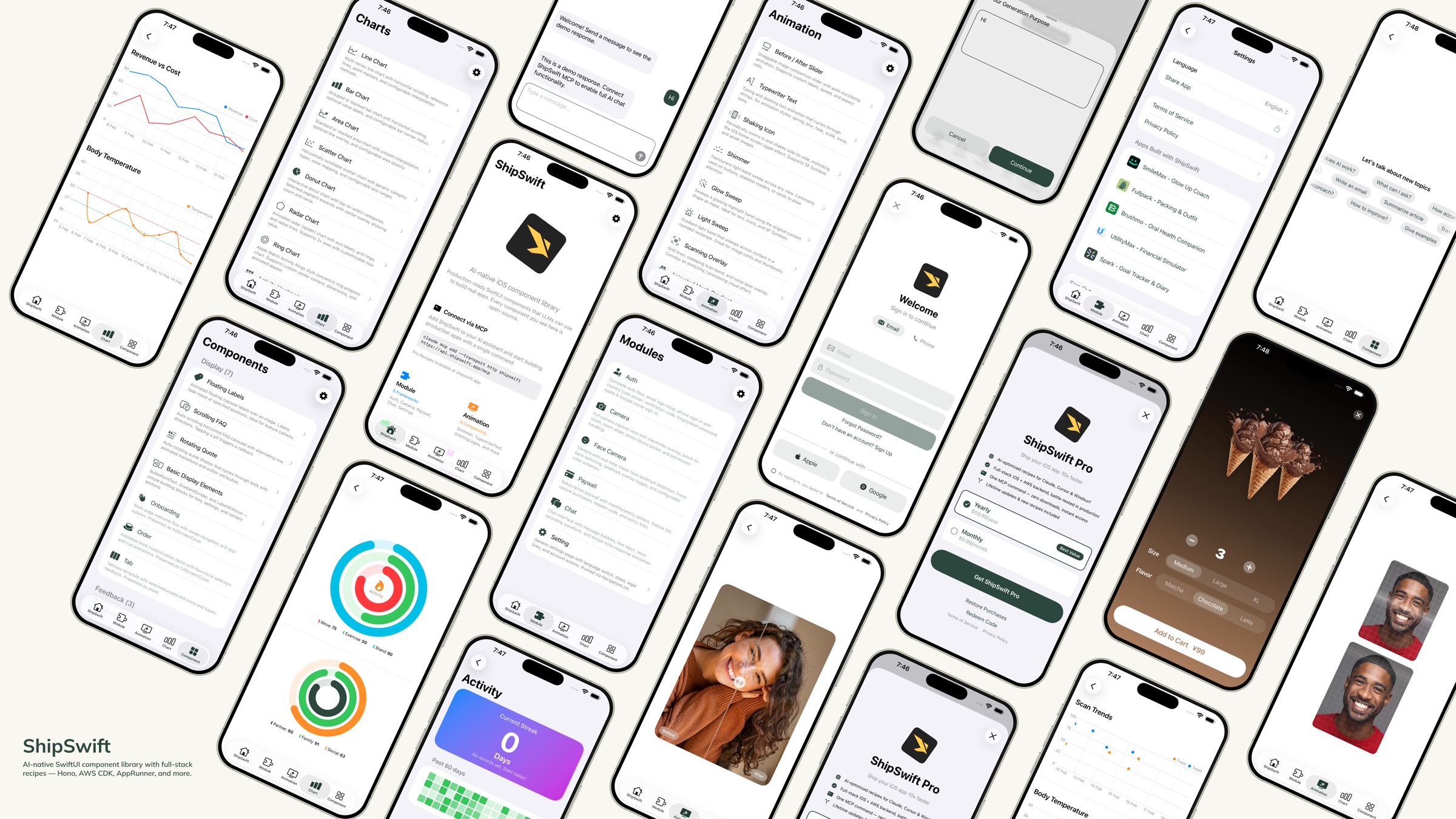
40+ production-ready SwiftUI recipes for building full-stack iOS apps via MCP.
- All reviews:
- Release date:
- 25 February 2026
- Creator:
- Public project (github.com)
- Type:
- MCP
Sign in to add this product to your wishlist or follow its updates.
About ShipSwift
ShipSwift is an AI-native SwiftUI component library: production-ready code and full-stack skills that language models can use to build real iOS apps. Through its MCP server, Claude can browse more than 40 recipes and reuse proven components instead of guessing at SwiftUI layouts and patterns. Example requests: "Build an onboarding flow with three pages and a paywall using ShipSwift components", "Add a settings screen with sign-in and account deletion", "Which ShipSwift recipe handles in-app purchases?". Every component can be previewed in the ShipSwift showcase app, and the skills catalogue is searchable at shipswift.app/skills with copyable source. Useful to get an iOS app most of the way, then focus on what makes it unique.
Details
- Version:
- 1.0.0
- Updated:
- 12 November 2026
- Verification:
- Not verified
- Repository:
- github.com/signerlabs/ShipSwift
What it can do
The creator has not described the access yet.
Install ShipSwift in Claude
An MCP connector links Claude to a service: Claude can then read or do things there for you, with your consent. It takes about two minutes.
- Add it to your libraryClick “Add to my library” on this page: it is free and instant.
- Copy the connector URLIn your library, select the product: its URL is shown with a “Copy” button.
- Add it in ClaudeIn Claude (website or app), open Settings › Connectors, click “Add custom connector”, give it a name and paste the URL.
- Connect your accountIf the service asks you to sign in (your Notion, GitHub… account), Claude opens its page: only grant the access you need.
- Use it in a conversationTurn the connector on in the conversation’s tools menu, then just ask for what you want.
Before adding a product, read its permissions above. You can remove a connector or skill at any time in Claude’s settings.
ShipSwift: frequently asked questions
- Is ShipSwift free?
- Yes. ShipSwift is free: add it to your Claude Market library, no bank card needed.
- How do I install ShipSwift in Claude?
- Add ShipSwift to your library to get its URL. In Claude, open Settings › Connectors, click “Add custom connector” and paste the URL.
- Does ShipSwift work with Claude Code?
- Yes. In a terminal, run claude mcp add --transport http followed by a name and the connector URL.
- Is ShipSwift an official Anthropic product?
- No. ShipSwift is a public project; this listing was created by Claude Market from its repository and the product is not hosted here. Claude Market is an independent project, not affiliated with Anthropic.
Reviews
Sign in then add or buy this product to review it (verified reviews).
No reviews yet. Only users who added or bought the product can review it.
Similar products
 Development · MCPCleanSliceArchitecture docs and patterns for NestJS + Nuxt full-stack appsNo reviewsFree
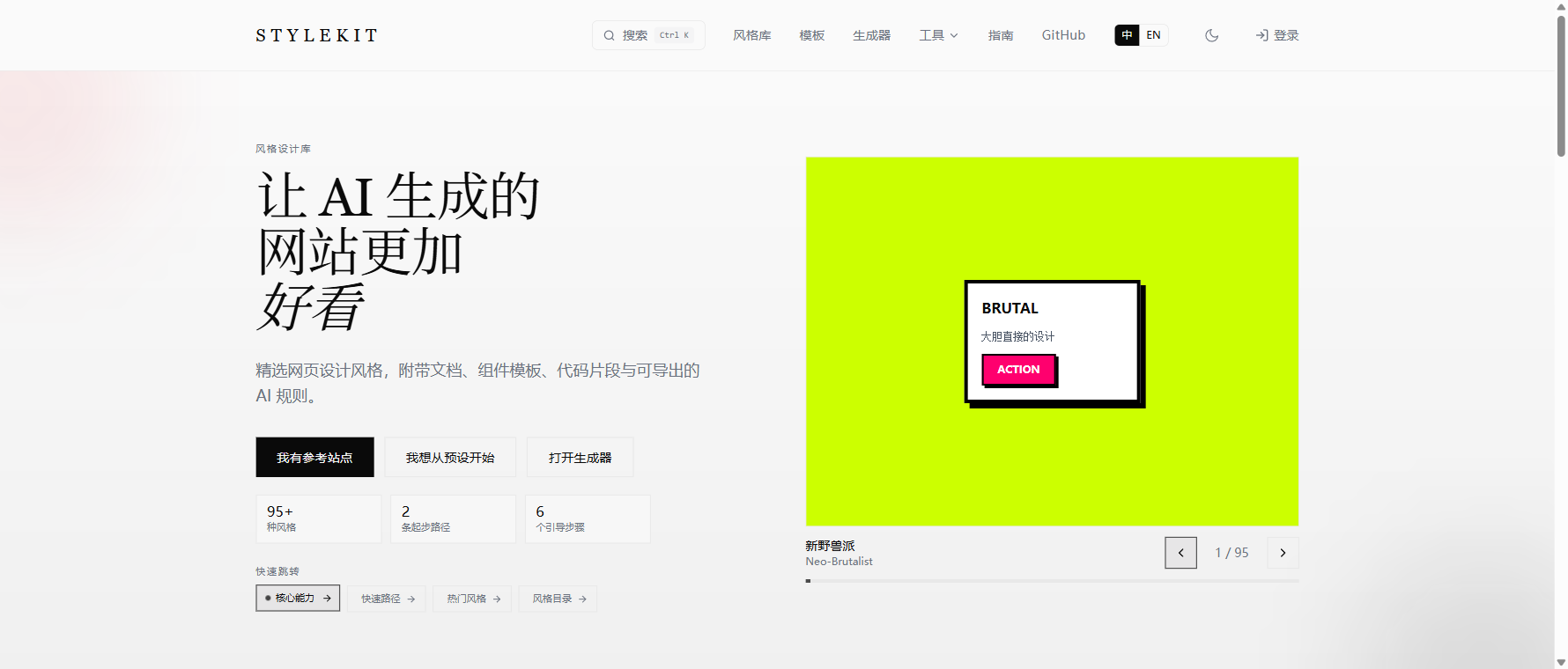 Development · MCPStyleKitMCP server for StyleKit styles, tokens, recipes, lint and repair over stdio or HTTP.No reviewsFree
 Development · MCPOrchestKit Docs MCPRead-only MCP server for the OrchestKit docs: full-text search + Markdown fetch. No auth.No reviewsFree
 Development · MCPLiquid ComposerCheck Liquid Glass app icon recipes and open them in the browser editor.No reviewsFree
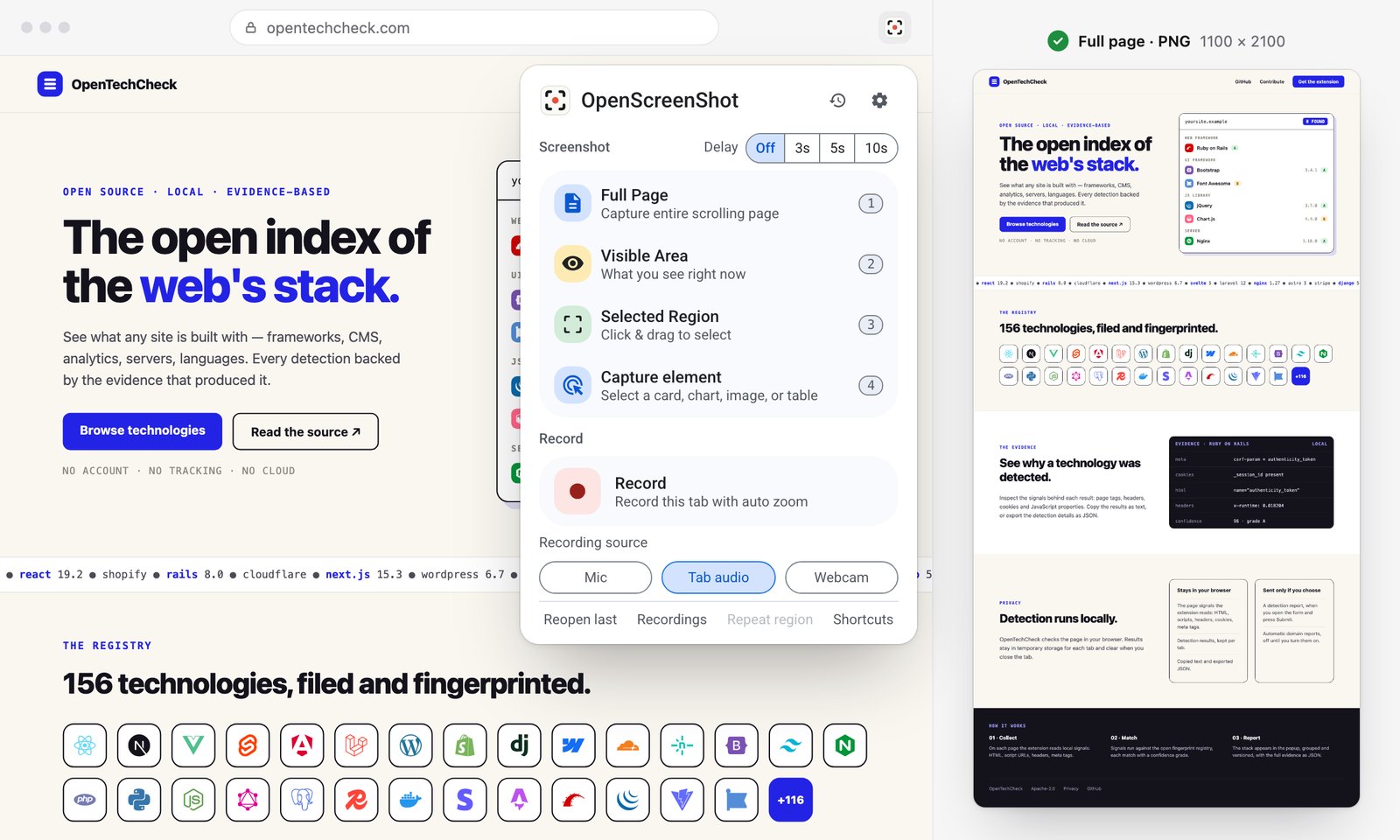 Development · MCPOpenScreenShotCapture website screenshots (viewport or full page) with local Chrome, or on OpenScreenShot Cloud.No reviewsFree
 Development · MCPPubMedSearch PubMed/Europe PMC, fetch articles and full text (PMC/EPMC/Unpaywall), citations, MeSH terms.No reviewsFree
 Development · MCPInspoReal production websites for coding agents: palettes, fonts, fold autopsies and reference JSX.No reviewsFree
 Development · MCPaffectUISearch, read and install agent-ready React components, screens and blocks for AI products.No reviewsFree