Remote Desktop Commander

Remote Desktop Commander: use files, terminal and processes on your own computers from any AI app.
- All reviews:
- Release date:
- 29 October 2026
- Creator:
- Public project (github.com)
- Type:
- MCP
Add Remote Desktop Commander
Free · Added to your library, no credit card needed.Sign in to add this product to your wishlist or follow its updates.
About Remote Desktop Commander
Remote Desktop Commander is a hosted MCP server that relays a secure connection to your own computer. From any AI app that supports remote connectors, Claude can then use the files, terminal and processes of your real machine, to build, explore or automate from anywhere.
Details
- Version:
- 1.1.16
- Updated:
- 12 November 2026
- Verification:
- Not verified
- Repository:
- github.com/desktop-commander/remote-desktop-commander
- Website:
- mcp.desktopcommander.app/
What it can do
The creator has not described the access yet.
Install Remote Desktop Commander in Claude
An MCP connector links Claude to a service: Claude can then read or do things there for you, with your consent. It takes about two minutes.
- Add it to your libraryClick “Add to my library” on this page: it is free and instant.
- Copy the connector URLIn your library, select the product: its URL is shown with a “Copy” button.
- Add it in ClaudeIn Claude (website or app), open Settings › Connectors, click “Add custom connector”, give it a name and paste the URL.
- Connect your accountIf the service asks you to sign in (your Notion, GitHub… account), Claude opens its page: only grant the access you need.
- Use it in a conversationTurn the connector on in the conversation’s tools menu, then just ask for what you want.
Before adding a product, read its permissions above. You can remove a connector or skill at any time in Claude’s settings.
Remote Desktop Commander: frequently asked questions
- Is Remote Desktop Commander free?
- Yes. Remote Desktop Commander is free: add it to your Claude Market library, no bank card needed.
- How do I install Remote Desktop Commander in Claude?
- Add Remote Desktop Commander to your library to get its URL. In Claude, open Settings › Connectors, click “Add custom connector” and paste the URL.
- Does Remote Desktop Commander work with Claude Code?
- Yes. In a terminal, run claude mcp add --transport http followed by a name and the connector URL.
- Is Remote Desktop Commander an official Anthropic product?
- No. Remote Desktop Commander is a public project; this listing was created by Claude Market from its repository and the product is not hosted here. Claude Market is an independent project, not affiliated with Anthropic.
Reviews
Sign in then add or buy this product to review it (verified reviews).
No reviews yet. Only users who added or bought the product can review it.
Similar products
 Productivity · MCPTetrees MCPOwn, grow and trade portable agent intelligence via TAIP/1 Packs and MCP.No reviewsFree
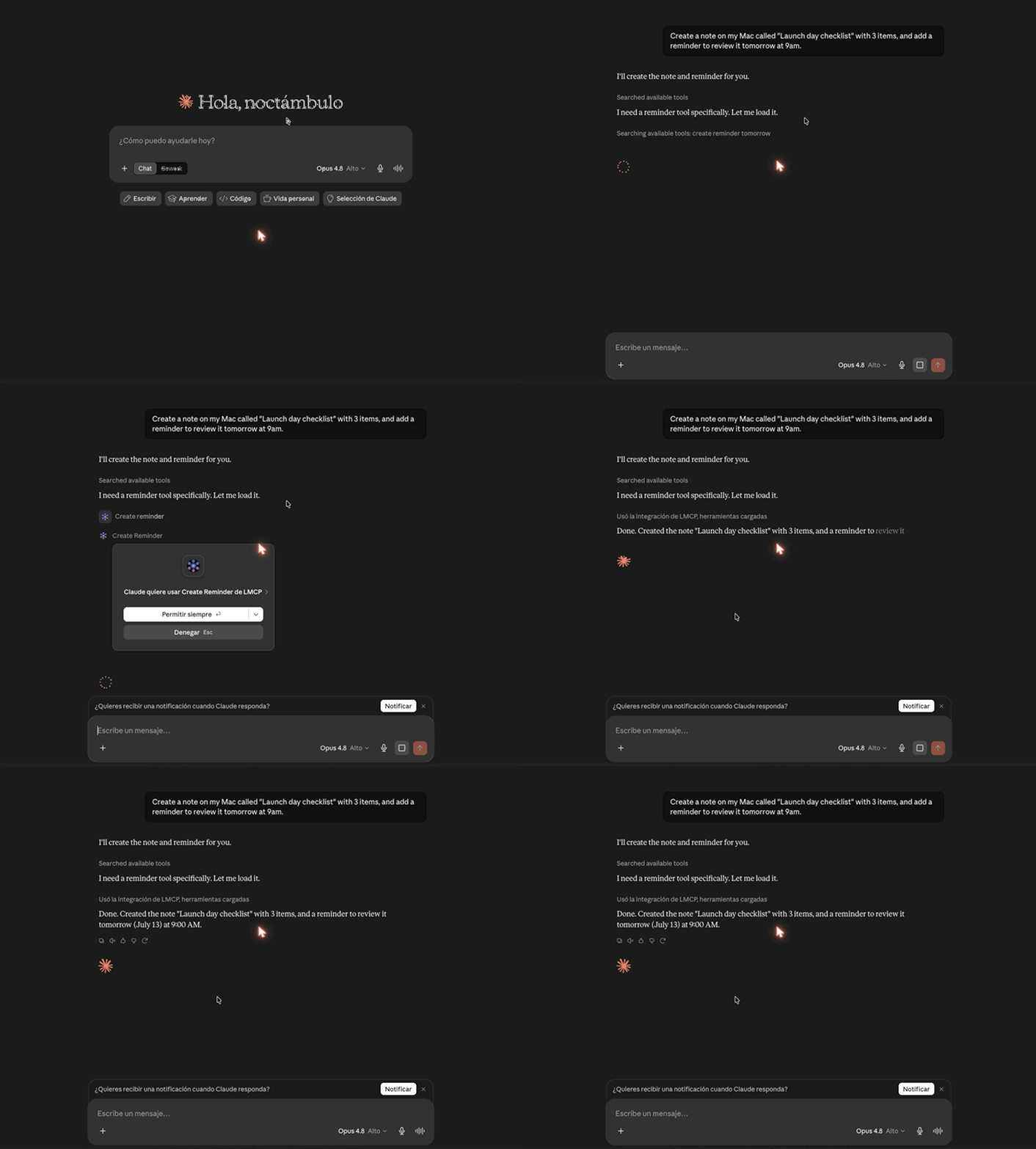 Productivity · MCPLMCPMac & Windows: let ChatGPT, Claude & Cursor use your email, calendar, iMessage, Teams, files.No reviewsFree
 Productivity · MCPArtifact ShareShare HTML and Markdown files from AI agents within your company, with versions and comments.No reviewsFree
 Productivity · MCPMuNews, web search, mail, markets, weather, places, files, calendar, contacts. 67 tools, one endpoint.No reviewsFree
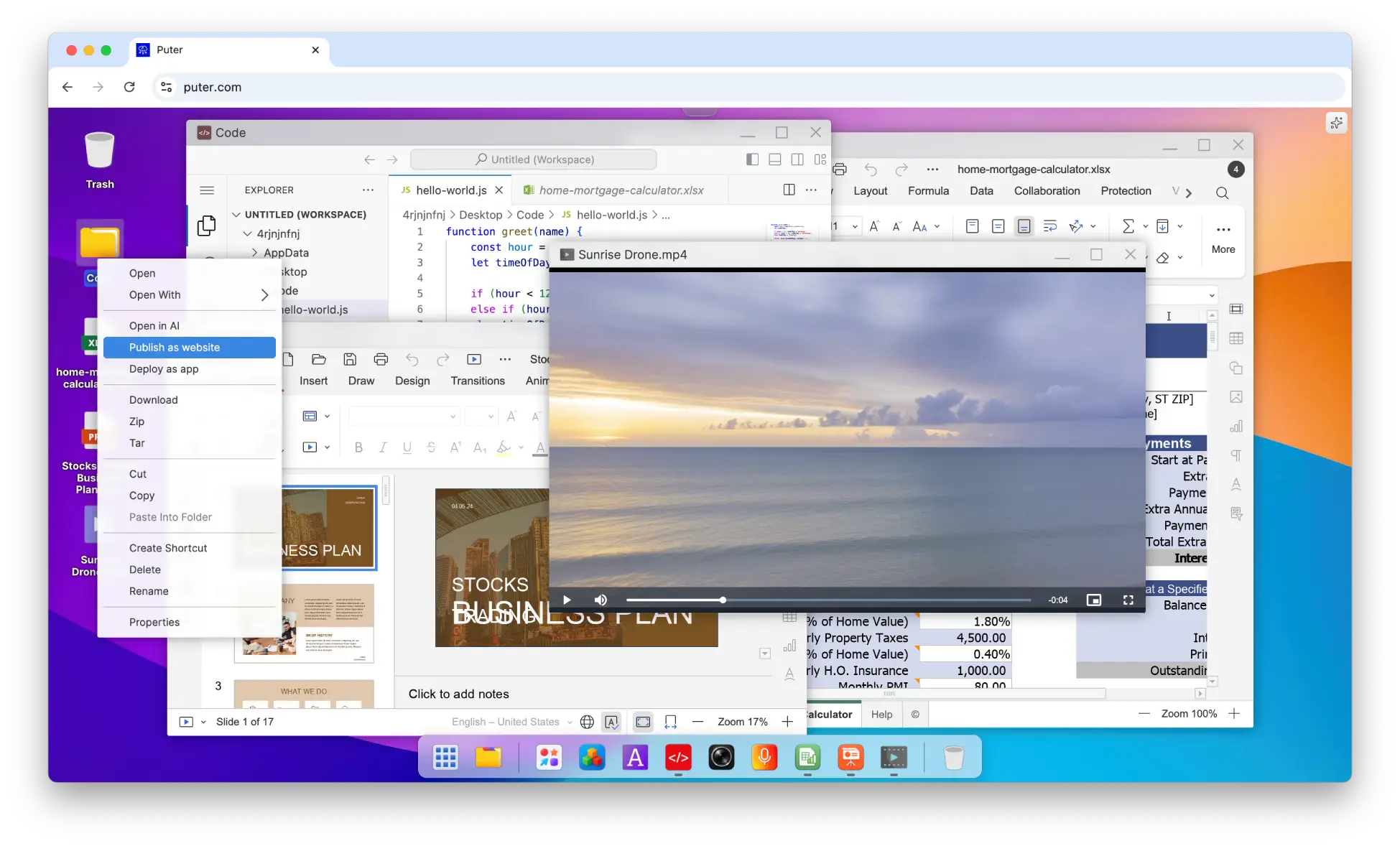 Productivity · MCPPuterFiles, websites and workers in your Puter space, managed from Claude.No reviewsFree
 Productivity · MCPBesidkaBesidka models, providers and key guides, plus your chats, projects, files, memory and settings.No reviewsFree
 Productivity · SkillManaged workflowDiscover and run bounded remote workflows with policies and acceptance gates.No reviewsFree
 Productivity · SkillBiopythonBiopython workflows: sequences, FASTA and GenBank files, phylogenetics, NCBI.No reviewsFree