pg-aiguide (PostgreSQL)

Comprehensive PostgreSQL documentation and best practices, including ecosystem tools
- All reviews:
- Release date:
- 4 September 2026
- Creator:
- Public project (github.com)
- Type:
- MCP
Add pg-aiguide (PostgreSQL)
Free · Added to your library, no credit card needed.Sign in to add this product to your wishlist or follow its updates.
About pg-aiguide (PostgreSQL)
pg-aiguide helps AI coding tools write better PostgreSQL. Its MCP server offers semantic search across the official PostgreSQL manual, version-aware, plus curated best practices and documentation for extensions such as TimescaleDB. AI tools often produce Postgres code that is outdated, misses constraints and indexes or ignores modern features; pg-aiguide gives Claude versioned knowledge and proven patterns instead. Example requests: "Design the schema for an e-commerce site with the right constraints and indexes", "Is there a better way to write this upsert in PostgreSQL 16?", "How should I partition this time-series table with TimescaleDB?". Available as a public MCP server, as agent skills or as a Claude Code plugin. Useful when Claude designs a schema, writes a migration or tunes a query.
Details
- Version:
- 0.6.1
- Updated:
- 12 November 2026
- Verification:
- Not verified
- Repository:
- github.com/timescale/pg-aiguide
What it can do
The creator has not described the access yet.
Install pg-aiguide (PostgreSQL) in Claude
An MCP connector links Claude to a service: Claude can then read or do things there for you, with your consent. It takes about two minutes.
- Add it to your libraryClick “Add to my library” on this page: it is free and instant.
- Copy the connector URLIn your library, select the product: its URL is shown with a “Copy” button.
- Add it in ClaudeIn Claude (website or app), open Settings › Connectors, click “Add custom connector”, give it a name and paste the URL.
- Connect your accountIf the service asks you to sign in (your Notion, GitHub… account), Claude opens its page: only grant the access you need.
- Use it in a conversationTurn the connector on in the conversation’s tools menu, then just ask for what you want.
Before adding a product, read its permissions above. You can remove a connector or skill at any time in Claude’s settings.
pg-aiguide (PostgreSQL): frequently asked questions
- Is pg-aiguide (PostgreSQL) free?
- Yes. pg-aiguide (PostgreSQL) is free: add it to your Claude Market library, no bank card needed.
- How do I install pg-aiguide (PostgreSQL) in Claude?
- Add pg-aiguide (PostgreSQL) to your library to get its URL. In Claude, open Settings › Connectors, click “Add custom connector” and paste the URL.
- Does pg-aiguide (PostgreSQL) work with Claude Code?
- Yes. In a terminal, run claude mcp add --transport http followed by a name and the connector URL.
- Is pg-aiguide (PostgreSQL) an official Anthropic product?
- No. pg-aiguide (PostgreSQL) is a public project; this listing was created by Claude Market from its repository and the product is not hosted here. Claude Market is an independent project, not affiliated with Anthropic.
Reviews
Sign in then add or buy this product to review it (verified reviews).
No reviews yet. Only users who added or bought the product can review it.
Similar products
 Data and analytics · MCPAKShare One (Chinese stocks)Provide access to Chinese stock market data including historical prices, real-time data, news, and…No reviewsFree
 Data and analytics · SkillPostgres patternsPostgreSQL patterns: query optimisation, schemas, indexes and security (Spanish).No reviewsFree
 Data and analytics · SkillChart visualizationVisualise data by picking the best of 26 chart types automatically.No reviewsFree
 Data and analytics · SkillDatabase migrationsSafe database migrations and zero-downtime deploys for PostgreSQL and MySQL (Spanish).No reviewsFree
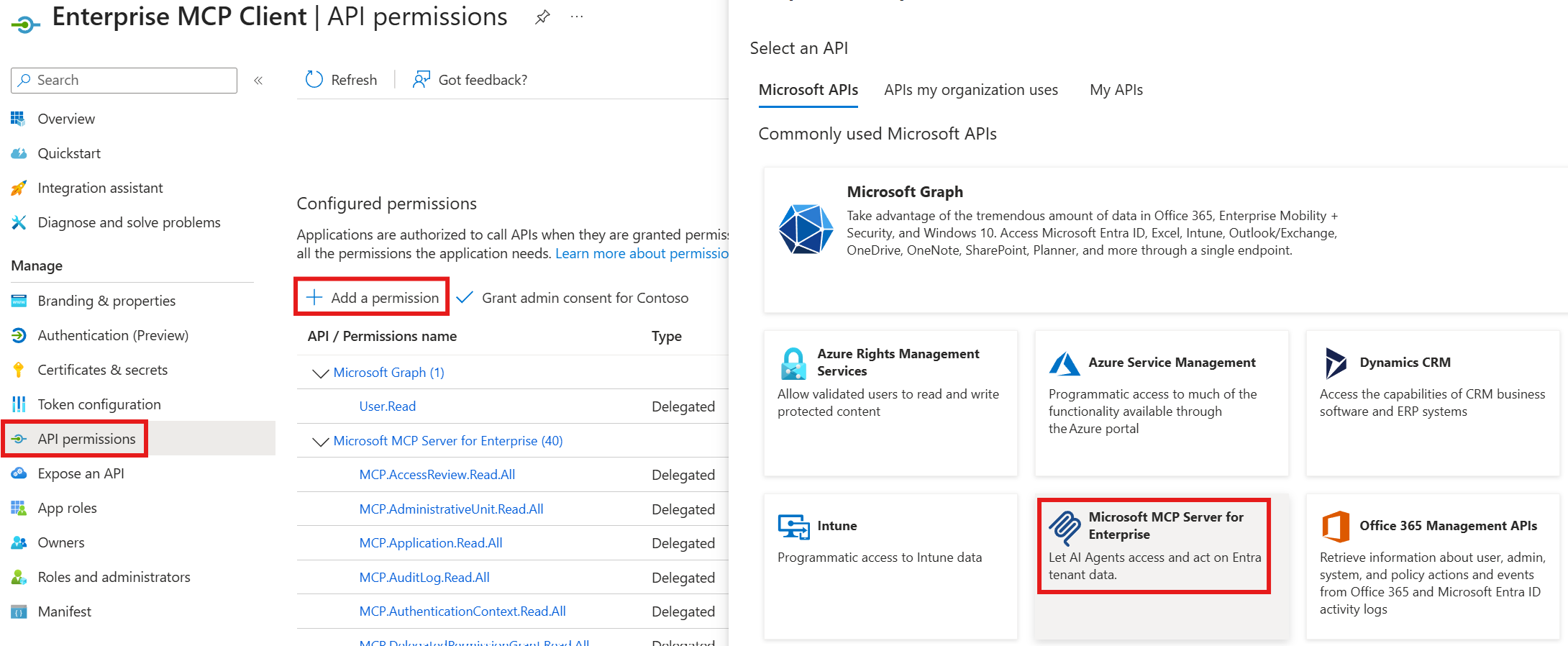 Data and analytics · MCPMicrosoft MCP Server for EnterpriseOfficial Microsoft MCP Server to query Microsoft Entra data using natural languageNo reviewsFree
 Data and analytics · MCPEveryInfraStructured data from 106 platforms (RedNote, Douyin, TikTok, Amazon), web search, CAPTCHA solving.No reviewsFree
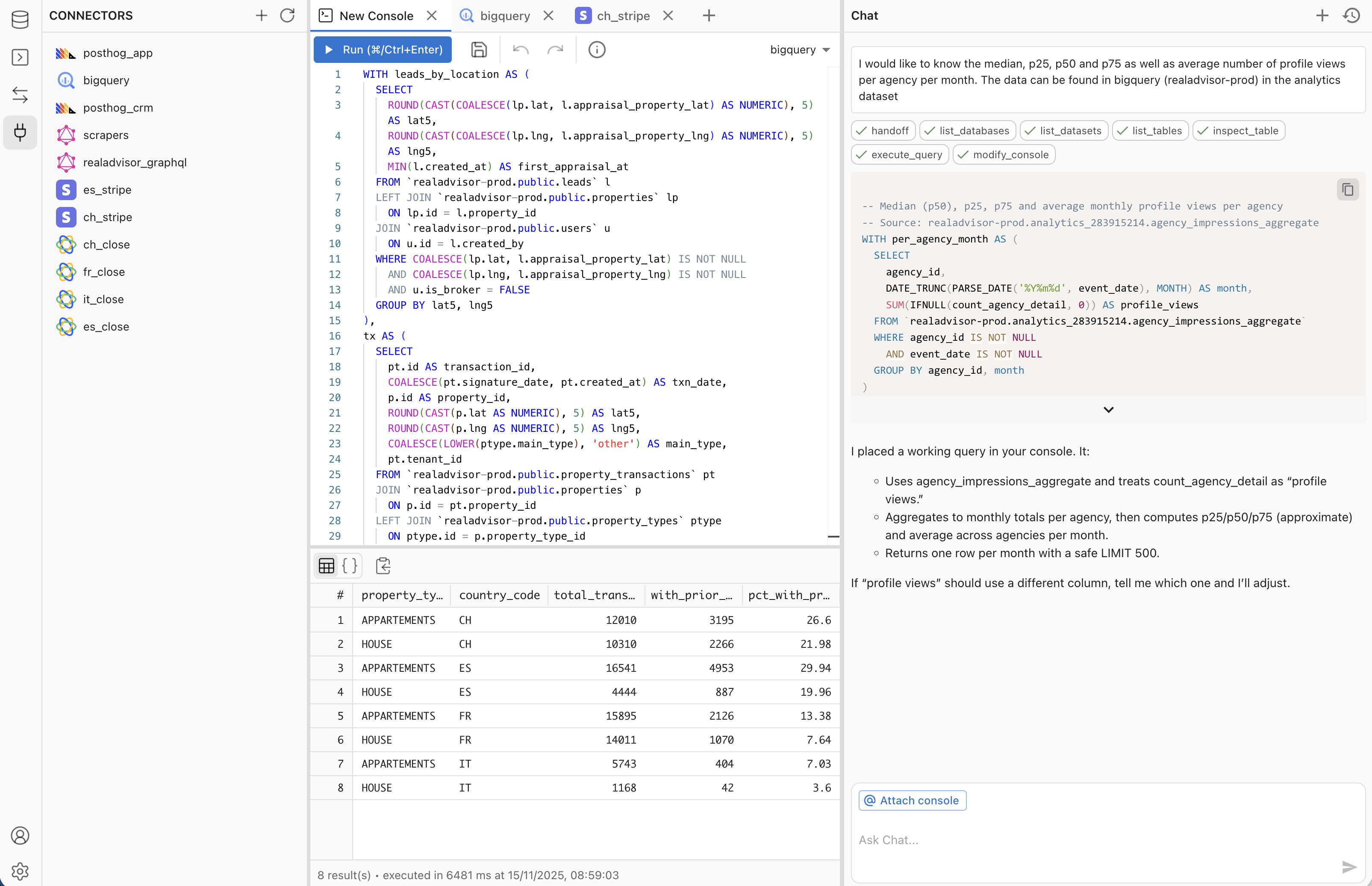 Data and analytics · MCPMakoExplore your databases, validate SQL, and build & publish data apps in your Mako workspace.No reviewsFree
 Data and analytics · MCPMapboxGeocoding, places, directions and travel-time areas with Mapbox.No reviewsFree