Packmind

Packmind captures, scales, and enforces your organization's technical decisions.
- All reviews:
- Release date:
- 24 November 2025
- Creator:
- Public project (github.com)
- Type:
- MCP
Sign in to add this product to your wishlist or follow its updates.
About Packmind
Packmind keeps one engineering playbook in sync for every AI coding agent: it captures your organisation's technical decisions and turns them into the instruction files each tool expects, such as CLAUDE.md or Copilot instructions. Its MCP server lets Claude read and enforce those standards while it codes.
Details
- Version:
- 1.0.0
- Updated:
- 12 November 2026
- Verification:
- Not verified
- Repository:
- github.com/PackmindHub/packmind
What it can do
The creator has not described the access yet.
Install Packmind in Claude
An MCP connector links Claude to a service: Claude can then read or do things there for you, with your consent. It takes about two minutes.
- Add it to your libraryClick “Add to my library” on this page: it is free and instant.
- Copy the connector URLIn your library, select the product: its URL is shown with a “Copy” button.
- Add it in ClaudeIn Claude (website or app), open Settings › Connectors, click “Add custom connector”, give it a name and paste the URL.
- Connect your accountIf the service asks you to sign in (your Notion, GitHub… account), Claude opens its page: only grant the access you need.
- Use it in a conversationTurn the connector on in the conversation’s tools menu, then just ask for what you want.
Before adding a product, read its permissions above. You can remove a connector or skill at any time in Claude’s settings.
Packmind: frequently asked questions
- Is Packmind free?
- Yes. Packmind is free: add it to your Claude Market library, no bank card needed.
- How do I install Packmind in Claude?
- Add Packmind to your library to get its URL. In Claude, open Settings › Connectors, click “Add custom connector” and paste the URL.
- Does Packmind work with Claude Code?
- Yes. In a terminal, run claude mcp add --transport http followed by a name and the connector URL.
- Is Packmind an official Anthropic product?
- No. Packmind is a public project; this listing was created by Claude Market from its repository and the product is not hosted here. Claude Market is an independent project, not affiliated with Anthropic.
Reviews
Sign in then add or buy this product to review it (verified reviews).
No reviews yet. Only users who added or bought the product can review it.
Similar products
 Productivity · MCPStack Overflow MCP ServerAccess Stack Overflow's trusted and verified technical questions and answers.No reviewsFree
 Productivity · MCPOpenCaseLaw — Swiss Caselaw, Statutes & Doctrine1M+ Swiss court decisions, statutes & doctrine with citation graph (DE/FR/IT). CC0, free, 42 tools.No reviewsFree
 Productivity · SkillSimplified englishWrite comments, plans and documents in ASD-STE100 Simplified Technical English.No reviewsFree
 Productivity · SkillPaperclip distillTurn Paperclip activity into project standups, pages and decisions in the wiki.No reviewsFree
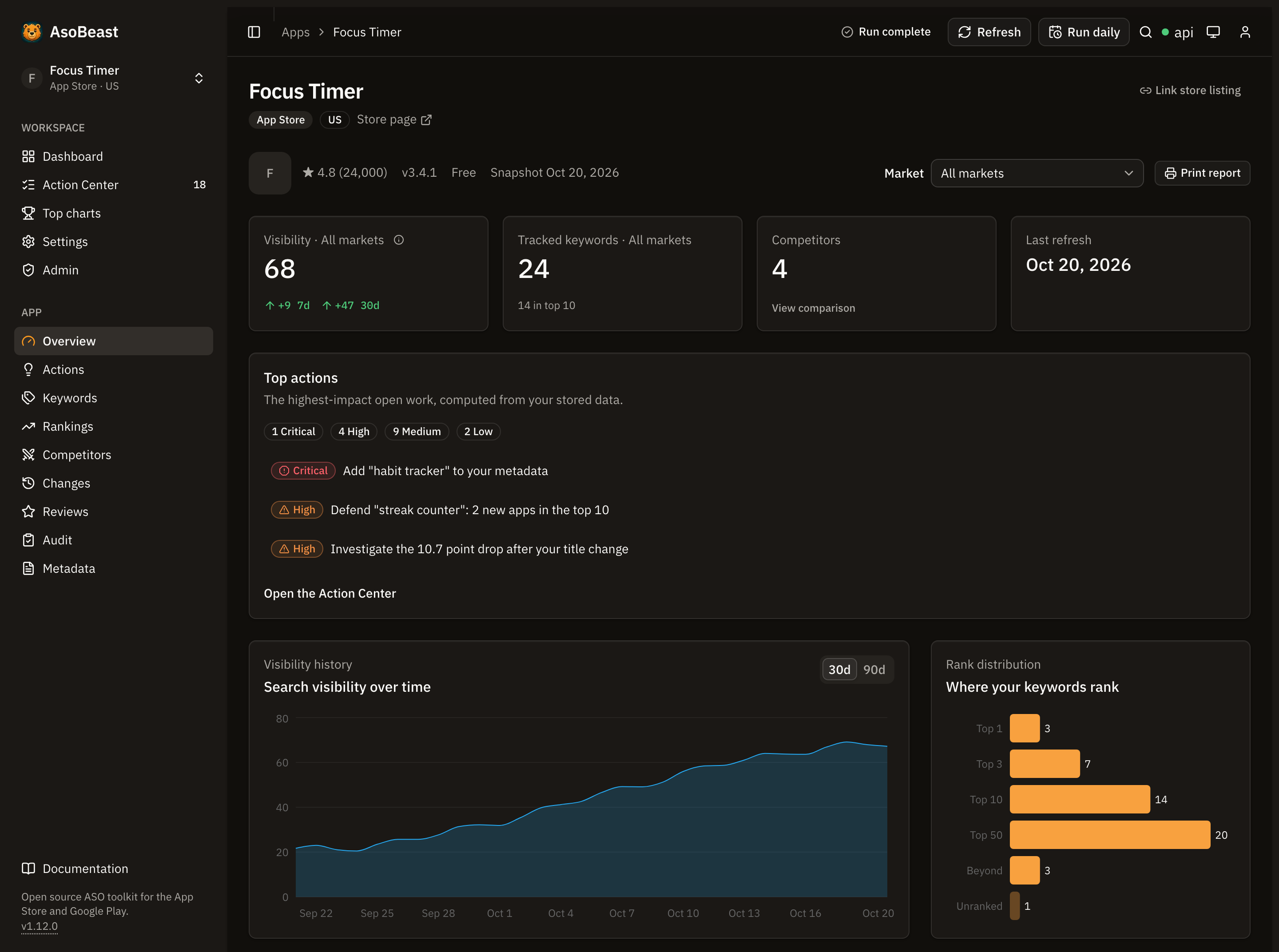 Productivity · MCPAsoBeastApp Store and Google Play ASO: keyword rankings, competitors, reviews, audits and an action queue.No reviewsFree
 Productivity · MCPDecionisAuthorize consequential AI agent actions before executionNo reviewsFree
 Productivity · MCPPenguin StatisticsCrowdsourced Arknights drop rates by stage and item, for the CN, US, JP and KR game serversNo reviewsFree
 Productivity · MCPSpeakeasy Platform MCPSecure and manage MCP servers through the Speakeasy AI Control Plane from your agent.No reviewsFree