Inbox Zero

Search Gmail and Outlook, save drafts, manage email rules and view email stats.
- All reviews:
- Release date:
- 1 October 2026
- Creator:
- Public project (github.com)
- Type:
- MCP
Sign in to add this product to your wishlist or follow its updates.
About Inbox Zero
Inbox Zero is an open-source AI email assistant for Gmail and Outlook. Its MCP server lets Claude search your mailbox, save reply drafts, manage the rules that tell Inbox Zero how to handle your email, and show your email statistics. Ask Claude to find the thread with a client, draft a reply in your tone or add a rule in plain English, such as "archive newsletters I never open". Example requests: "Find my last exchange with the accountant and draft a reply confirming Thursday", "Add a rule: label invoices as Finance and archive them", "How many emails did I receive per day this month?". Inbox Zero also offers reply tracking, bulk unsubscribe and archiving, a cold email blocker, attachment organising and meeting briefs. It can be used hosted or self-hosted.
Details
- Version:
- 0.1.0
- Updated:
- 12 November 2026
- Verification:
- Not verified
- Repository:
- github.com/elie222/inbox-zero
- Website:
- www.getinboxzero.com/
What it can do
The creator has not described the access yet.
Install Inbox Zero in Claude
An MCP connector links Claude to a service: Claude can then read or do things there for you, with your consent. It takes about two minutes.
- Add it to your libraryClick “Add to my library” on this page: it is free and instant.
- Copy the connector URLIn your library, select the product: its URL is shown with a “Copy” button.
- Add it in ClaudeIn Claude (website or app), open Settings › Connectors, click “Add custom connector”, give it a name and paste the URL.
- Connect your accountIf the service asks you to sign in (your Notion, GitHub… account), Claude opens its page: only grant the access you need.
- Use it in a conversationTurn the connector on in the conversation’s tools menu, then just ask for what you want.
Before adding a product, read its permissions above. You can remove a connector or skill at any time in Claude’s settings.
Inbox Zero: frequently asked questions
- Is Inbox Zero free?
- Yes. Inbox Zero is free: add it to your Claude Market library, no bank card needed.
- How do I install Inbox Zero in Claude?
- Add Inbox Zero to your library to get its URL. In Claude, open Settings › Connectors, click “Add custom connector” and paste the URL.
- Does Inbox Zero work with Claude Code?
- Yes. In a terminal, run claude mcp add --transport http followed by a name and the connector URL.
- Is Inbox Zero an official Anthropic product?
- No. Inbox Zero is a public project; this listing was created by Claude Market from its repository and the product is not hosted here. Claude Market is an independent project, not affiliated with Anthropic.
Reviews
Sign in then add or buy this product to review it (verified reviews).
No reviews yet. Only users who added or bought the product can review it.
Similar products
 Development · MCPEmail Inbox API + Sending by SendmuxAI email inbox and sending tools with attachments, search, live events, and webhooks.No reviewsFree
 Development · MCPAtomic MailProgrammable email inbox for AI agents — JMAP, PoW auth, stdio MCP server.No reviewsFree
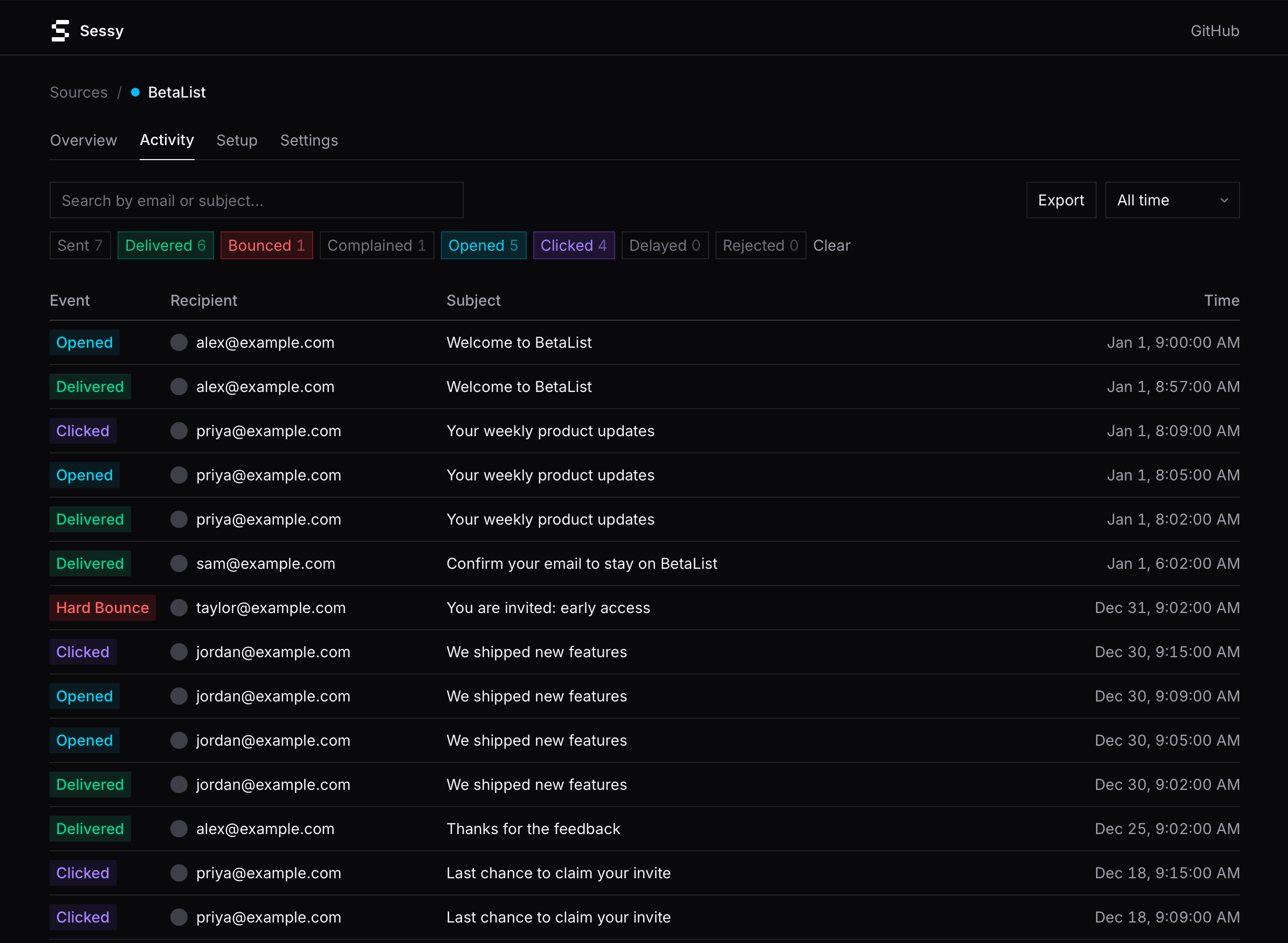 Development · MCPSessy — Amazon SES observabilityRead-only Amazon SES observability: search events, inspect bounces, pull delivery stats.No reviewsFree
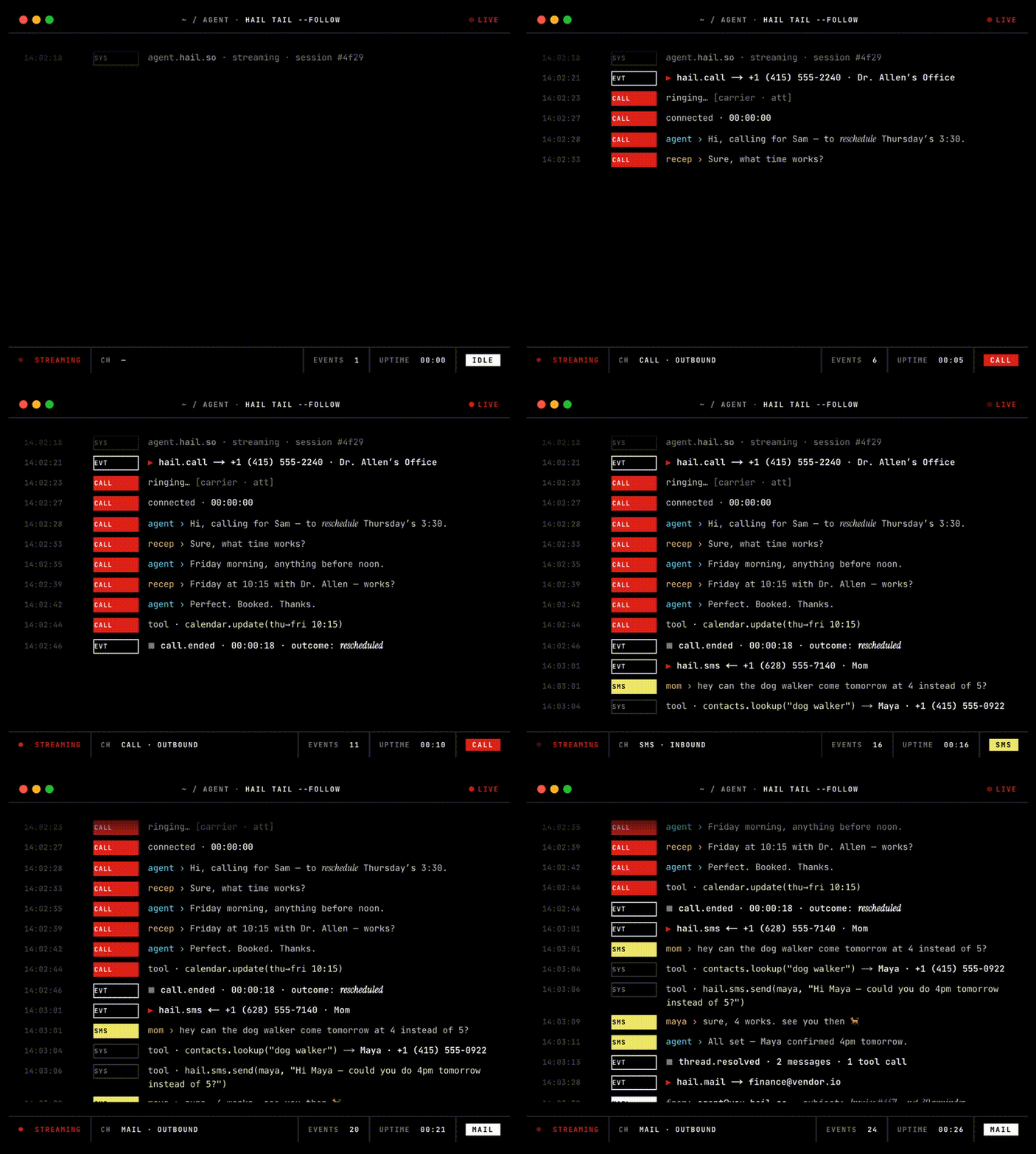 Development · MCPHailPhone, SMS and email for AI agents. One remote MCP endpoint, OAuth login, zero install.No reviewsFree
 Development · MCPKomplyt ZeroPersistent working memory for AI agents: a knowledge graph with semantic search and decay.No reviewsFree
 Development · MCPOdoo MCP ProConnect AI to Odoo ERP 14-20: search, create, update and manage records in natural language.No reviewsFree
 Development · MCPflightclawSearch ~300 airlines and book flights with a checkout link. OAuth sign-in by email code.No reviewsFree
 Development · MCPCriterionSemantic search across 6,236 Quran verses and 12,416 authentic Hadiths for Islamic guidance.No reviewsFree