gtm-api: LinkedIn MCP Server

Managed LinkedIn MCP server for AI agents: search, connect, message and enrich on accounts you own.
- All reviews:
- Release date:
- 3 November 2026
- Creator:
- Public project (github.com)
- Type:
- MCP
Add gtm-api: LinkedIn MCP Server
Free · Added to your library, no credit card needed.Sign in to add this product to your wishlist or follow its updates.
About gtm-api: LinkedIn MCP Server
gtm-api is a managed LinkedIn MCP server with more than 160 typed LinkedIn actions. Claude can search, connect, message and enrich profiles on LinkedIn accounts you own, for prospecting or recruiting without copying data by hand.
Details
- Version:
- 1.3.2
- Updated:
- 12 November 2026
- Verification:
- Not verified
- Repository:
- github.com/gtm-api/linkedin-mcp
- Website:
- gtm-api.com/linkedin-mcp-server/
What it can do
The creator has not described the access yet.
Install gtm-api: LinkedIn MCP Server in Claude
An MCP connector links Claude to a service: Claude can then read or do things there for you, with your consent. It takes about two minutes.
- Add it to your libraryClick “Add to my library” on this page: it is free and instant.
- Copy the connector URLIn your library, select the product: its URL is shown with a “Copy” button.
- Add it in ClaudeIn Claude (website or app), open Settings › Connectors, click “Add custom connector”, give it a name and paste the URL.
- Connect your accountIf the service asks you to sign in (your Notion, GitHub… account), Claude opens its page: only grant the access you need.
- Use it in a conversationTurn the connector on in the conversation’s tools menu, then just ask for what you want.
Before adding a product, read its permissions above. You can remove a connector or skill at any time in Claude’s settings.
gtm-api: LinkedIn MCP Server: frequently asked questions
- Is gtm-api: LinkedIn MCP Server free?
- Yes. gtm-api: LinkedIn MCP Server is free: add it to your Claude Market library, no bank card needed.
- How do I install gtm-api: LinkedIn MCP Server in Claude?
- Add gtm-api: LinkedIn MCP Server to your library to get its URL. In Claude, open Settings › Connectors, click “Add custom connector” and paste the URL.
- Does gtm-api: LinkedIn MCP Server work with Claude Code?
- Yes. In a terminal, run claude mcp add --transport http followed by a name and the connector URL.
- Is gtm-api: LinkedIn MCP Server an official Anthropic product?
- No. gtm-api: LinkedIn MCP Server is a public project; this listing was created by Claude Market from its repository and the product is not hosted here. Claude Market is an independent project, not affiliated with Anthropic.
Reviews
Sign in then add or buy this product to review it (verified reviews).
No reviews yet. Only users who added or bought the product can review it.
Similar products
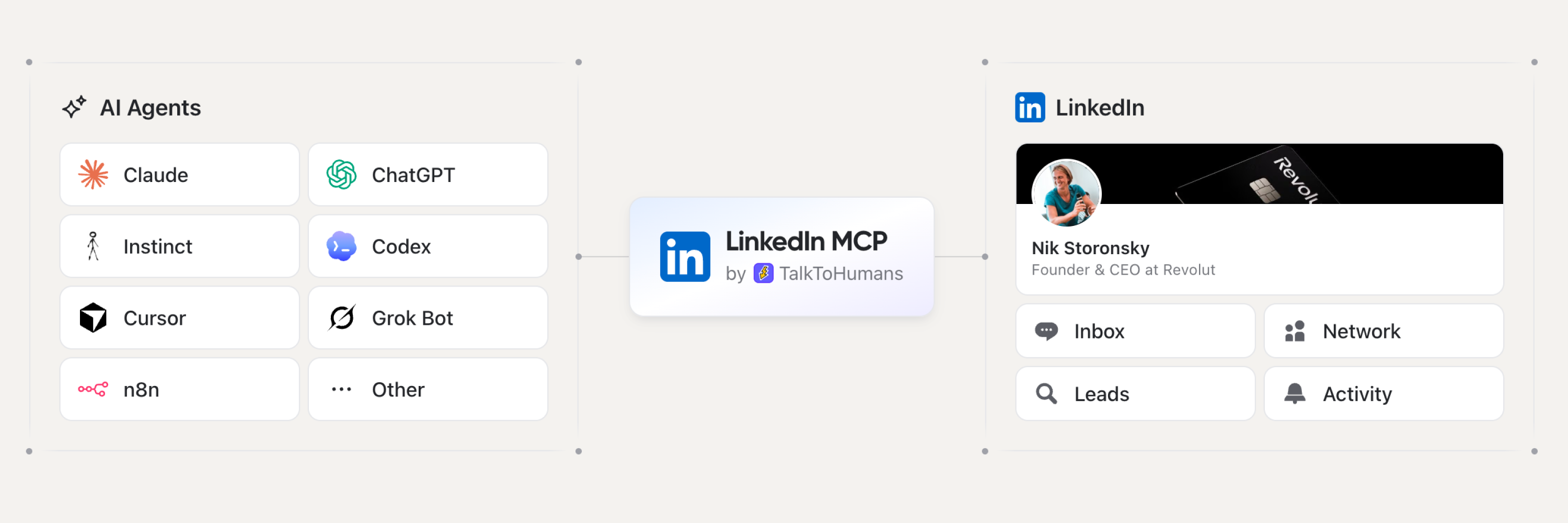 Marketing · MCPLinkedIn MCP (by TalkToHumans)The safest LinkedIn MCP: your Agents read DMs, search your network and draft messages you send.No reviewsFree
 Marketing · MCPShadowCrawlStealth scraping & search. Bypasses Cloudflare, DataDome & LinkedIn via Cyborg HITL approach.No reviewsFree
 Marketing · MCPLogoAPI.shCompany logos by domain as SVG or PNG URLs. Free, no API key. Search brands, get favicons.No reviewsFree
 Marketing · MCPLinked APIManage LinkedIn messages, connections, posts, and profile data through Linked API.No reviewsFree
 Marketing · MCPOmentirFind LinkedIn prospects, draft outreach, and run human-paced campaigns from your AI agent.No reviewsFree
 Marketing · MCPMarkifact - Ads & AnalyticsAI marketing agent for Google Ads, Meta, GA4, TikTok, LinkedIn, Shopify, HubSpot and more.No reviewsFree
 Marketing · MCPCrawlieTechnical SEO + GEO (AI-search) site audits: hosted crawls, prioritized fixes, report diffs.No reviewsFree
 Marketing · MCPGoogle Ads + Meta Ads + SEO/GEO MCPGoogle Ads, Meta Ads, Google Analytics (GA4) and Search Console in one MCP server by Ryze AI.No reviewsFree