Figma

Give Claude the context of your Figma designs to code them or describe them.
- All reviews:
- Release date:
- 16 October 2025
- Creator:
- Public project (github.com)
- Type:
- MCP
Sign in to add this product to your wishlist or follow its updates.
About Figma
Le serveur MCP de Figma apporte à Claude le contexte de tes fichiers de design : structure des écrans, composants, styles et variables. Claude s’en sert pour écrire le code d’une interface fidèle à la maquette, réutiliser les composants de ton design system ou expliquer et documenter un design. Très utilisé par les développeurs front-end avec Claude Code : on colle le lien d’un cadre Figma et Claude génère le composant correspondant. Exemples de demandes : « Code ce cadre Figma en React avec nos composants existants », « Quelles variables de couleur utilise cet écran ? », « Décris ce parcours d’inscription pour la documentation ». La connexion se fait avec ton compte Figma, sur les fichiers auxquels tu as accès. Figma applique des limites d’appels selon ton offre : très réduites avec un siège gratuit ou en lecture seule.
Details
- Version:
- 1.0.3
- Updated:
- 12 November 2026
- Verification:
- Not verified
- Repository:
- github.com/figma/mcp-server-guide
What it can do
The creator has not described the access yet.
Install Figma in Claude
An MCP connector links Claude to a service: Claude can then read or do things there for you, with your consent. It takes about two minutes.
- Add it to your libraryClick “Add to my library” on this page: it is free and instant.
- Copy the connector URLIn your library, select the product: its URL is shown with a “Copy” button.
- Add it in ClaudeIn Claude (website or app), open Settings › Connectors, click “Add custom connector”, give it a name and paste the URL.
- Connect your accountIf the service asks you to sign in (your Notion, GitHub… account), Claude opens its page: only grant the access you need.
- Use it in a conversationTurn the connector on in the conversation’s tools menu, then just ask for what you want.
Before adding a product, read its permissions above. You can remove a connector or skill at any time in Claude’s settings.
Figma: frequently asked questions
- Is Figma free?
- Yes. Figma is free: add it to your Claude Market library, no bank card needed.
- How do I install Figma in Claude?
- Add Figma to your library to get its URL. In Claude, open Settings › Connectors, click “Add custom connector” and paste the URL.
- Does Figma work with Claude Code?
- Yes. In a terminal, run claude mcp add --transport http followed by a name and the connector URL.
- Is Figma an official Anthropic product?
- No. Figma is a public project; this listing was created by Claude Market from its repository and the product is not hosted here. Claude Market is an independent project, not affiliated with Anthropic.
Reviews
Sign in then add or buy this product to review it (verified reviews).
No reviews yet. Only users who added or bought the product can review it.
Similar products
 Design and images · MCPKilnSpawn an object into existence: describe it, and your agent designs it, checks it, and 3D prints it.No reviewsFree
 Design and images · MCPSvGridChecks AI-written SvGrid code against the real API, plus version-pinned Svelte 5 grid docs.No reviewsFree
 Design and images · MCPCanvaCreate, search, edit and export your Canva designs from Claude.No reviewsFree
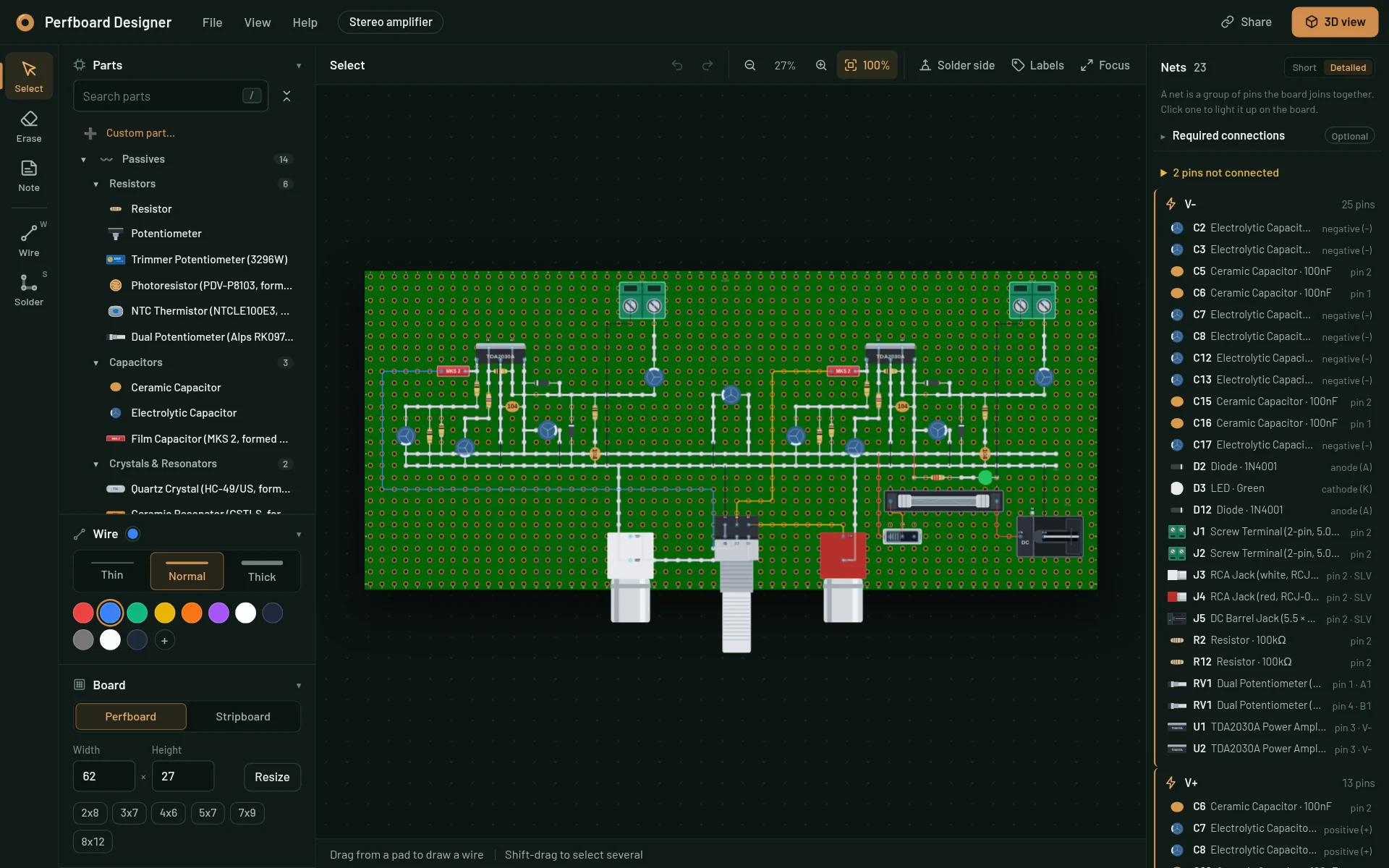 Design and images · MCPPerfboard DesignerDesign perfboard and stripboard layouts, check the wiring and get a link to open them in the editor.No reviewsFree
 Design and images · SkillCanvas designCreate posters, art and static designs as PNG or PDF from a design philosophy.No reviewsFree
 Design and images · SkillARIA command nameGive ARIA command elements an accessible name.No reviewsFree
 Design and images · SkillUnderstand FigmaTurn a Figma file into an interactive design knowledge graph.No reviewsFree
 Design and images · SkillWeb design guidelinesReview UI code against the Web Interface Guidelines.No reviewsFree