Embedded docs
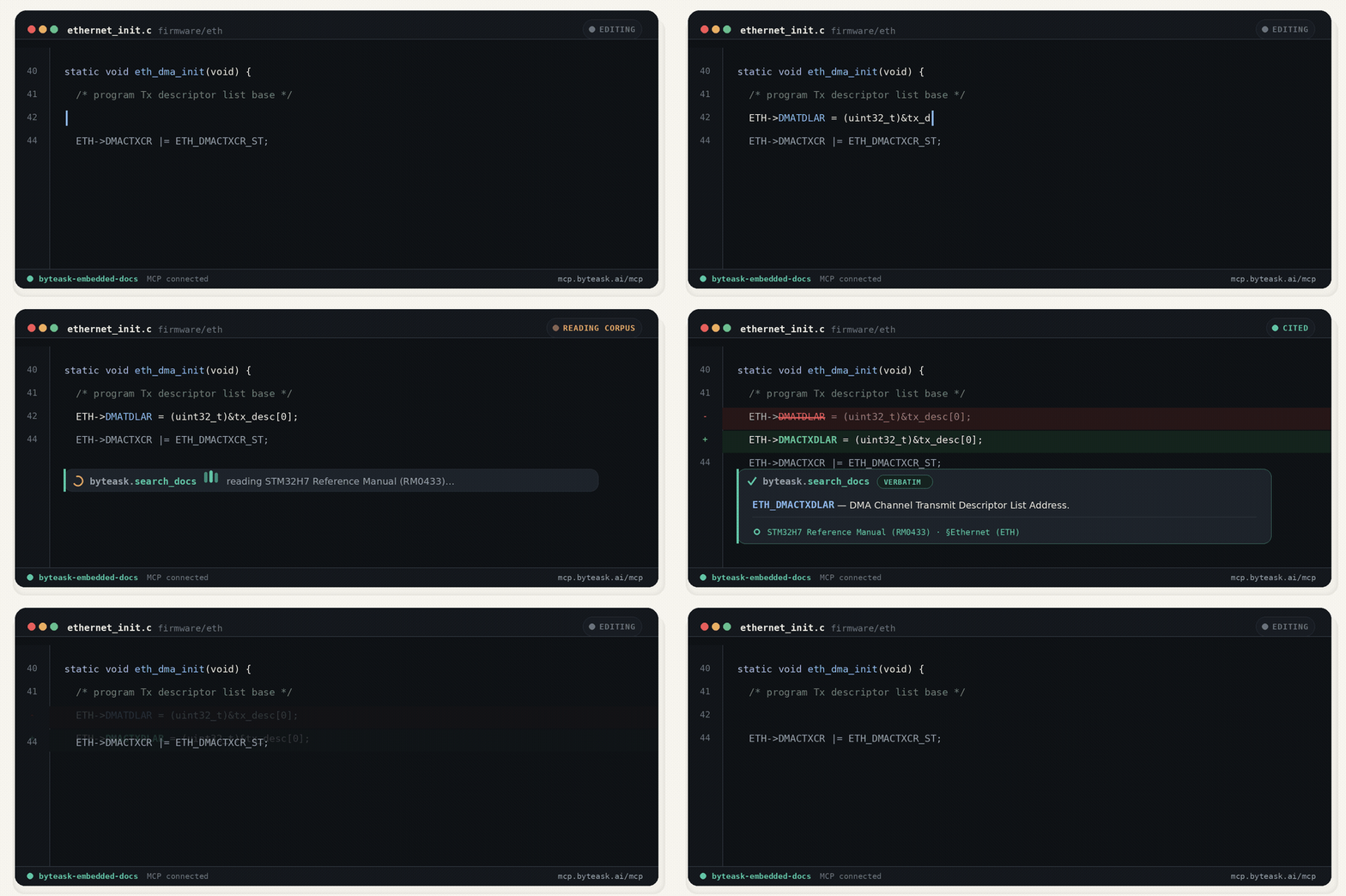
Page-cited retrieval for embedded docs, datasheets, MISRA, CMSIS, and RTOS references.
- All reviews:
- Release date:
- 19 June 2026
- Creator:
- Public project (github.com)
- Type:
- MCP
Sign in to add this product to your wishlist or follow its updates.
About Embedded docs
ByteAsk Embedded gives coding agents page-cited answers from embedded and firmware reference documents: datasheets, MISRA, CMSIS and RTOS references. Through MCP, Claude can check a register value or an API instead of guessing.
Details
- Version:
- 1.0.1
- Updated:
- 12 November 2026
- Verification:
- Not verified
- Repository:
- github.com/ByteAsk/ByteAsk-Embedded-MCP
- Website:
- docs.byteask.ai/embedded
What it can do
The creator has not described the access yet.
Install Embedded docs in Claude
An MCP connector links Claude to a service: Claude can then read or do things there for you, with your consent. It takes about two minutes.
- Add it to your libraryClick “Add to my library” on this page: it is free and instant.
- Copy the connector URLIn your library, select the product: its URL is shown with a “Copy” button.
- Add it in ClaudeIn Claude (website or app), open Settings › Connectors, click “Add custom connector”, give it a name and paste the URL.
- Connect your accountIf the service asks you to sign in (your Notion, GitHub… account), Claude opens its page: only grant the access you need.
- Use it in a conversationTurn the connector on in the conversation’s tools menu, then just ask for what you want.
Before adding a product, read its permissions above. You can remove a connector or skill at any time in Claude’s settings.
Embedded docs: frequently asked questions
- Is Embedded docs free?
- Yes. Embedded docs is free: add it to your Claude Market library, no bank card needed.
- How do I install Embedded docs in Claude?
- Add Embedded docs to your library to get its URL. In Claude, open Settings › Connectors, click “Add custom connector” and paste the URL.
- Does Embedded docs work with Claude Code?
- Yes. In a terminal, run claude mcp add --transport http followed by a name and the connector URL.
- Is Embedded docs an official Anthropic product?
- No. Embedded docs is a public project; this listing was created by Claude Market from its repository and the product is not hosted here. Claude Market is an independent project, not affiliated with Anthropic.
Reviews
Sign in then add or buy this product to review it (verified reviews).
No reviews yet. Only users who added or bought the product can review it.
Similar products
 Productivity · MCPStitchAPI DocsSearch and read the StitchAPI docs: search_docs finds relevant sections, get_doc reads a page.No reviewsFree
 Productivity · MCPHMR docs (Python)Docs for hot-module-reload and reactive programming for Python (`hmr` on PyPI)No reviewsFree
 Productivity · MCPArc UIReact components and blocks with motion. Search docs, props and shadcn install commands.No reviewsFree
 Productivity · MCPEmpryo docsSearch and read Empryo's documentation. Read-only, no auth, no local access.No reviewsFree
 Productivity · MCPfojin — Buddhist Canon ToolsBuddhist canon tools: search, passages, cross-canon parallels, dictionaries — all URN-cited.No reviewsFree
 Productivity · MCPWrapsSearch the Wraps docs and estimate AWS SES costs. Public, read-only, no authentication.No reviewsFree
 Productivity · MCPmetasearch.shWeb search and page reading: news, papers, people, patents and places, with sources and cost.No reviewsFree
 Productivity · SkillIsometric explainerBuild an interactive isometric machine page that explains a process step by step.No reviewsFree