Azure DevOps (ADO)

The MCP server for Azure DevOps, bringing the power of Azure DevOps directly to your agents.
- All reviews:
- Release date:
- 18 May 2026
- Creator:
- Public project (github.com)
- Type:
- MCP
Sign in to add this product to your wishlist or follow its updates.
About Azure DevOps (ADO)
This official Microsoft MCP server gives Claude access to Azure DevOps: projects, work items, repositories, pull requests, builds and pipelines, wikis and test plans. Ask Claude to find the bugs assigned to you, summarise a sprint, review a pull request or check why a pipeline failed, without leaving the conversation. Example requests: "List my open work items in the Contoso project", "Why did the last build of the main pipeline fail?", "Summarise the pull requests merged this sprint", "Create a bug from this error report". Microsoft recommends the remote server, which needs no installation and gets new features first; a local server is available when you need a stdio connection.
Details
- Version:
- v0.0.1
- Updated:
- 12 November 2026
- Verification:
- Not verified
- Repository:
- github.com/microsoft/azure-devops-mcp
- Website:
- learn.microsoft.com/en-us/azure/devops/mcp-server/mcp-server-overview
What it can do
The creator has not described the access yet.
Install Azure DevOps (ADO) in Claude
An MCP connector links Claude to a service: Claude can then read or do things there for you, with your consent. It takes about two minutes.
- Add it to your libraryClick “Add to my library” on this page: it is free and instant.
- Copy the connector URLIn your library, select the product: its URL is shown with a “Copy” button.
- Add it in ClaudeIn Claude (website or app), open Settings › Connectors, click “Add custom connector”, give it a name and paste the URL.
- Connect your accountIf the service asks you to sign in (your Notion, GitHub… account), Claude opens its page: only grant the access you need.
- Use it in a conversationTurn the connector on in the conversation’s tools menu, then just ask for what you want.
Before adding a product, read its permissions above. You can remove a connector or skill at any time in Claude’s settings.
Azure DevOps (ADO): frequently asked questions
- Is Azure DevOps (ADO) free?
- Yes. Azure DevOps (ADO) is free: add it to your Claude Market library, no bank card needed.
- How do I install Azure DevOps (ADO) in Claude?
- Add Azure DevOps (ADO) to your library to get its URL. In Claude, open Settings › Connectors, click “Add custom connector” and paste the URL.
- Does Azure DevOps (ADO) work with Claude Code?
- Yes. In a terminal, run claude mcp add --transport http followed by a name and the connector URL.
- Is Azure DevOps (ADO) an official Anthropic product?
- No. Azure DevOps (ADO) is a public project; this listing was created by Claude Market from its repository and the product is not hosted here. Claude Market is an independent project, not affiliated with Anthropic.
Reviews
Sign in then add or buy this product to review it (verified reviews).
No reviews yet. Only users who added or bought the product can review it.
Similar products
 Development · MCPMicrosoft Learn MCPMicrosoft’s official documentation (Azure, .NET, Microsoft 365) for Claude.No reviewsFree
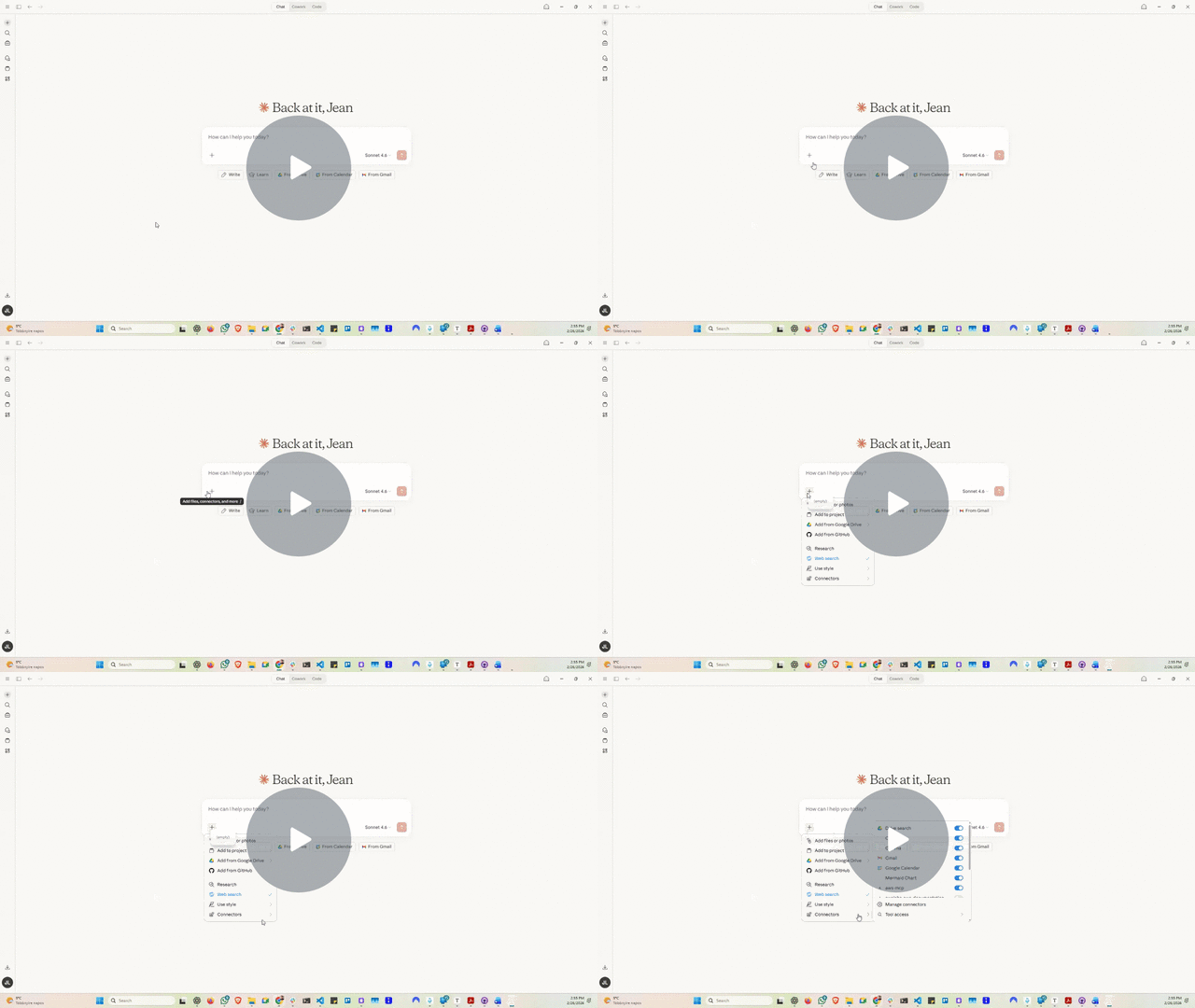 Development · MCPCloud FinOps Skill & MCPCloud cost + FinOps knowledge for AI agents: AWS/Azure/GCP optimisation, AI spend, waste playbooks.No reviewsFree
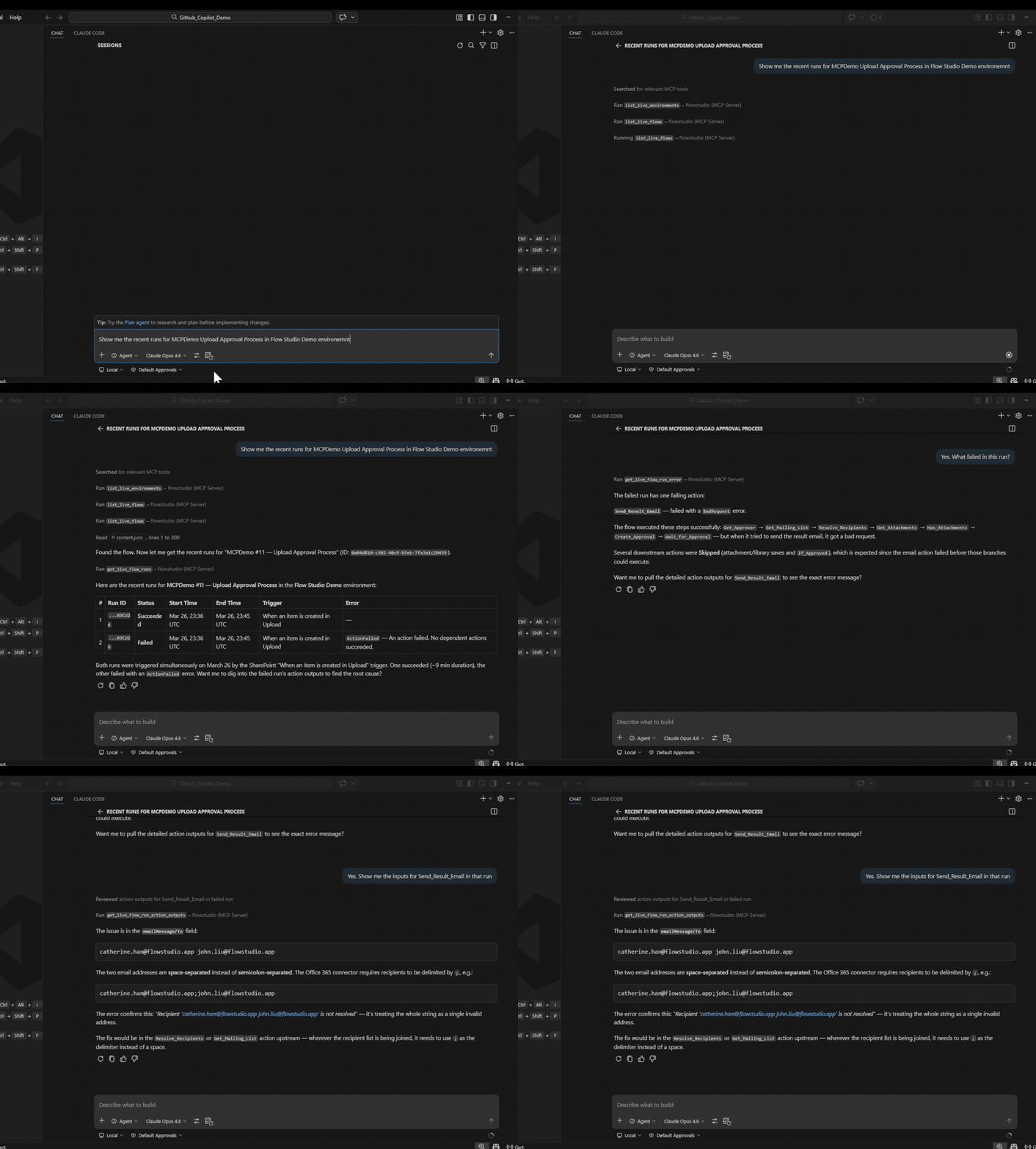 Development · MCPPower Automate MCP Server by Flow StudioDebug, build, and manage Power Automate cloud flows with AI agentsNo reviewsFree
 Development · MCPBitbybit CAD MCPBitbybit 3D parametric CAD API, version-exact, for coding agents: search, describe, examples, guideNo reviewsFree
 Development · MCPNeonNeon Postgres projects and databases managed from Claude: branches, queries, schemas.No reviewsFree
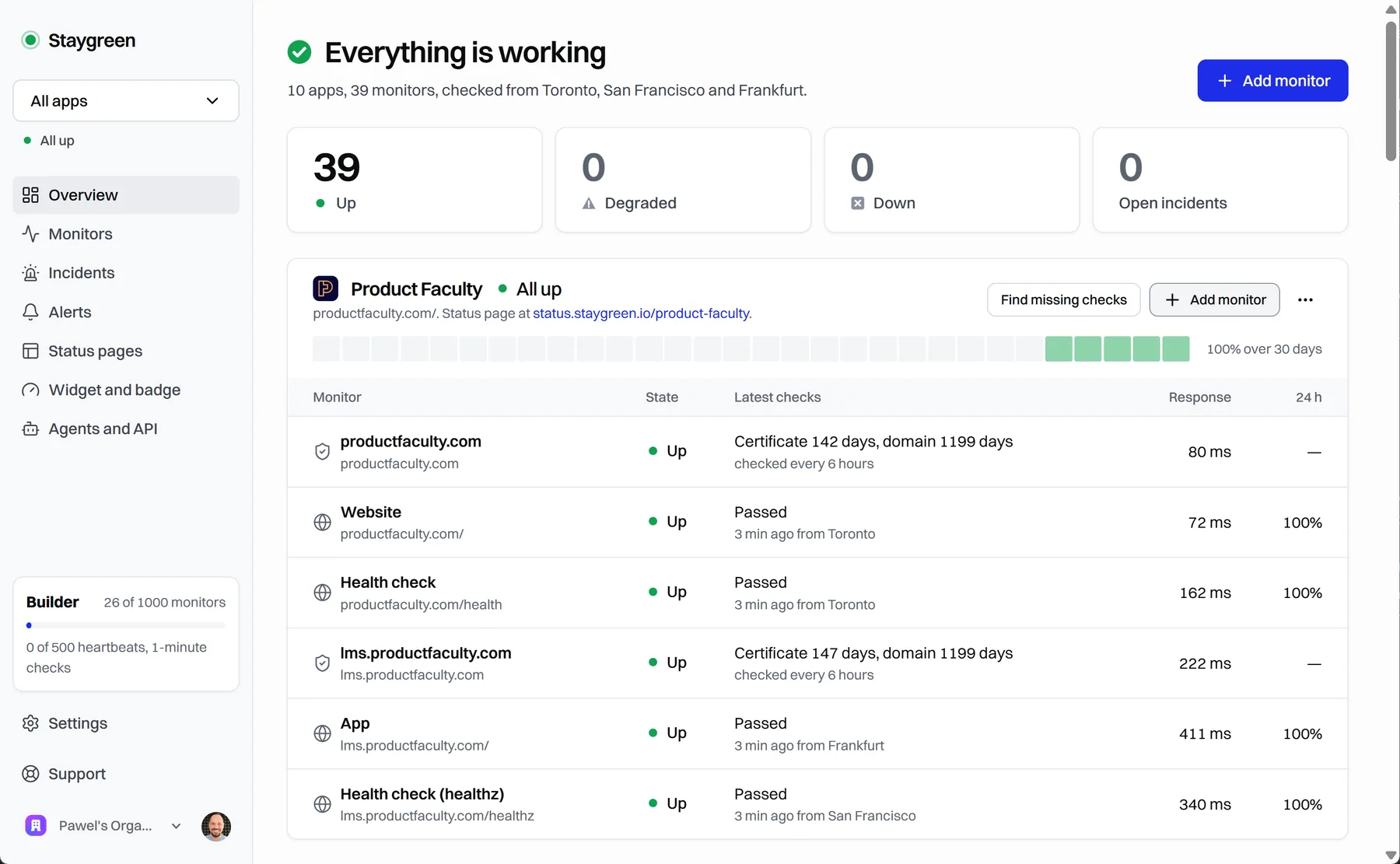 Development · MCPStaygreenUptime monitoring and status pages for apps built with coding agents: status, incidents, setup.No reviewsFree
 Development · MCPLabelhead artist momentumMomentum scores for trending hip-hop artists, measured across four cultural dimensions.No reviewsFree
 Development · MCPThunder ComputeGPU cloud platform — create, manage, and monitor instances, snapshots, SSH keys, and billing.No reviewsFree