Airtable

Read and edit Airtable bases: tables, records and fields.
- All reviews:
- Release date:
- 8 May 2026
- Creator:
- Public project
- Type:
- MCP
Sign in to add this product to your wishlist or follow its updates.
About Airtable
Le serveur MCP officiel d’Airtable fait de tes bases une source de données pour Claude. Il peut parcourir les tables, filtrer des enregistrements, en ajouter, corriger des champs et t’aider à analyser ce que contient une base. Idéal pour un petit CRM, un inventaire, un calendrier éditorial ou un suivi de candidatures tenus dans Airtable : tu demandes en français, Claude lit ou écrit dans la bonne table. Exemples de demandes : « Combien de commandes sont en attente de livraison dans la base Stock ? », « Ajoute ces trois prospects dans la table Contacts », « Quels articles du calendrier éditorial n’ont pas encore de date de publication ? ». La connexion utilise ton compte Airtable, avec les bases que tu autorises.
Details
- Version:
- 0.1.0
- Updated:
- 12 November 2026
- Verification:
- Not verified
What it can do
The creator has not described the access yet.
Install Airtable in Claude
An MCP connector links Claude to a service: Claude can then read or do things there for you, with your consent. It takes about two minutes.
- Add it to your libraryClick “Add to my library” on this page: it is free and instant.
- Copy the connector URLIn your library, select the product: its URL is shown with a “Copy” button.
- Add it in ClaudeIn Claude (website or app), open Settings › Connectors, click “Add custom connector”, give it a name and paste the URL.
- Connect your accountIf the service asks you to sign in (your Notion, GitHub… account), Claude opens its page: only grant the access you need.
- Use it in a conversationTurn the connector on in the conversation’s tools menu, then just ask for what you want.
Before adding a product, read its permissions above. You can remove a connector or skill at any time in Claude’s settings.
Airtable: frequently asked questions
- Is Airtable free?
- Yes. Airtable is free: add it to your Claude Market library, no bank card needed.
- How do I install Airtable in Claude?
- Add Airtable to your library to get its URL. In Claude, open Settings › Connectors, click “Add custom connector” and paste the URL.
- Does Airtable work with Claude Code?
- Yes. In a terminal, run claude mcp add --transport http followed by a name and the connector URL.
- Is Airtable an official Anthropic product?
- No. Airtable is a public project; this listing was created by Claude Market from its repository and the product is not hosted here. Claude Market is an independent project, not affiliated with Anthropic.
Reviews
Sign in then add or buy this product to review it (verified reviews).
No reviews yet. Only users who added or bought the product can review it.
Similar products
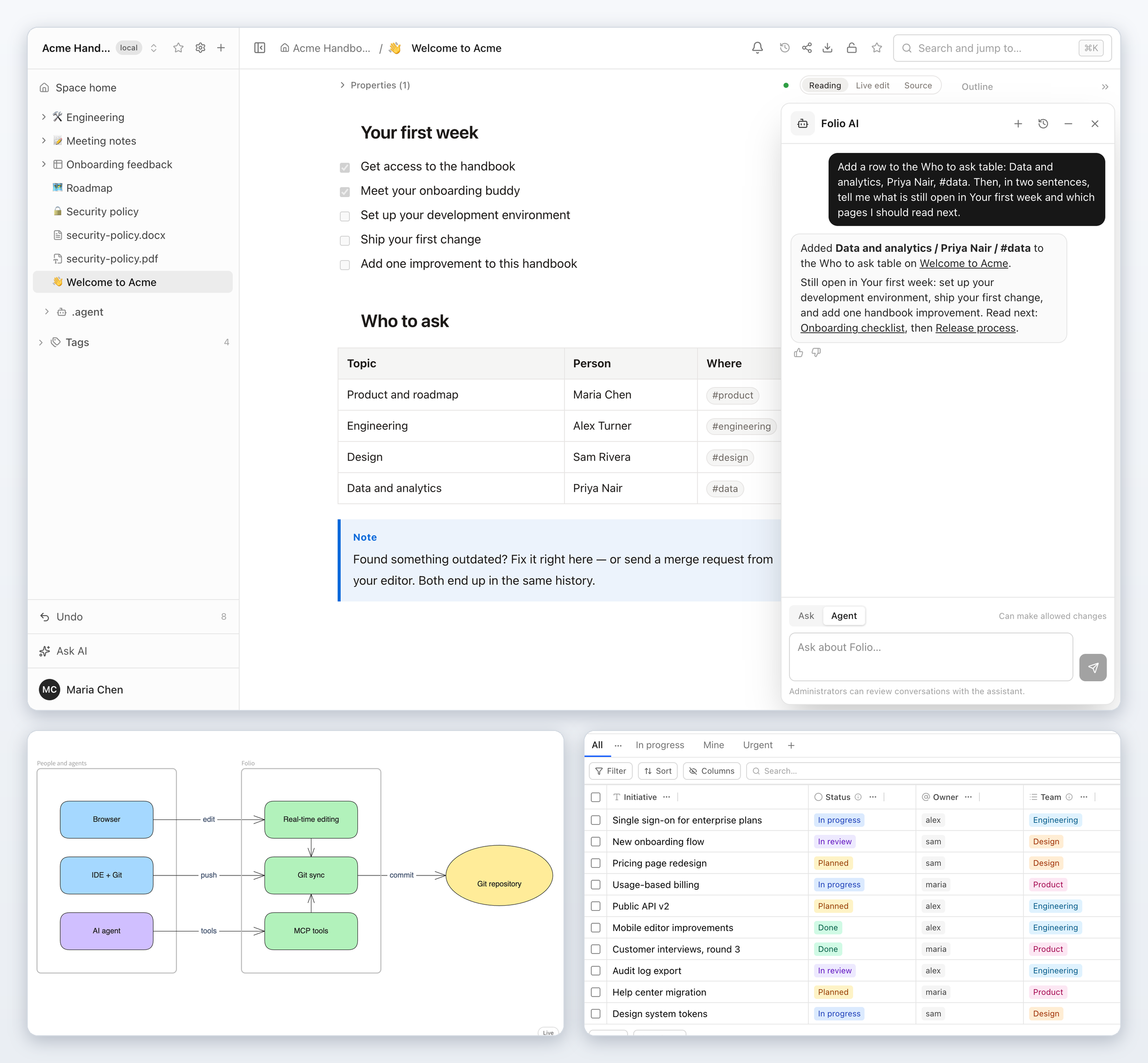 Data and analytics · MCPFolioSelf-hosted Git-backed team wiki: search, read and edit pages, data tables and whiteboards.No reviewsFree
 Data and analytics · SkillObsidian basesCreate and edit Obsidian Bases with views, filters, formulas and summaries.No reviewsFree
 Data and analytics · MCPRemnusMCP-native open-source Notion alternative: read & write pages, databases and kanban boards.No reviewsFree
 Data and analytics · MCPOpikRead and score Opik traces, experiments, datasets and prompts from your AI assistant.No reviewsFree
 Data and analytics · SkillData analysisAnalyse Excel or CSV files: statistics, summaries, pivot tables and SQL.No reviewsFree
 Data and analytics · SkillAbout pageCreate a dedicated About page that search engines can read.No reviewsFree
 Data and analytics · MCPExploriumAccess live company and contact data from Explorium's AgentSource B2B platform.No reviewsFree
 Data and analytics · MCPOpenRegistryLive data from 80+ official national company registries. Unmodified. For KYB and due diligence.No reviewsFree